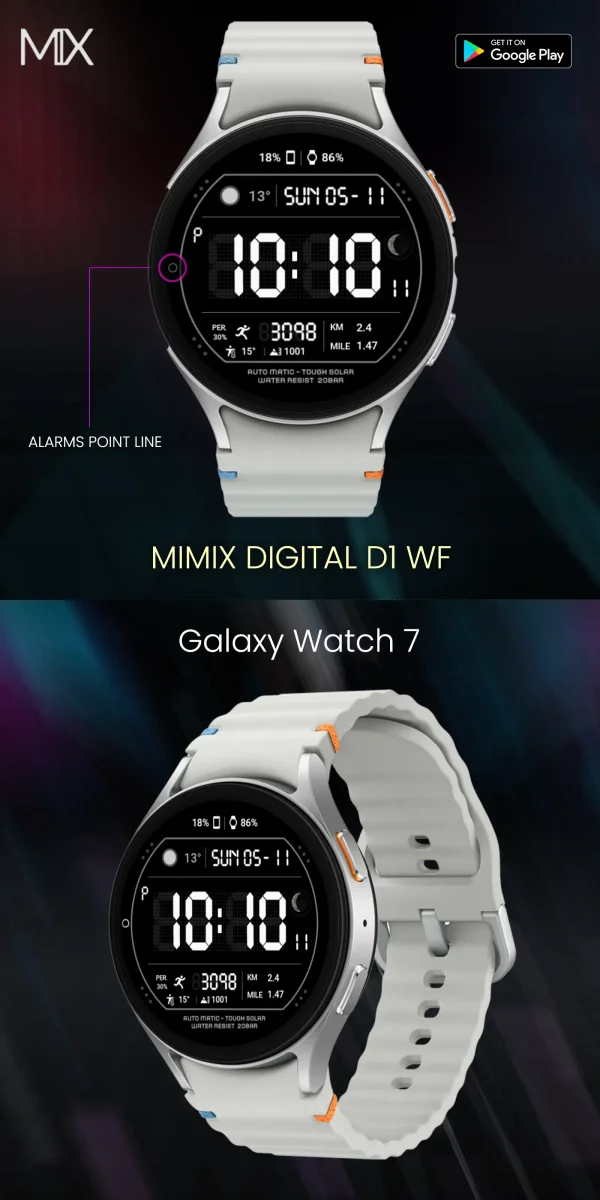
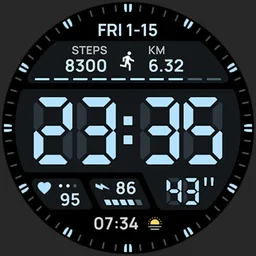
MIMIX Digital D1 Watchface
MIMIX- EveryoneAge rating
- PersonalizationCategory
- May 12, 2025Updated
- $1.49Price
Links to the official Google Play listing of com.watchfacestudio.mimix_digital_d1. Last checked on Nov 26, 2026.
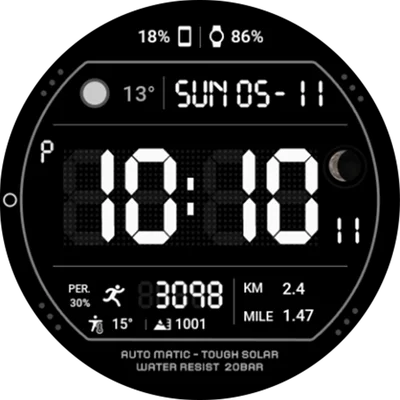
Screenshots
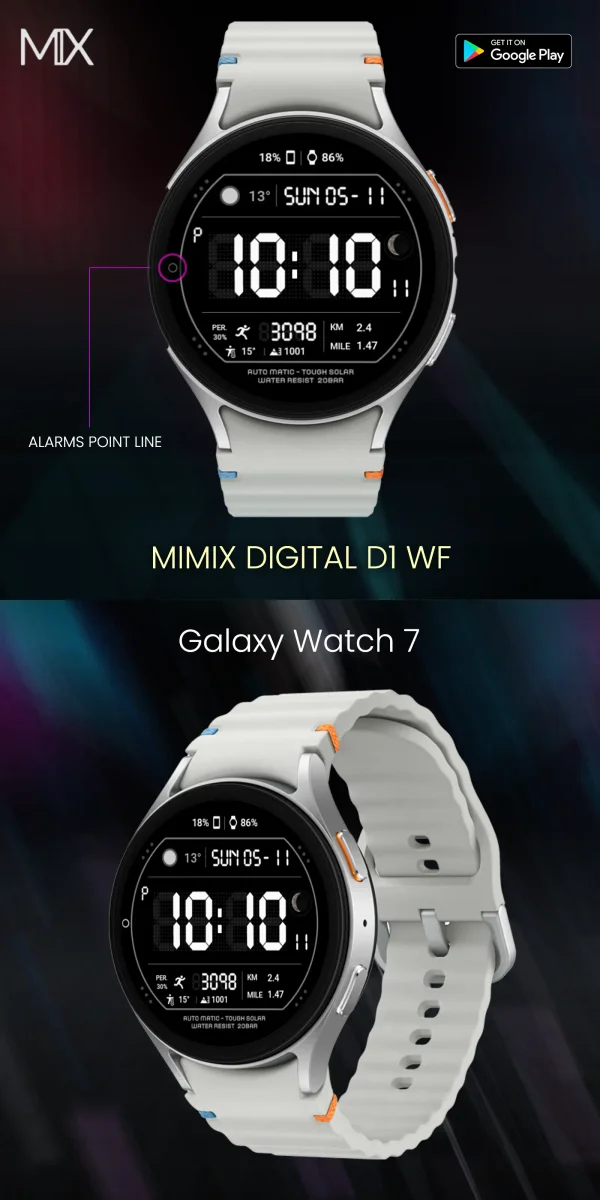


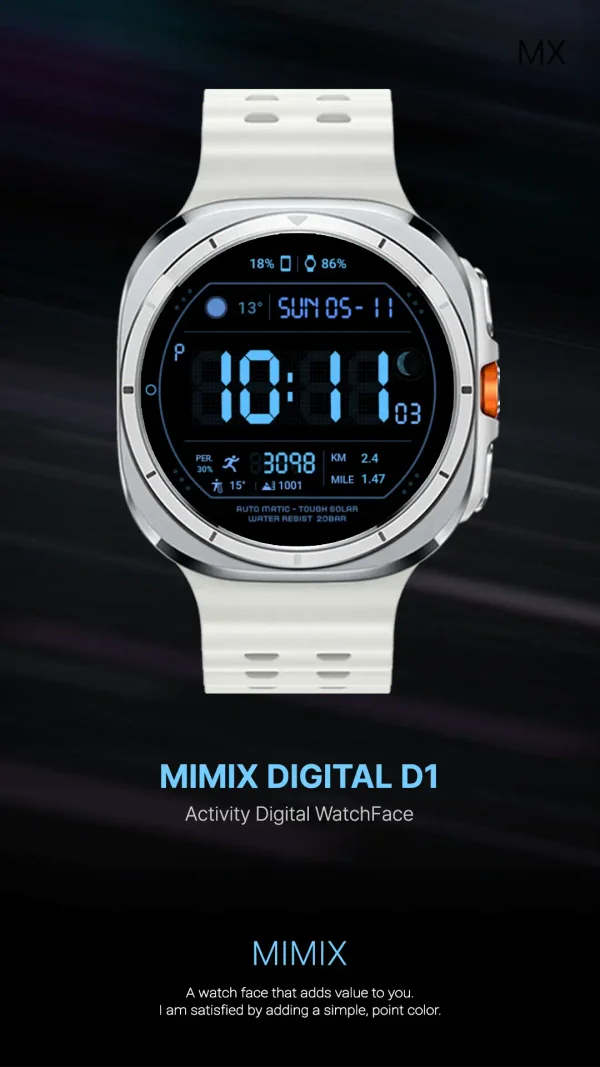
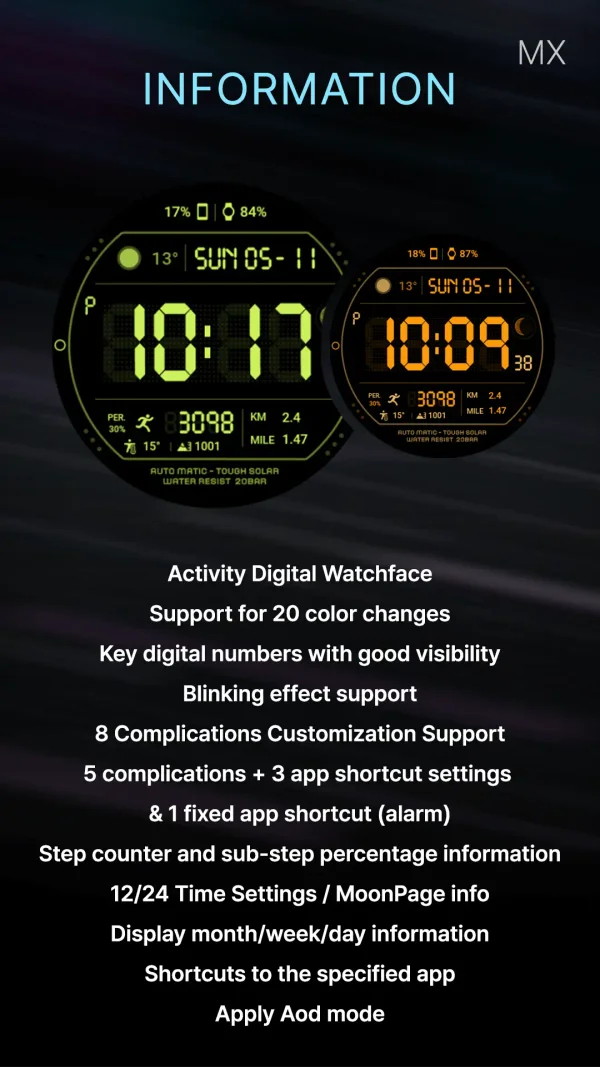
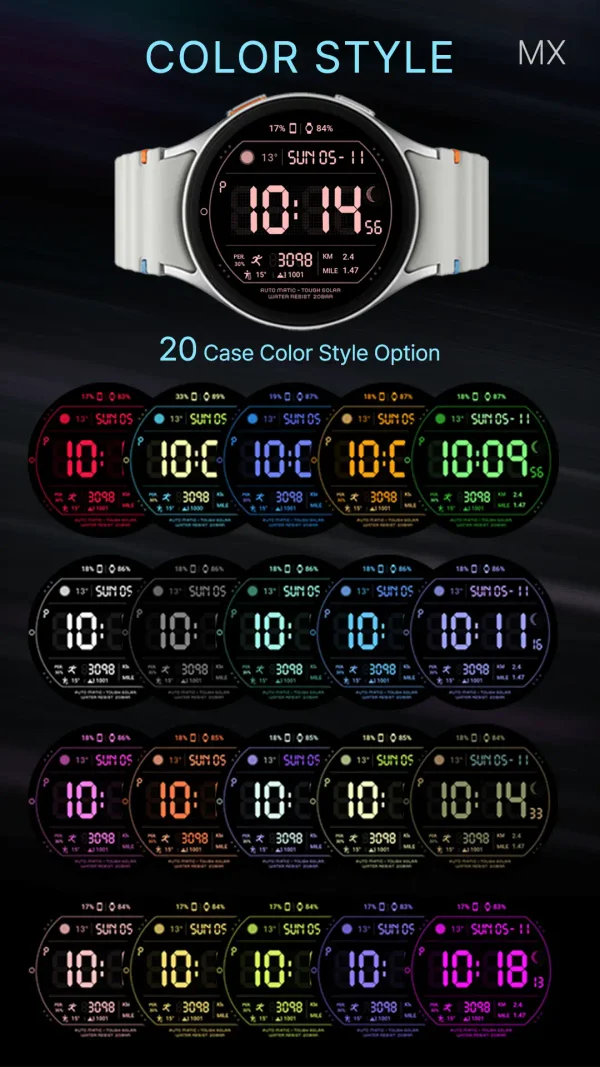
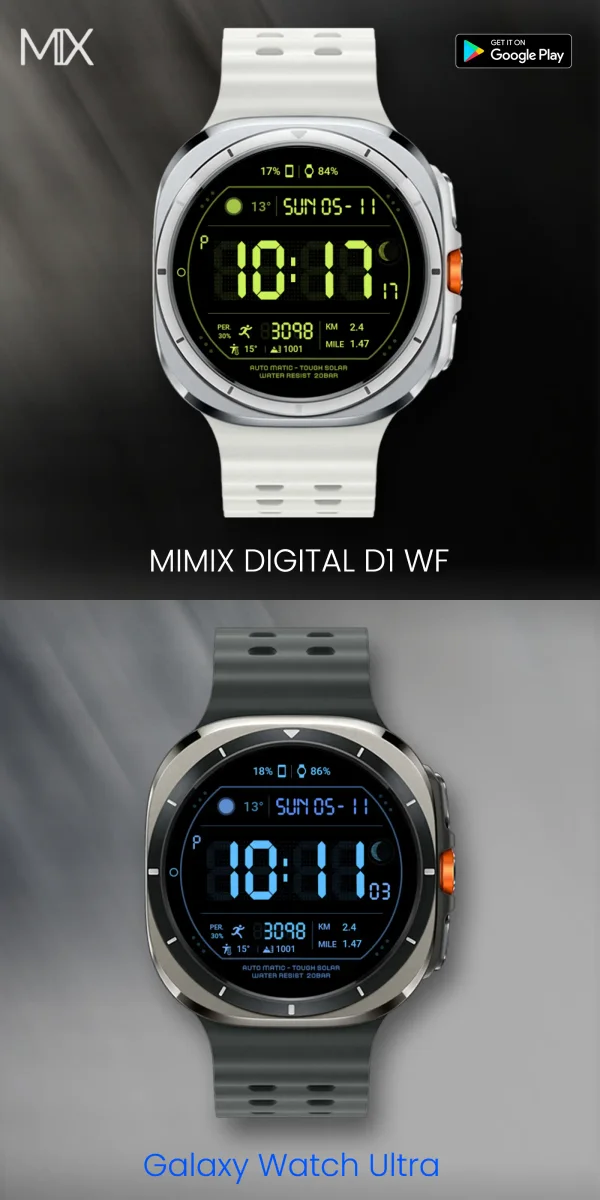
About this app
Watch Face with Wear os 3.0 and later support.
*How to install
Payment and installation of the Play Store app on the smartphone (touch the right arrow and install the smart watch)
**Caution ** Need to check the connection between watch device and mobile phone
Find installed watchfaces
Press and hold the watch face > 2. Click the Decorate button > 3. Click ‘Add watch face’ on the last right > Confirm the purchased watch face
Installing as a Web browser
Copy the play store address of the watch face (click the three dots next to the magnifying glass in the upper right corner of the play store > share)
Go to the Samsung Internet on your PC or mobile phone and click 'Install on another device' (select a watch device)
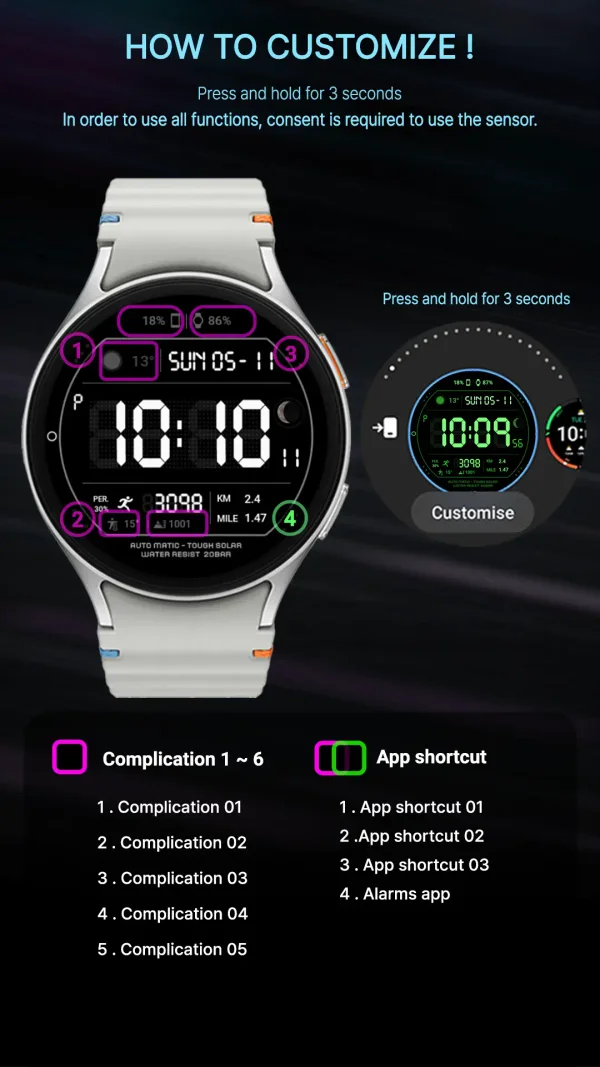
How to set up Customize
Press and hold the watch face > 2. Click the Decorate button > 3. Tap each complication area to set the corresponding information > 4. Click OK
Mobile phone battery complication app
After installing the additional app from the link below to your watch and smartphone, set the complication.
Search for the 'Phone Battery Complication' app and install it. https://play.google.com/store/apps/details?id=com.weartools.phonebattcomp
* In order to use all functions, consent to use the sensor is required.
*If the Play Store app is shown as incompatible, please install it using a web web browser on your PC/laptop in addition to the app on your phone.
*Supports Wear OS devices.
For new watch face news, please visit the link below
https://play.google.com/store/apps/dev?id=5105465284863988309
For inquiries about the app, please contact us at the email below.
mimixjh@gmail.com
Data safety
What MIMIX declares on Google Play about the data this app collects and shares.
- No data shared with third partiesLearn more about how developers declare sharing
- No data collectedLearn more about how developers declare collection
Developer contact
- Emailmimixjh@gmail.com
- Privacy policyblog.naver.com
- Address팔거천동로34길 11-14 101호 북구, 대구광역시 41427 South Korea
Information
- Offered by
- MIMIX
- Category
- Personalization
- Version
- 1.0.0
- Updated
- May 12, 2025
- Released
- May 12, 2025
- Age rating
- Everyone
- Price
- $1.49
- Package name
- com.watchfacestudio.mimix_digital_d1
Similar apps
-
 Digital OLED
Personalization
-
 VF Inform Watch Face
Personalization
-
 CELEST5432 Retro Digital Watch
Personalization
-
 HMKWatch Digital 371
Personalization
-
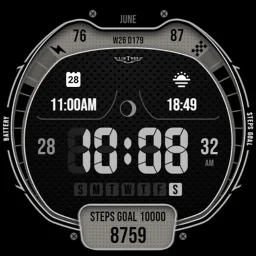 Digital Watch Face 054
Personalization
-
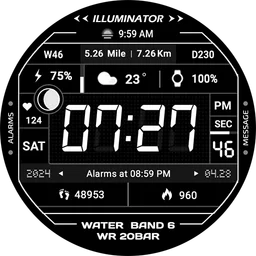 ACRO Cube2 Digital Watchface
Personalization
-
 SH057 Watch Face, WearOS watch
Personalization
-
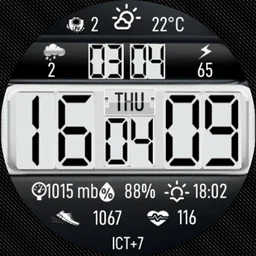 N-SPORT737 Big Digital Weather
Personalization
-
 N-SPORT647 Clear Digital Watch
Personalization
-
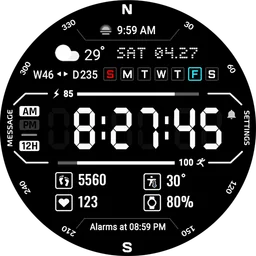 ACRO Perfect BW Watchface
Personalization
-
 Digital xR Watch Face
Personalization
-
 CNRwatch030
Personalization