Minimal 74 Digital Watch Face
Regarder Watch Faces- EveryoneAge rating
- PersonalizationCategory
- Nov 15, 2026Updated
- $0.99Price
Links to the official Google Play listing of com.watchfacestudio.minimal74. Last checked on Nov 26, 2026.

Screenshots


About this app
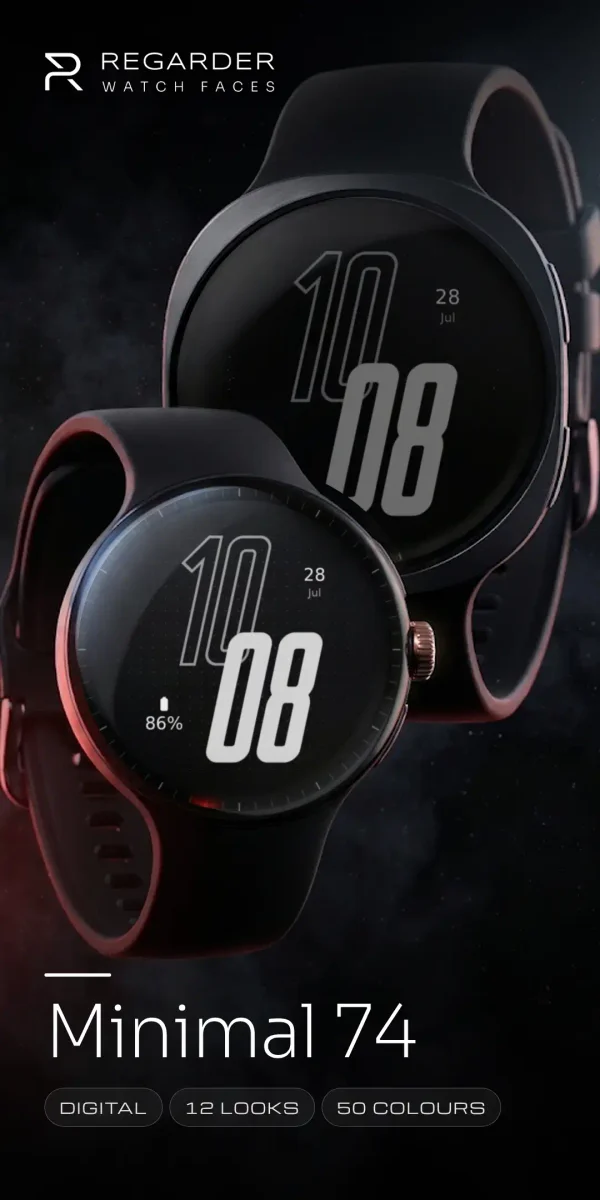
Big digital watch face: 12 looks, 50 colours, 5 fonts, hour fade, Always-On
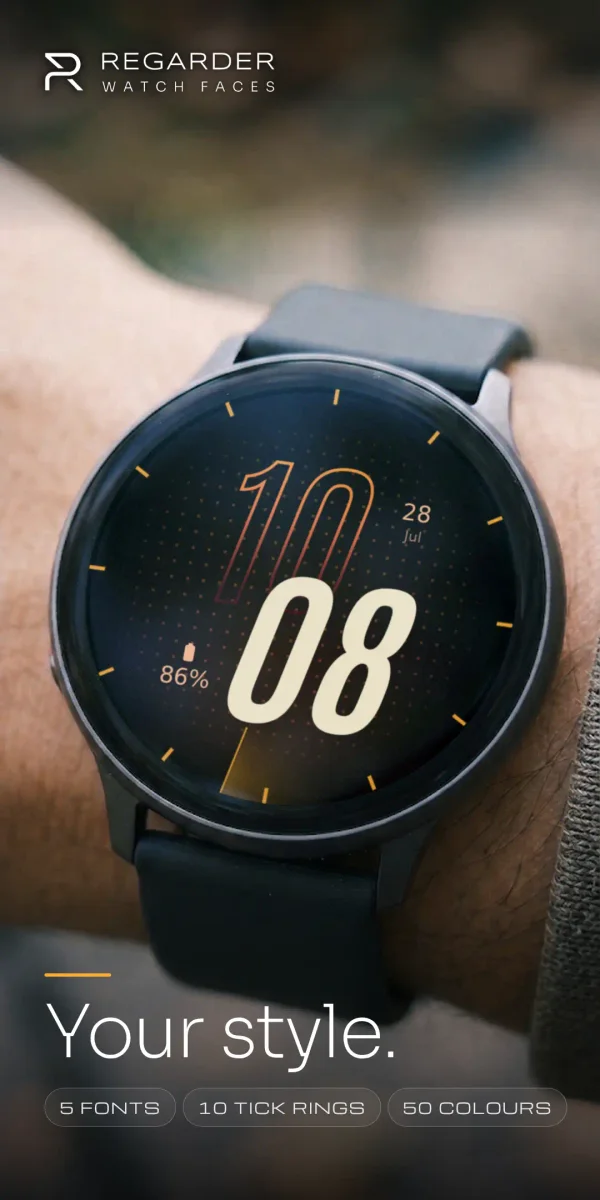
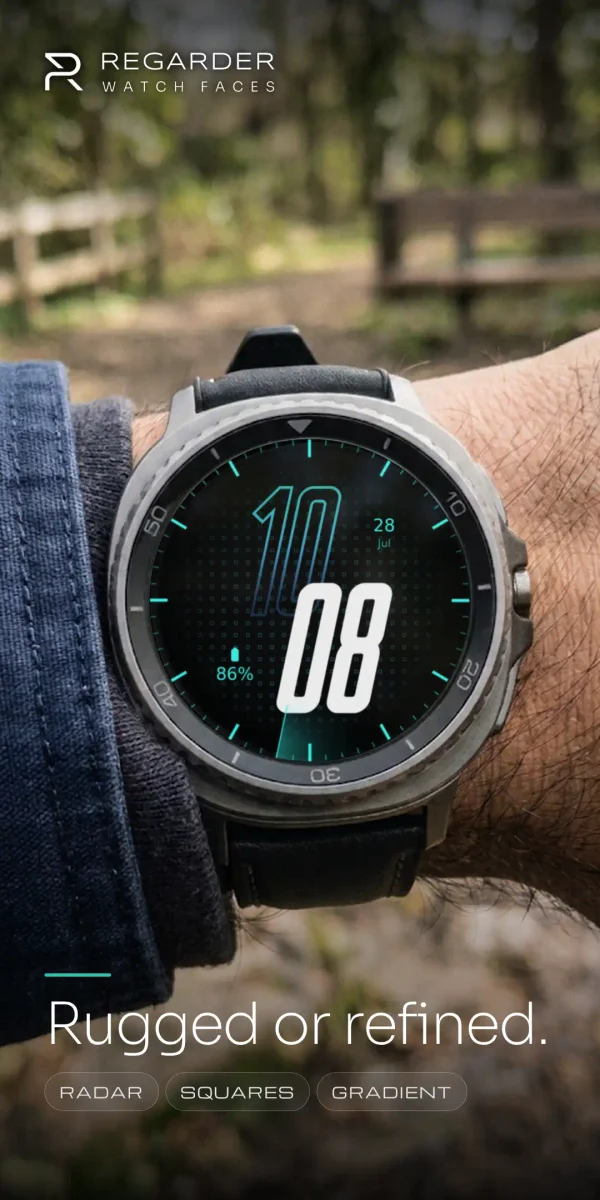
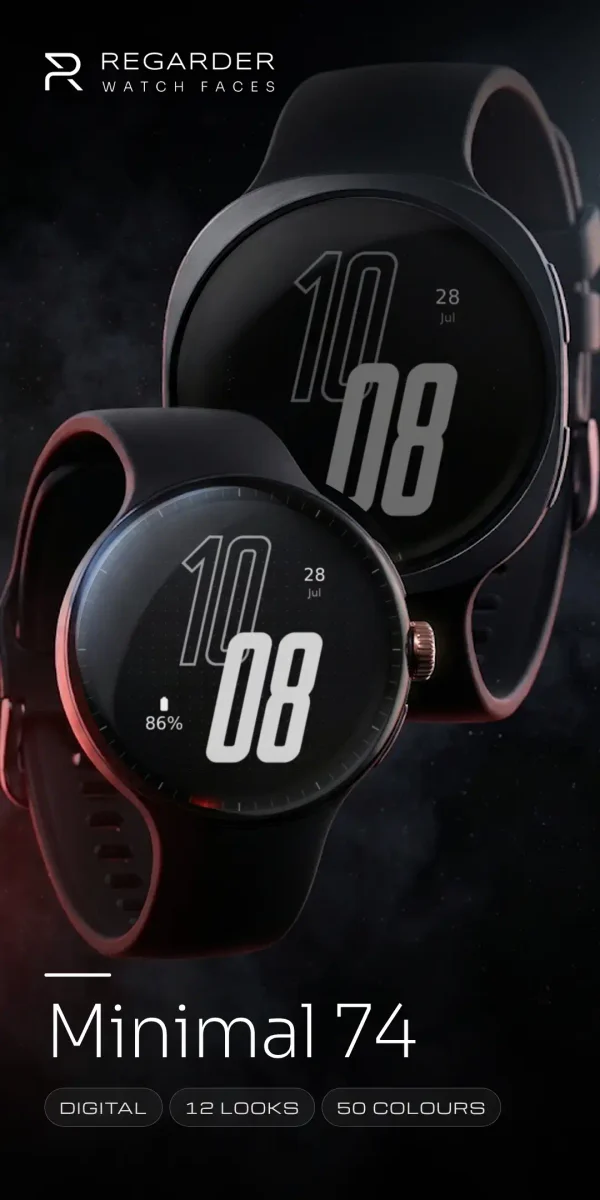
Minimal 74 is a bold digital watch face for Wear OS: a big outlined hour, a solid minute over it, your battery and the date at a glance, and a red glow sweeping around the edge. Keep it exactly as it is, or make it entirely your own.
NEW IN THIS UPDATE
Your face stays exactly as it is. Everything new is an option you can switch on:
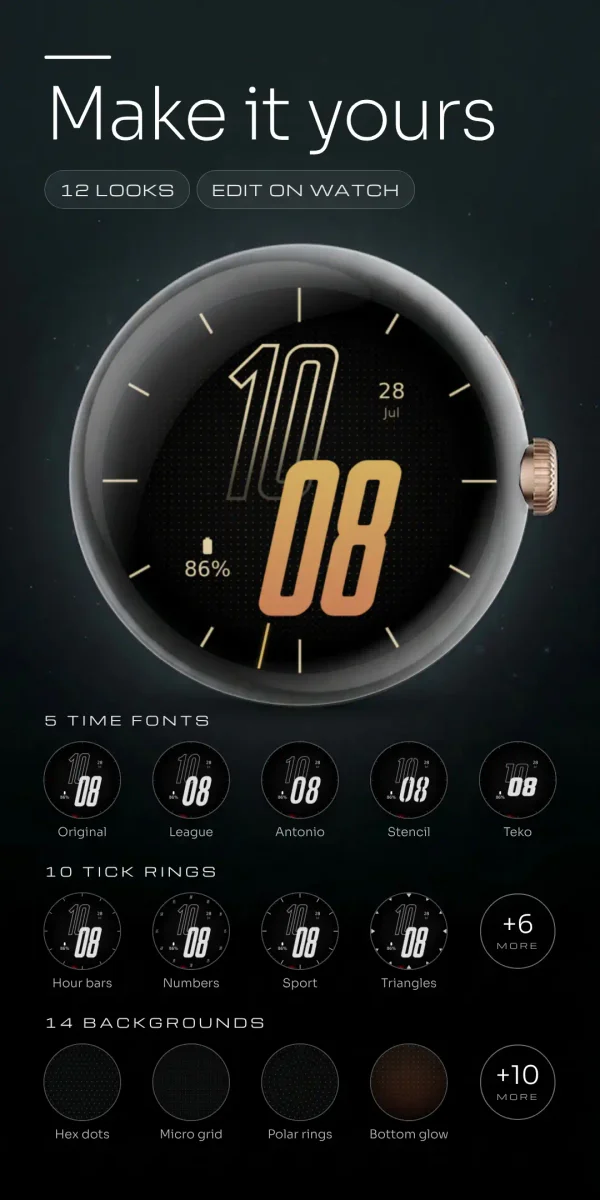
• 12 ready-made looks: Original, Carbon, Arctic, Sunset, Neon, Night shift, Racing, Royal, Forest, Champagne, Mono, Ocean (pick them in the phone app: Galaxy Wearable or the Pixel Watch app)
• 5 time fonts: Original, League Gothic, Antonio, Big Shoulders Stencil, Teko, each as the original pair, a solid pair or an outline pair
• Hour size and minute size, 4 sizes each, and an optional hour fade
• 14 backgrounds (original grid, black and 12 patterns) in 40 colours and 10 gradients
• 10 tick rings with their own colour
• Hour, minute and seconds colours set separately: 40 colours and 10 gradients
• 4 seconds styles: original glow, edge needle, pointer and radar sweep, sweeping or ticking
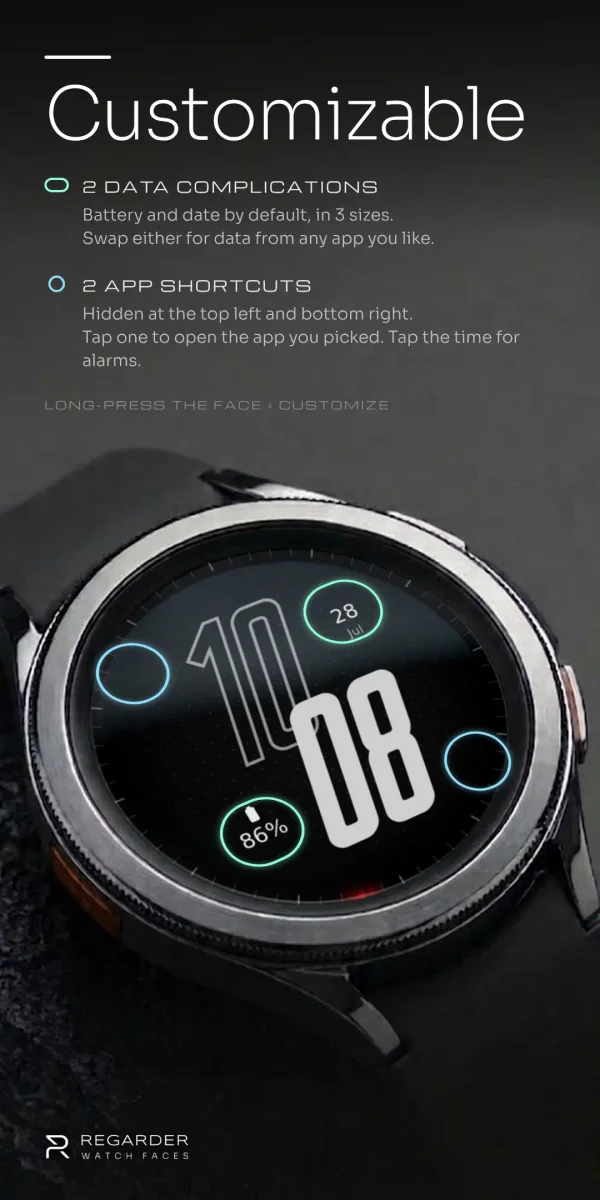
• 2 editable complications in 3 sizes, app-coloured or white icons, their own colour
• 2 hidden app shortcuts, and tap the time to open your alarms
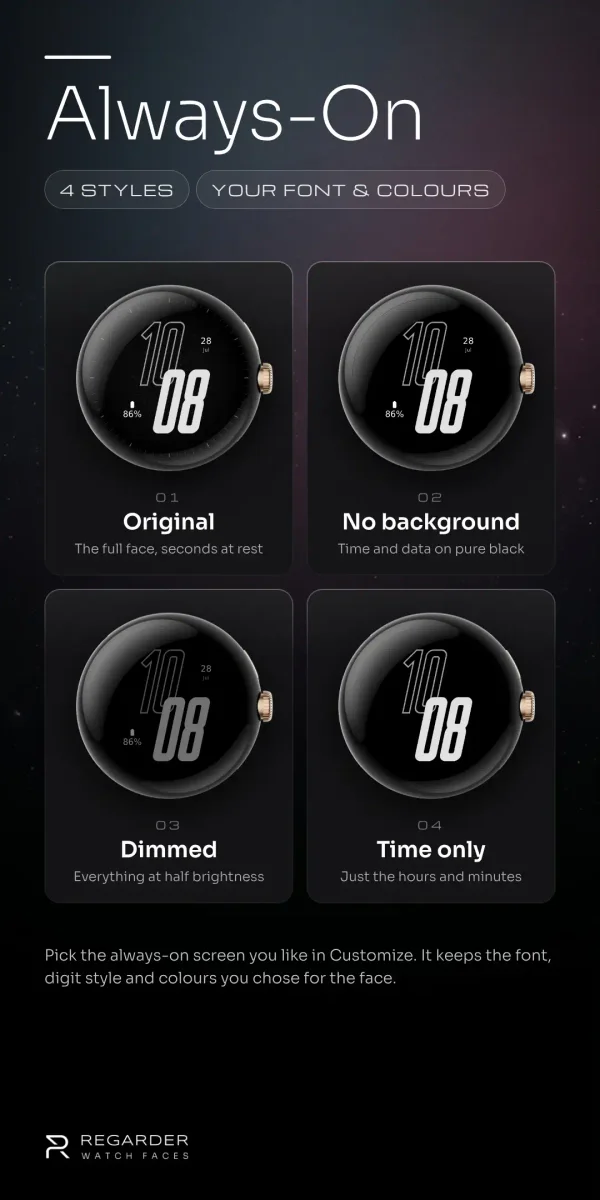
• 4 always-on styles: Original, No background, Dimmed and Time only, in your font and colours
FEATURES
• Big digital time, 12 or 24 hour
• Battery and date at a glance (the month in your phone's language)
• 2 complications of your choice (battery and date by default)
• 2 hidden app shortcuts and an alarm tap on the time
• Settings in 14 languages
FREE FACE FOR BUYERS
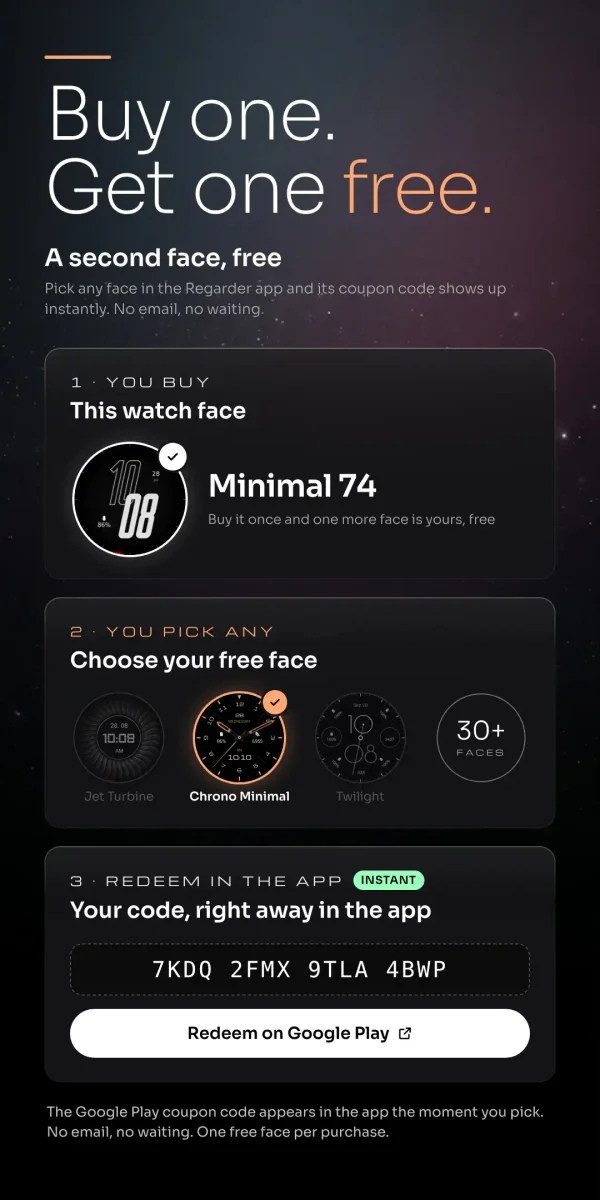
Buy Minimal 74 and pick a second Regarder face for free in the Regarder phone app. Your Google Play code shows up right away, no email, no waiting.
HOW TO INSTALL
1. Install the watch face on your watch from the Play Store (or use the phone companion app).
2. Long-press your current watch face, swipe to the end, tap + and choose Minimal 74.
3. To customize, long-press the face and tap Customize. The 12 looks are in the phone app.
COMPATIBILITY
For Wear OS 5 and newer (Watch Face Format), including Galaxy Watch, Pixel Watch and other Wear OS watches. Watches on older Wear OS keep the previous version. Not for Tizen or Apple Watch. Complication data depends on the apps on your watch; screenshots show example settings.
Questions or ideas? Write to us, we read every message.
Regarder Watch Faces
Data safety
What Regarder Watch Faces declares on Google Play about the data this app collects and shares.
- No data shared with third partiesLearn more about how developers declare sharing
- This app may collect these data typesDevice or other IDs
- Data is encrypted in transit
- You can request that data be deleted
What’s new
Nov 15, 2026
Updated for the latest Wear OS versions.
Developer contact
- Websiteregarderwatchfaces.com
- Emailwatches.regarder@gmail.com
- Privacy policyregarderwatchfaces.framer.website
- Addressstr. trandafirilor nr.8 bl.9 sc.b et.3 ap.38 331155 Hunedoara România
Information
- Offered by
- Regarder Watch Faces
- Category
- Personalization
- Updated
- Nov 15, 2026
- Released
- Mar 25, 2023
- Age rating
- Everyone
- Price
- $0.99
- Package name
- com.watchfacestudio.minimal74
Similar apps
-
 Gentle Hue Watch Face
Personalization
-
 Primal Watch Face for Wear OS
Personalization
-
 Pudim Millenium Watch Face
Personalization
-
 Simply Black Watch Face
Personalization
-
 Pulse Grid Watch Face
Personalization
-
 Ocean Sport Watch Face
Personalization
-
 D0006 VNApps
Personalization
-
 Ocean Blue Light Watch Face
Personalization
-
 Blue Large Watch Face
Personalization
-
 MWFS - Ten
Personalization
-
 CF_D4
Personalization
-
 Tosca Blue Large Watch Face
Personalization