Minimal & Digital Smart - RE26
RECREATIVE Watch FacesContains ads
- EveryoneAge rating
- PersonalizationCategory
- Oct 15, 2026Updated
- $1.49Price
Links to the official Google Play listing of com.recreative.recreative26. Last checked on Nov 28, 2026.
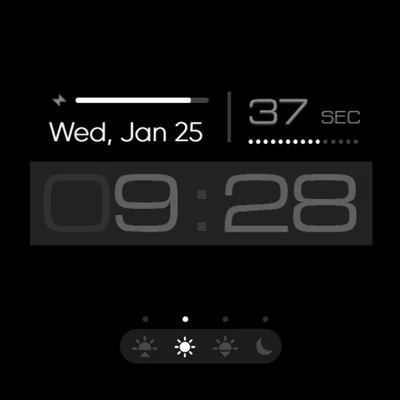
Screenshots



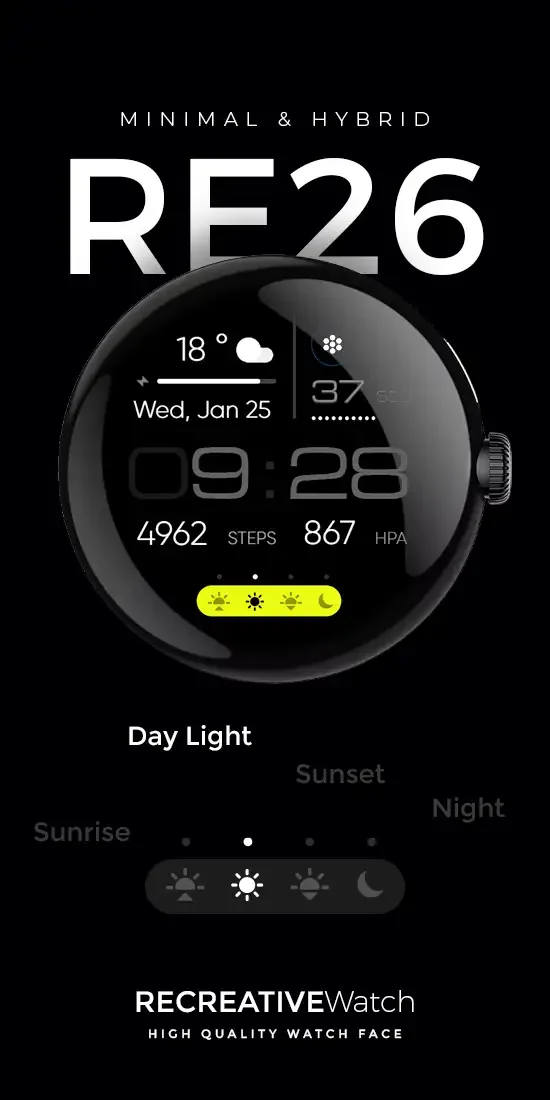

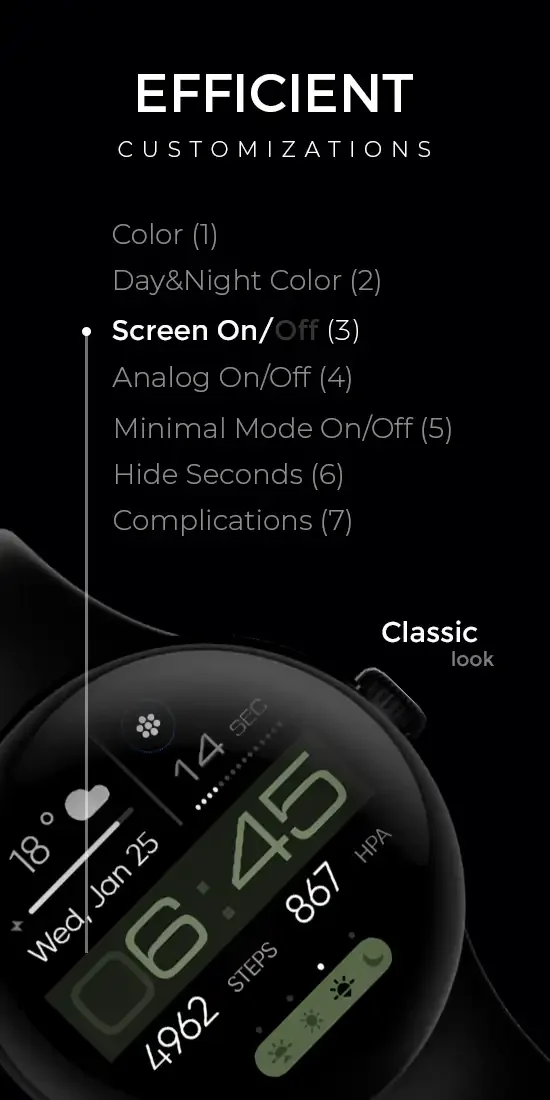
About this app
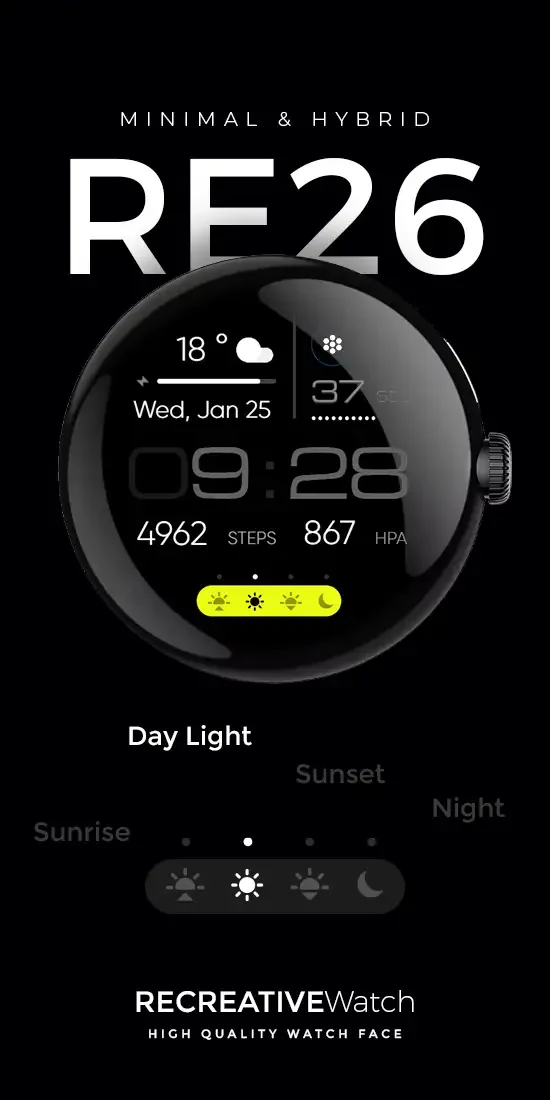
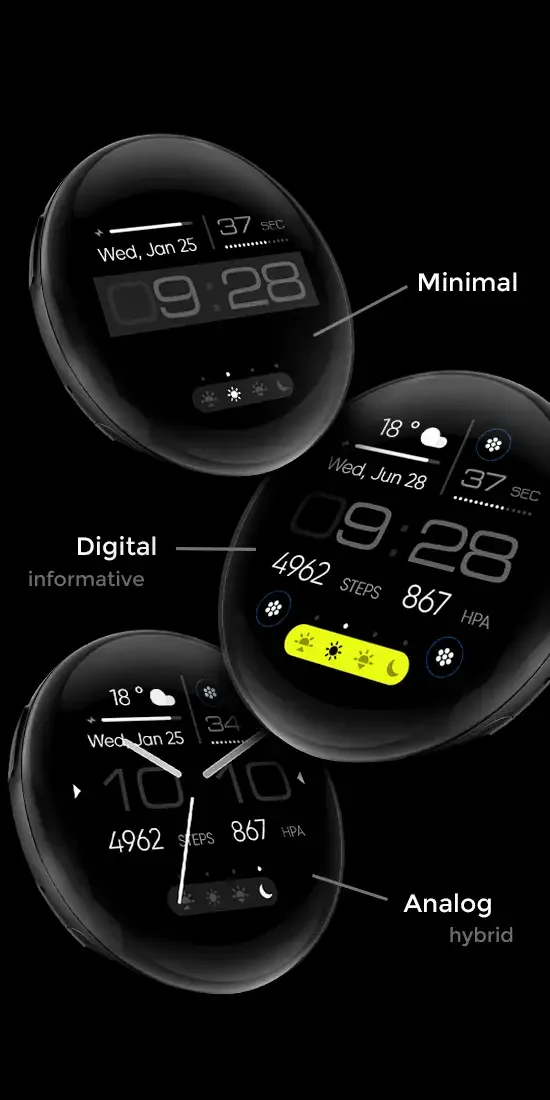
Easy To Read Watch Face - Digital - Wear Os Watch Face - Analog & Digital
The Recreative Watch is a minimal timepiece that offers customization options and a casual yet stylish appearance.
Powered by Watch Face Format
⚙️ Phone App Features
The phone app is simply a tool to facilitate installation and locating the watch face on your Wear OS watch. Only the mobile app contains ads.
⚙️ Watch Face Features
- 12/24h Digital Time
- No Leading Zero
- Date
- Battery
- Steps Count
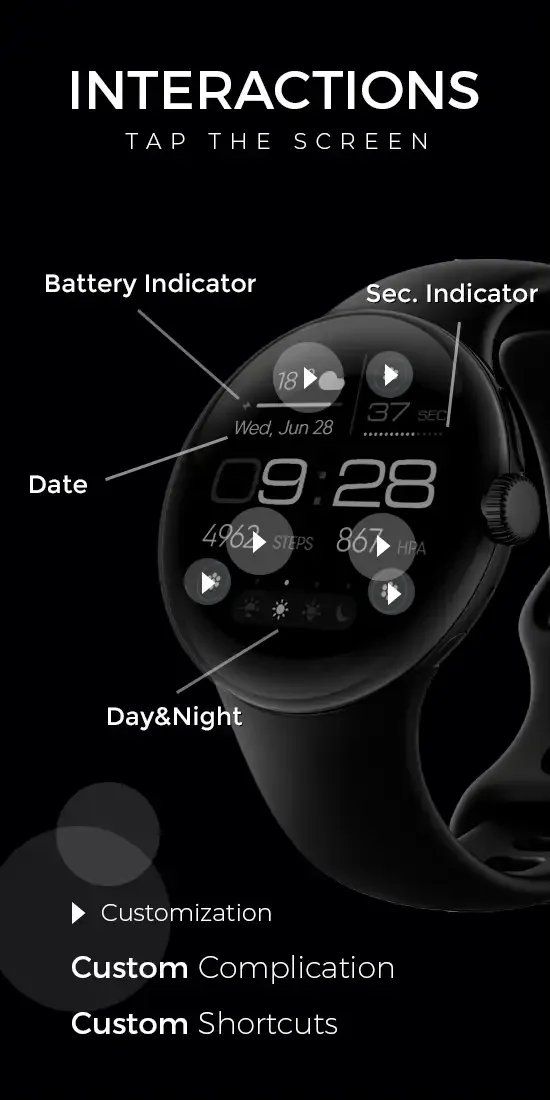
- 3 customizable shortcuts
- 3 customizable complications
- Multiple Color Variations
- Day & Night Automatic Preview
- Always ON Display
🎨 Customization
1 - Touch and hold display
2 - Tap on Customize option
🎨 Complications
Touch and hold display to open customization mode. You can customize the field with any data you want.
🔋 Battery
For better battery performance of the watch, we recommend disabling the "Always On Display" mode.
✅ Compatible devices include API level 33+ Google Pixel, Galaxy Watch 4, 5, 6, 7 and other Wear OS models.
Installation and troubleshooting
Follow this link: https://www.recreative-watch.com/help/#installation-methodes
Watch faces don't automatically apply on your watch screen after the installation. That's why you must set it on your watch's screen.
💌 Write to support@recreative-watch.com for assistance.
Data safety
What RECREATIVE Watch Faces declares on Google Play about the data this app collects and shares.
- No data shared with third partiesLearn more about how developers declare sharing
- This app may collect these data typesLocation, Personal info and 3 others
- Data is encrypted in transit
- You can request that data be deleted
Developer contact
- Websiterecreative-watch.com
- Emailsupport@recreative-watch.com
- Privacy policyrecreative-watch.com
- AddressSTR. MIHAIL EMINESCU BL.18 SC.A AP.2 545100 Iernut Romania
Information
- Offered by
- RECREATIVE Watch Faces
- Category
- Personalization
- Updated
- Oct 15, 2026
- Released
- Jul 1, 2023
- Age rating
- Everyone
- Price
- $1.49
- Package name
- com.recreative.recreative26
Similar apps
-
 Minimalist Black Watch Face
Personalization
-
 CELEST5571 Data Hub Watch
Personalization
-
 Minimal Simple Line - RE47
Personalization
-
 Clack: Flip Clock Watch Face
Personalization
-
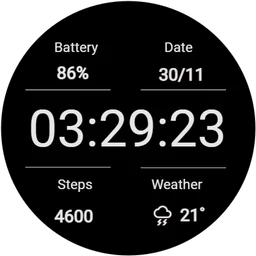 Battery Saver Minimal Watch
Tools
-
 Roboto Digital
Personalization
-
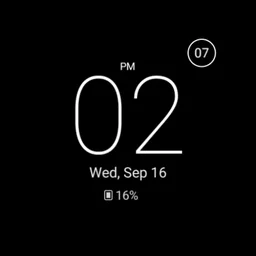 Minimal Orbit Watch Face
Personalization
-
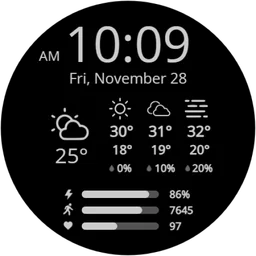 CELEST5602 Data Hub Watch
Personalization
-
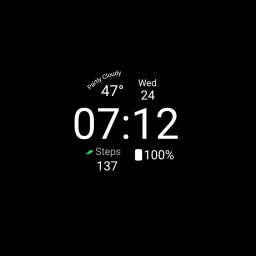 Digi Time Watchface
Tools
-
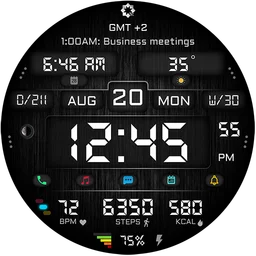 A455 Digital Info Face
Personalization
-
 Minimal - Digital - RE13
Personalization
-
 DayEvents Watchface
Personalization