MIX - Photo Editor Pro
PINGUO TECHNOLOGY HK CO LIMITEDContains ads · In-app purchases
- EveryoneAge rating
- PhotographyCategory
- Apr 29, 2026Updated
- FreePrice
Links to the official Google Play listing of com.pinguo.edit.sdk. Last checked on Nov 27, 2026.

Screenshots

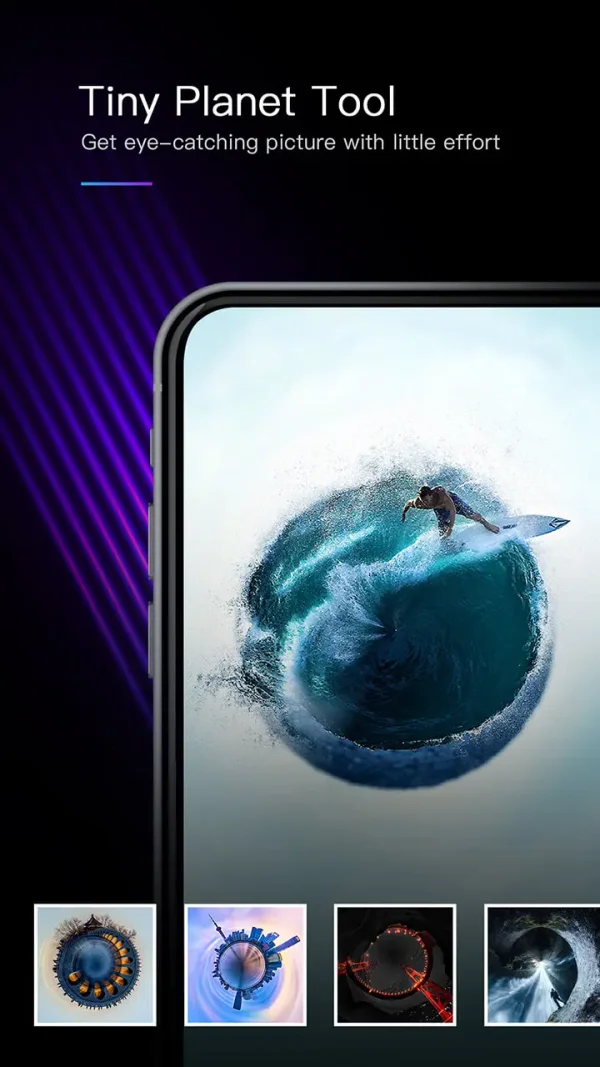
About this app
Best photo editor pro with amazing photo filters and editing for free in MIX
MIX a powerful yet easy-to-use image editor that can enhance your photos in seconds.
== FEATURE HIGHLIGHTS ==
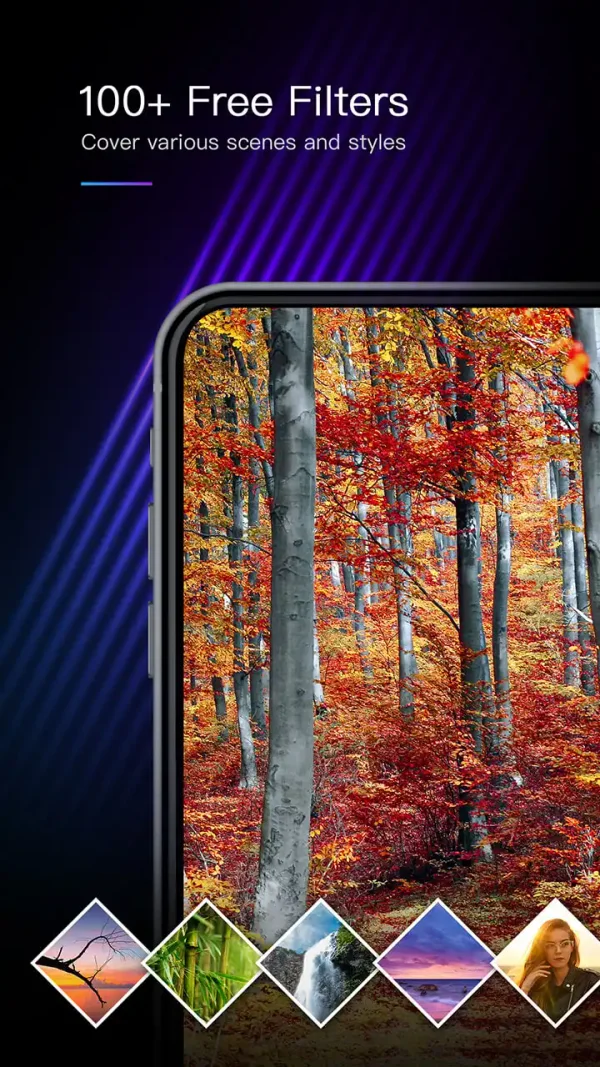
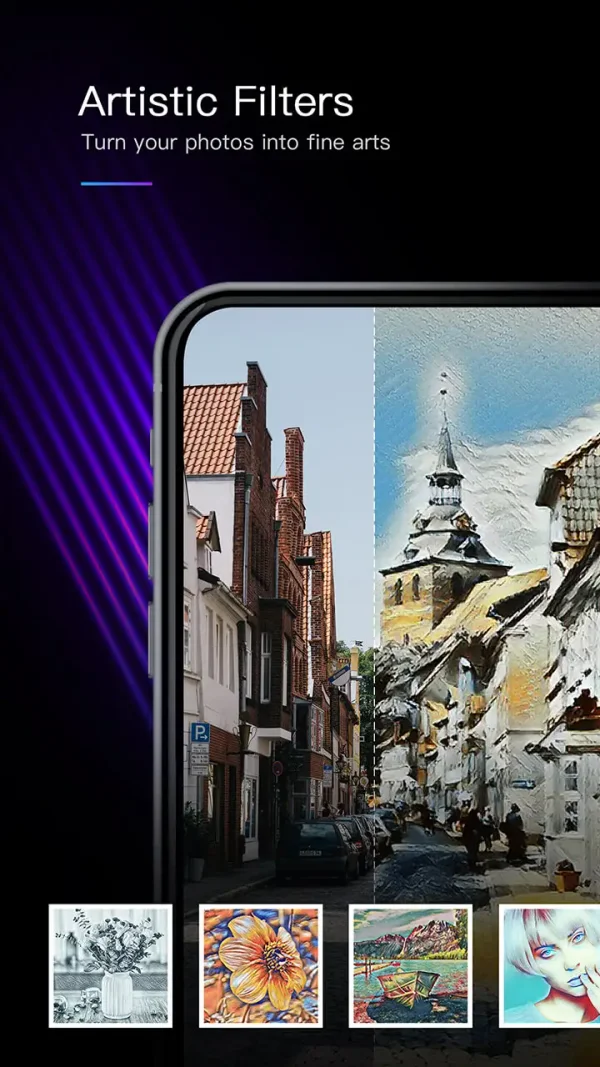
- Offers 130 free, high-quality filters covering a variety of styles including professional film, instant film, selfie, LOMO etc.
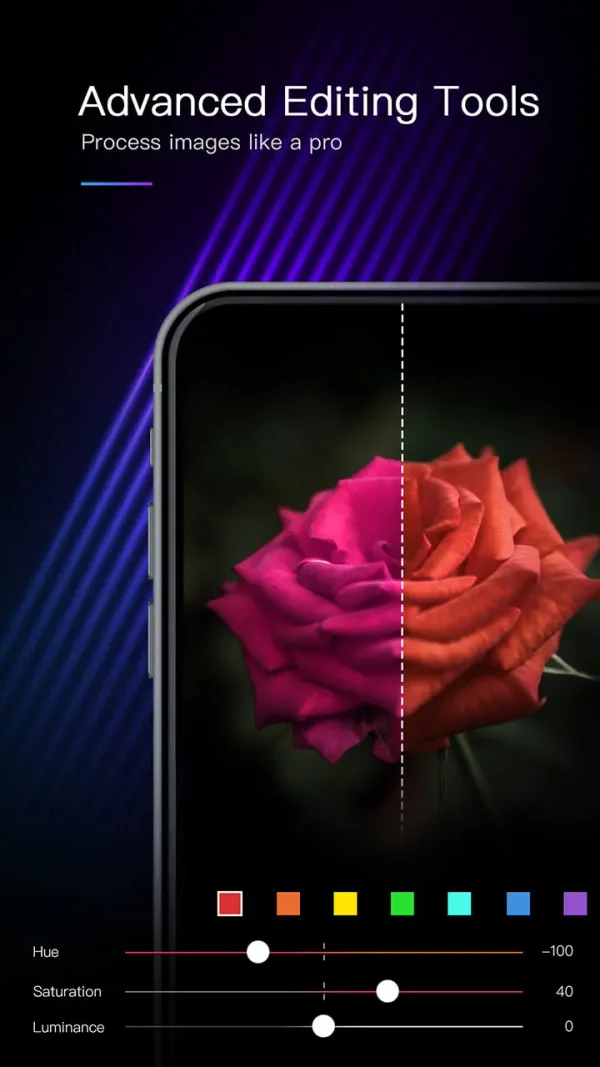
- Supports advanced image editing tools like curve, HSL, split toning etc.
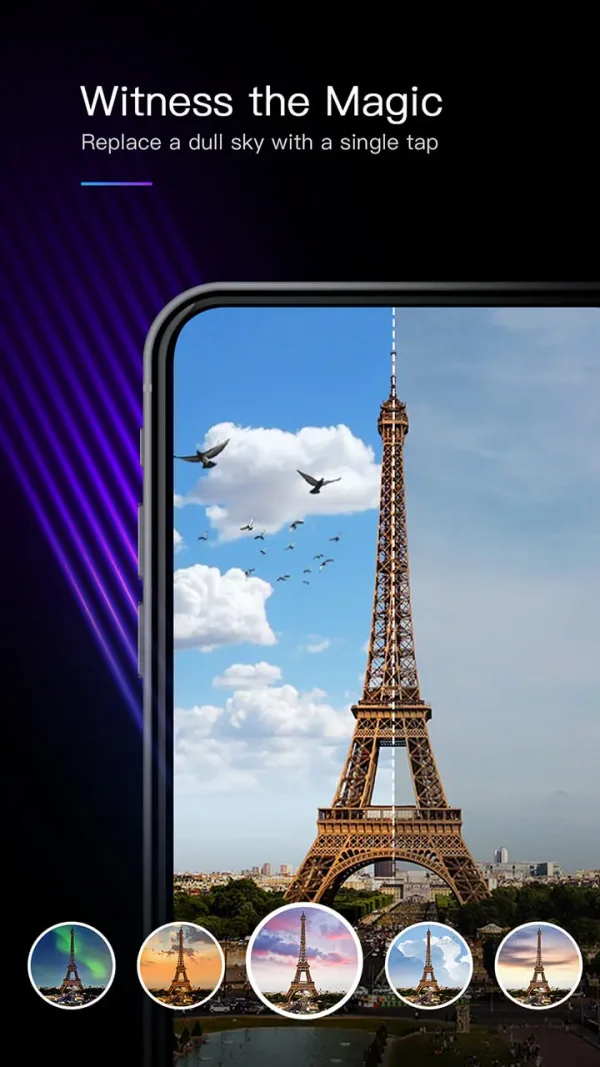
- Provides 60+ effect-enhancing texture overlays
- Save and share your own filters, which are backed up to the Cloud and will never be lost
- Publish your best photos and filters to the MIX Community to share with millions of MIX users
- Study image post-processing techniques in MIX Academy
- Smooth and efficient user interaction
== RICH FILTER CHOICES ==
MIX is a filter-centric app. It is shipped with around 130 built-in, high quality filters covering a variety of picture styles, which include professional reversal color film, instant film, selfie (with face smoothening effect), monochrome, lomography and many more.
If you are creative and want more image styles, MIX allows you to edit photos using the various editing tools and to save your edits as personalized filters. These user-generated filters can also be easily shared among MIX users via popular social networks or the MIX community. Furthermore, when logged in, user-generated filters will be backed up to the Cloud so they will never be lost.
MIX also allows you to mark favorite filters for quicker access.
== PROFESSIONAL EDITING TOOLS ==
MIX provides 15 basic, simple-to-use image adjustment tools that everyone can easily master. In addition, for people that have in-depth knowledge about image editing, MIX also provides some professional color tools, including Curve, HSL, Split Toning and Color Balance. With all the tools and some knowledge, you can achieve as many picture styles as you want.
== EFFECT-ENHANCING TEXTURES ==
To further enhance the effect, your photo can be overlaid with one of the 60+ textures. These textures can provide fun effects including raindrop, snowy day, sunlight, lens flare, light leak etc. Appropriate use of these textures can make your photo more attractive.
== CROPPING & TRANSFORMING ==
In addition to the usual image cropping features, MIX provides you the tools to correct perspective distortion, which can be quite useful in cases like architecture photography. With MIX, the tall buildings in your photo will no longer slant.
== Publish Photos & Filters to the MIX Community ==
You can publish your best photos to the MIX community to share with the millions of MIX users all over the world. Besides, you can share your edits as personalized filters at the same time so that other MIX users can download.
== Online Academy ==
A place to learn the tips of MIX and general photo post-processing techniques. New articles are posted regularly.
Data safety
What PINGUO TECHNOLOGY HK CO LIMITED declares on Google Play about the data this app collects and shares.
- No data shared with third partiesLearn more about how developers declare sharing
- This app may collect these data typesPersonal info
- Data is encrypted in transit
- You can request that data be deleted
What’s new
Version 4.9.79 · Apr 29, 2026
Fix some bugs
Developer contact
- Websitemix.camera360.com
- Emailmixbycamera360@gmail.com
- Privacy policymix.camera360.com
- AddressRm 1005 GOLD & SILVER COML BLDG 12-18 MERCER ST 上環 香港島 Hong Kong
Information
- Offered by
- PINGUO TECHNOLOGY HK CO LIMITED
- Category
- Photography
- Version
- 4.9.79
- Updated
- Apr 29, 2026
- Released
- Aug 18, 2014
- Requires
- Android 5.0 or later
- Age rating
- Everyone
- Price
- Free
- In-app purchases
- $0.99 - $124.99 per item
- Package name
- com.pinguo.edit.sdk
Similar apps
-
 YouCam Video: AI Video Editor
Video Players & Editors
-
 mcpro24fps manual video camera
Photography
-
 Lensa: AI photo editor, camera
Photography
-
 Image Toolbox - Edit & Convert
Tools
-
 AI Photo Generator - Fotorama
Photography
-
 Lightroom Photo Editor & Video
Photography
-
 Glitch Photo Editor -VHS, glit
Photography
-
 WOMBO Elections: AI Memes
Photography
-
 PicMa: AI Video&Photo Enhancer
Photography
-
 Cut Cut: Photo Editor & CutOut
Photography
-
 LightX AI Photo Editor Retouch
Photography
-
 VideoFX Music Video Maker
Video Players & Editors