Modes And Routines
All Email Access- EveryoneAge rating
- ProductivityCategory
- Nov 23, 2026Updated
- FreePrice
Links to the official Google Play listing of com.habittracker.daily.schedule.goalplanner. Last checked on Nov 25, 2026.
Screenshots


About this app
Create custom modes, set up daily routines, and customize app settings.
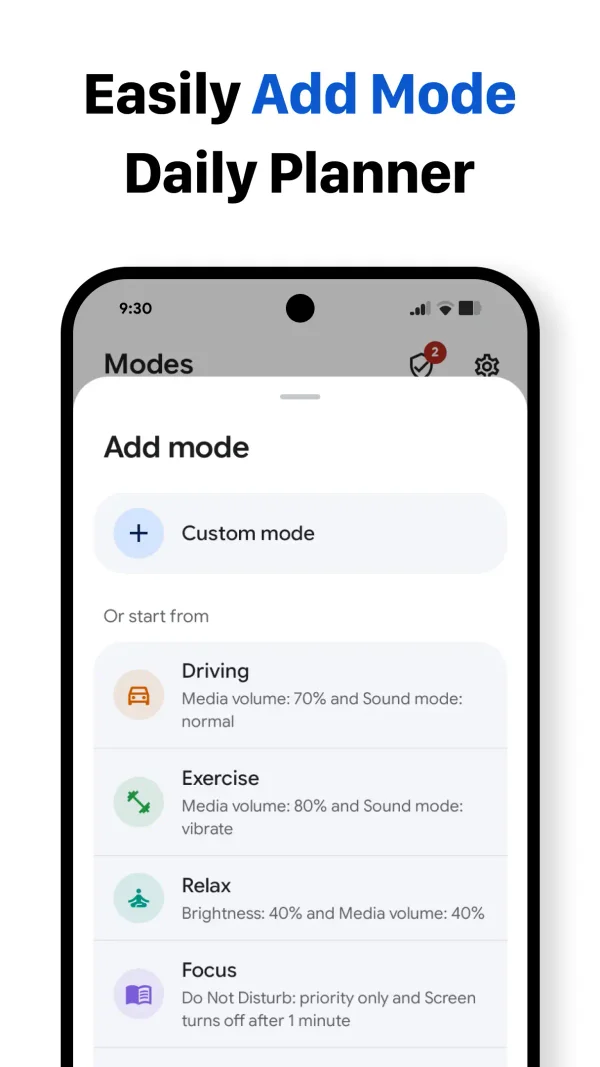
Make your Android phone smarter and everyday tasks easier with Modes & Routines! Create personalized modes, set up smart routines, and manage device settings to suit your daily activities. Whether you're sleeping, working, driving, exercising, or relaxing, customize sound profiles, media volume, Do Not Disturb, and other settings for a more convenient experience.
Simplify daily phone management with scheduled routines, battery and charging conditions, and Bluetooth connections. Enjoy quick after-call shortcuts, view routine activity, and personalize your app with custom themes and settings.
Key Features:
✅ Smart Modes
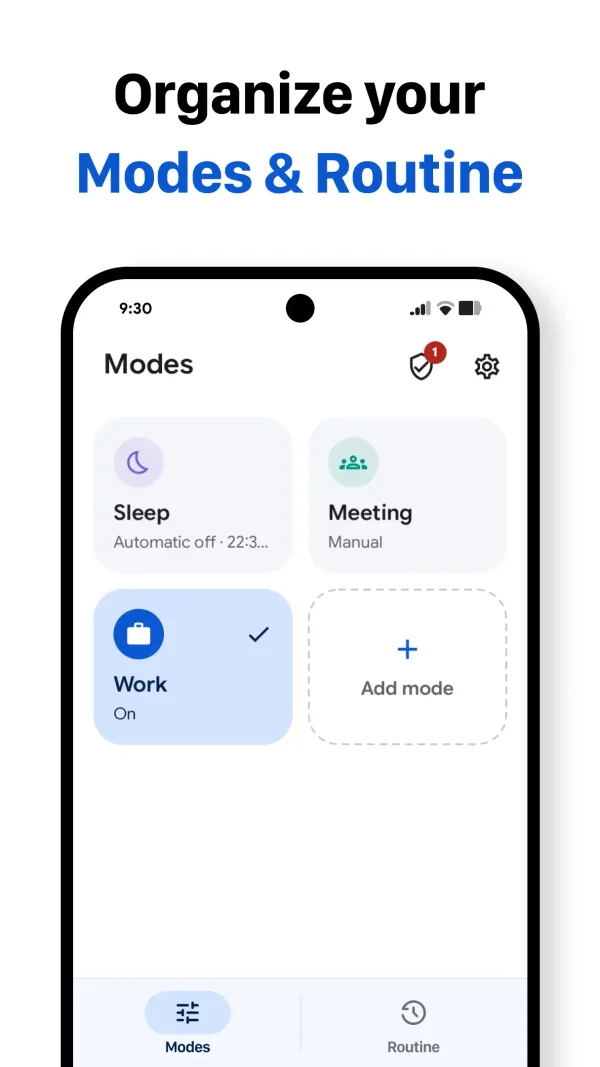
Create Sleep, Meeting, Work, Driving, Exercise, Relax, Focus, Theater, and custom modes to match your lifestyle.
✅ Smart Routines
Set up routines based on time, battery level, charging status, and Bluetooth connections to manage settings.
✅ Do Not Disturb
Set quiet hours, reduce interruptions, and customize sleep, work, and focus modes.
✅ After-Call Shortcuts
Quickly activate a mode, mute sounds, or enable Do Not Disturb after calls.
✅ Custom Routines
Create personalized routines with your preferred conditions and actions for everyday tasks.
✅ Activity History
View recent activity and keep track of your routine history in one place.
✅ Personalization
Customize app themes, accent colors, language, and active mode notifications.
✅ Data Management
Clear activity history or reset app settings whenever needed.
📱Download Modes & Routines today and make your Android experience smarter, simpler, and more convenient!
Data safety
What All Email Access declares on Google Play about the data this app collects and shares.
- This app may share these data types with third partiesLocation and Device or other IDs
- No data collectedLearn more about how developers declare collection
- Data is encrypted in transit
Developer contact
- Websitehabittrackerdailyschedulegoalplanner.jk-txt.com
- Emailselfieapps4all@gmail.com
- Privacy policyprivacypolicycenter.com
- Address239, Krushnastreet, Motived Surat, Gujarat 395004 India
Information
- Offered by
- All Email Access
- Category
- Productivity
- Version
- 1.8
- Updated
- Nov 23, 2026
- Released
- Feb 29, 2024
- Requires
- Android 8.0 or later
- Age rating
- Everyone
- Price
- Free
- Package name
- com.habittracker.daily.schedule.goalplanner