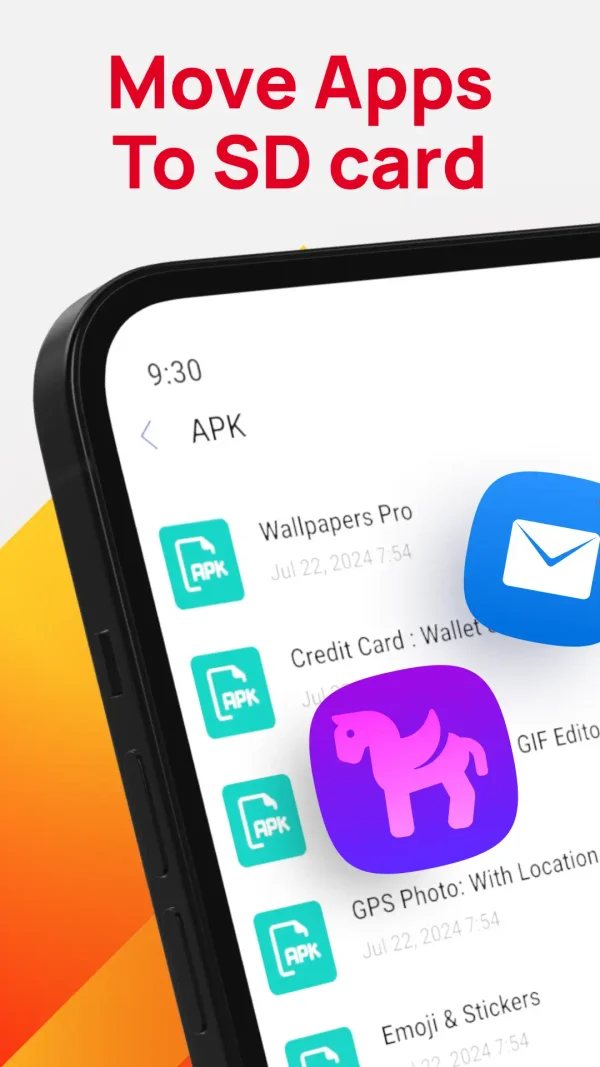
Move Apps To SD Card
Galaxy studio appsContains ads · In-app purchases
- EveryoneAge rating
- ToolsCategory
- Oct 26, 2026Updated
- FreePrice
Links to the official Google Play listing of tech.kaydev.install.apps.to.sd. Last checked on Nov 24, 2026.
Screenshots


About this app
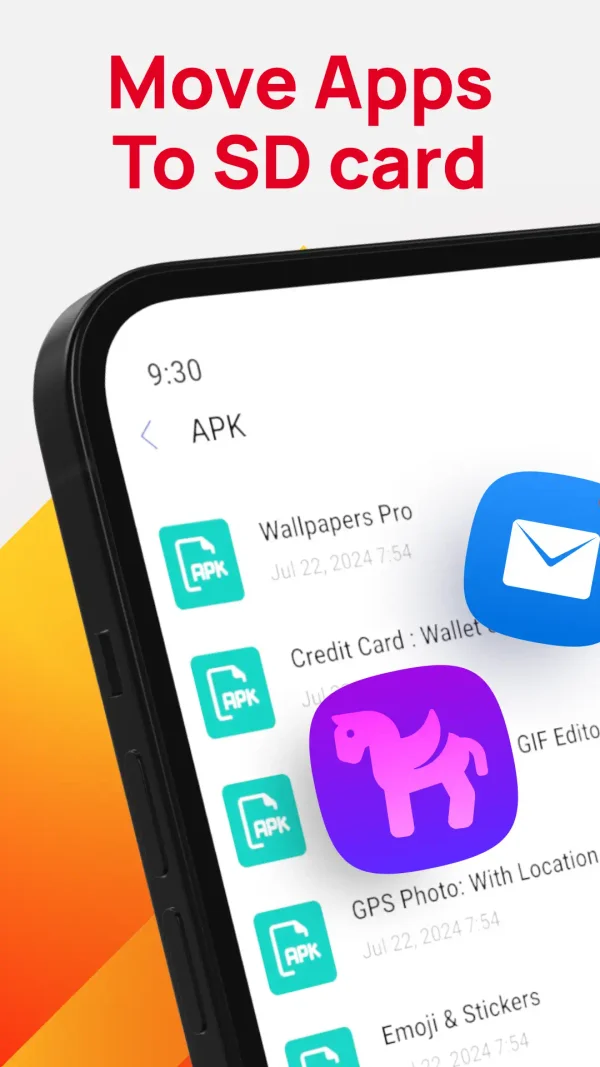
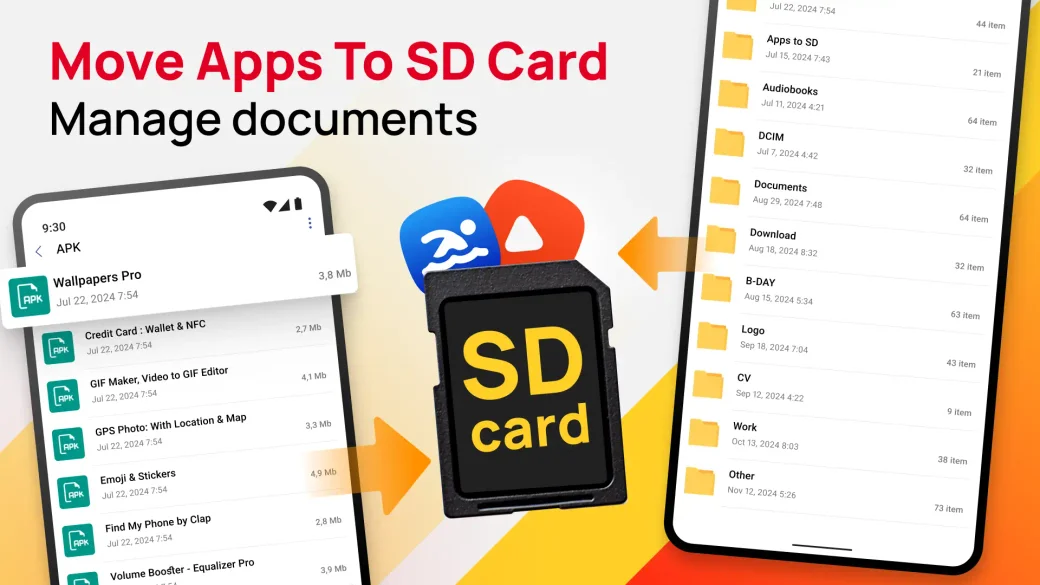
Easily move Apps to Sd Card move to sd card to freeup space on your phone
File Explorer: App Manager - Manage Files and Free Up Storage Space!
Are you constantly battling with limited storage on your Android device? With the File Explorer: App Manager, you can effortlessly organize, transfer, and free up valuable space. This My File Manager: Move To SD feature-rich software utility ensures smooth file transfer, helping you easily handle all your files and folders.From managing apps to cleaning up folders, this software utility is the perfect solution for those seeking efficiency in file organization.🗄️
📄 Key Features of File Explorer: App Manager 📄
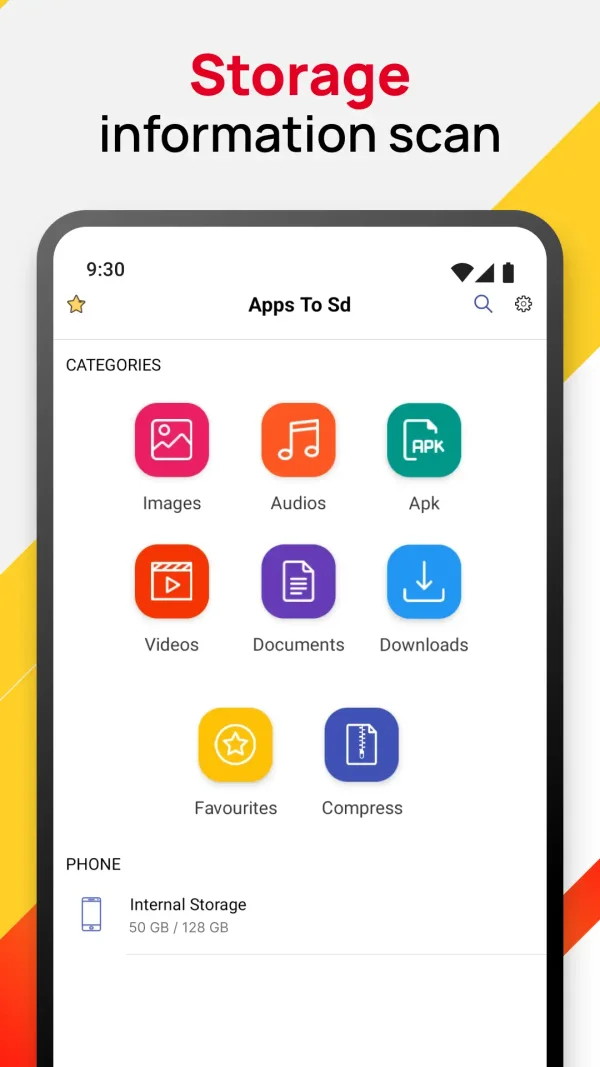
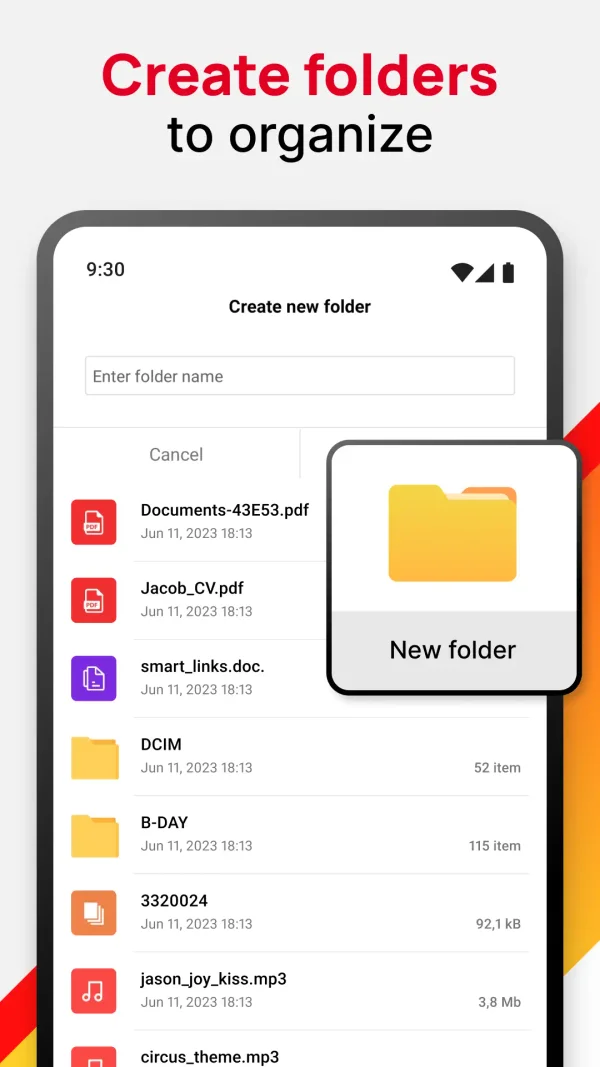
📁 File Transfer: View Files on SD Card - Easily transfer files to your SD card to free up space on your internal storage;
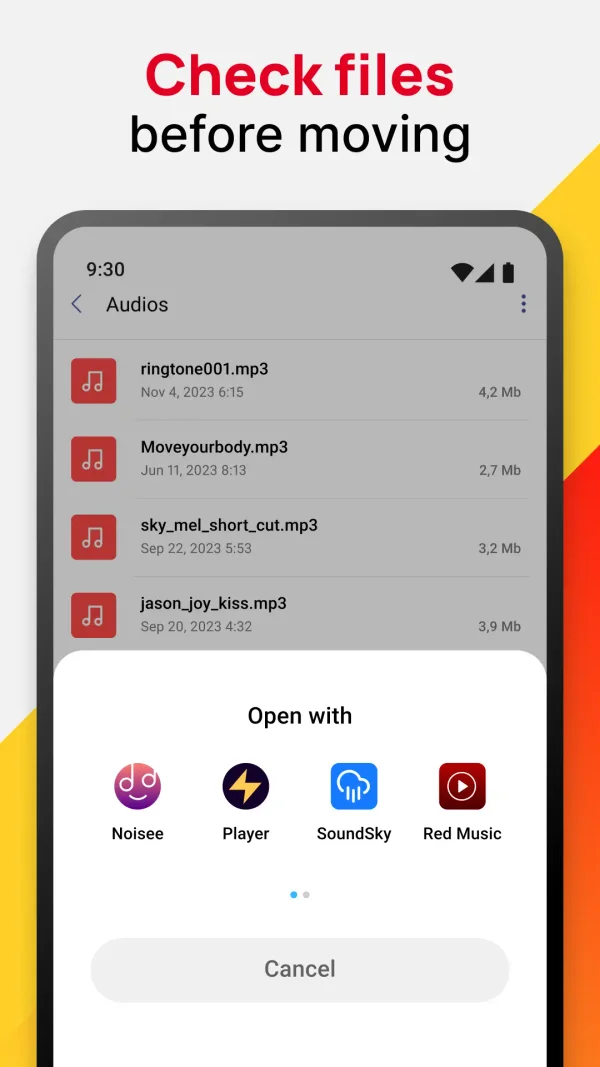
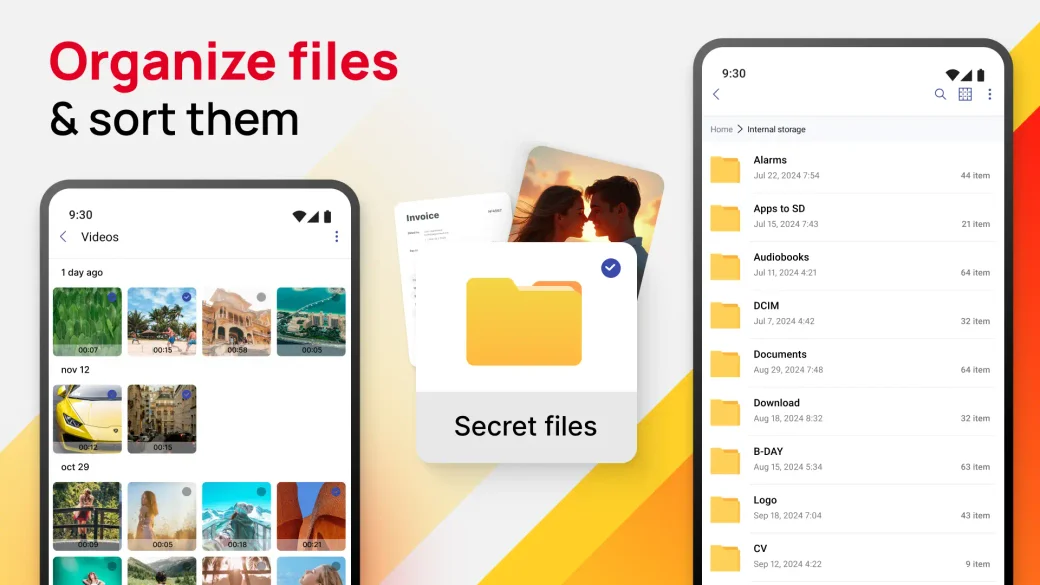
📁 Application Manager: Files And Folders - Manage your apps, organize folders, and streamline storage;
📁 Create Extra Storage Space - Move files and apps to create more space for what matters most;
📁 Folder Memory Cleaner - Keep your device clutter-free with this easy-to-use software utility;
📁 My File Manager: Move To SD - Move apps and files to SD to maximize storage;
📁 File Explorer: App Manager - Full control over files and folders with a robust file software utility.
Effortless File Management on Android!
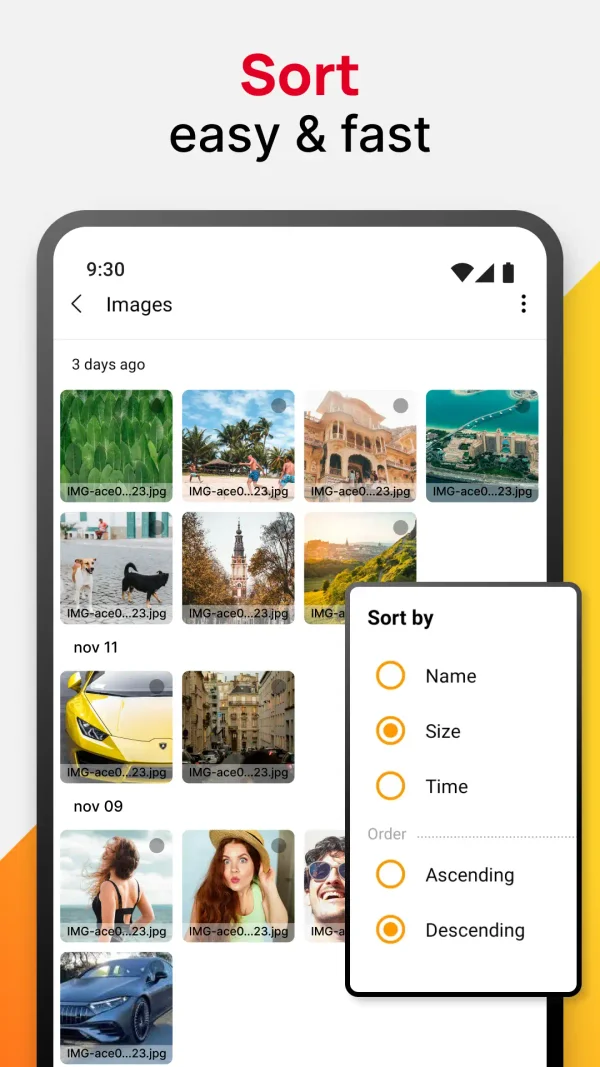
The File Explorer: App Manager allows you to manage and organize your files and folders. Using My File Manager: Move To SD, you can move data from your device’s internal memory to an external SD card in seconds. This software utility Application Manager: Files And Folders feature enables you to manage every file with clarity, making it easy to locate, organize, and transfer content.Unlock Extra Storage Space:📂
No more ‘storage full’ messages! The Create Extra Storage Space functionality helps you transfer photos, videos, and other files to an SD card. Whether you need to move files for extra storage or want to organize your device, File Transfer: View Files on SD Card enables swift, efficient file management. Free up memory and enjoy a clutter-free device with Folder Memory Cleaner.
Manage Files and Applications Smoothly:📲
The Application Manager: Files And Folders offers you control over your apps and data, allowing you to move, backup, and organize them as you wish. Use File Explorer: App Manager to navigate your SD card, making file transfer and organization as simple as possible. With My File Manager: Move To SD, enjoy seamless data management across your device’s storage options.
Simple File Transfer Process:🗃️
The File Transfer: View Files on SD Card feature provides an easy method to transfer files and folders to your SD card, freeing up valuable internal memory. File Explorer: App Manager makes cleaning up and managing your device simple by transferring files where they’re most useful. Enhance your Android device’s performance by creating additional space without deleting essential data.
Optimize Your Android Storage Today!
Enjoy the benefits of streamlined organization and enhanced performance with File Explorer: App Manager. Whether you need more room for apps, files, or multimedia, the app’s features—such as My File Manager: Move To SD, Application Manager: Files And Folders, and Folder Memory Cleaner—give you everything required for efficient storage management. Create Extra Storage Space with ease today!Data safety
What Galaxy studio apps declares on Google Play about the data this app collects and shares.
- This app may share these data types with third partiesDevice or other IDs
- No data collectedLearn more about how developers declare collection
- Data is encrypted in transit
- Data can’t be deleted
What’s new
Version 14.1.3 · Oct 26, 2026
- New Feature: Introducing the ability to easily transfer apps to your SD card, freeing up valuable internal storage space on your device.
- Improved Performance: We've optimized the app's performance for faster and smoother app transfers.
- User Interface Enhancements: Enjoy a more intuitive and user-friendly interface, making it even easier to manage your apps.
- Bug Fixes: We've resolved reported issues to ensure a more stable and reliable app experience.
Developer contact
- Websitegalaxystudioapps.me
- Emailsupport.moveappstosd@galaxystudioapps.me
- Privacy policygalaxystudioapps.me
- Address8 The Grn Ste 4184 Dover, DE 19901-3618 United States
Information
- Offered by
- Galaxy studio apps
- Category
- Tools
- Version
- 14.1.3
- Updated
- Oct 26, 2026
- Released
- Jul 18, 2017
- Requires
- Android 5.0 or later
- Age rating
- Everyone
- Price
- Free
- In-app purchases
- $0.99 - $99.99 per item
- Package name
- tech.kaydev.install.apps.to.sd
Similar apps
-
 MobiSaver: Data&Photo Recovery
Tools
-
 ASTRO File Manager & Cleaner
Tools
-
 Avast Cleanup – Phone Cleaner
Tools
-
 beurer HealthManager Pro
Health & Fitness
-
 Recover Athletics
Health & Fitness
-
 Deleted Photo & Video Recovery
Tools
-
 Simple Gallery Pro
Photography
-
 Sunsational Swim Instructor
Productivity
-
 Zoho Sheet: Spreadsheet App
Productivity
-
 File Manager
Tools
-
 UltData: Photo & File Recovery
Tools
-
 MobiDrive Cloud Storage & Sync
Productivity