MP3 Player Remotes
One Music PlayerContains ads · In-app purchases
- EveryoneAge rating
- ToolsCategory
- Nov 18, 2026Updated
- FreePrice
Links to the official Google Play listing of in.gaffarmart.www.asiaremote. Last checked on Nov 19, 2026.
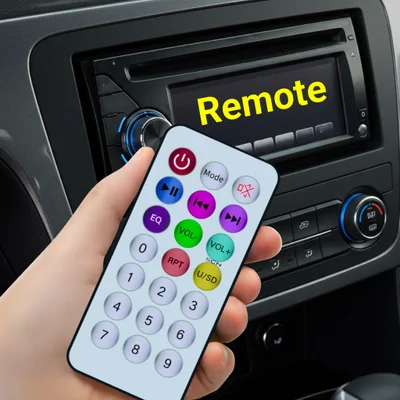
Screenshots
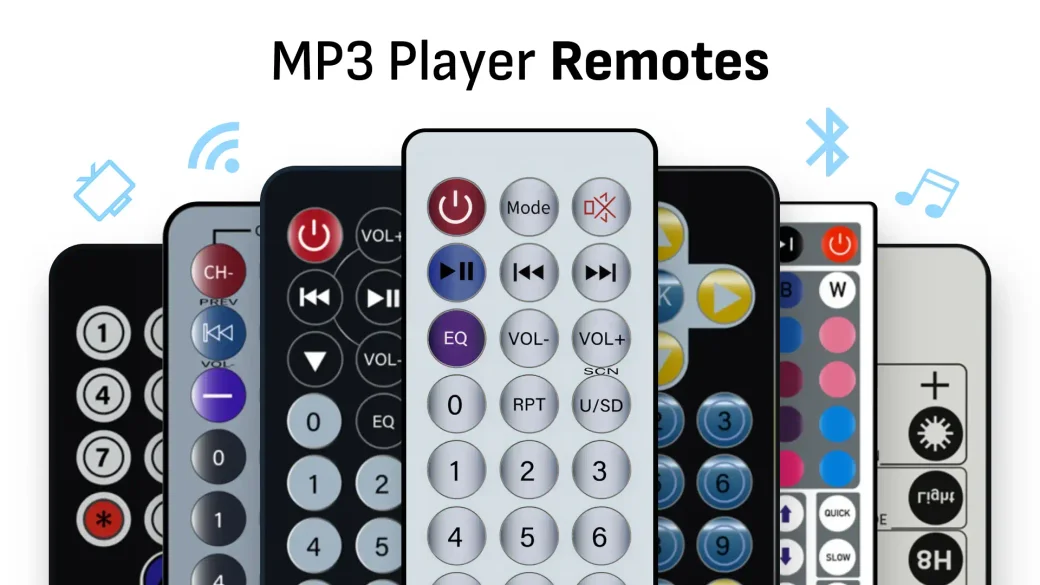
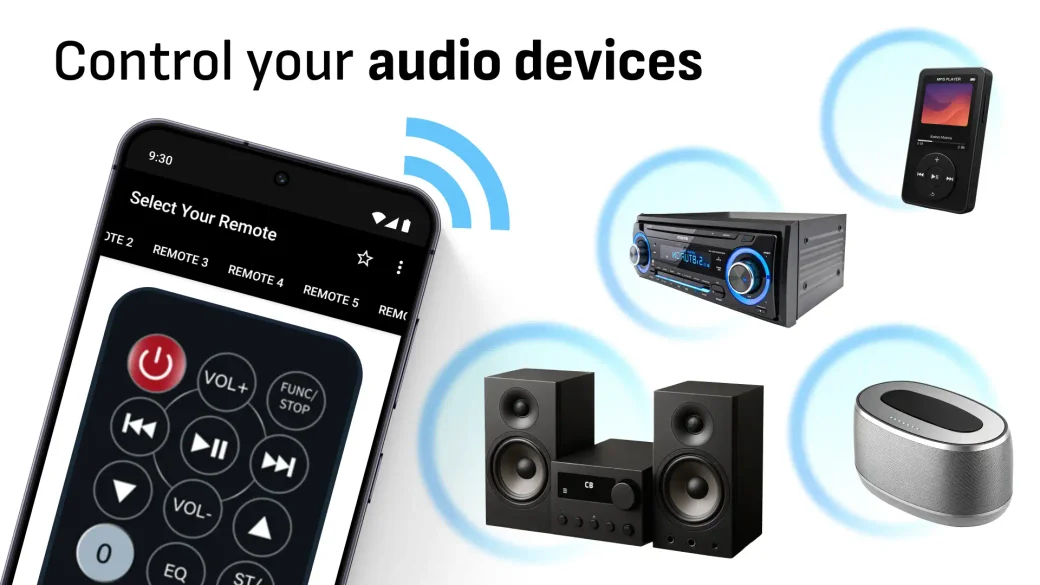
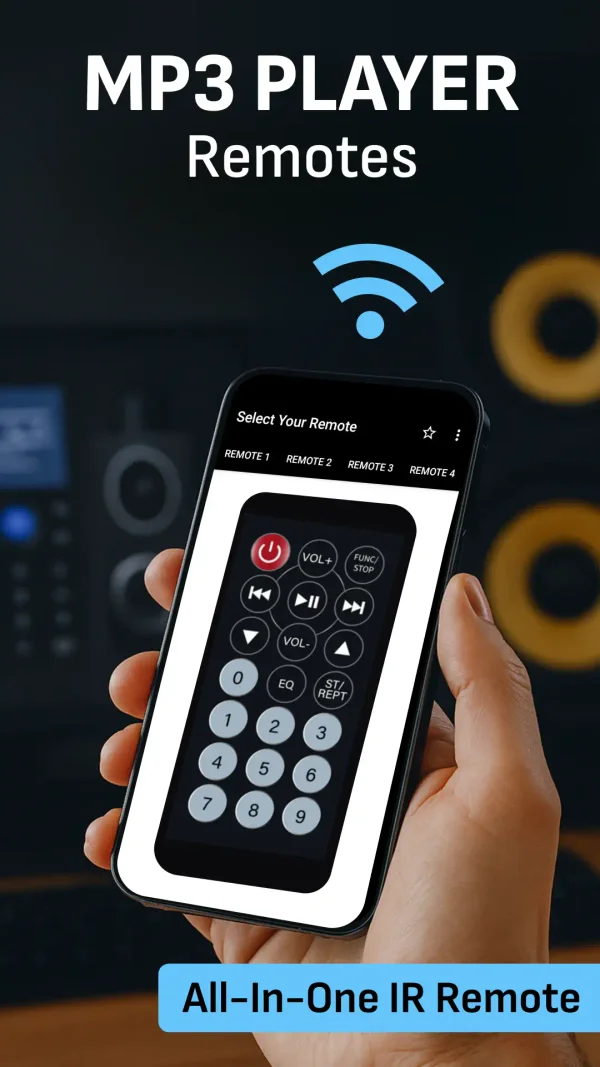
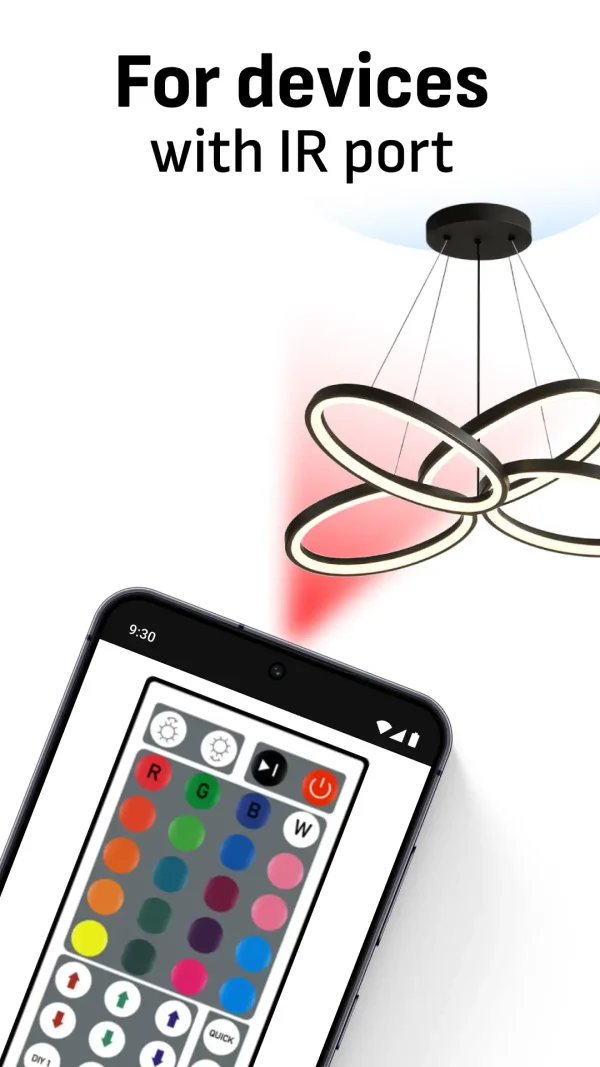
About this app
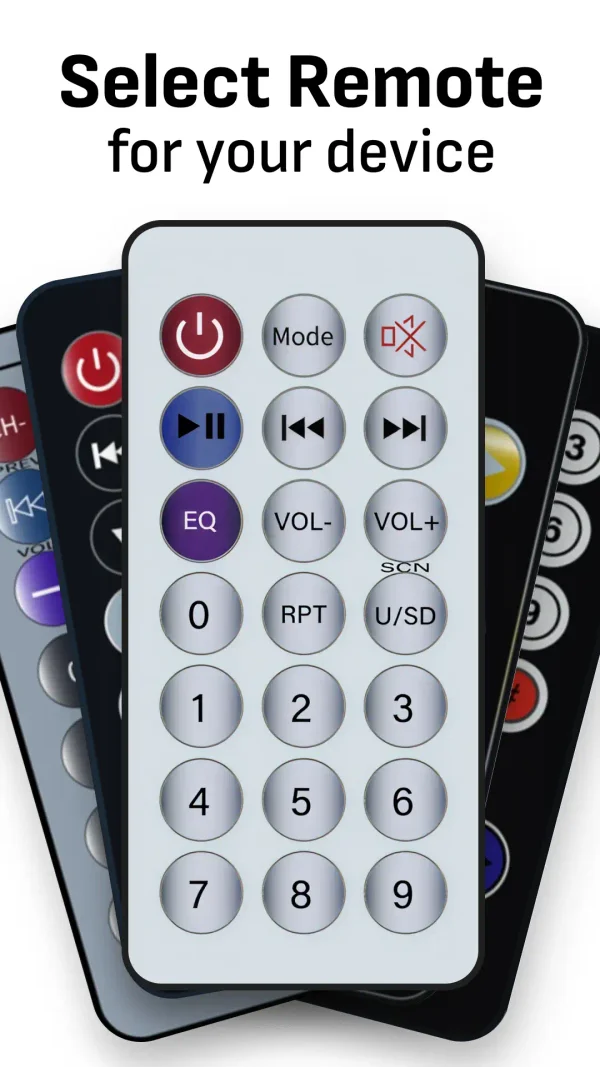
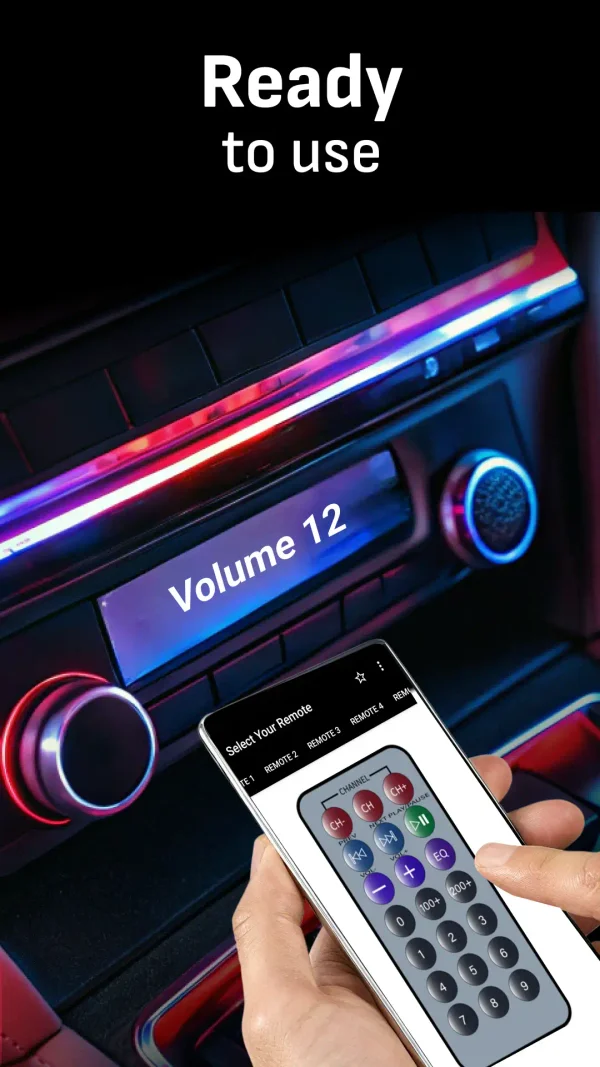
Control your music with MP3 Remote Control and enjoy smart Mp3 Player Remotes!
MP3 Remote Control – The Ultimate Companion to Your Handy Mp3 Player!
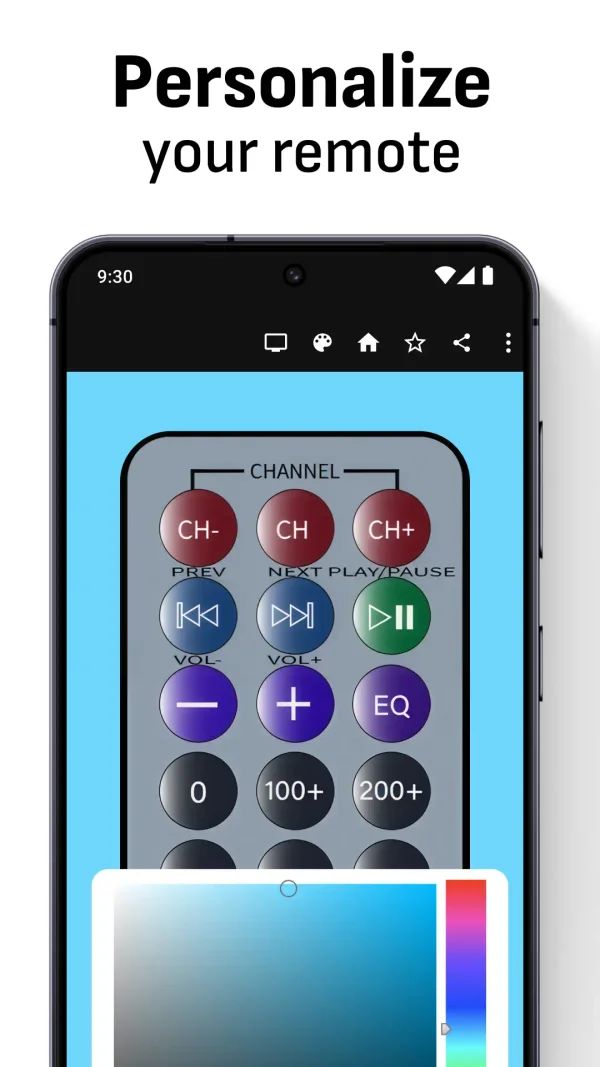
MP3 Remote Control is the ultimate tool for managing your mp3 music experience remotely through your smartphone. Be it at home or on the go with an older style player, MP3 Remote Control lets you browse through your playlist in a much simpler way. With this app, your device is no longer a simple controller but a sophisticated modern device that can perform multifaceted functions.You no longer need to hunt for a physical remote or fumble with tiny buttons. Now, with the combination of MP3 Remote Control and Mp3 Player Remotes, you don’t have to worry about compatibility as most players can be connected via infrared or Wi-Fi.
📄 MP3 Remote Control Key Features:📄
🎵 Easy to use and navigate the interface;
🎵 No setup or installation required, access with one tap;
🎵 Works with both infrared and Wi-Fi control systems;
🎵 Supports almost all MP3 players;
🎵 Control playback, track skipping, volume adjustment swiftly and remotely;
🎵 If your remote is not listed, easy request feature available;
🎵 No complicated work settings needed;
🎵 Modern design and highly responsive.
Take Control of Your Music in Seconds!
MP3 Remote Control is an all-in-one solution for seamless control of MP3 playback. No need for complicated pairings or setups; this app is designed to be functional from the moment you install it. Mp3 Player Remotes can be used to control audio with a single click. Your MP3 device’s infrared and Wi-Fi capability ensures that all types of setups are supported.Infrared and Wi-Fi Compatibility:🔊
No matter if your device utilizes infrared sensors or Wi-Fi signals, both are covered by MP3 Remote Control. Most modern smartphones with IR blasters are supported, which allow connecting to a variety of MP3 players. If you’re unsure of your device’s compatibility don’t worry, simply test the app and check how well it manages your Mp3 Player Remotes.
Effortless and Universal: 🎼
MP3 Remote Control’s simplicity does not sacrifice its power. There is no need for additional software or complex configuration steps. After installation, the app seamlessly pairs with supporting MP3 players and gets to work. Because of how straightforward this process is, it accommodates users of all skill levels who want to optimize their experience with Mp3 Player Remotes.
Request Your Remote with Ease: 🎶
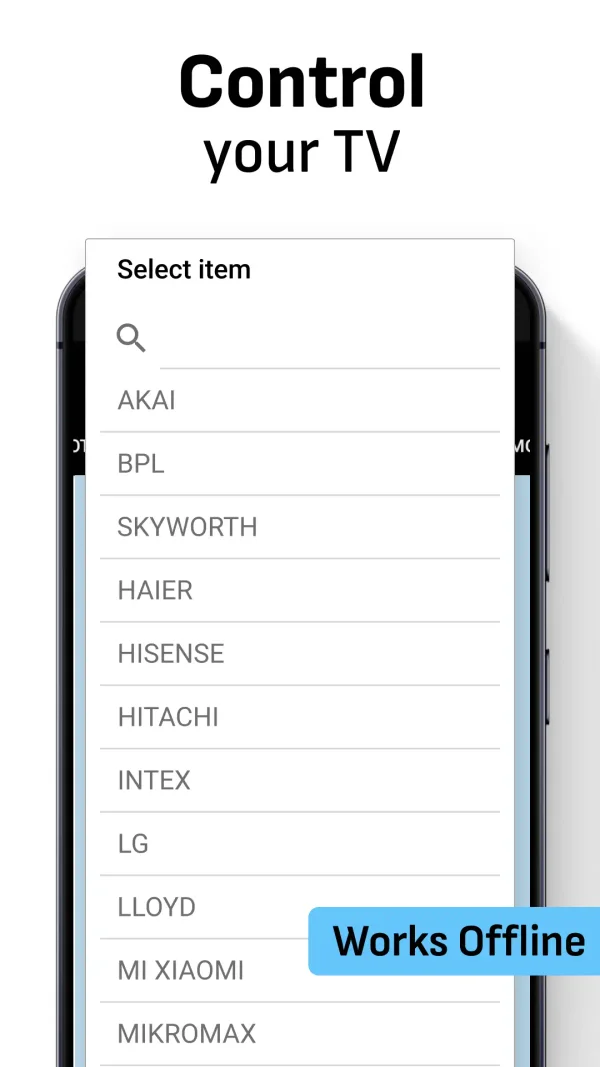
Do you lack a certain remote model? MP3 Remote Control contains an inbuilt functionality that lets you request missing remotes within the application itself. This guarantees that all your requests are catered to, while also ensuring that the application continues to improve and adapt to support more Mp3 Player Remotes.
Get The Most Out Of Your MP3 Player
MP3 Remote Control makes it simple to control your MP3 player. It is now possible to ditch the old-school remote and make full use of your smartphone. MP3 Remote Control gives full control of your device using Wi-Fi or infrared. Take a look at how MP3 player Remotes can enhance your music experience and allow for seamless listening 24 hours a day, 7 days a week.Data safety
What One Music Player declares on Google Play about the data this app collects and shares.
- This app may share these data types with third partiesDevice or other IDs
- No data collectedLearn more about how developers declare collection
- Data is encrypted in transit
- Data can’t be deleted
What’s new
Version 11.1.0 · Nov 18, 2026
New Remotes Added
High-Definition Graphics
Support 100+ Languages
UI Improvements
Many More....
Developer contact
- Websiteonemusicplayer.com
- Emailsupport.remotemusicplayer@onemusicplayer.com
- Privacy policyonemusicplayer.com
- Address16 Spinoza TEL AVIV-JAFFA, 6438422 Israel
Information
- Offered by
- Category
- Tools
- Version
- 11.1.0
- Updated
- Nov 18, 2026
- Released
- Apr 23, 2019
- Requires
- Android 5.0 or later
- Age rating
- Everyone
- Price
- Free
- In-app purchases
- $0.49 - $99.99 per item
- Package name
- in.gaffarmart.www.asiaremote