Music Cutter - Ringtone maker
ZipoAppsContains ads · In-app purchases
- EveryoneAge rating
- Music & AudioCategory
- Oct 30, 2026Updated
- FreePrice
Links to the official Google Play listing of com.fragileheart.musiccutter. Last checked on Nov 27, 2026.

Screenshots

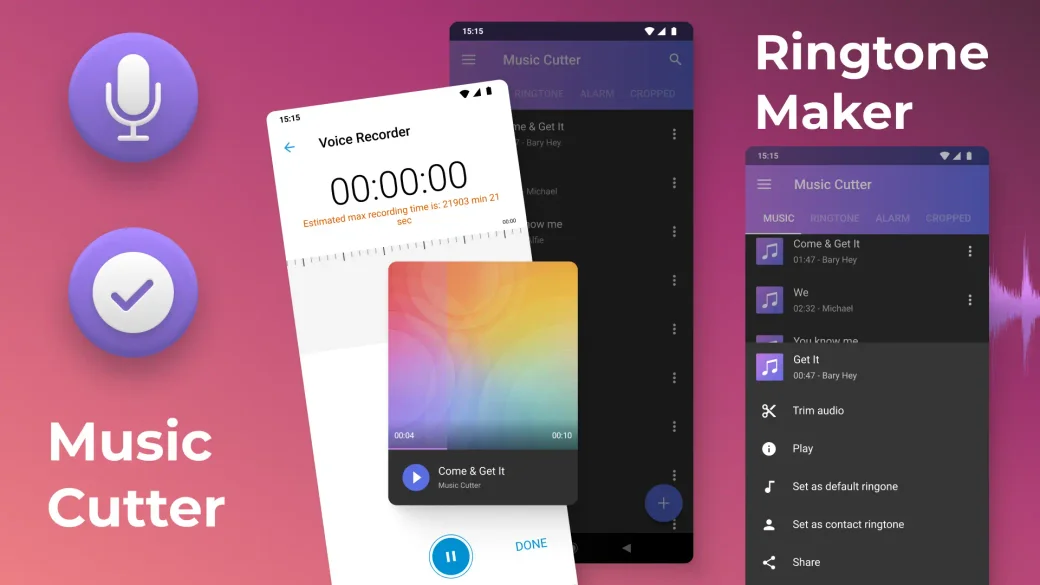

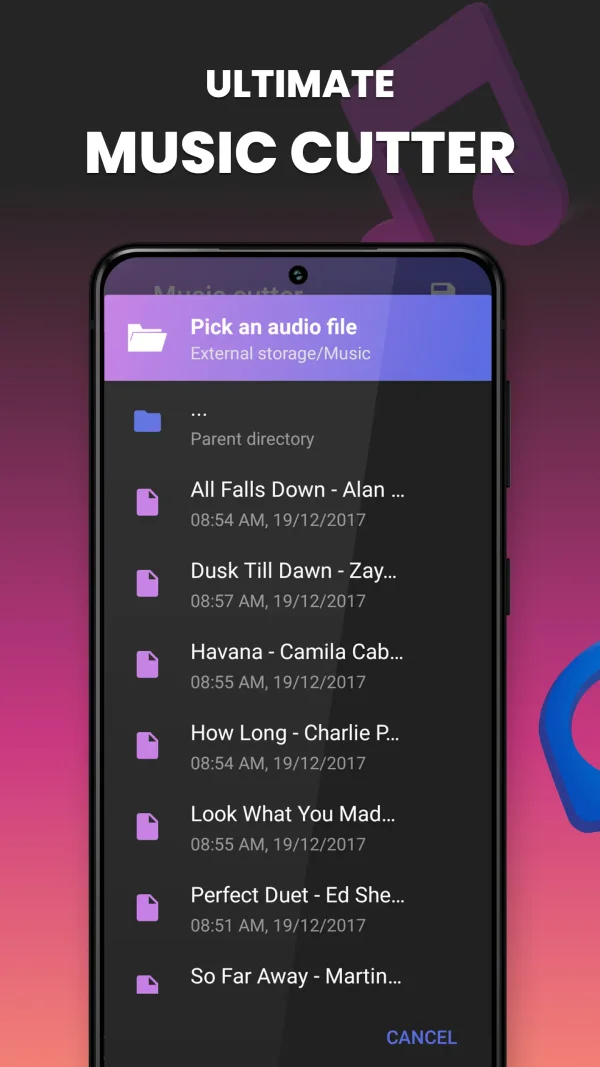
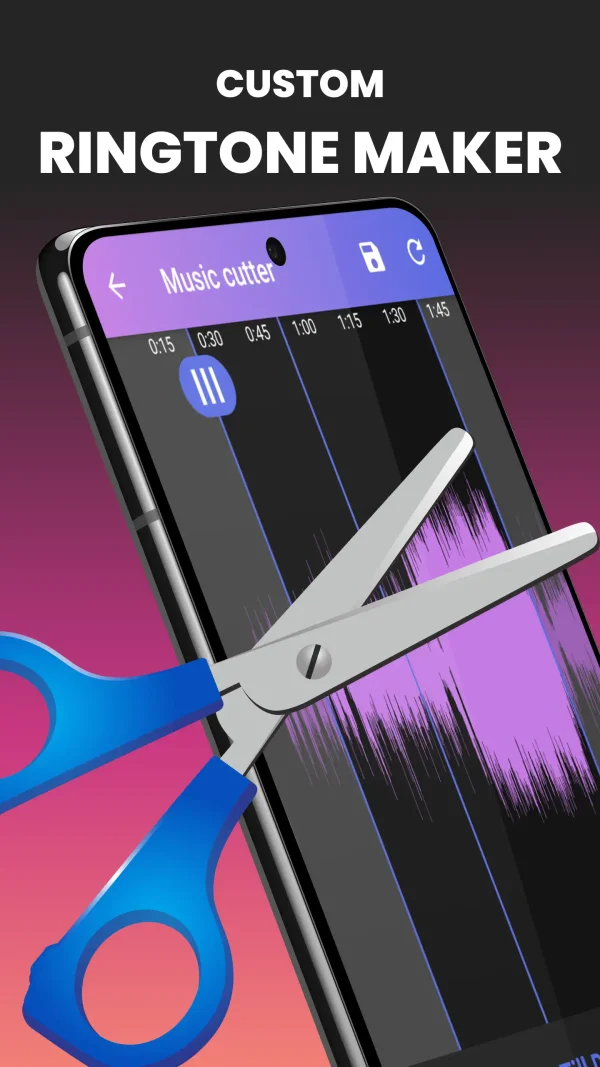
About this app
Trim music and create ringtones, alarms and notification sounds.
What is Music Cutter - Ringtone maker?
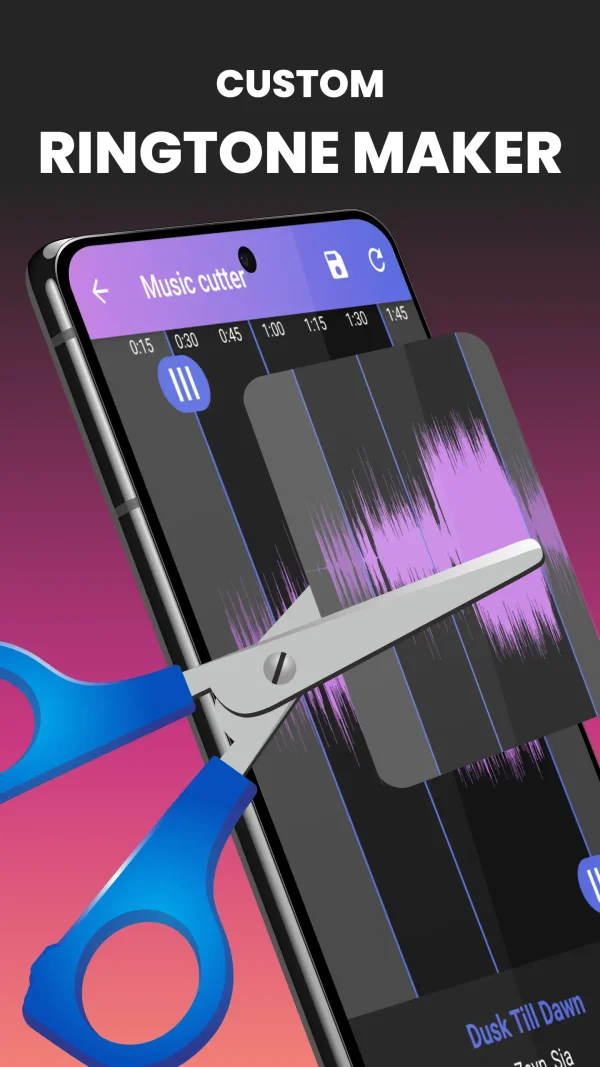
🎵 Turn part of an audio file on your Android phone into a ringtone, alarm or notification sound. Browse your music, choose a section in the waveform and preview it before saving the result.
This audio trimmer brings song selection, playback and ringtone creation together. You can also save a trimmed clip as a music file, share it or use the included audio recorder.
Who is Music Cutter - Ringtone maker for?
Use it when you want a familiar part of a song as your phone's ringtone, a short sound for notifications or a different ringtone for a particular contact.
It is also useful for shortening audio you already have on your device. Search by song or artist name, or browse a folder when you know where the file is stored.
What does Music Cutter - Ringtone maker do?
• Browse songs, ringtones and alarm sounds on your phone, or find audio through the folder browser.
• Search by song or artist name and view details such as the title, artist and duration.
• Zoom in or out of the waveform and manually adjust the section you want to keep.
• Listen before cutting and play audio with the included music player.
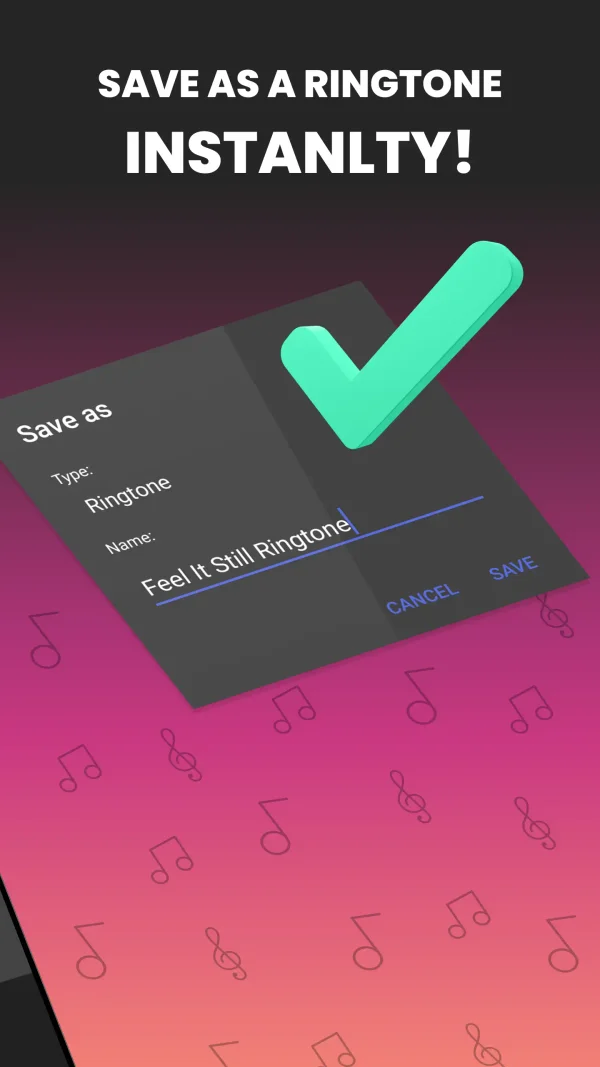
• Save a selection as a music clip, ringtone, alarm or notification sound.
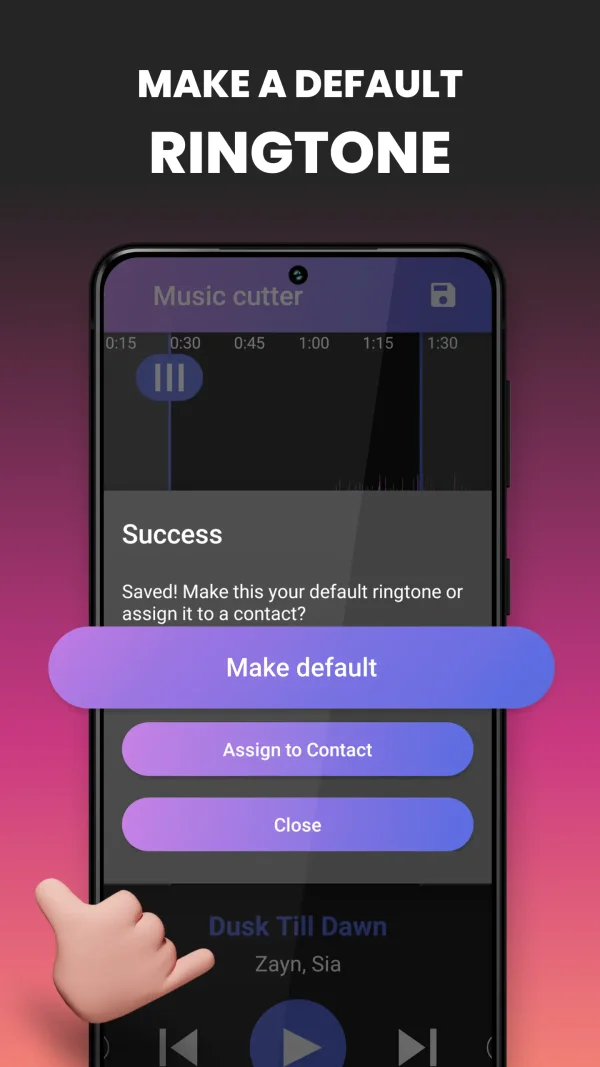
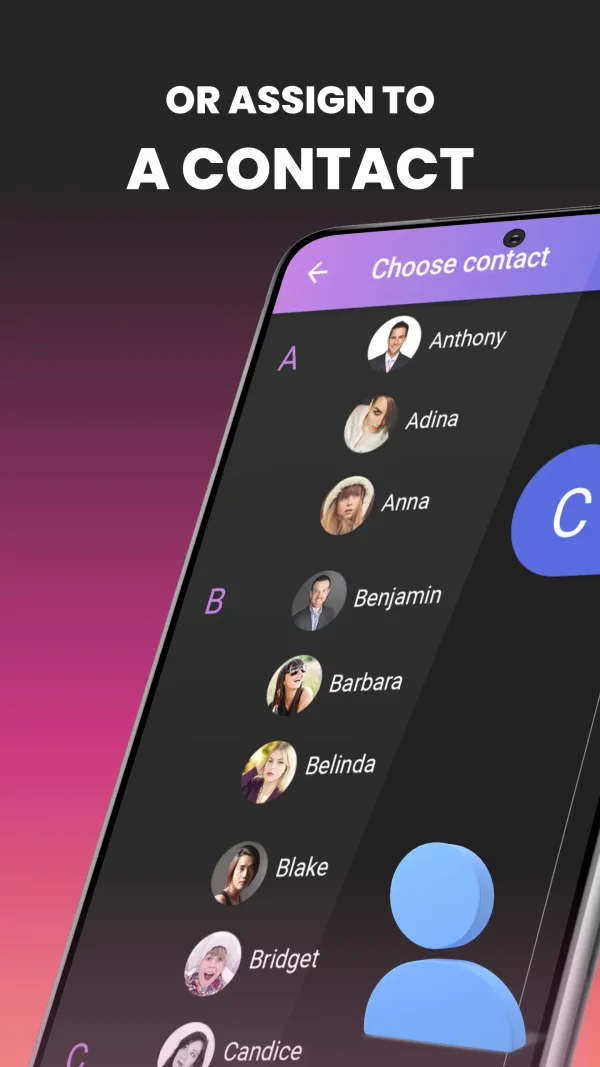
• Set a default ringtone or assign a saved ringtone to a contact you choose.
• Record audio, share files and delete songs you no longer want to keep.
Supported audio formats include MP3, WAV, FLAC, M4A, AAC and OGG. Choose a file the app can open, then preview your selection to check the beginning and end before saving it.
How does Music Cutter - Ringtone maker work?
1. Select an audio file from your phone using the list, search or folder browser.
2. Listen to it, move the selection points and zoom into the waveform to refine the cut.
3. Preview the section, choose how you want to save it and give it a name.
4. Save the clip. For a ringtone, use the available option to make it the default or assign it to a selected contact.
Use the saved result for the purpose you selected, or share it with someone else when you have permission to do so. Keep the original if you may want to make a different edit later.
Compatibility and requirements
The app needs access to the audio files you select for editing. Recording audio requires microphone access. Contact-specific ringtone setup involves selecting a contact; follow the access and system prompts for that feature on your phone.
A supported file format does not guarantee that every file using that extension can be opened. Ringtone and notification behavior also depends on your Android phone and its sound settings.
The app contains ads and offers in-app purchases.
Music Cutter - Ringtone maker helps you turn a chosen section of your own audio into a sound you can recognize, save and use on your phone.
Data safety
What ZipoApps declares on Google Play about the data this app collects and shares.
- This app may share these data types with third partiesApp info and performance and Device or other IDs
- This app may collect these data typesApp info and performance and Device or other IDs
- Data is encrypted in transit
- Data can’t be deleted
Developer contact
- Websitezipoapps.com
- Emailsupport.musiccutter@zipoapps.com
- Privacy policyzipoapps.com
- Address24/1 Mapu TEL AVIV-JAFFA, 6343423 Israel
Information
- Offered by
- ZipoApps
- Category
- Music & Audio
- Version
- 3.7.0.2
- Updated
- Oct 30, 2026
- Released
- Nov 8, 2017
- Requires
- Android 8.0 or later
- Age rating
- Everyone
- Price
- Free
- In-app purchases
- $0.99 - $149.99 per item
- Package name
- com.fragileheart.musiccutter
Similar apps
-
 My MP3 Player - Play Music
Music & Audio
-
 Song Maker - Music Mixer
Music & Audio
-
 Music Audio Editor, MP3 Cutter
Music & Audio
-
 Audio Editor & Music Editor
Music & Audio
-
 Music Player - MP3 & Equalizer
Music & Audio
-
 AI Vocal Remover - unMix
Music & Audio
-
 Music Player - Mp3 Player
Music & Audio
-
 DJ Music Mixer - Equalizer
Music & Audio
-
 Simple Voice Recorder
Music & Audio
-
 AudioLab Audio Cutter & Editor
Music & Audio
-
 Music Player - MP3 Player
Music & Audio
-
 Voice Recorder Audio Sound MP3
Music & Audio