My CenturyLink
CenturyLink, Inc- EveryoneAge rating
- ProductivityCategory
- Oct 30, 2026Updated
- FreePrice
Links to the official Google Play listing of com.centurylink.ctl_droid_wrap. Last checked on Nov 20, 2026.

Screenshots



About this app
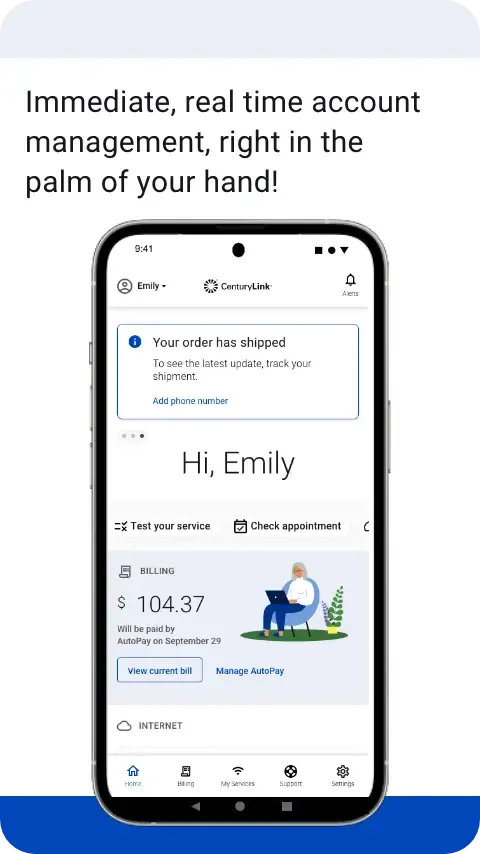
Management of your account and services into one easy place.
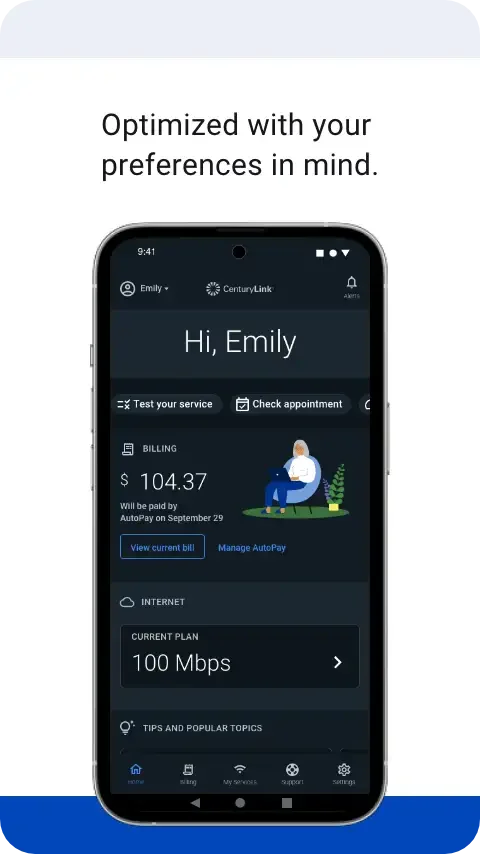
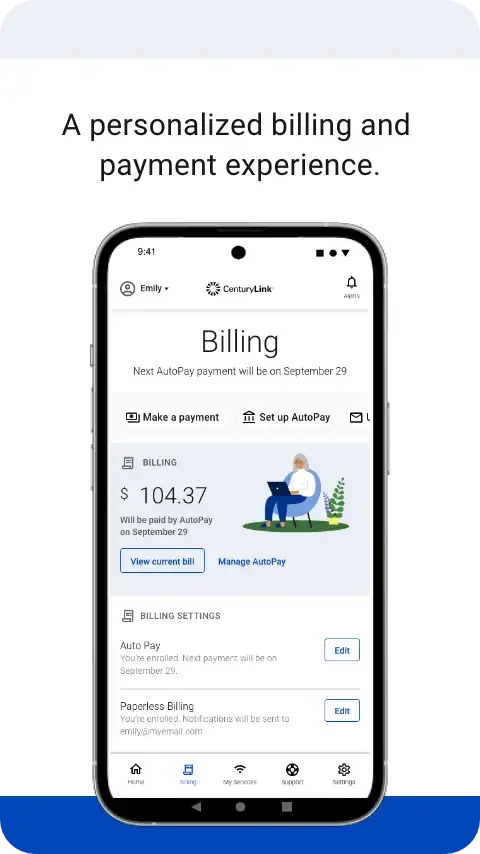
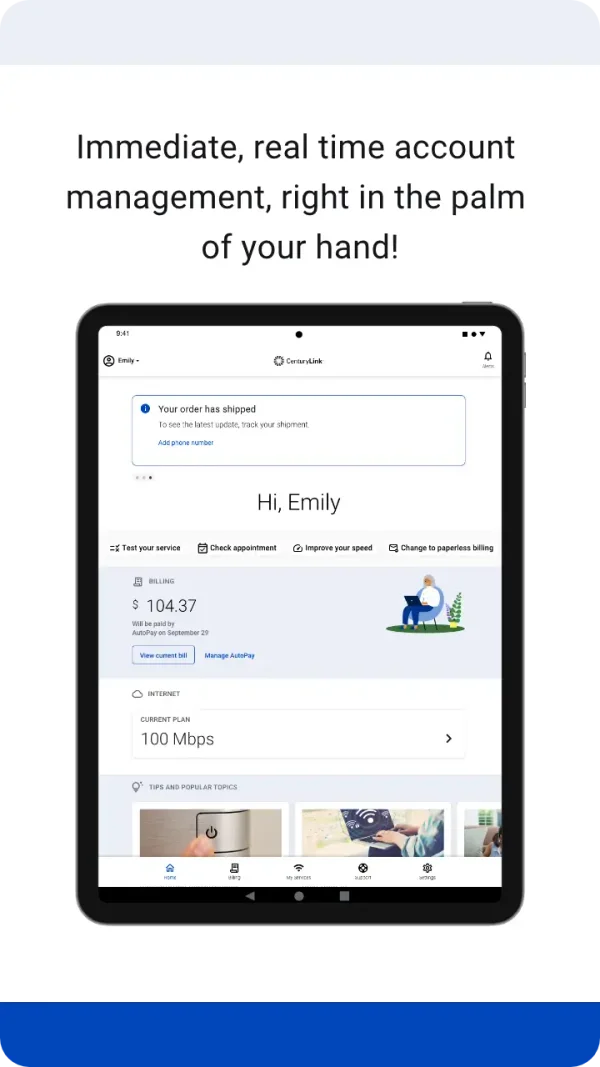
The My CenturyLink app brings management of your account and services into one easy place.
You can use the app to:
• Connect your new service quickly with modem self-install.
• View and manage your bill payment with convenience and ease.
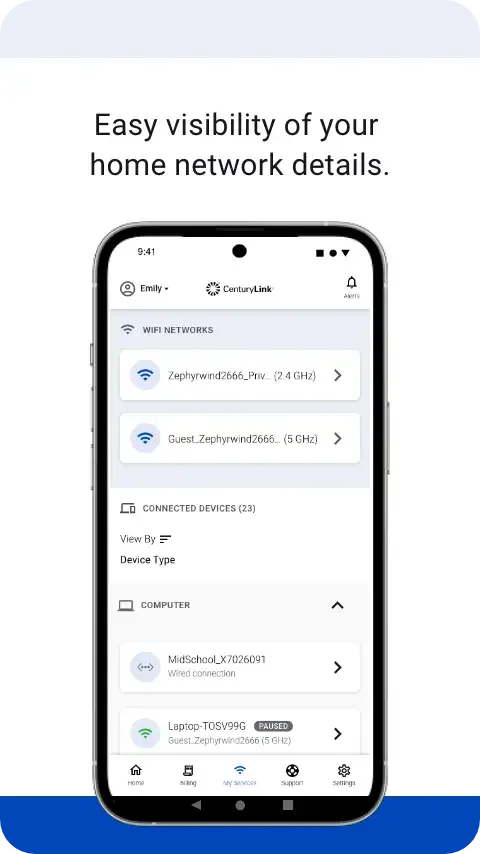
• Check your services, upgrade your Internet speed (if available in your area).
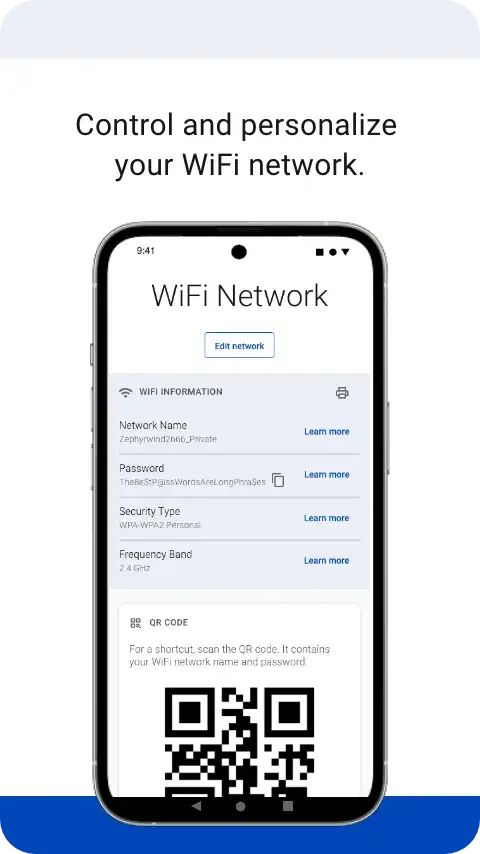
• Manage your settings.
• Visit Support to troubleshoot or optimize your service through self-help tools and videos.
• Get personalized alerts, so you can see the status of your order, or find out if there is an interruption to your Internet service.
• Plus, so much more.
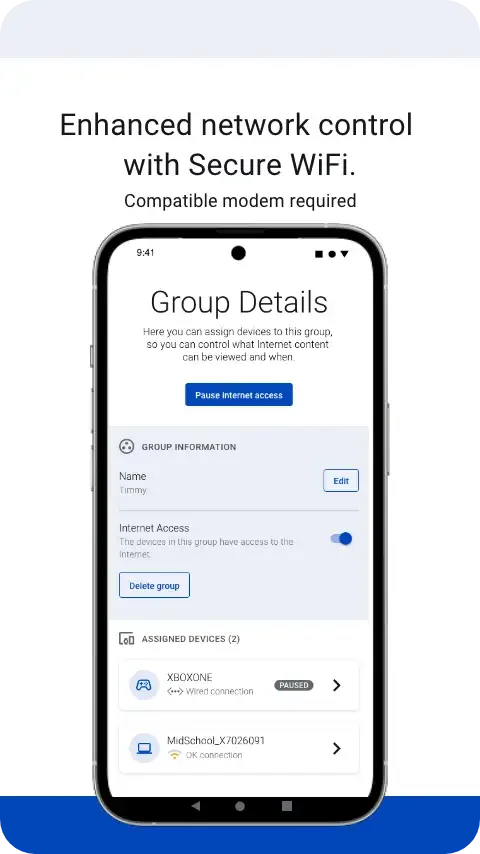
Additional features for our Secure WiFi customers (Secure WiFi is available on compatible modems leased from CenturyLink):
• Parental controls to guard against inappropriate web content.
• Pause and resume internet access of devices on our WiFi.
• Schedule online and offline times for devices and users.
Learn more about Secure WiFi by visiting https://centurylink.com/home/help/internet/secure-wifi
We're here to help! You can get in touch via http://www.centurylink.com/contact
Data safety
What CenturyLink, Inc declares on Google Play about the data this app collects and shares.
- No data shared with third partiesLearn more about how developers declare sharing
- No data collectedLearn more about how developers declare collection
- Data is encrypted in transit
- You can request that data be deleted
What’s new
Version 5.6.2 · Oct 30, 2026
With each new release, we are always resolving bugs and working on improvements to the visual design. This version includes:
• Minor updates and stability fixes.
As always, we're here to help! If you've encountered a problem, want to provide feedback, or require support, you can get in touch via https://www.centurylink.com/contact or on Twitter @CenturyLinkHelp
Developer contact
- Websitecenturylink.com
- EmailTalkToUs@lumen.com
- Privacy policycenturylink.com
- Address100 Centurylink Dr Monroe, LA 71203 United States
Information
- Offered by
- CenturyLink, Inc
- Category
- Productivity
- Version
- 5.6.2
- Updated
- Oct 30, 2026
- Released
- Sep 10, 2015
- Requires
- Android 7.0 or later
- Age rating
- Everyone
- Price
- Free
- Package name
- com.centurylink.ctl_droid_wrap