Naver SmartBoard - Keyboard
NAVER Corp.- EveryoneAge rating
- ToolsCategory
- Nov 6, 2026Updated
- FreePrice
Links to the official Google Play listing of com.navercorp.android.smartboard. Last checked on Nov 27, 2026.

Screenshots

About this app
Typing on phone can come interesting! Search, translate, draw with SmartBoard.
The more you use, the easier it gets. Search and translation are available on the keyboard.
You also can use stickers or your own drawings.
Take a look at NAVER SmartBoard, a keyboard app that just fits you.
1. It gests smarter as you use it.
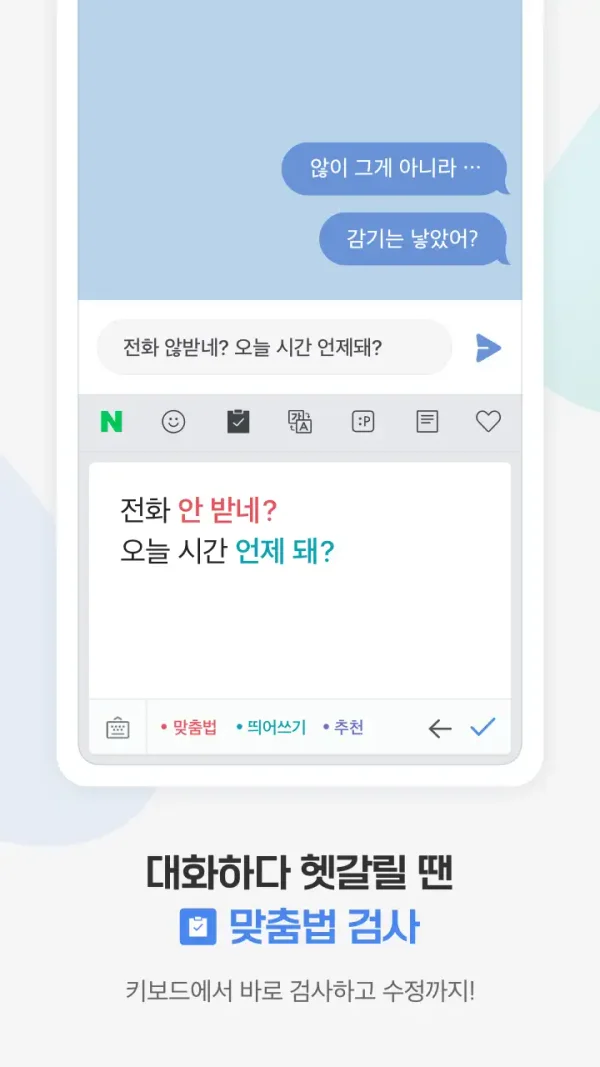
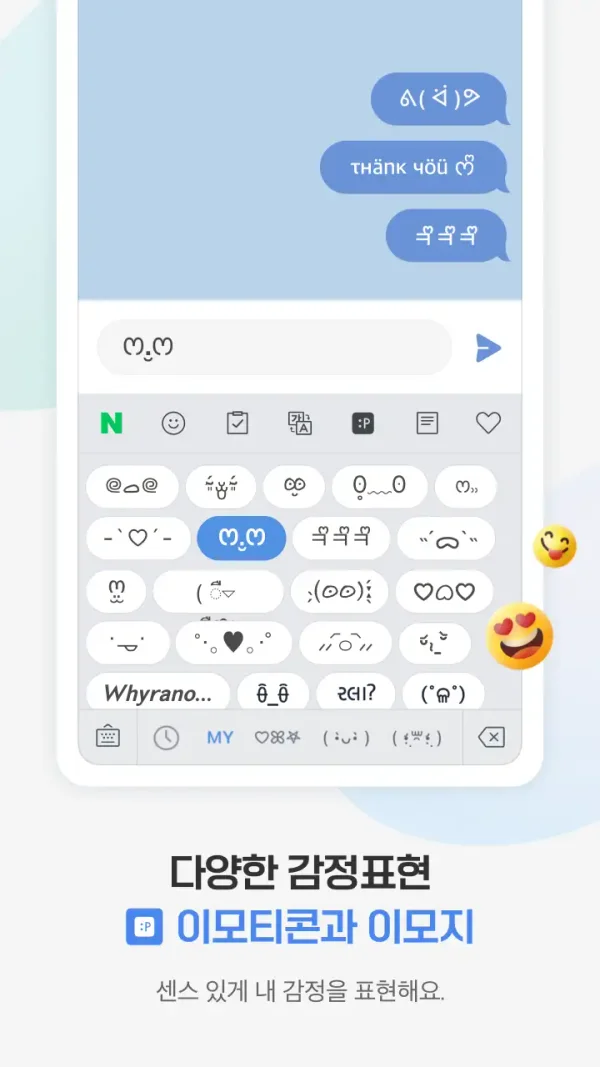
You can use suggestions from SmartBoard such as words, corrections, or emojis.
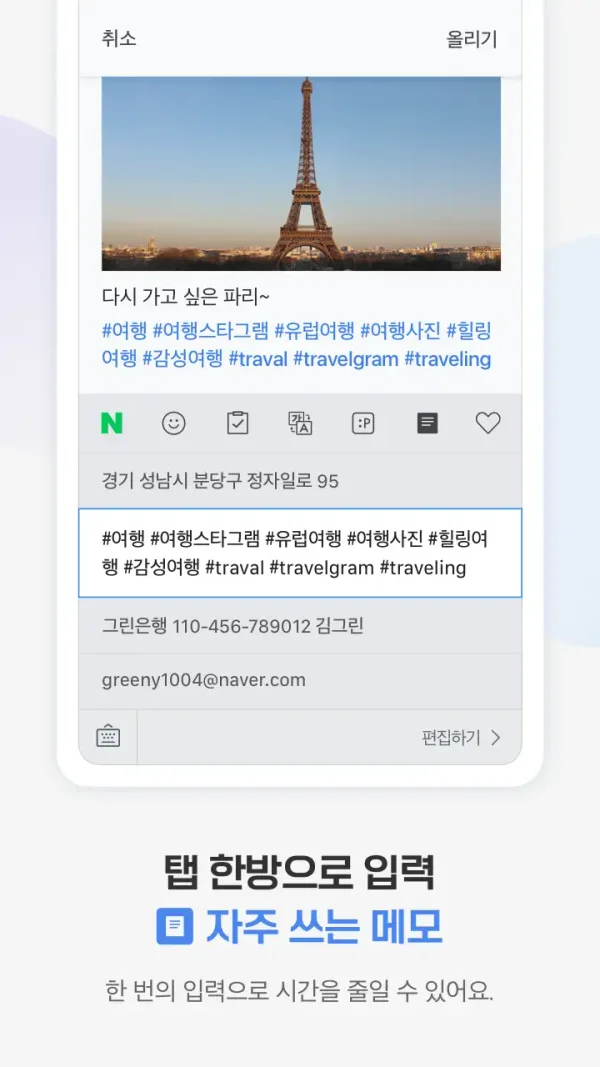
Custom texts help you enter long sentences each with a single tap while Quick Keys let your favorite shortened phrases stay in a single key.
You can not only change Korean syllables to Chinese characters but also type with your voice.
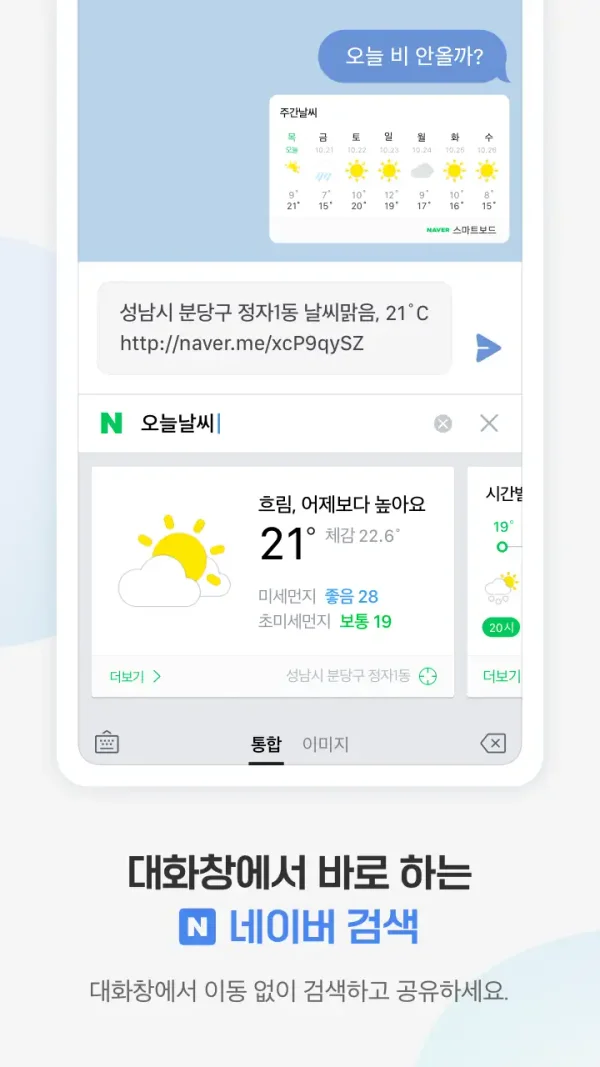
2. Search while you keep texting
You don't have to switch to a search app during a conversation.
Finding information of restaurants, movies, weather, and shopping has never been easier.
Stay where you are and get things done!
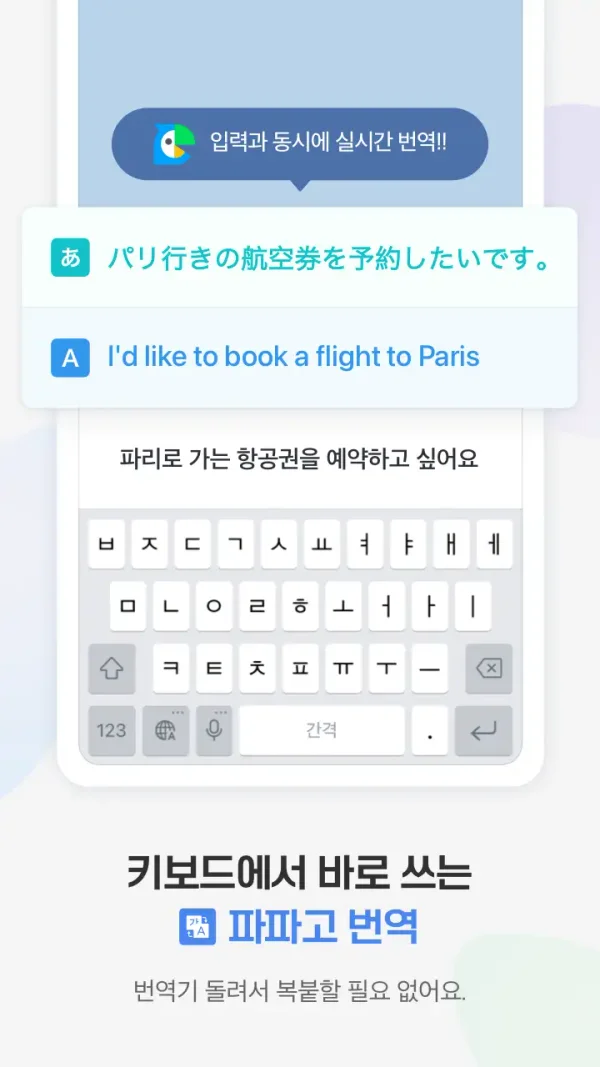
3. Real-time translation as you type in.
Don't be afraid of texting or emailing with foreigners any more.
Just type in Korean and SmartBoard does the rest translating into English, Chinese (Simplified), or Japanese using N2MT technology.
Using voice recognition while translating is even useful.
4. A single image wins the speech.
Sometimes it's a lot better to show a picture than to describe in words.
Send stickers, gifs, and your own drawings either on a empty canvas or pictures in gallery!
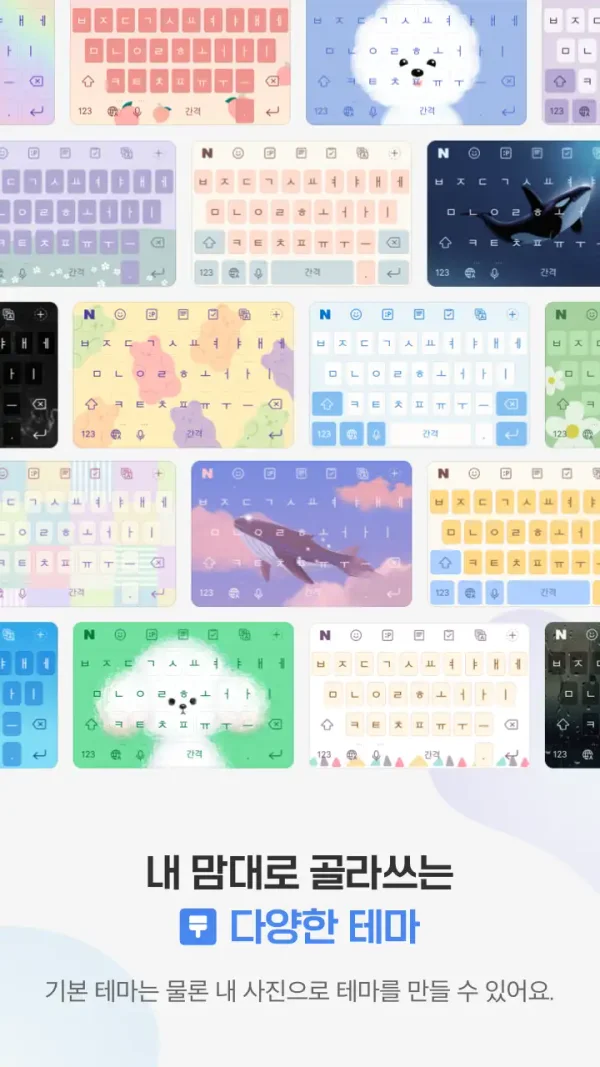
5. Customize your keyboard
Accustomed to a certain Korean layout? SmarBoard supports major Korean layouts such as "2-set Korean", "Danmoum", "Cheonjiin", "Naratgul", and "Vega".
You also can set any images for the keyboard background.
※ Permission Required
- Location: SmartBoard can show the weather around you and local search results.
- Microphone: What you say is transformed to texts using voice recognition.
- Camera: For drawing and text recognition, you can use your camera.
Data safety
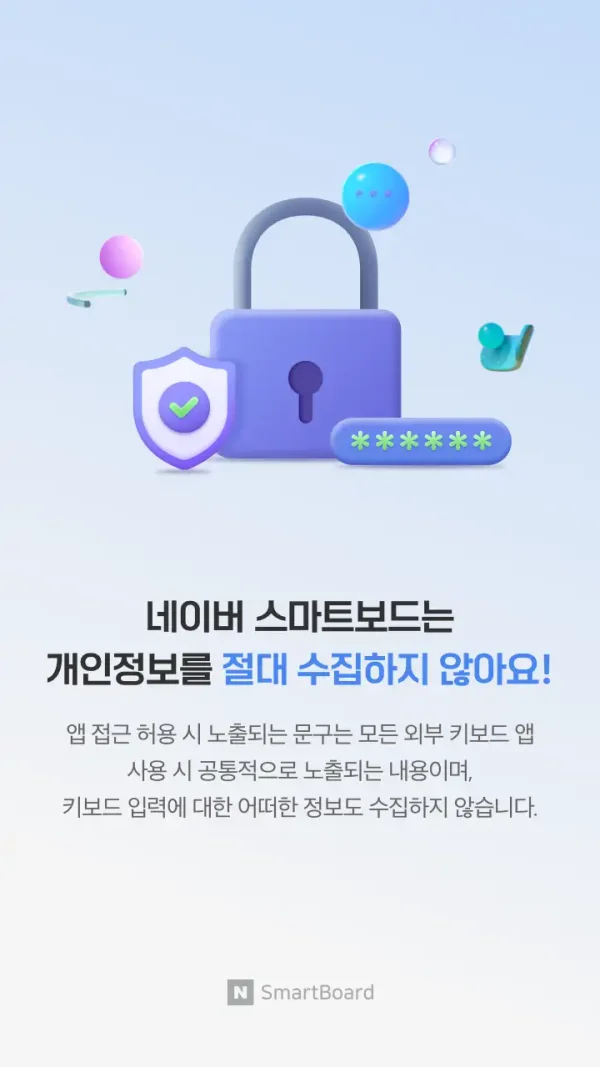
What NAVER Corp. declares on Google Play about the data this app collects and shares.
- No data shared with third partiesLearn more about how developers declare sharing
- This app may collect these data typesPersonal info, App activity and 2 others
- Data is encrypted in transit
- You can request that data be deleted
What’s new
Version 1.14.6 · Nov 6, 2026
● A split keyboard feature has been added to flip phones.
● Fixed keyboard overlap issue on some special devices.
● Some bug fixes have been implemented.
Developer contact
- Websitenavercorp.com
- Emailnaver_market@naver.com
- Privacy policynid.naver.com
- Address분당구 정자일로 95 성남시, 경기도 13561 South Korea
Information
- Offered by
- NAVER Corp.
- Category
- Tools
- Version
- 1.14.6
- Updated
- Nov 6, 2026
- Released
- Jun 27, 2017
- Requires
- Android 8.0 or later
- Age rating
- Everyone
- Price
- Free
- Package name
- com.navercorp.android.smartboard
Similar apps
-
 Frozen Keyboard - Myanmar
Personalization
-
 Mint Keyboard:Fonts,Emojis
Productivity
-
 Typewise Custom Keyboard
Personalization
-
 Chinese Keyboard - Pinyin
Tools
-
 heyUp: Custom Lock Screen
Personalization
-
 Naver Papago - AI Translator
Tools
-
 Vera Icon Pack: shapeless icon
Personalization
-
 Microsoft SwiftKey Beta
Personalization
-
 NAVER Dictionary
Education
-
 Bitmoji – Your Personal Emoji
Entertainment
-
 My Lemonade Day
Education
-
 Design Keyboard - Fonts, Emoji
Tools