NFSe Mobile
Serviços e Informações do Brasil- EveryoneAge rating
- FinanceCategory
- Oct 28, 2025Updated
- FreePrice
Links to the official Google Play listing of br.gov.nfsemobileemissor. Last checked on Nov 27, 2026.
NFSe Mobile may not be available on Google Play right now
The store listing could not be reached the last time we checked. The link still leads to the official Google Play page.
Screenshots


About this app
Automatic translation by Google from Portuguese (Brazil).
Allows the issuance of NFS-e, online and offline, and consultation of issued NFS-e.
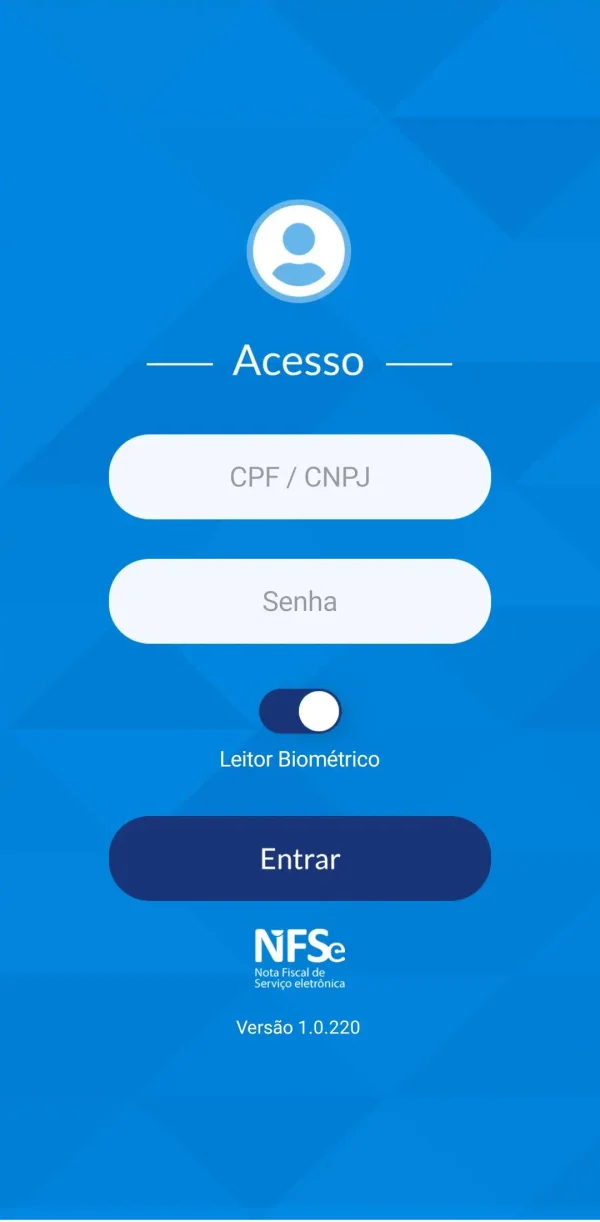
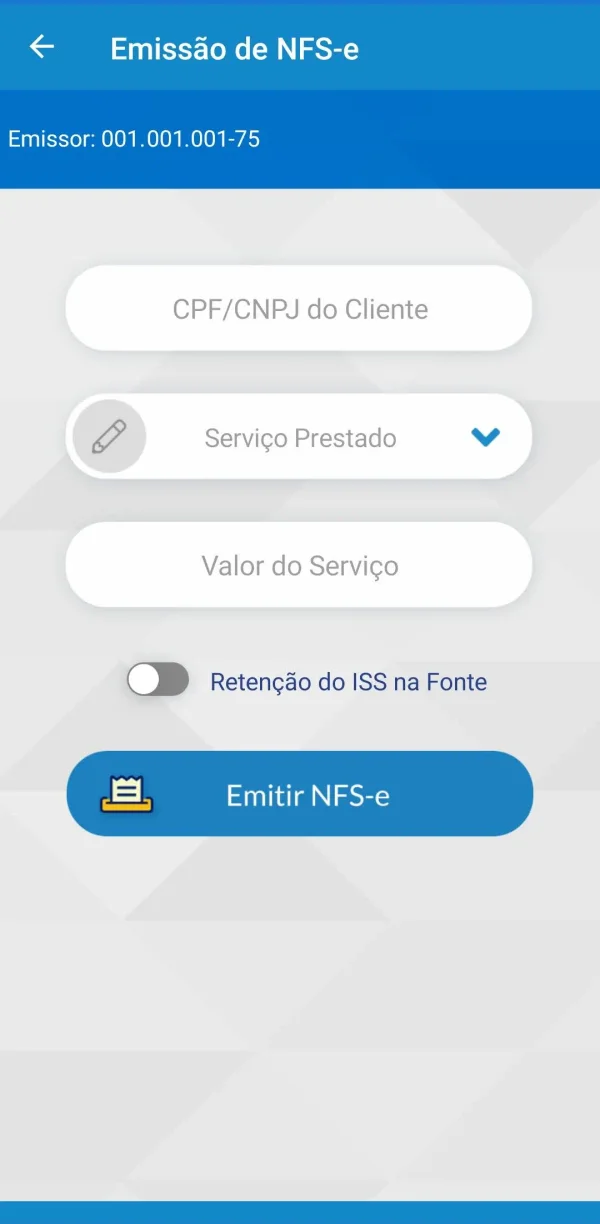
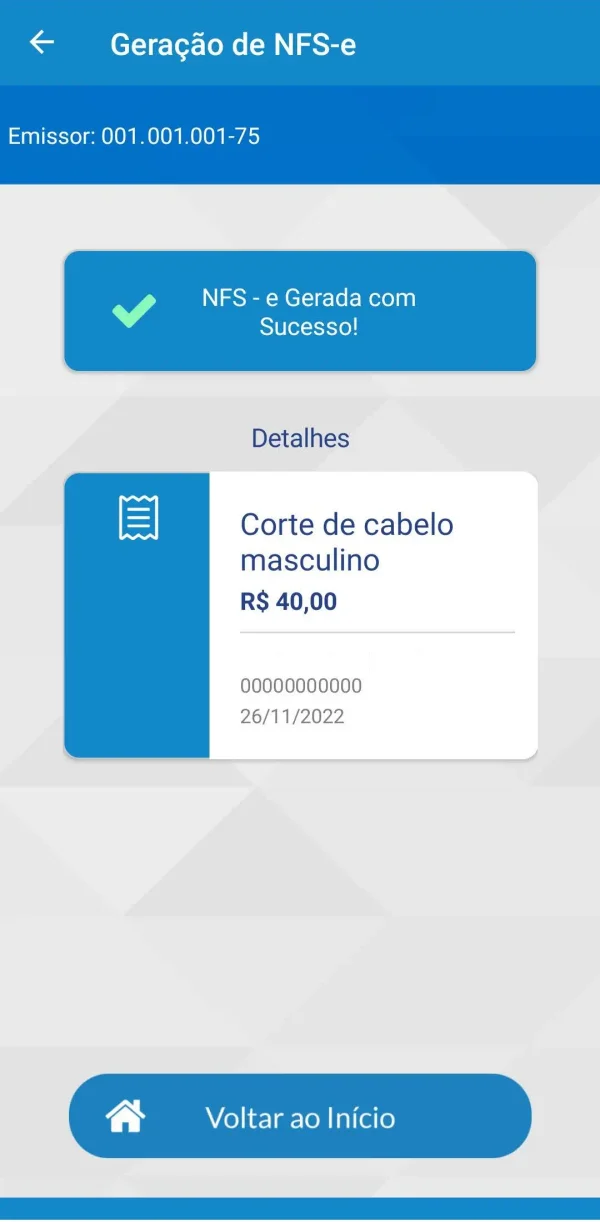
This APP allows SIMEI opting service providers or Individuals to issue NFS-e with national standard for services previously registered by the user as favorites in the NFS-e Web Issuer. The note can be quickly issued by filling in the fields presented by the APP in the “Issue NFS-e” functionality.
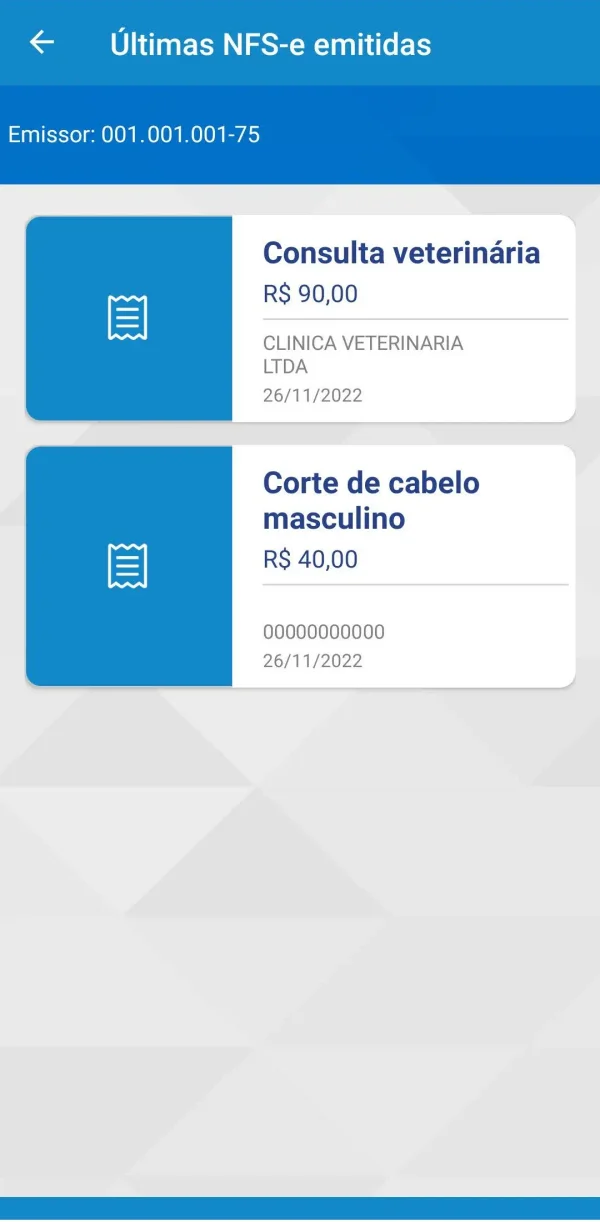
The APP also allows the user to consult the NFS-e most recently issued by the service provider through access to the “NFS-e issued” functionality.
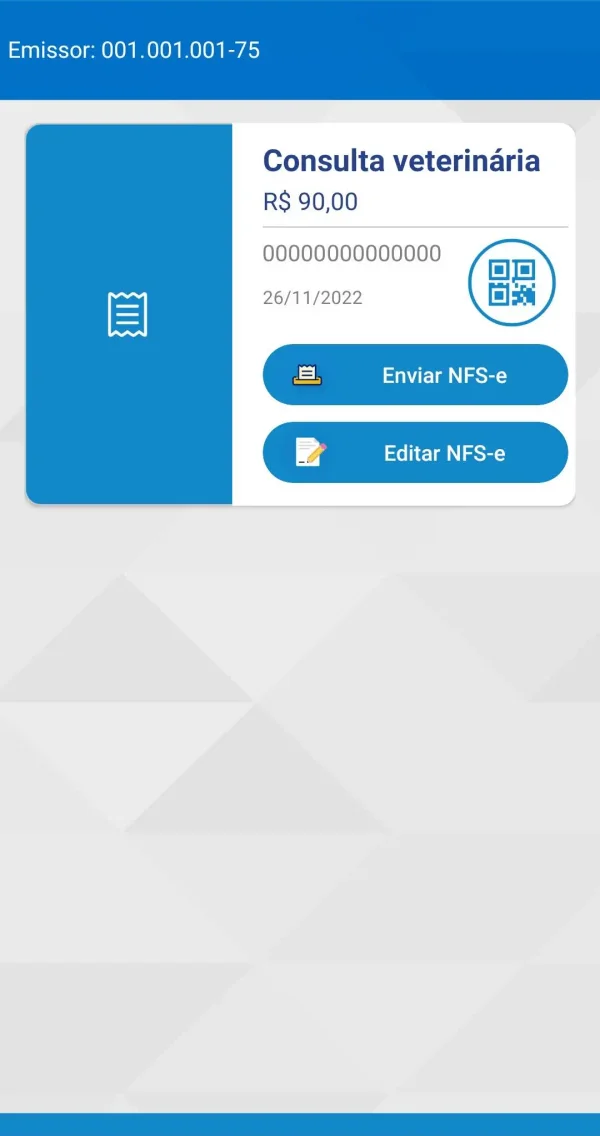
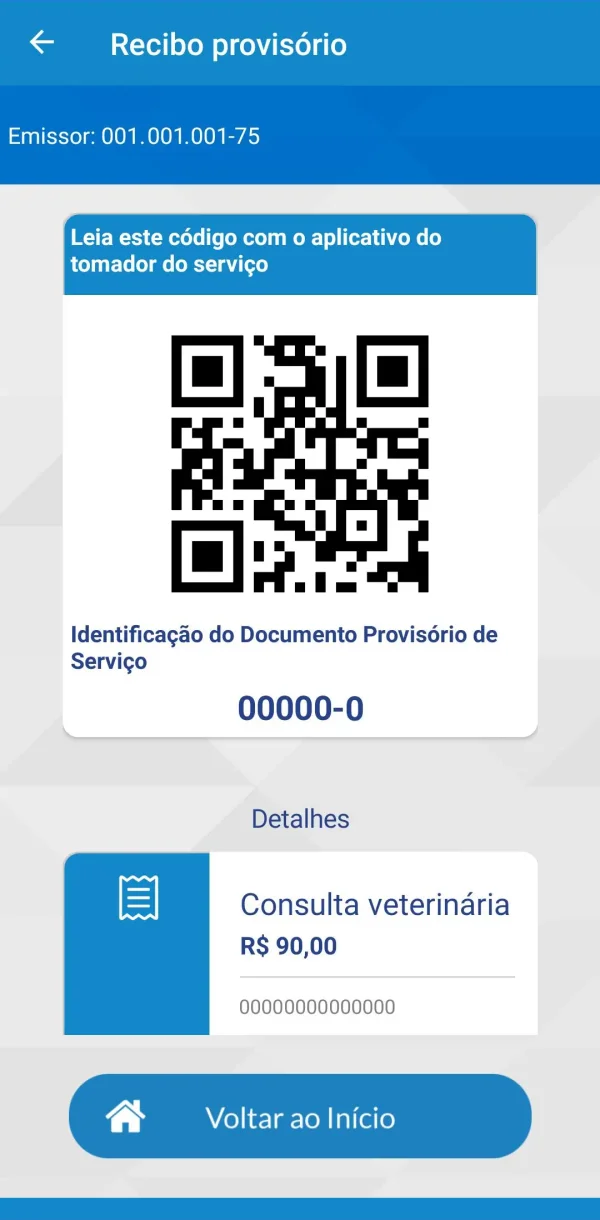
If the device is not connected to the internet at the time of its generation, the document is automatically saved in the “NFS-e Not Transmitted” option and can be transmitted later. This functionality generates a QR code that can be read on a cell phone by the service taker.
Requirements for using the APP:
1) this APP can only be used by Individual taxpayers registered in the municipalities that adhere to the agreement and allow its use. Consult the municipality to verify permits.
2) Before using the APP for the first time, it is necessary to register the user on the NFS-e Web Issuer (https://www.nfse.gov.br/EmissorNacional). You must use the option “Make the first access” and fill in the data as requested. After accessing the issuer, click on “Settings” and fill in the requested data.
3) Regarding the “Approximate value of taxes” field, configured in the previous item, the APP only allows taxpayers who have selected “Configure the corresponding percentage values” or “Do not inform any estimated value for the Taxes” (for SIMEI opters)
4) The user must register the favorite services in the NFS-e Web Issuer by clicking on the “Favorite Services” icon and registering all the services for which he wishes to issue the NFS-e through the APP.
Show the original text
Este APP permite que os prestadores de serviços optantes SIMEI ou Pessoas Físicas efetuem a emissão de NFS-e com padrão nacional para serviços previamente cadastrados pelo usuário como favoritos no Emissor Web da NFS-e. A nota pode ser rapidamente emitida por meio do preenchimento dos campos apresentados pelo APP na funcionalidade “Emitir NFS-e”.
O APP também permite que o usuário consulte as NFS-e emitidas mais recentemente pelo prestador de serviço por meio do acesso à funcionalidade “NFS-e emitidas”.
Caso o aparelho não esteja conectado à internet no momento de sua geração, o documento é salvo automaticamente na opção “NFS-e Não Transmitidas” e pode ser transmitido posteriormente. Esta funcionalidade gera um QR code que pode ser lido por meio de celular pelo tomador do serviço.
Requisitos para utilização do APP:
1) este APP somente pode ser utilizado pelos contribuintes Pessoa Física com inscrição nos municípios que aderiram ao convênio e permitem a sua utilização. Consulte o município para verificar as permissões.
2) Antes da primeira utilização do APP é necessário efetuar o cadastramento do usuário no Emissor Web da NFS-e (https://www.nfse.gov.br/EmissorNacional). Deve-se utilizar a opção “Fazer o primeiro acesso” e preencher os dados conforme solicitado. Após o acesso no emissor, clicar em “Configurações” e preencher os dados solicitados.
3) Em relação ao campo “Valor aproximado dos tributos”, configurado no item anterior, o APP só permite que contribuintes que selecionaram “Configurar os valores percentuais correspondentes” ou “Não informar nenhum valor estimado para os Tributos” (para optantes SIMEI)
4) O usuário deve cadastrar os serviços favoritos no Emissor Web da NFS-e clicando no ícone de “Serviços Favoritos” e registrando todos os serviços para quais deseja fazer a emissão da NFS-e pelo APP.
Data safety
What Serviços e Informações do Brasil declares on Google Play about the data this app collects and shares.
- No data shared with third partiesLearn more about how developers declare sharing
- No data collectedLearn more about how developers declare collection
Developer contact
- Websitegov.br
- Emailaplicativos@rfb.gov.br
- Privacy policygov.br
- AddressSEPN 516 Asa Norte Sala 202 - 2º Andar Antigo prédio da SOF BRASÍLIA - DF 70770-524 Brazil
Information
- Offered by
- Serviços e Informações do Brasil
- Category
- Finance
- Version
- 1.0.246
- Updated
- Oct 28, 2025
- Released
- Nov 27, 2022
- Requires
- Android 6.0 or later
- Age rating
- Everyone
- Price
- Free
- Package name
- br.gov.nfsemobileemissor