No Crop Square Pic SquareDroid
Battery Stats SaverContains ads · In-app purchases
- EveryoneAge rating
- PhotographyCategory
- Oct 30, 2026Updated
- FreePrice
Links to the official Google Play listing of com.sergeyotro.squaredroid. Last checked on Nov 15, 2026.
Screenshots



About this app
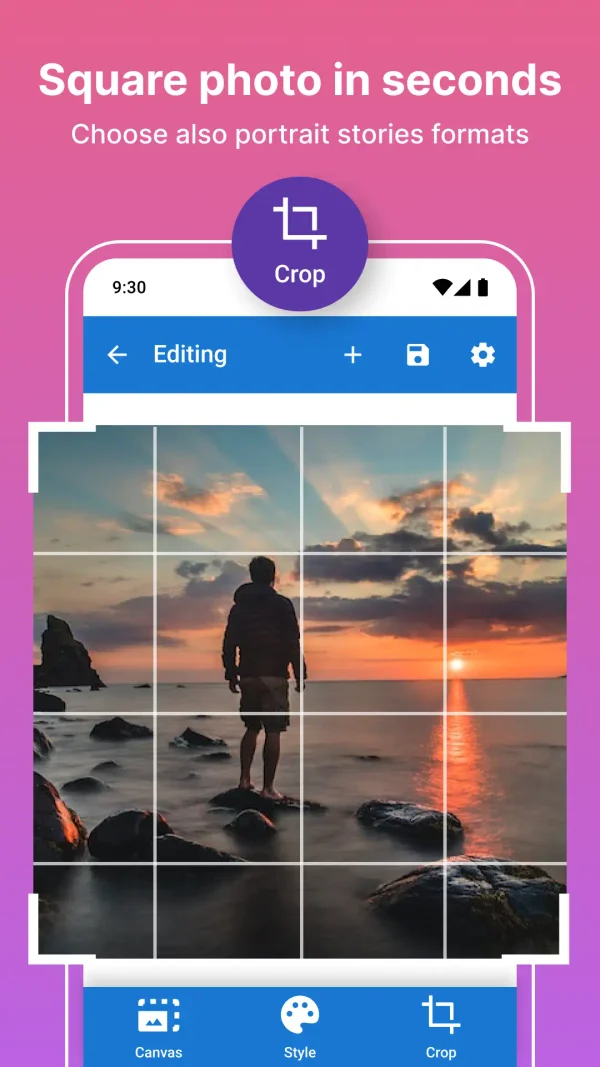
Create square photos with this No Crop Square Fit App!
What is No Crop Square Pic SquareDroid?
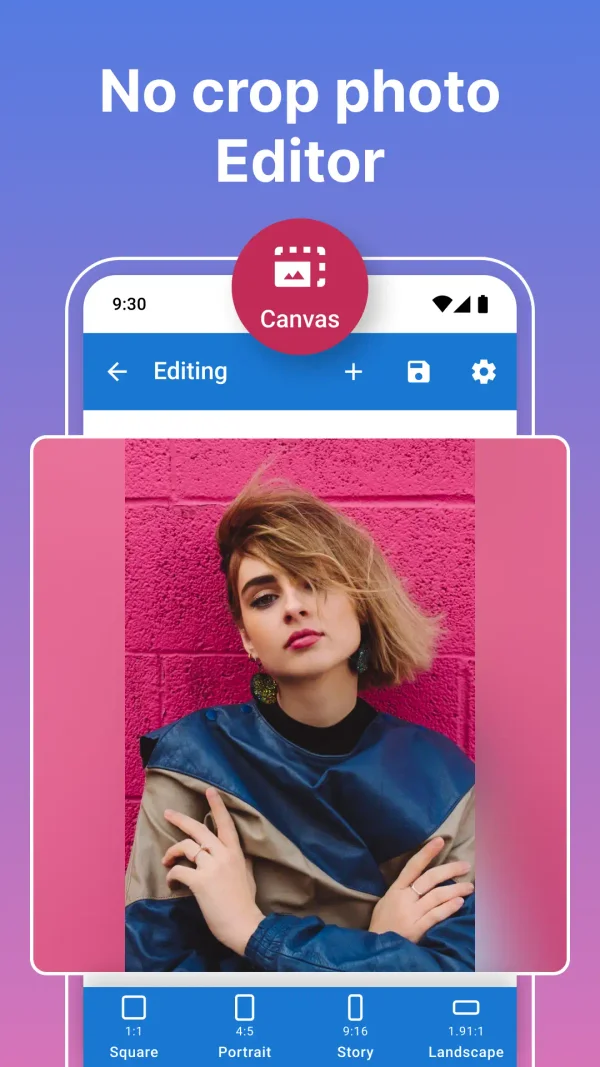
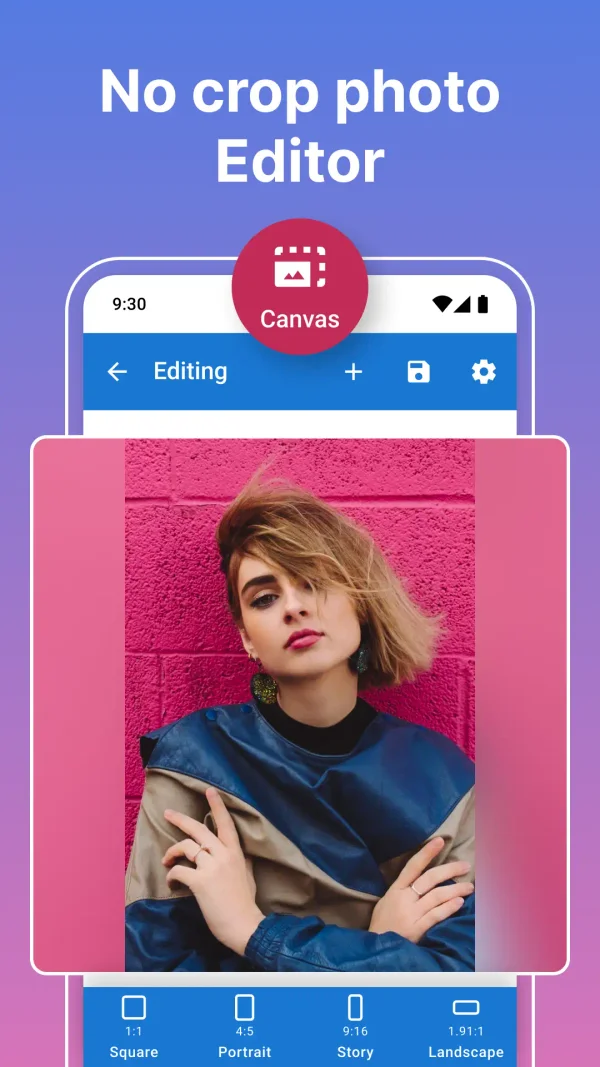
An Android photo editor for fitting your whole image into a square or another aspect ratio without cutting away its edges. Add a background around the photo, adjust the layout, and save an image ready for a profile picture, post, or story.
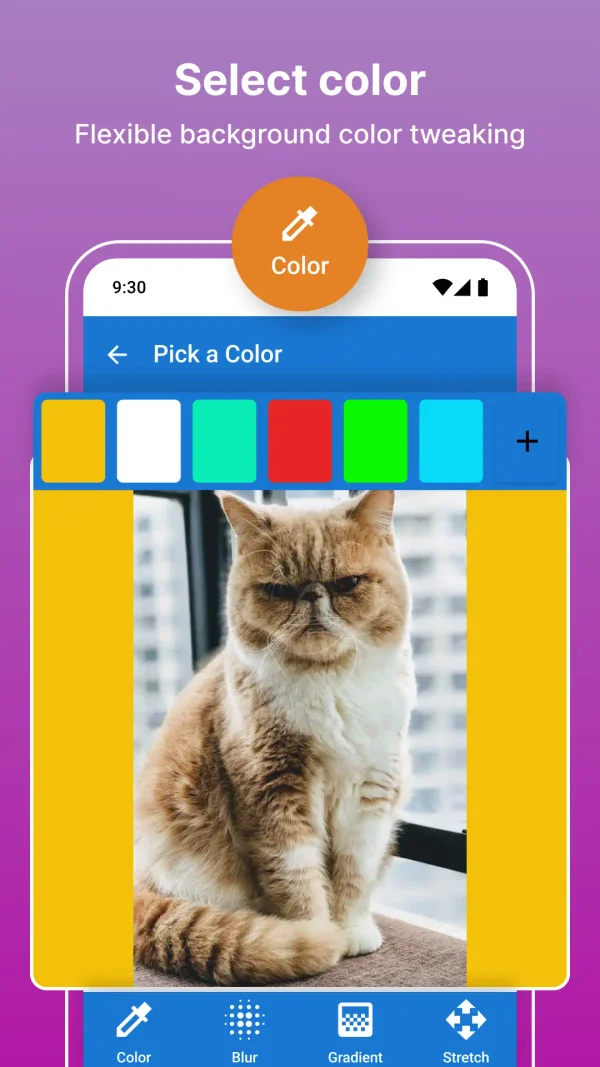
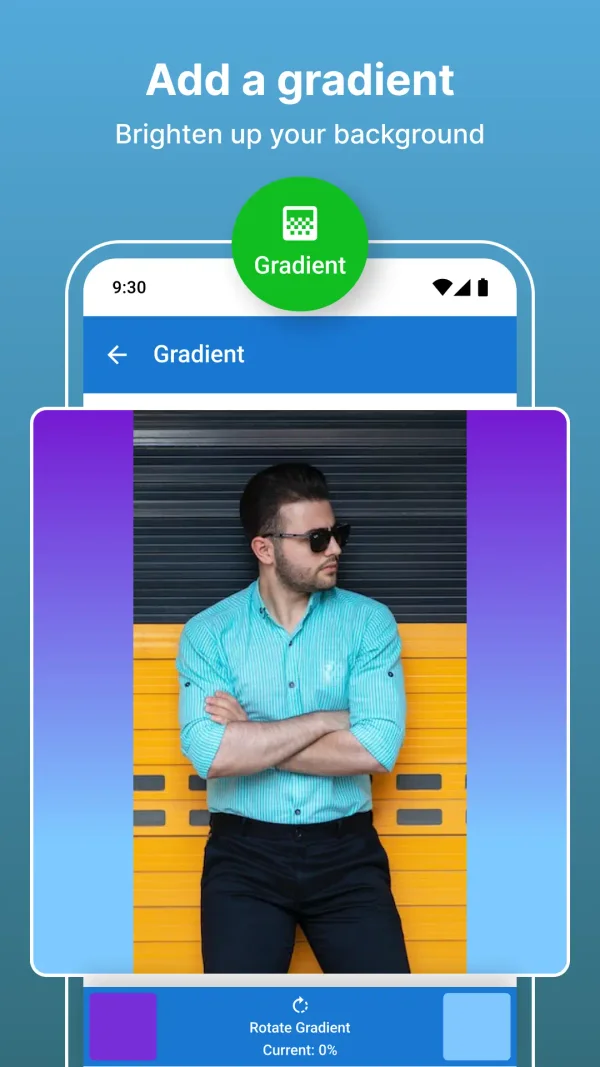
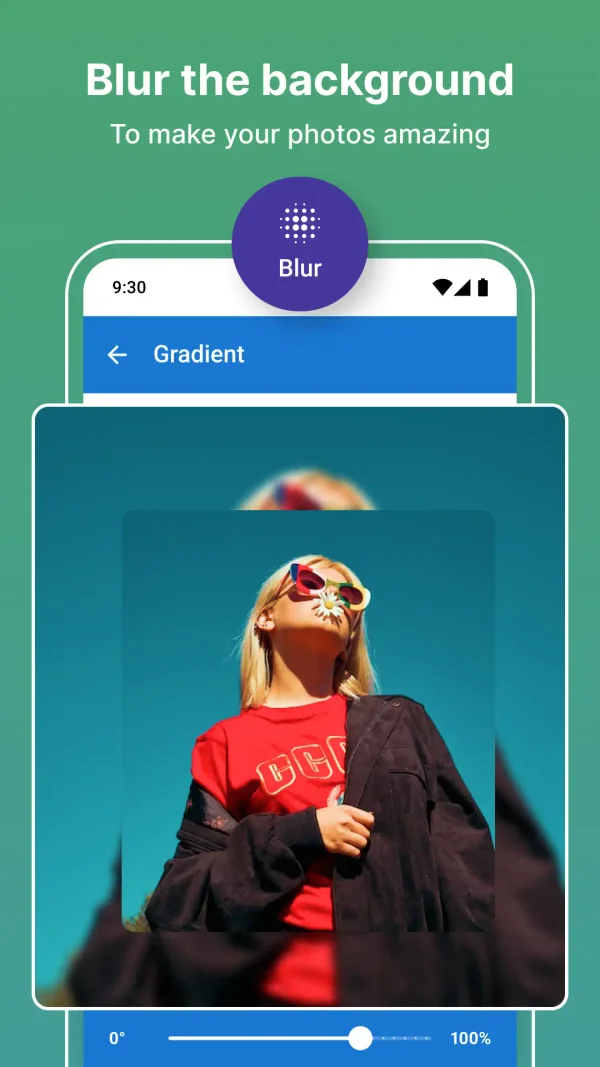
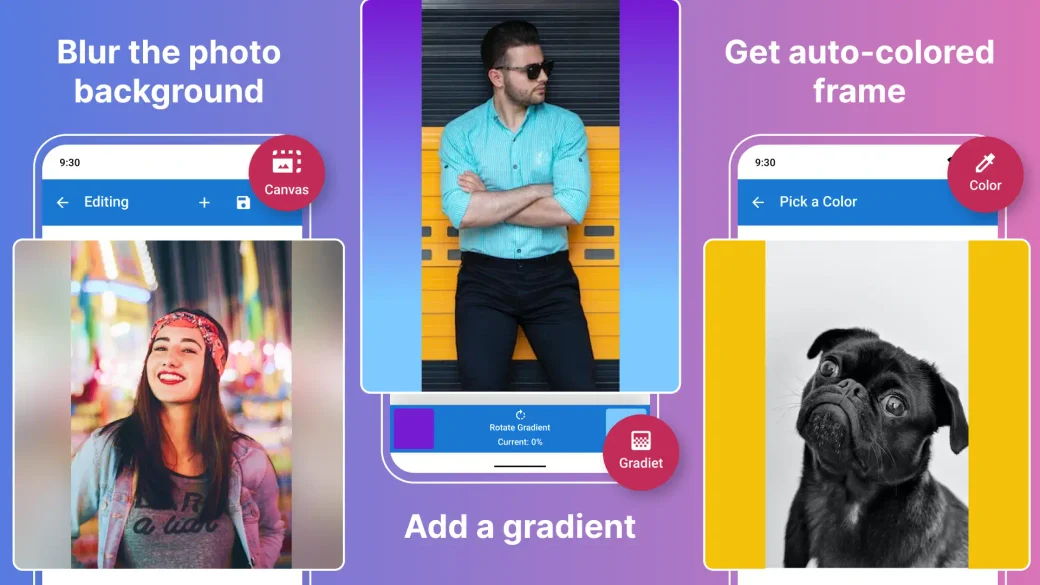
Choose a plain border, a blurred background, or a two-color gradient instead of cropping out part of the scene. Batch editing applies the same settings to multiple photos for a consistent series.
Who is No Crop Square Pic SquareDroid for?
Use this no crop photo editor when a portrait or landscape image does not fit the shape you need. Keep the people, objects, and details at the edges while changing the surrounding canvas.
It also suits photo sets that need matching backgrounds and proportions. Save your preferred editing defaults rather than setting up the same look from scratch each time.
What does No Crop Square Pic SquareDroid do?
🖼 Fit photos to different shapes
Make square photos or choose proportions such as 1:1, 4:5, 9:16, and 1.91:1. Scale the image within its background to adjust the composition. Stretching is another option, but changes the photo's proportions rather than preserving its original shape.
🎨 Customize the background
Use a solid color, blurred borders, or a gradient between two colors. The editor suggests four colors based on your photo, and you can adjust the chosen colors to suit the image. A white border is an option, not the only look.
📚 Apply one style to a batch
Edit and save multiple pictures with the same settings. This helps you prepare a series without repeating each adjustment for every photo. The three-photo batch limit and PRO options are explained below.
✨ Add finishing effects
Soft shadows and rounded corners are available with PRO. Use them to change how the photo sits against its background.
Save the finished image in JPG, PNG, or WEBP format. Your editing defaults can retain your preferred setup for later photos.
How does No Crop Square Pic SquareDroid work?
• Select a photo, or choose several for batch editing.
• Set the aspect ratio and adjust the image's scale or layout.
• Pick a solid, blurred, or gradient background and fine-tune its colors.
• Add available effects, then save in your chosen output format.
For a full-photo layout, use the surrounding background to fill the space rather than removing parts of the picture. For a matching set, apply the same editing settings to the batch.
Compatibility and requirements
The app is for Android and contains ads and in-app purchases. Batch editing supports up to three photos without PRO. A PRO subscription removes that batch limit and ads, and includes soft shadows and rounded corners.
This is an independent photo-editing app, not an official app of the social platforms where you may share your pictures. Fitting an image to a shape does not change those platforms' own posting requirements.
No Crop Square Pic SquareDroid helps you keep the full photo in view while giving individual pictures and photo sets a consistent frame.
Data safety
What Battery Stats Saver declares on Google Play about the data this app collects and shares.
- This app may share these data types with third partiesApp info and performance and Device or other IDs
- This app may collect these data typesApp info and performance and Device or other IDs
- Data is encrypted in transit
- Data can’t be deleted
What’s new
Version 3.3.3 · Oct 30, 2026
Fixed some rare issues with importing photos to the app
Added correct workflow for permissions on Android 13+
Added DateDigitized and DateOriginal fields into EXIF data
Overall stability improvements
Developer contact
- Websiterepairbatterylife.com
- Emailsupport.squaredroid@repairbatterylife.com
- Privacy policyrepairbatterylife.com
- Address16 Spinoza TEL AVIV-JAFFA, 6438422 Israel
Information
- Offered by
- Battery Stats Saver
- Category
- Photography
- Version
- 3.3.3
- Updated
- Oct 30, 2026
- Released
- Aug 11, 2020
- Requires
- Android 6.0 or later
- Age rating
- Everyone
- Price
- Free
- In-app purchases
- $0.99 - $99.99 per item
- Package name
- com.sergeyotro.squaredroid