Noise Generator
TMSOFTContains ads
- EveryoneAge rating
- Music & AudioCategory
- Nov 11, 2026Updated
- FreePrice
Links to the official Google Play listing of com.tmsoft.whitenoise.generator.noise. Last checked on Nov 13, 2026.

Screenshots

About this app
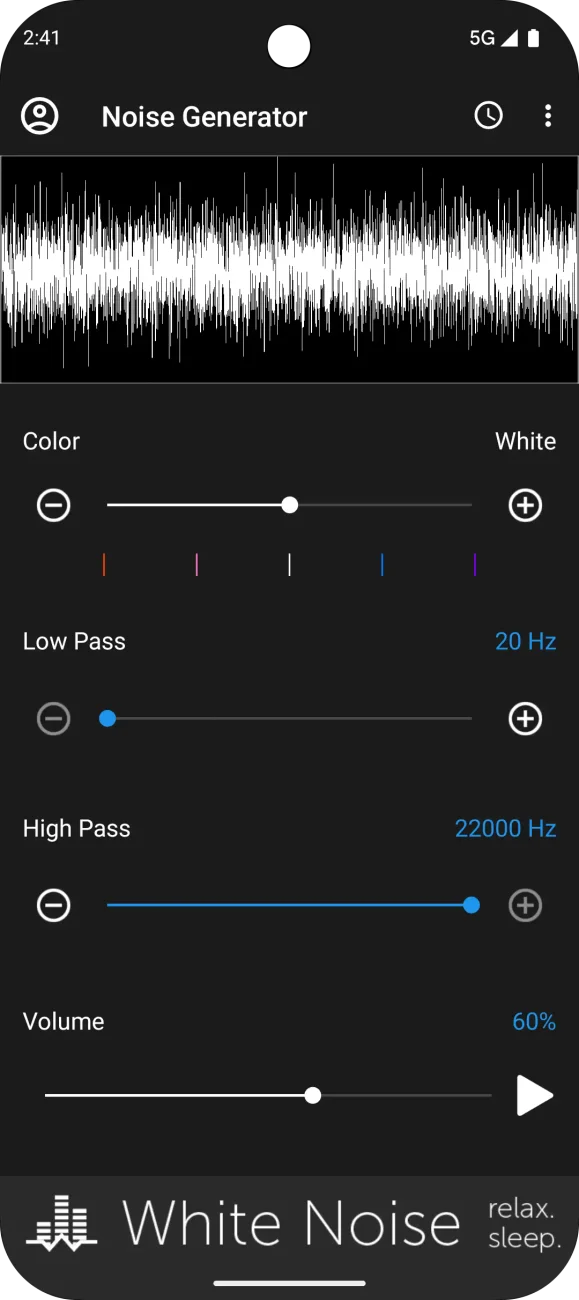
Generate custom color noises including brown, pink, white, blue, and violet.
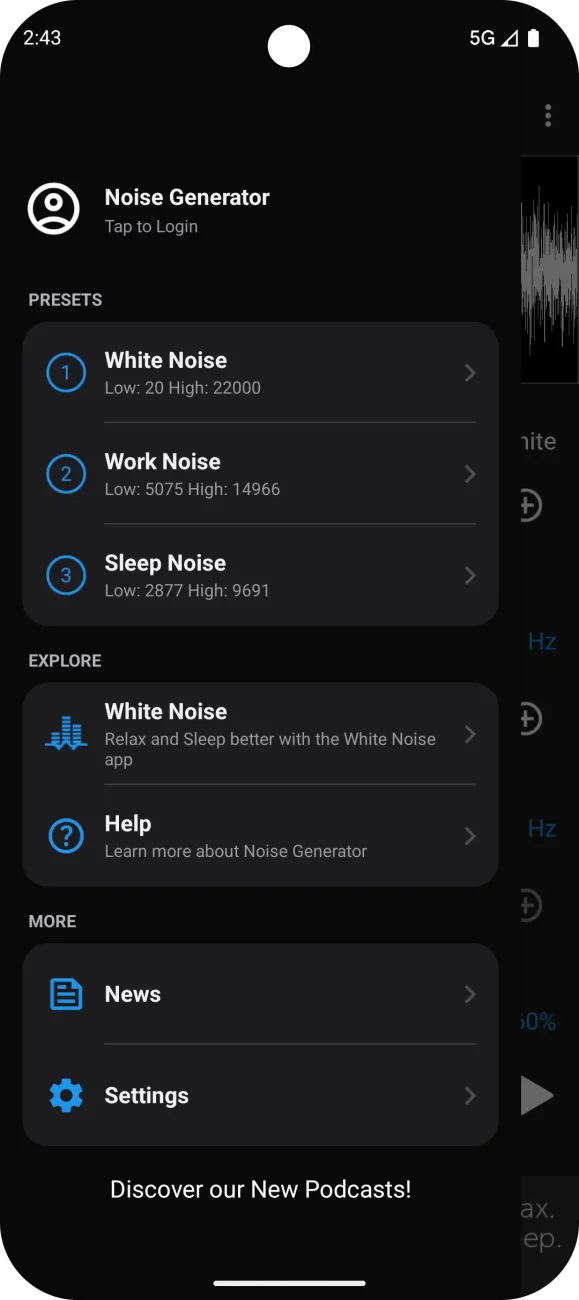
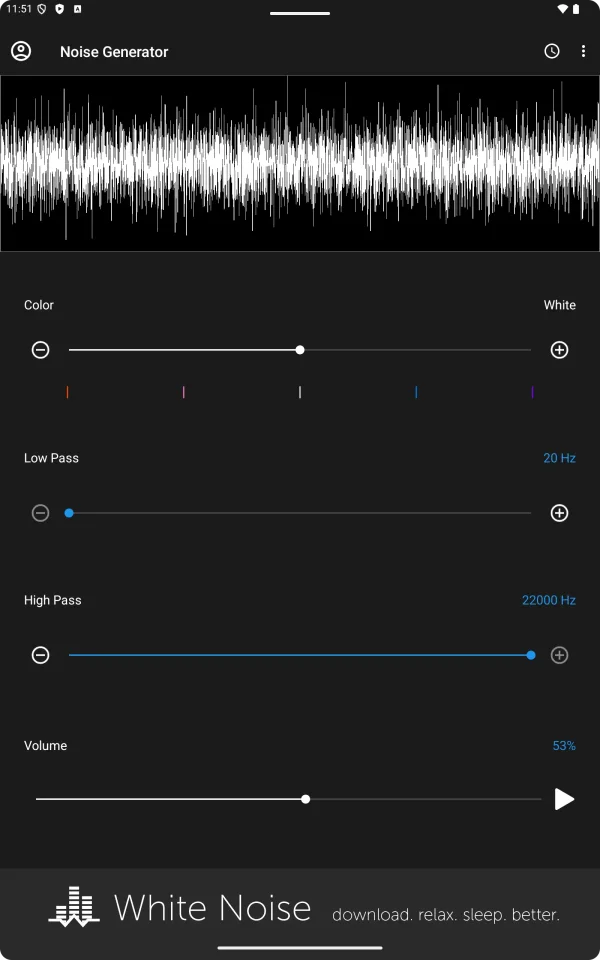
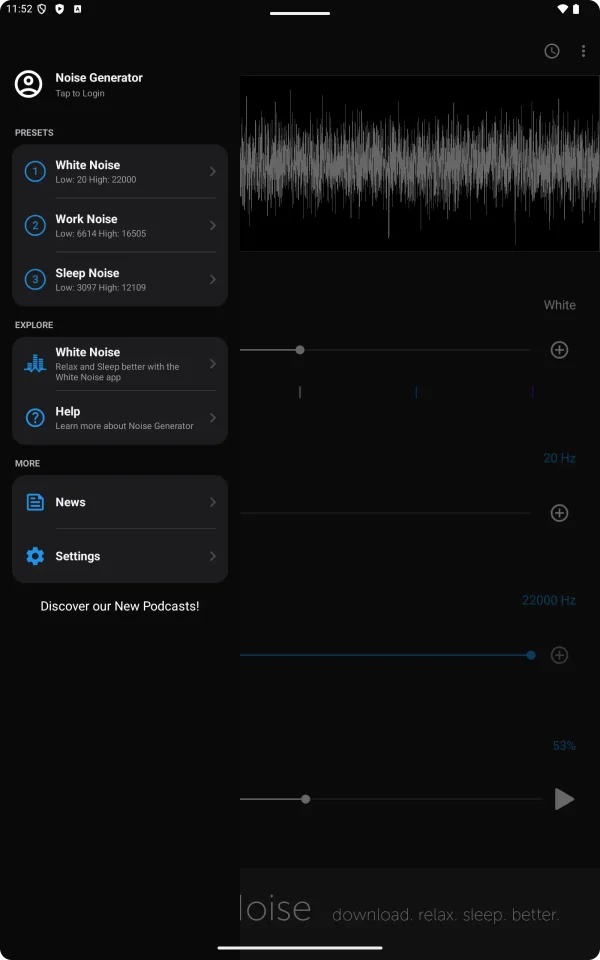
Generate custom color noises including brown, pink, white, blue, and violet. Customize noise further by using low and high cut filters. Simple modern interface remembers all settings for quick generation and utilizes advanced mathematical formulas to generate all audio waves. There are no audio files included in the application binary which keeps app size to a minimum and app performance to a maximum.
What are benefits of listening to white noise?
- Helps you sleep by blocking distractions
- Pacifies fussy and crying babies
- Relaxes and reduces stress
- Increases focus while enhancing privacy
- Soothes headaches and migraines
- Masks tinnitus (ringing of the ears)
What are the different sound colors?
- White noise sounds similar to static of an analog TV or radio station that has stopped broadcasting. White noise has equal energy across all sound frequencies.
- Brown noise sounds like a powerful waterfall. It has more energy at the lower frequencies and if you have a good speaker system with a subwoofer you should be able to really feel it.
- Pink noise's upper sound frequencies don't fall off as fast as they do with brown noise, so you'll get a little more punch. The most interesting thing about pink noise is it's found in almost all electronic devices (known as flicker noise) and even in biological systems.
- Blue and violet noise are the opposites of pink and brown noise, respectively, and sound like spraying water from a garden hose. It has more energy at the higher frequencies which means more treble and less bass.
- Curious to learn more about color noises? Check out this article for all the details: http://www.tmsoft.com/white-noise-player/
Directions:
Drag the Sound Color slider to select brown, pink, white, blue, violet, or somewhere in-between. Next, drag the low and high cut filters to further customize to your liking. Adjust device volume using the on-screen volume slider to a comfortable level. Toggle audio playback using the Play/Pause button.
Created by the audio experts at TMSOFT that brought you the famous White Noise app. Check out all our apps and sounds at http://www.tmsoft.com/
Data safety
What TMSOFT declares on Google Play about the data this app collects and shares.
- This app may share these data types with third partiesLocation, Personal info and 3 others
- This app may collect these data typesLocation, Personal info and 3 others
- Data is encrypted in transit
- You can request that data be deleted
What’s new
Version 5.2.2 · Nov 11, 2026
- Added themed app icons (Android 13+)
- Audio engine improvements and fixes
- Crash fixes
Developer contact
- Websitetmsoft.com
- Emailsupport@tmsoft.com
- Privacy policytmsoft.com
- Address91220 Overseas Hwy Unit 1038 Tavernier, FL 33070-5052 United States
Information
- Offered by
- TMSOFT
- Category
- Music & Audio
- Version
- 5.2.2
- Updated
- Nov 11, 2026
- Released
- Mar 3, 2017
- Requires
- Android 8.0 or later
- Age rating
- Everyone
- Price
- Free
- Package name
- com.tmsoft.whitenoise.generator.noise