Nomostar: Scan, PDF & AI Tools
Superace Software Technology Co., Ltd.In-app purchases
- EveryoneAge rating
- ProductivityCategory
- Jun 9, 2026Updated
- FreePrice
Links to the official Google Play listing of com.nomostar.app. Last checked on Nov 18, 2026.

Screenshots

About this app
Scan docs, IDs and receipts. PDF, OCR, counting and translation tools.
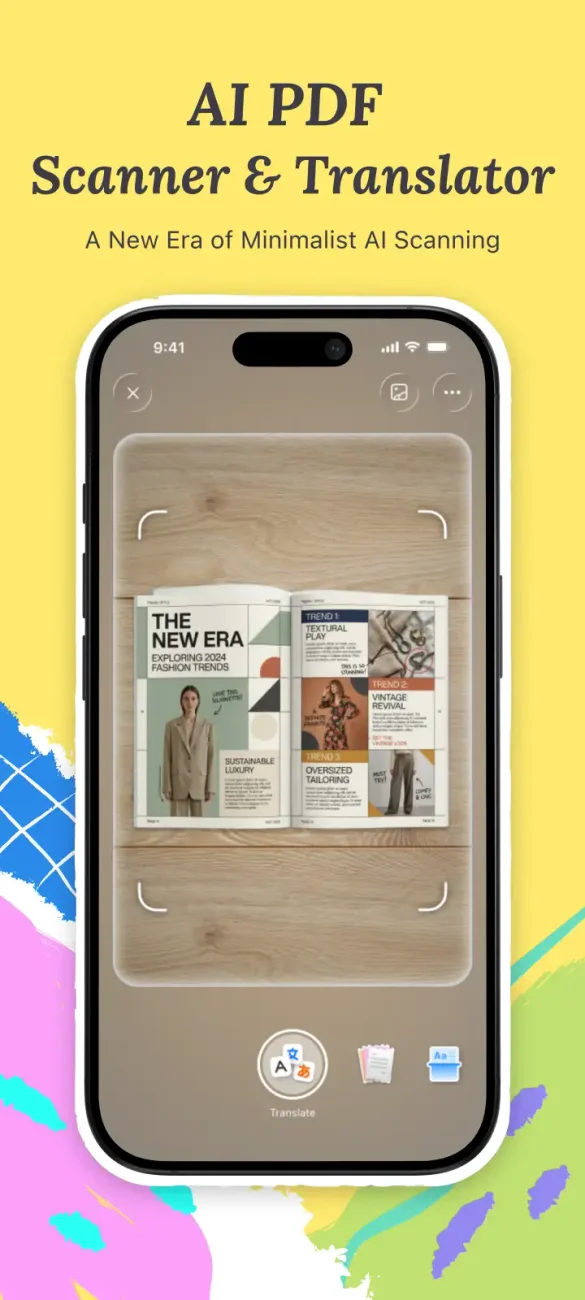
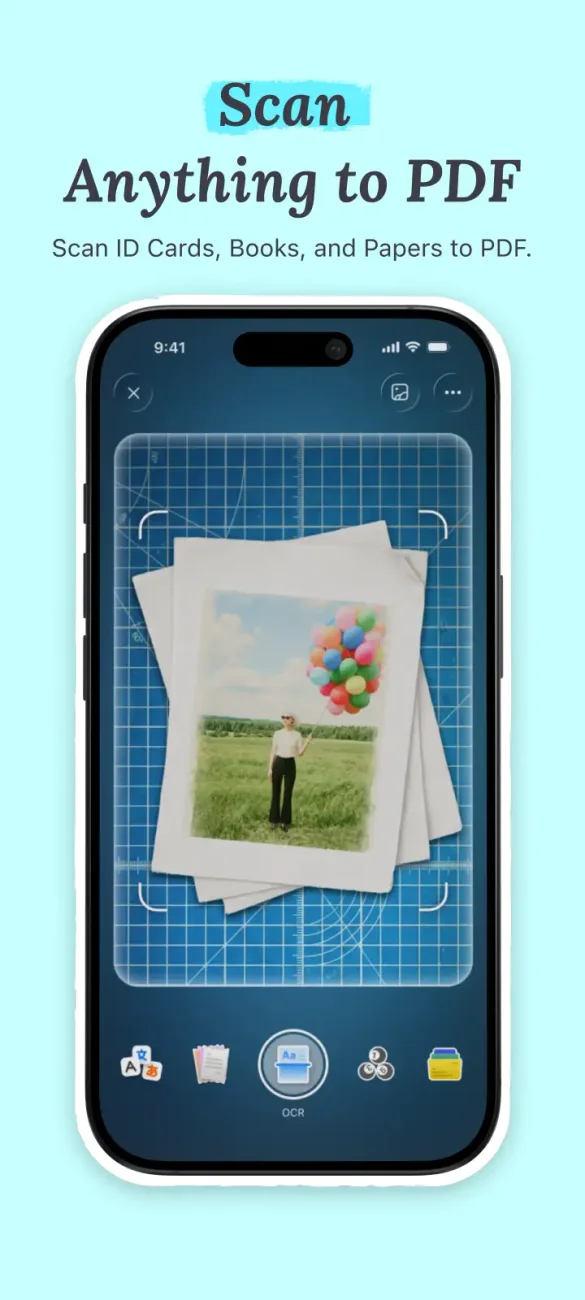
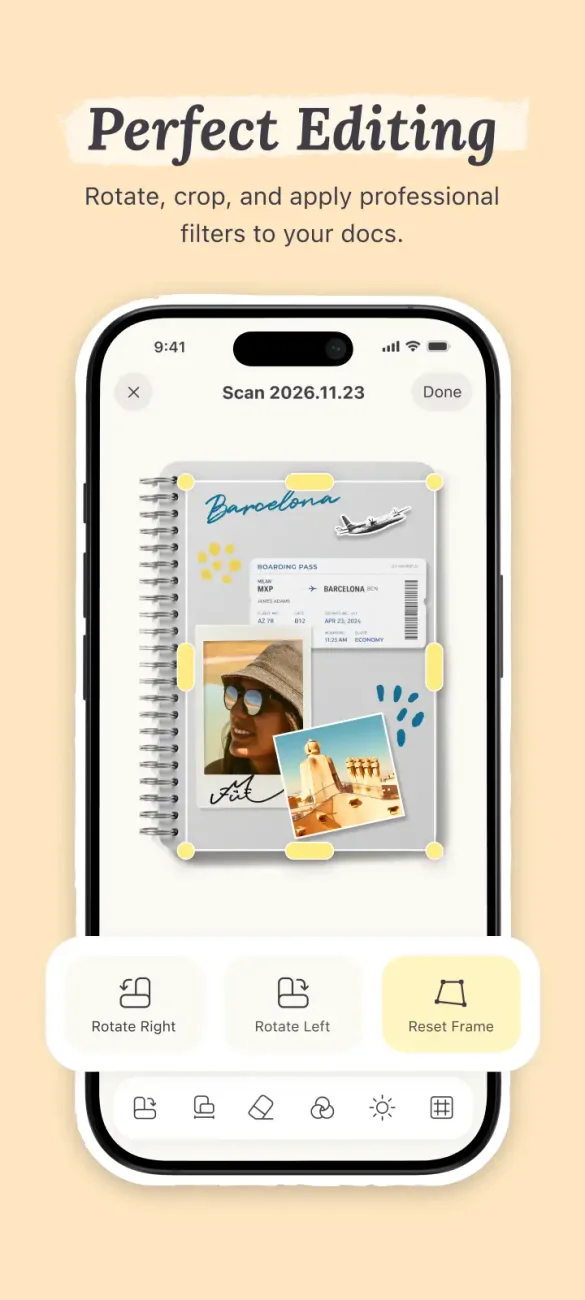
Nomostar turns your device into an AI scanner and digital assistant. Scan documents, ID cards and receipts into high-quality PDFs, then use smart AI tools to simplify work, study and everyday tasks.
Effortless scanning and PDF conversion
Capture documents with clear, sharp results. Turn contracts, notes and school papers into organised PDF files in moments.
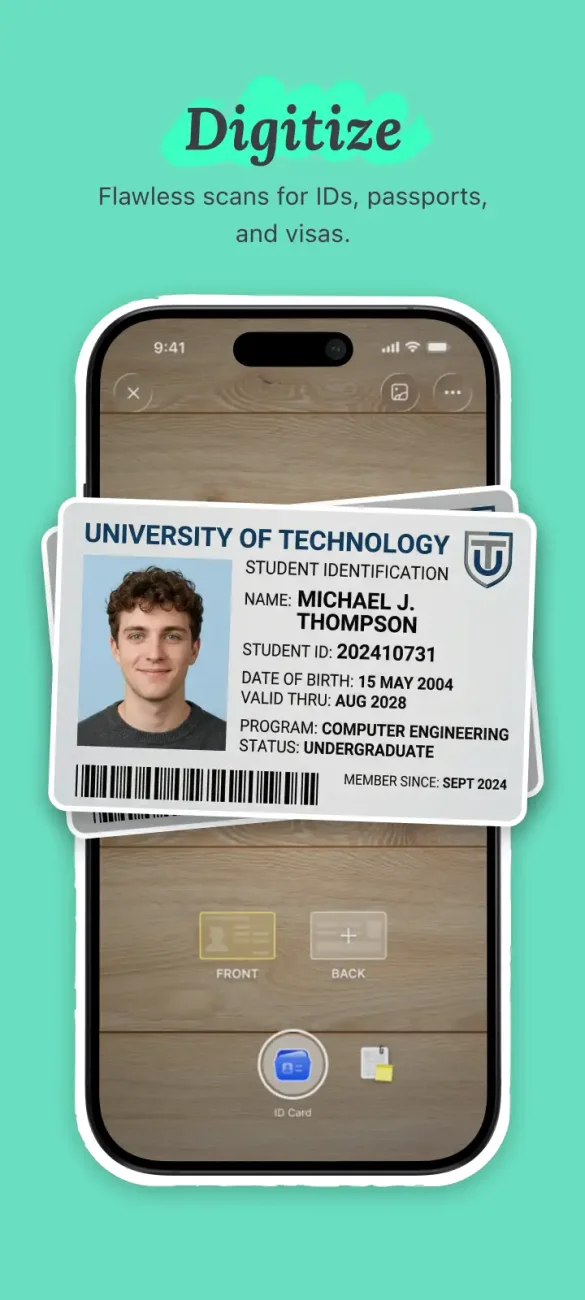
Need to store an ID card? The dedicated ID scanner captures both the front and back, making important records easier to keep for personal or professional use.
AI tools for productivity
Go beyond basic scanning with practical AI features designed to save time and reduce manual work.
• Object counting: Count items in photos quickly for inventory, stock checks or personal organisation.
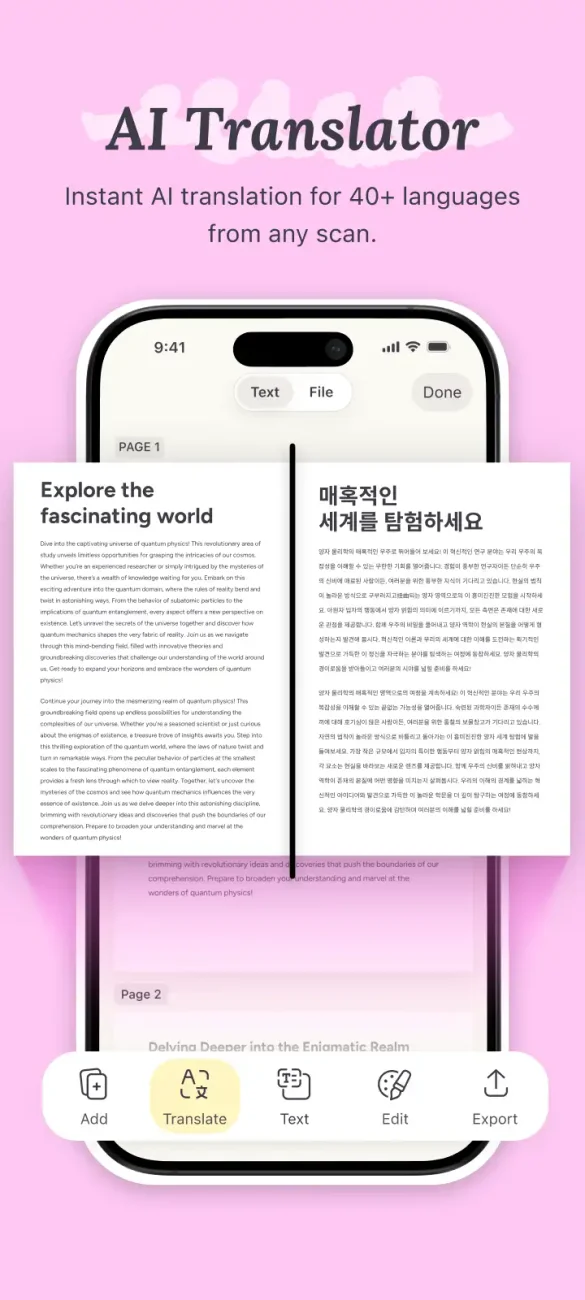
• OCR and translation: Extract text from images, documents and signs. Recognise and translate content instantly for research, foreign-language materials and printed documents.
• Business card scanner: Scan business cards in seconds, capture contact details and save them directly to your device.
• Receipt and invoice scanner: Photograph receipts or invoices and let Nomostar identify key details such as items, totals and dates for expense tracking, accounting and reconciliation.
Why choose Nomostar?
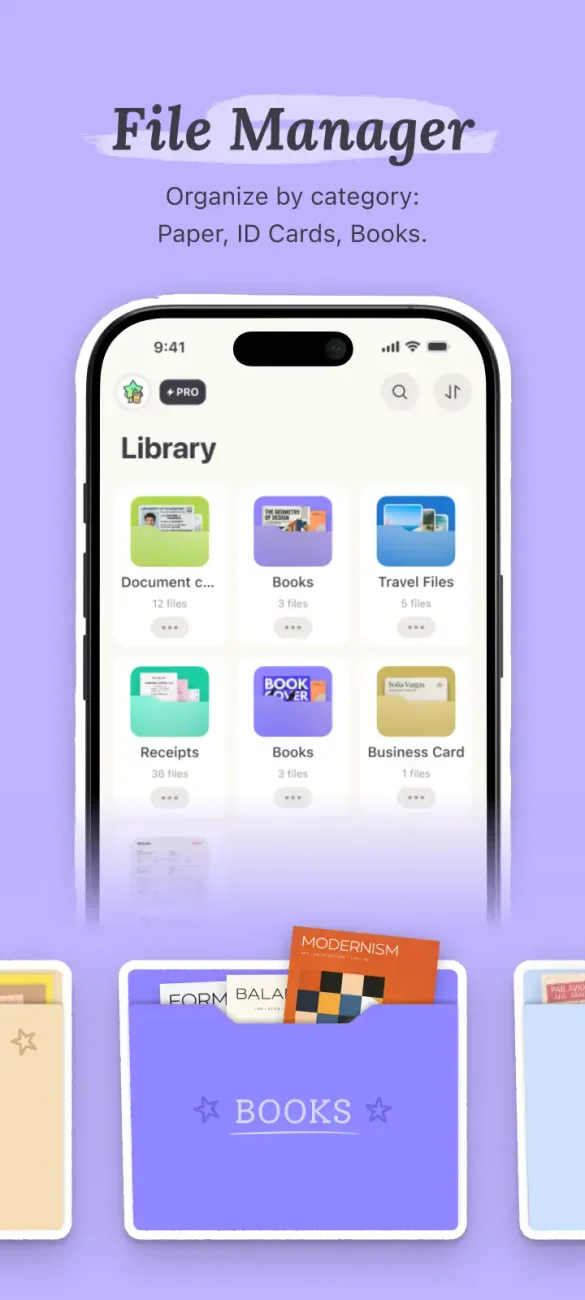
Nomostar brings scanning, digitising and intelligent data processing together in one app. Reduce paper clutter, streamline your workflow and keep important information organised and easy to access from your smartphone.
Download Nomostar today and manage documents more efficiently.
For more details, visit nomostar.com or contact support@nomostar.com.
Data safety
What Superace Software Technology Co., Ltd. declares on Google Play about the data this app collects and shares.
- No data shared with third partiesLearn more about how developers declare sharing
- This app may collect these data typesPersonal info, Photos and videos and 2 others
- Data is encrypted in transit
- You can request that data be deleted
- Committed to follow the Play Families Policy
What’s new
Version 1.0.2 · Jun 9, 2026
- Added 40+ new target languages for translation.
- Improved the scan creation flow for faster, clearer scans.
- Added multilingual support to the product interface.
- Fixed user-reported issues to improve product stability.
Developer contact
- Websitenomostar.com
- Emailsupport@nomostar.com
- Privacy policynomostar.com
- Address中国 广东省深圳市 宝安区西乡街道前海科兴科学园 8 栋 2301 邮政编码: 518000
Information
- Offered by
- Superace Software Technology Co., Ltd.
- Category
- Productivity
- Version
- 1.0.2
- Updated
- Jun 9, 2026
- Released
- May 20, 2026
- Requires
- Android 8.0 or later
- Age rating
- Everyone
- Price
- Free
- In-app purchases
- $4.99 - $49.99 per item
- Package name
- com.nomostar.app