Notion Calendar
Notion Labs, Inc.- EveryoneAge rating
- ProductivityCategory
- Nov 16, 2026Updated
- FreePrice
Links to the official Google Play listing of com.cron.calendar. Last checked on Nov 19, 2026.

Screenshots

About this app
For your work and life
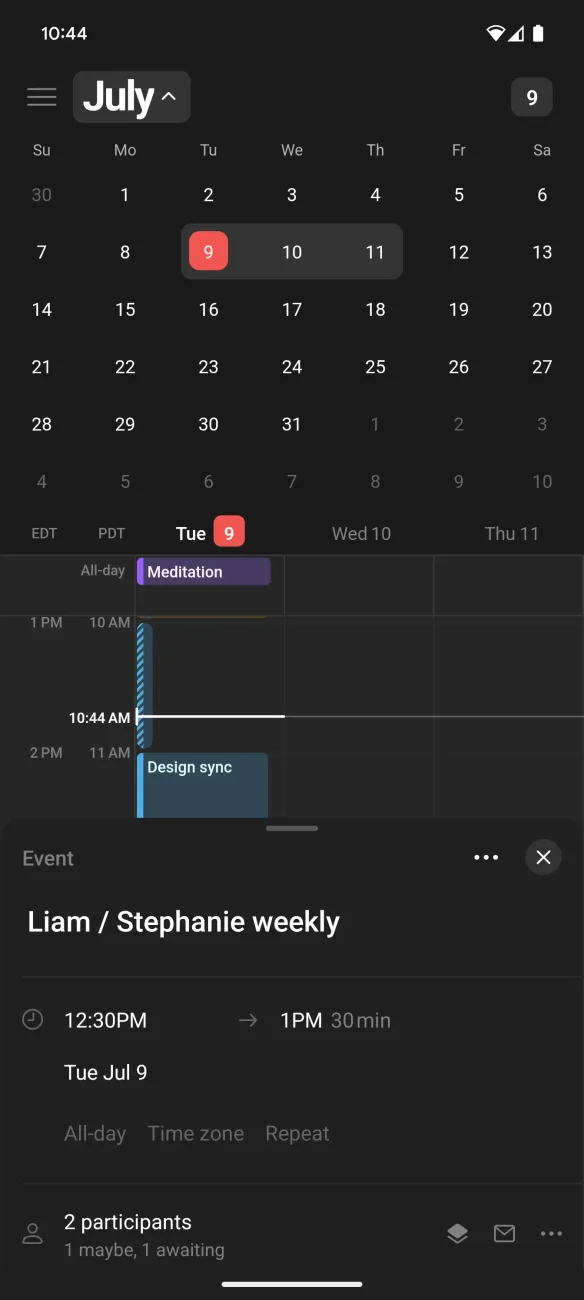
Notion Calendar lets you schedule meetings and control your time like never before. It deeply integrates with Google Calendar accounts so that all your events are synced.
Along with speed, beauty, and light/dark modes, Notion Calendar includes powerful features:
- CONNECTED TO NOTION — add Notion docs, projects, and timelines.
- MULTIPLE TIME ZONES — pull the time zone column to the right to “travel to any city” and add more time zones.
- ALL IN ONE PLACE — see one unified view across multiple calendars and auto-sync events between them.
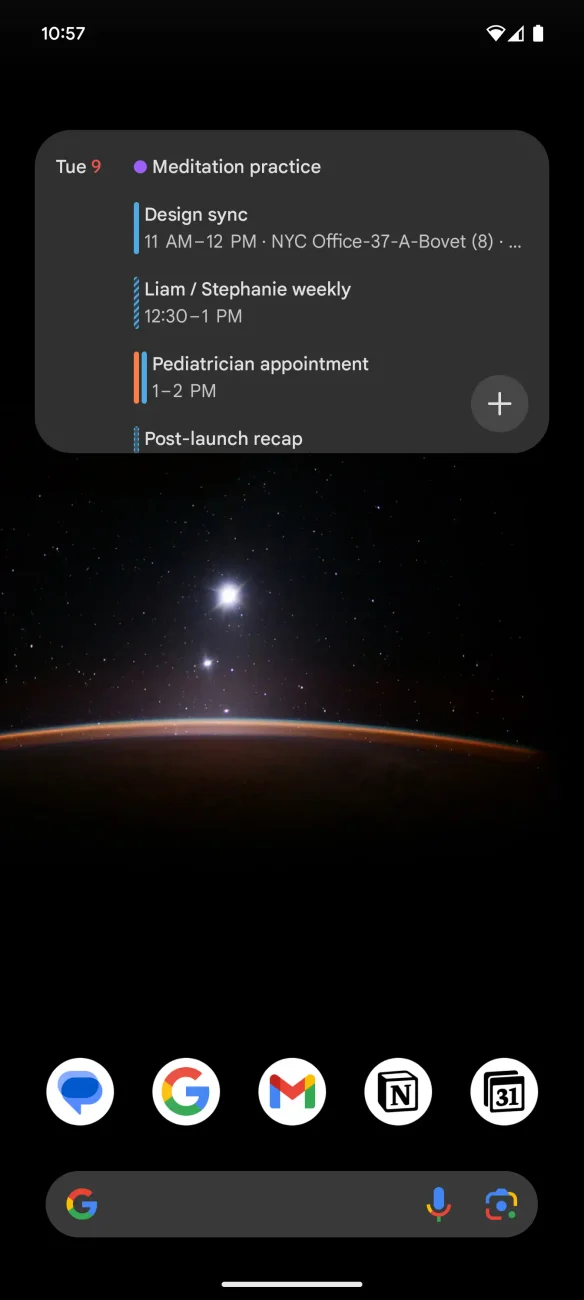
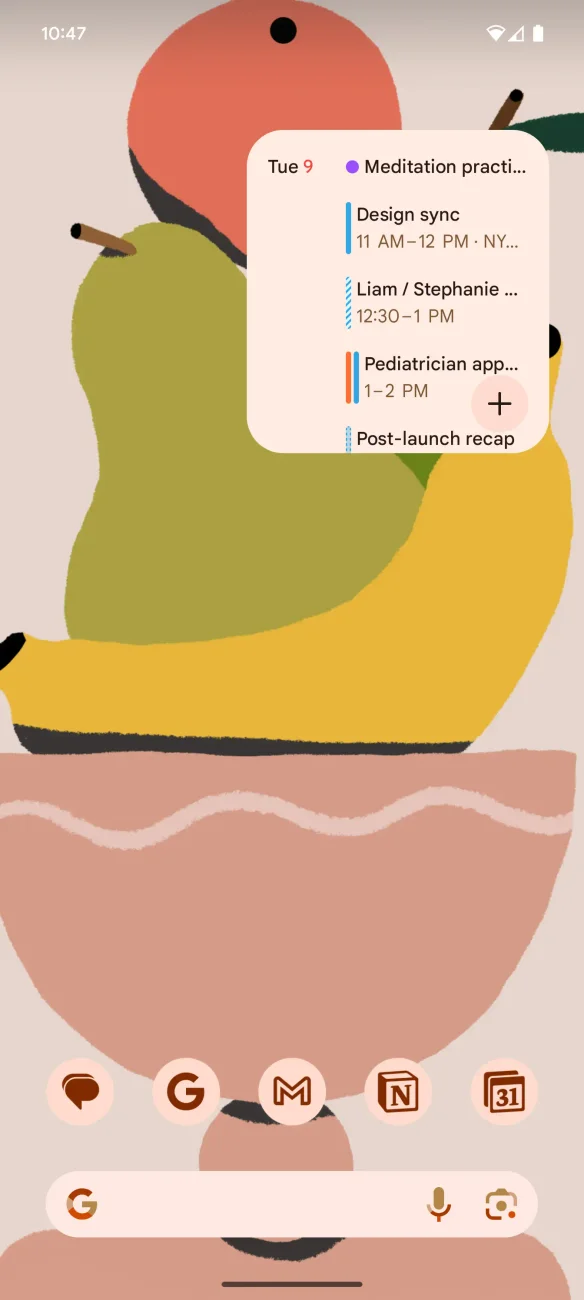
WIDGETS — featuring multiple sizes, rich previews of upcoming events, and a quick-add event button.
- AVAILABLE IN 12 LANGUAGES — Japanese, Korean, French, German, Spanish, Portuguese, Danish, Dutch, Finnish, Norwegian, and Swedish.
It’s time.
Data safety
What Notion Labs, Inc. declares on Google Play about the data this app collects and shares.
- This app may share these data types with third partiesPersonal info, App activity and 2 others
- This app may collect these data typesPersonal info, App activity and 2 others
- Data is encrypted in transit
- You can request that data be deleted
Developer contact
- Websitenotion.so
- Emailteam@makenotion.com
- Privacy policynotion.so
- Address685 Market St San Francisco, CA 94105-4200 United States
Information
- Offered by
- Notion Labs, Inc.
- Category
- Productivity
- Version
- 1.49.0
- Updated
- Nov 16, 2026
- Released
- Jul 16, 2024
- Requires
- Android 8.0 or later
- Age rating
- Everyone
- Price
- Free
- Package name
- com.cron.calendar
Similar apps
-
 Zoho Projects
Productivity
-
 Confluence Cloud
Productivity
-
 Zoho Sheet: Spreadsheet App
Productivity
-
 Scribd: 300M+ documents
Books & Reference
-
 Jetpack – Website Builder
Productivity
-
 Chaos Control 2: AI Organizer
Productivity
-
 Any.do - To do list & Calendar
Productivity
-
 Trello: Daily Task Tracker
Productivity
-
 TimeTune - Schedule Planner
Productivity
-
 Obsidian
Productivity
-
 Jnotes: Note-Taking, AI, PDF
Productivity
-
 Daily Planner Organizer: Brite
Productivity