NVIDIA SHIELD TV
NVIDIA- EveryoneAge rating
- ToolsCategory
- Nov 1, 2022Updated
- FreePrice
Links to the official Google Play listing of com.nvidia.shield.remote. Last checked on Nov 20, 2026.

Screenshots

About this app
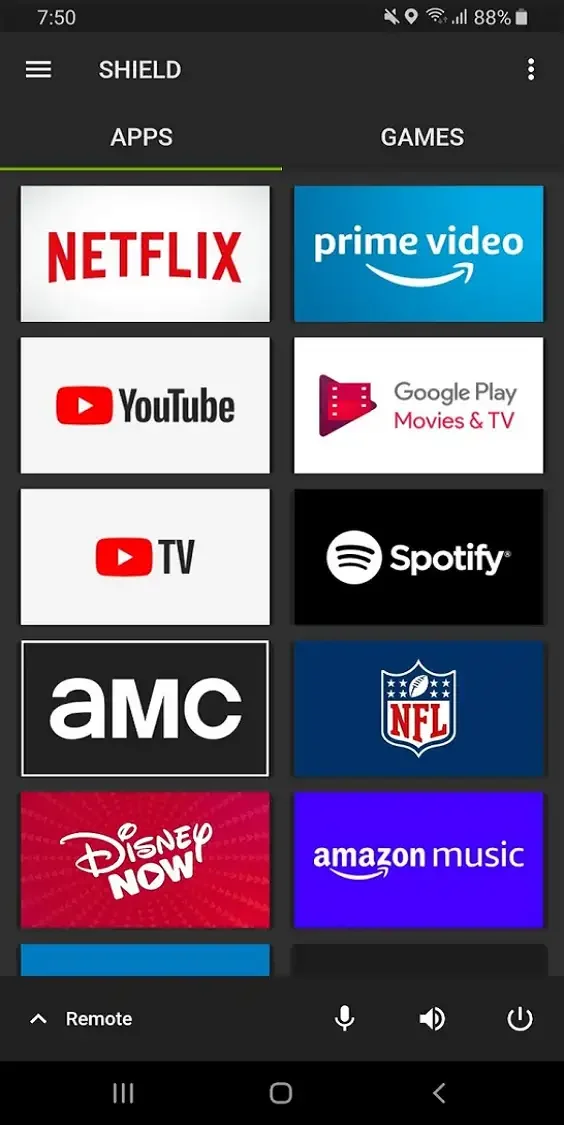
Control SHIELD TV on your phone with enhanced virtual mouse and keyboard support
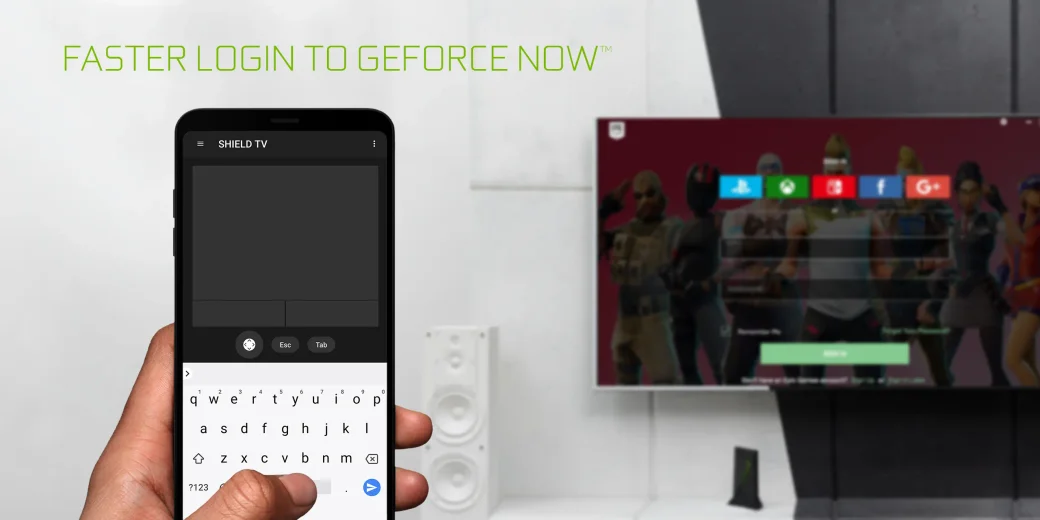
The NVIDIA SHIELD TV app lets you log in to your favorite GeForce NOW games on SHIELD even faster.
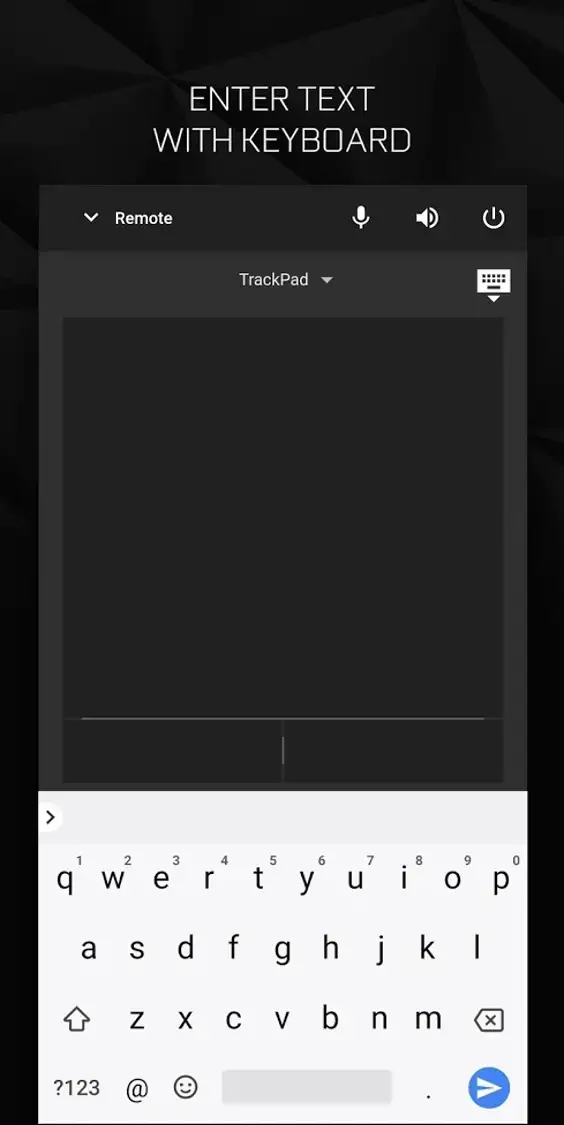
The app gives you instant access to a virtual mouse and keyboard, which makes it simple for you to enter your username and password into game services like Steam®, EPIC Games, and Uplay™.
Features:
GeForce NOW Controls
● Virtual mouse touchpad
● Virtual keyboard (US English)
SHIELD TV Remote Controls
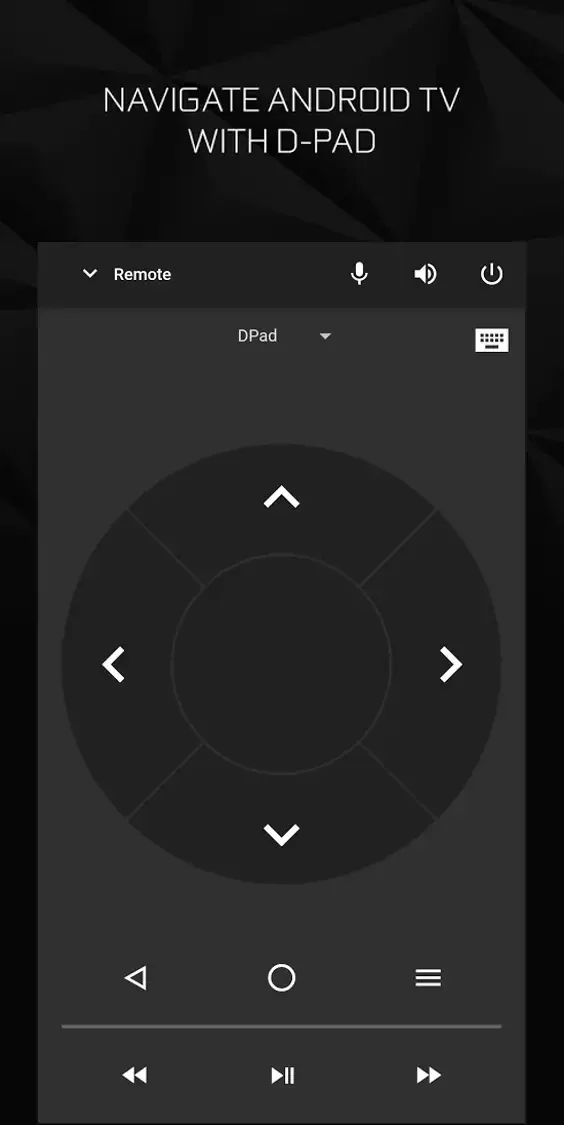
● D-pad (up/down/right/left) and Select
● Android buttons (Back, Start/Play/Pause, Home)
● Volume Control (mobile device’s volume buttons)
To get started, connect your Android phone or tablet to the same network as your SHIELD.
Make sure your SHIELD is upgraded to the latest version 7.1 or later system software (Settings > About > System upgrade).
For more information, please visit: http://shield.nvidia.com.
Data safety
What NVIDIA declares on Google Play about the data this app collects and shares.
- No data shared with third partiesLearn more about how developers declare sharing
- This app may collect these data typesApp info and performance
- Data isn’t encrypted
- Data can’t be deleted
Developer contact
- Websiteshield.nvidia.com
- Emailshield-app-support@nvidia.com
- Privacy policynvidia.com
- Address2788 San Tomas Expy Santa Clara, CA 95051-0952 United States
Information
- Offered by
- NVIDIA
- Category
- Tools
- Updated
- Nov 1, 2022
- Released
- Sep 10, 2018
- Requires
- Android 5.0 or later
- Age rating
- Everyone
- Price
- Free
- Package name
- com.nvidia.shield.remote
Similar apps
-
 Collectibles.com: Scan + Value
Tools
-
 pokedata.io
Books & Reference
-
 Swift Backup
Tools
-
 Blynk IoT
Tools
-
 Game Jolt
Entertainment
-
 Collectr - TCG Collector App
Tools
-
 Poke Genie -Remote Raid IV PvP
Tools
-
 Bitrefill: Gift Card & Games
Finance
-
 Dojo Athletics
Health & Fitness
-
 Govee Home
Tools
-
 pCloud: Cloud Storage
Productivity
-
 Print Master
Tools