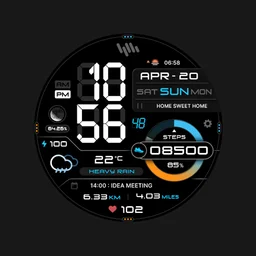
NW073: Digital watch face
9INE watchfaces- EveryoneAge rating
- PersonalizationCategory
- Oct 11, 2026Updated
- FreePrice
Links to the official Google Play listing of com.ninewatchface.nw073. Last checked on Nov 27, 2026.
Screenshots

About this app
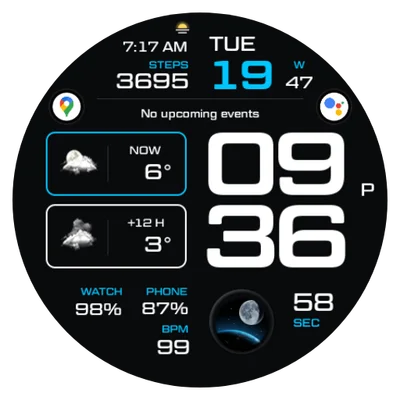
The NW073 Digital watch face made by 9INE.
#Watch face installation
1. Companion App
Access the Companion app on the smartphone > Tap to Download button > Smart watch to installation
2. Install from App
Access the Play store app > Tap to '▼' button > Select the Watch > Tap to price button > Buy
If the watch face cannot be installed, please install the watch face through the play Store web browser or watch.
3. Install from web browser
Access the Play store web browser > Tap to price > Select the Watch > Tap to install > Buy
4. Install from watch
Open the Play Store on the watch > Search for NW073 > Install
-----------------------------------------------------------------------------------------------------------
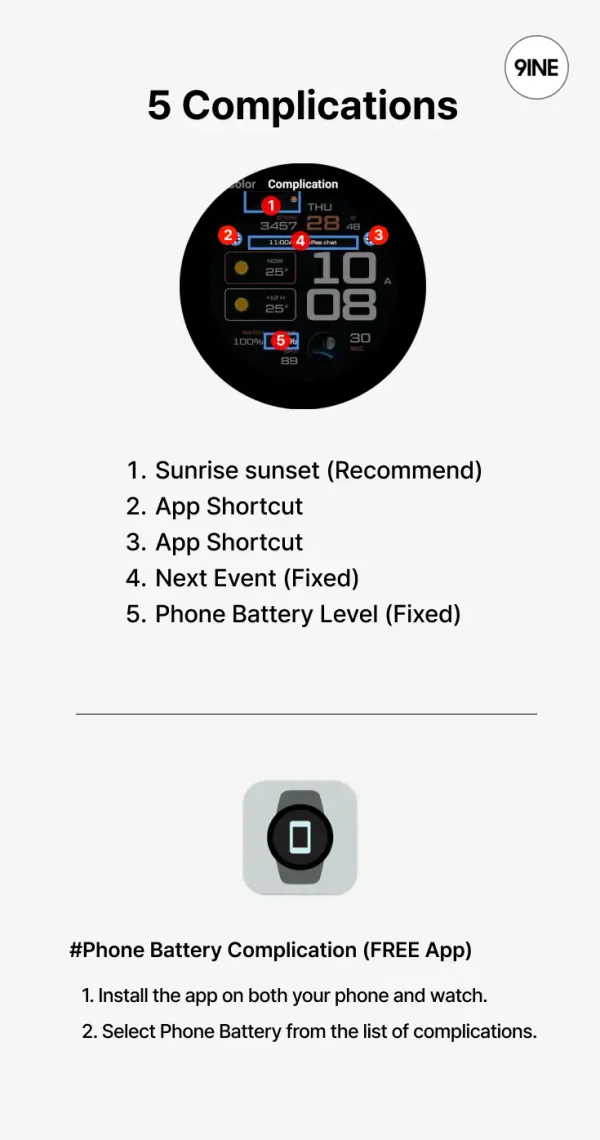
#Phone Battery Level installation
1. Install the Phone Battery Level app on both the phone and the watch.
2. Select Phone Battery Level in Complications.
https://play.google.com/store/apps/details?id=com.weartools.phonebattcomp
-----------------------------------------------------------------------------------------------------------
#SPEC
Digital Timer (12/24H)
Date
Moon Phase
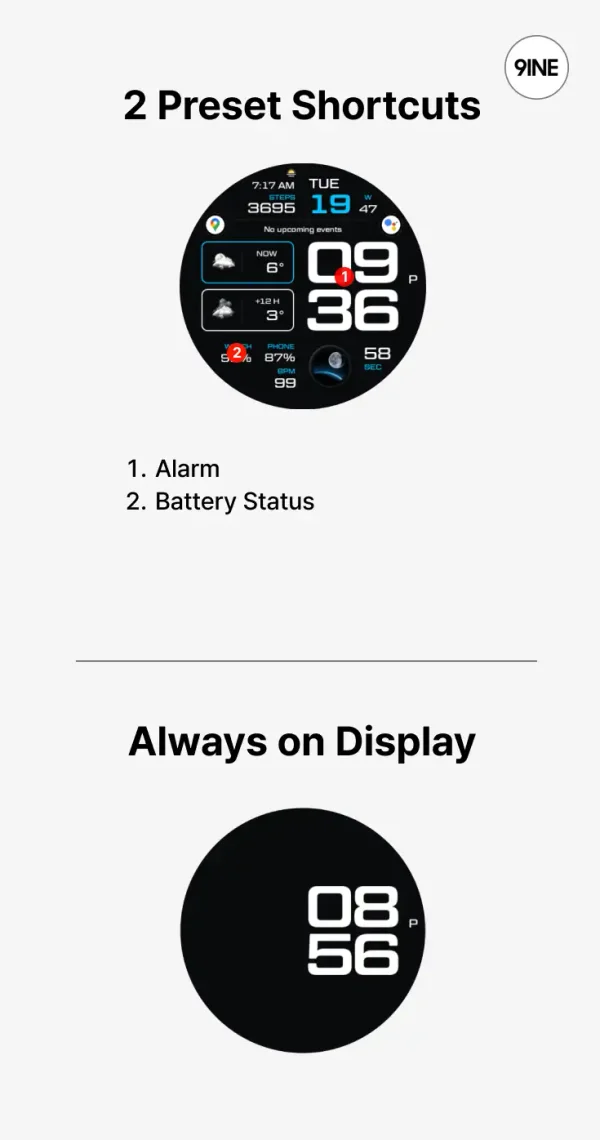
Always on Display
Watch Battery Percentage
Heart Rate
Current Condition Weather
Current Temperature
+12 Hours Condition Weather
+12 Hours Temperature
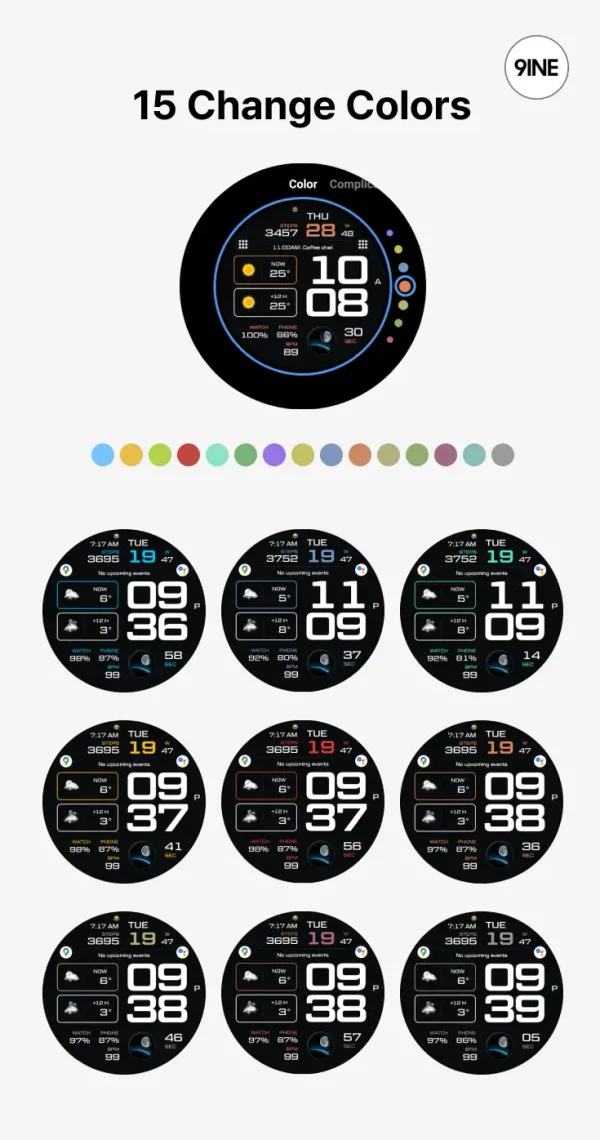
15 Colors
5 Complications
2 Preset Shortcut
This watch face supports Wear OS devices.
Data safety
What 9INE watchfaces declares on Google Play about the data this app collects and shares.
- No data shared with third partiesLearn more about how developers declare sharing
- No data collectedLearn more about how developers declare collection
Developer contact
- Email9inewatch@gmail.com
- Privacy policy9inewatchface.blogspot.com
- Address양화로6길 9-14(서교동) B01호 마포구, 서울특별시 04044 South Korea
Information
- Offered by
- 9INE watchfaces
- Category
- Personalization
- Updated
- Oct 11, 2026
- Released
- Nov 19, 2024
- Age rating
- Everyone
- Price
- Free
- Package name
- com.ninewatchface.nw073
Similar apps
-
 Weather Calendar Face
Personalization
-
 MDS02 Digital Watch Face
Personalization
-
 JND0130
Personalization
-
 Dotline - Dark Watch Face
Personalization
-
 SG-169
Personalization
-
 SamWatch Weather Simple 3
Personalization
-
 HKR015
Art & Design
-
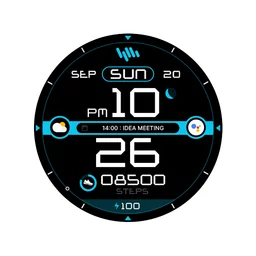 SamWatch PointColor 16 2023
Personalization
-
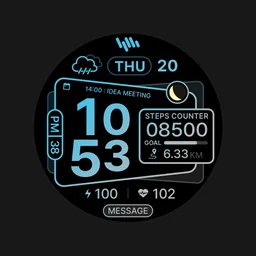 SamWatch FIT O 2025
Personalization
-
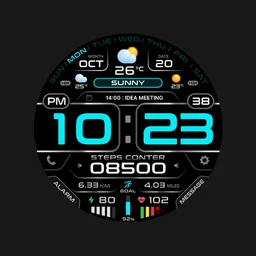 SamWatch Digital Neon 2
Personalization
-
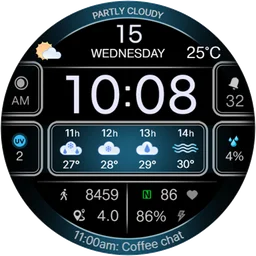 CFS103 Weather
Personalization
-
 SamWatch Digital XVIII
Personalization