Offline Map Navigation
VirtualMazeContains ads · In-app purchases
- EveryoneAge rating
- Maps & NavigationCategory
- Nov 13, 2026Updated
- FreePrice
Links to the official Google Play listing of com.virtualmaze.offlinemapnavigationtracker. Last checked on Nov 19, 2026.
Screenshots
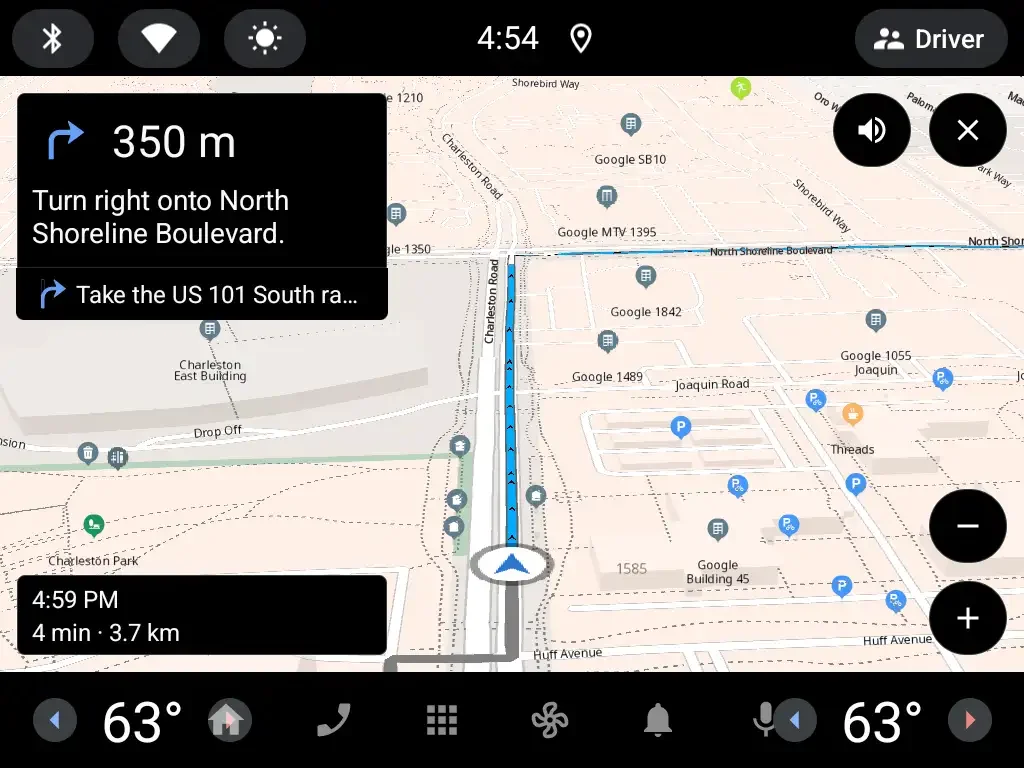
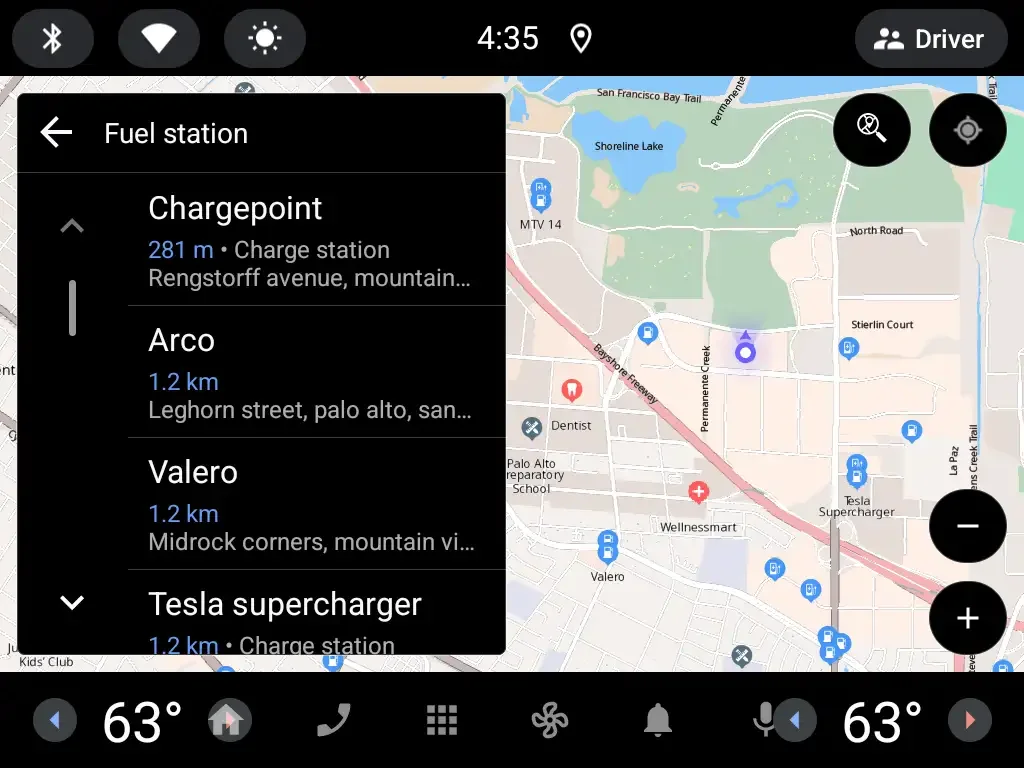
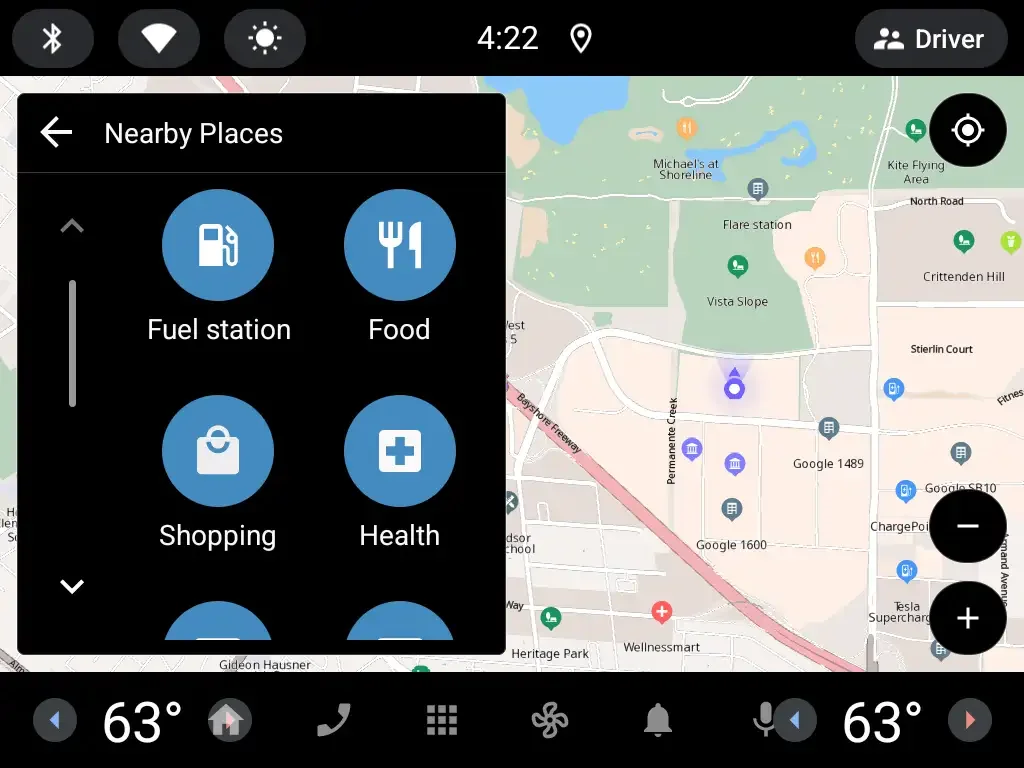
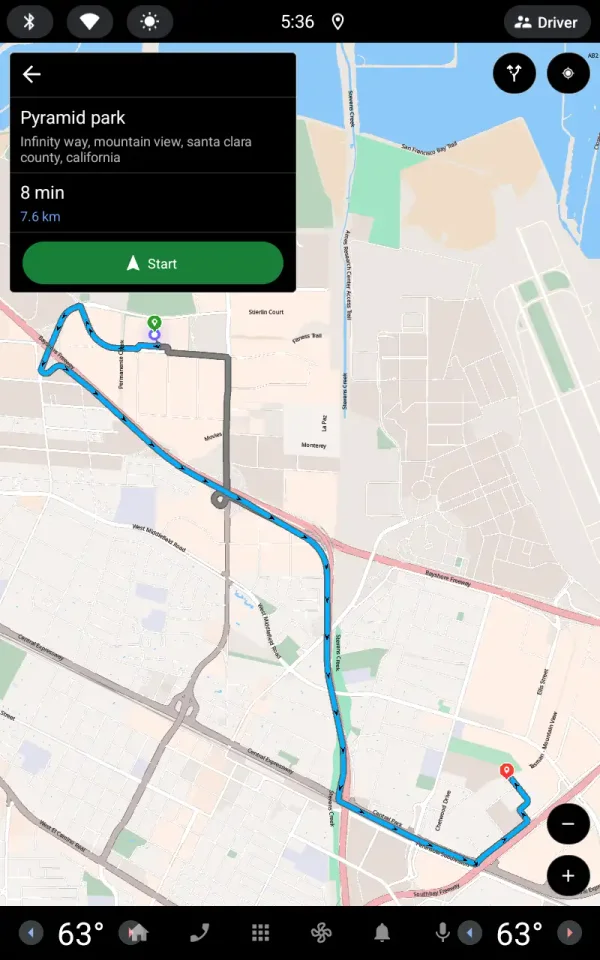
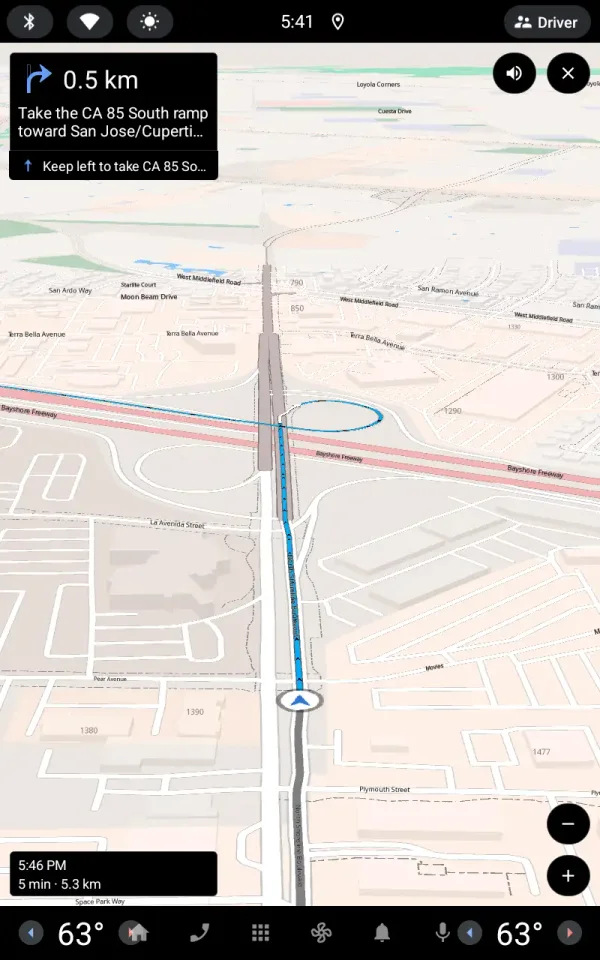
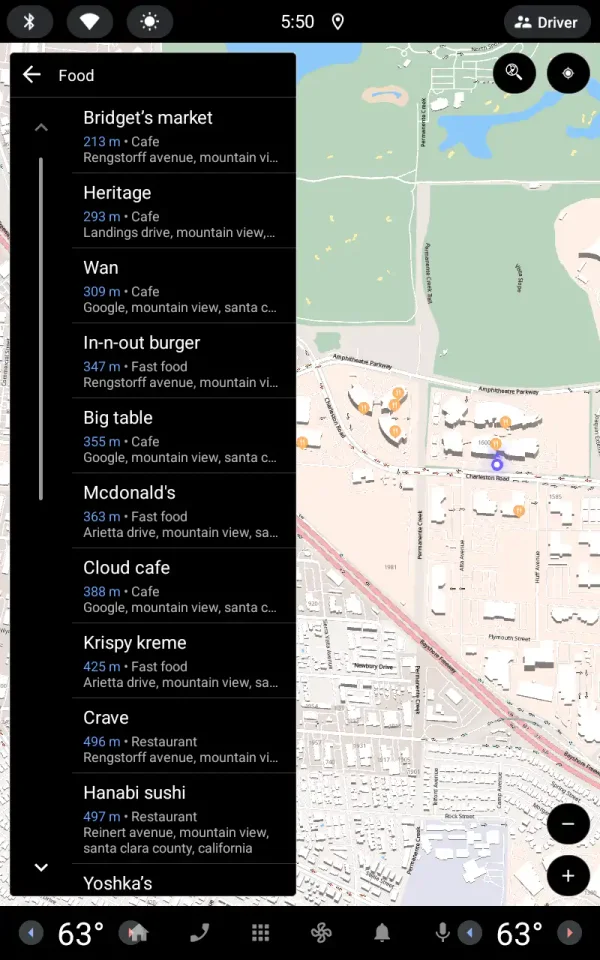
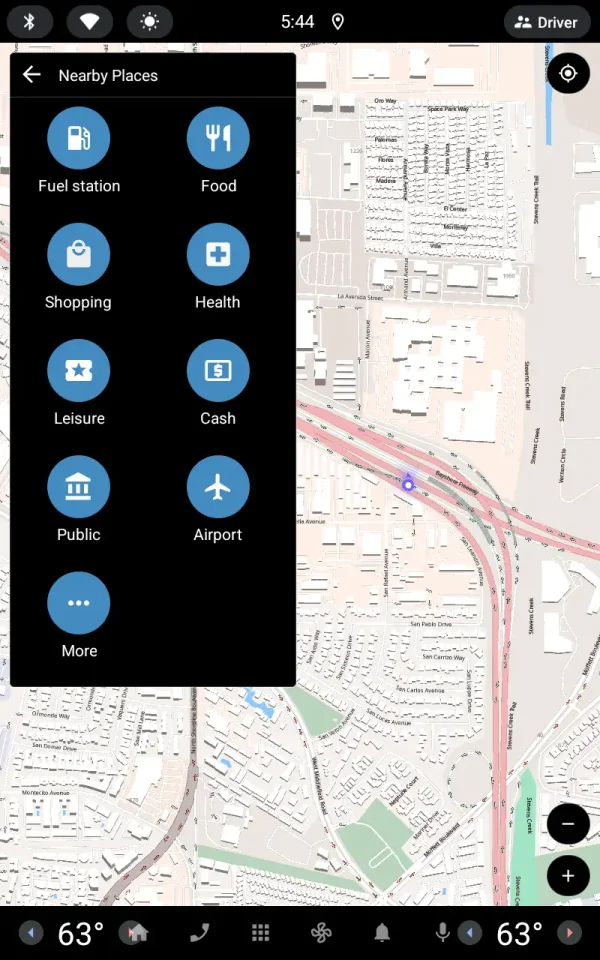
About this app
Offline maps & GPS navigation. Android Auto, lane assist, junction view
Ever get stuck with no signal? Download offline maps and use GPS navigation anywhere — even without internet.
Offline Map Navigation gives turn-by-turn directions, offline place search, and reliable routing for driving, biking, cycling, or walking.
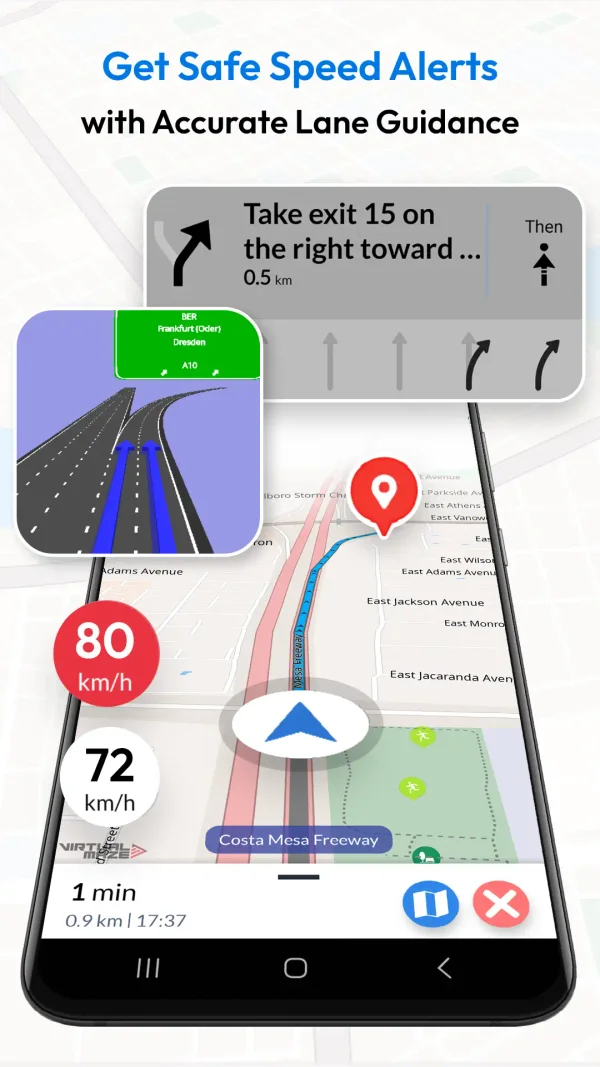
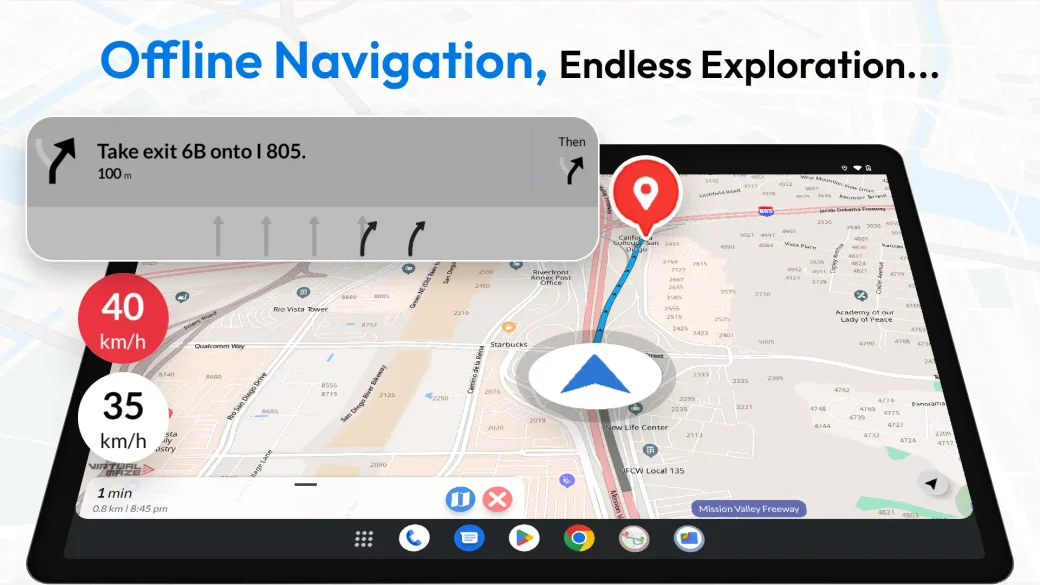
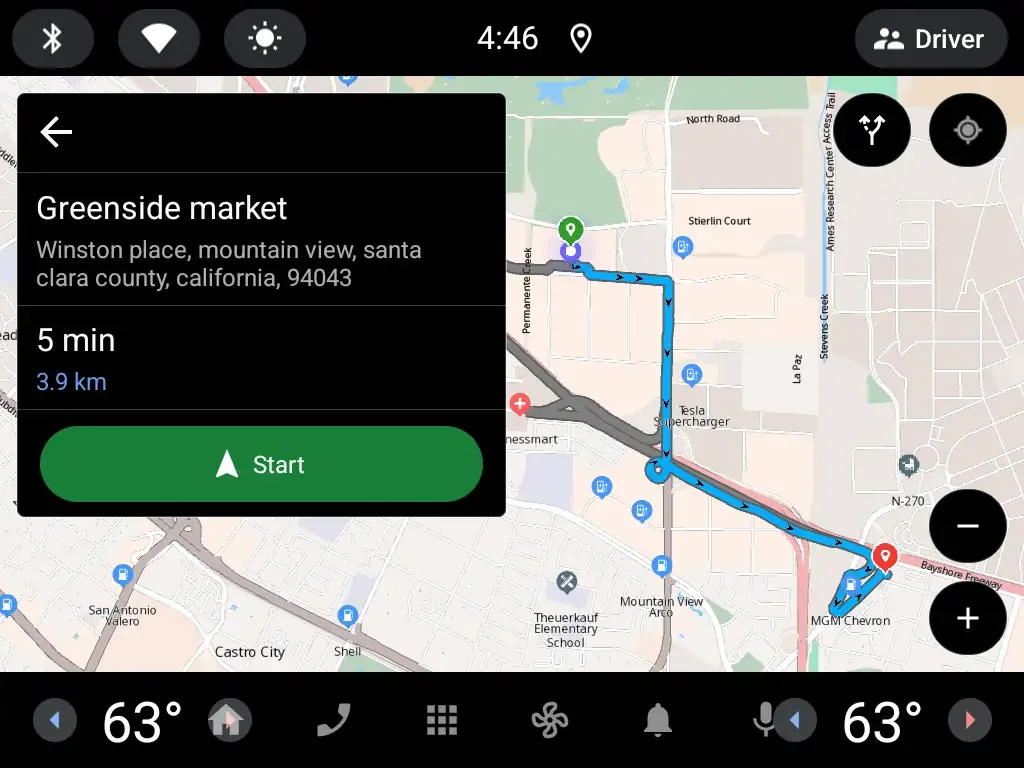
Drive more confidently with Lane Guidance (lane assist / lane assistance) and Junction View for highway exits and complex interchanges. Use Android Auto navigation on your car’s display for safer, hands-free in-car navigation (also supports Android Automotive OS).
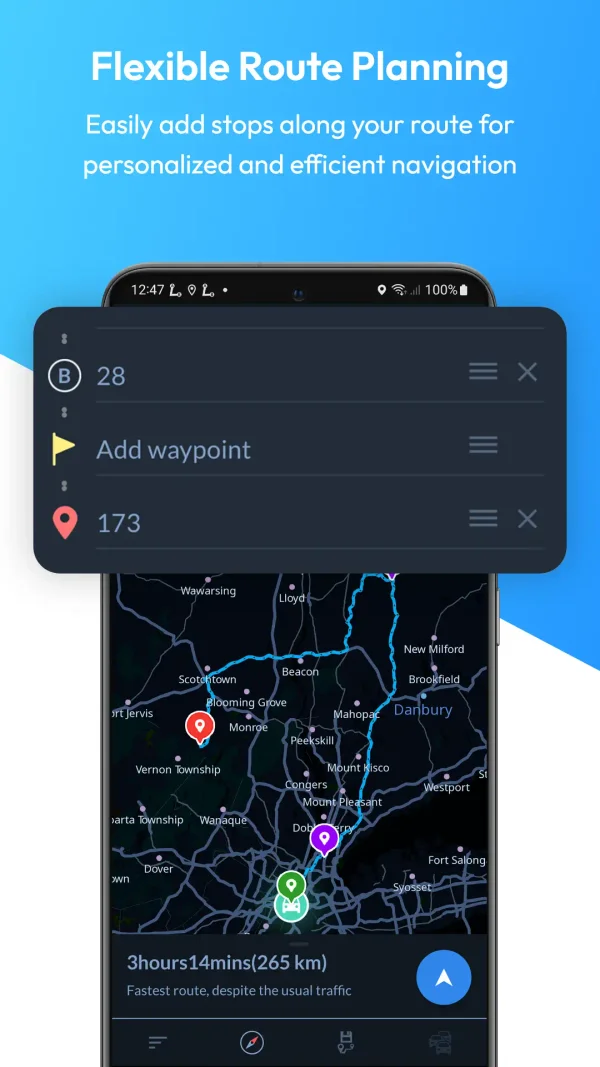
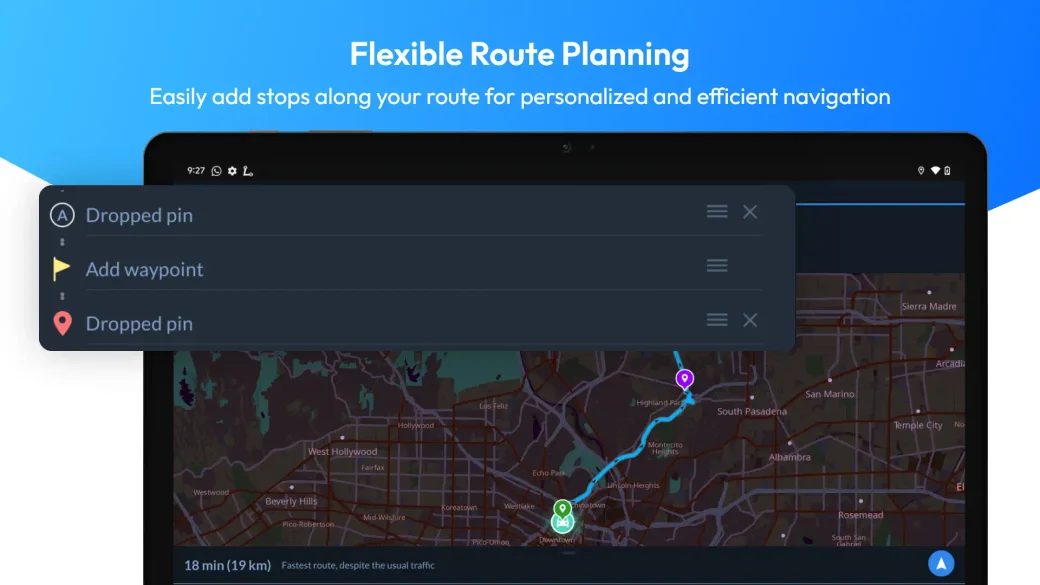
Plan trips faster: search offline for nearby hotels, restaurants and other points of interest, add multiple stops, and get precise ETA — plus weather updates when you’re online.
KEY FEATURES
OFFLINE MAPS + OFFLINE SEARCH
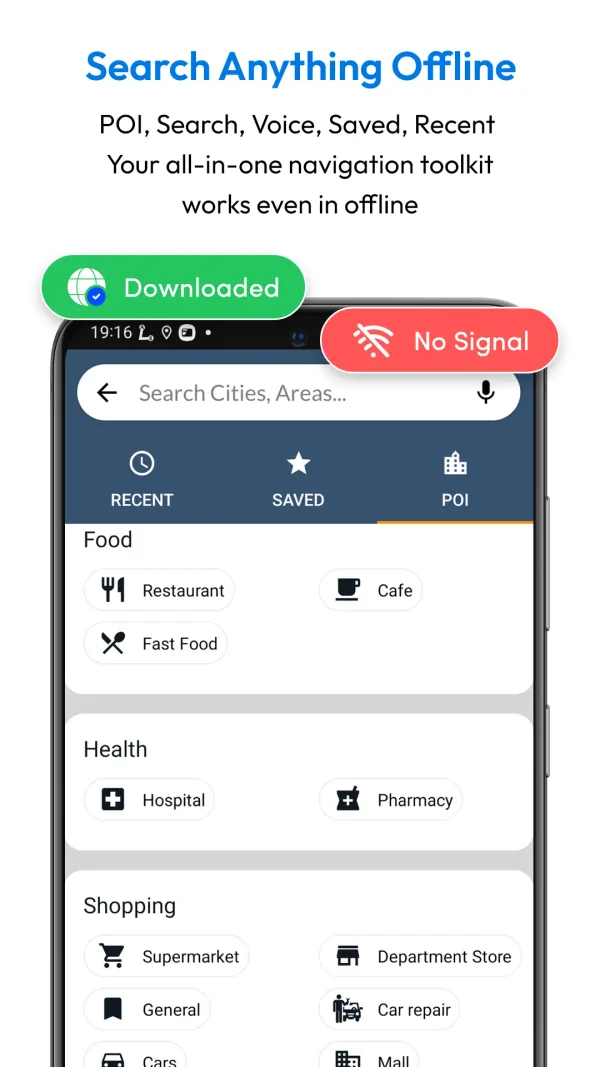
• Downloadable offline maps: Save maps to your phone and navigate without internet.
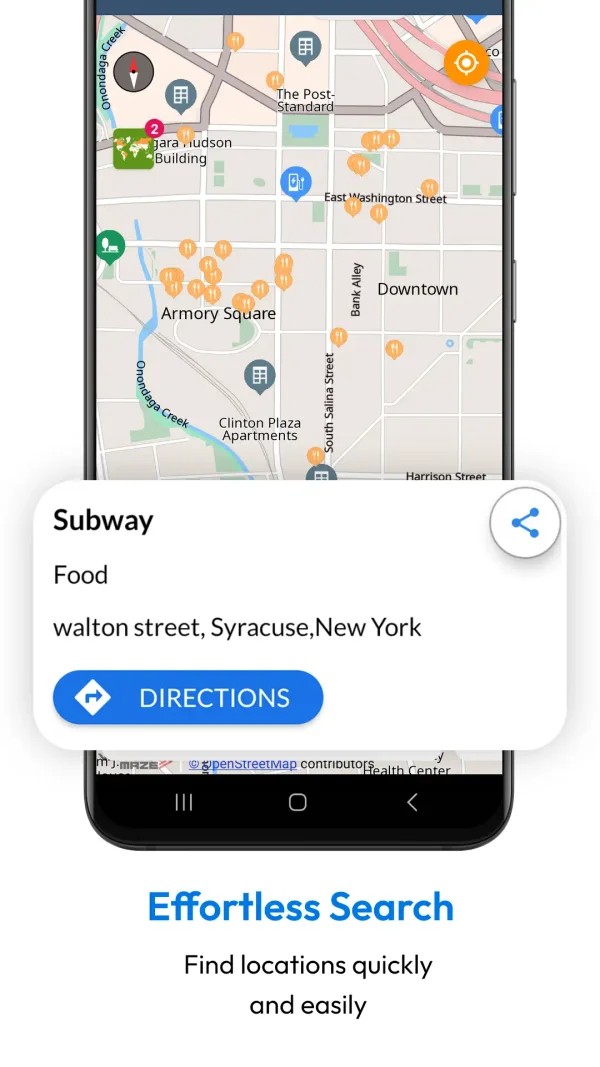
• Offline search: Find places and addresses offline.
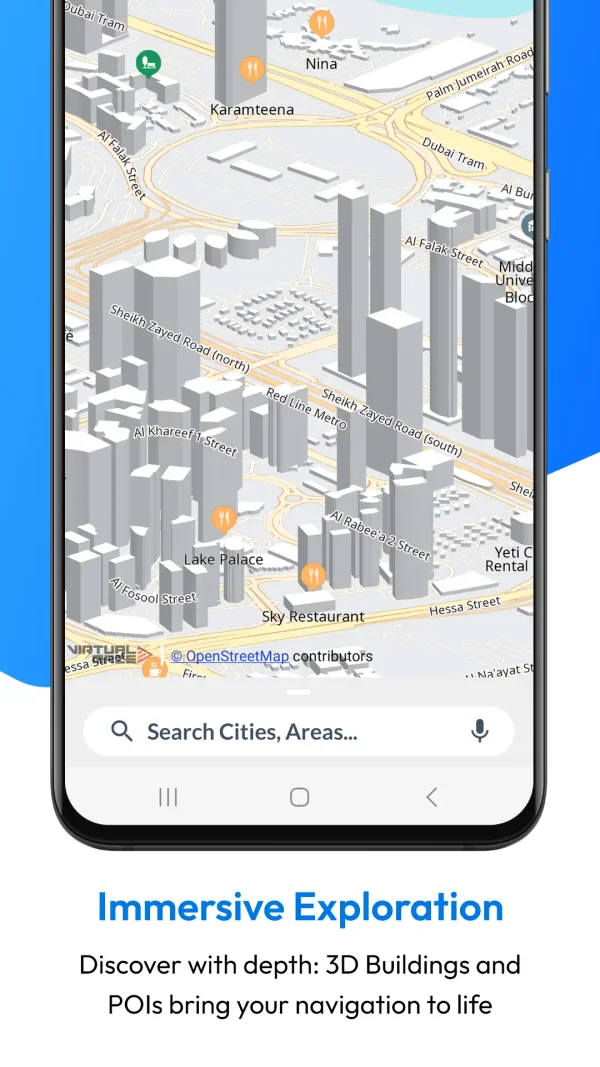
• Offline points of interest (POI): Hotels, restaurants, hospitals, ATMs, banks, EV charging stations, shopping and more.
TURN-BY-TURN GPS NAVIGATION
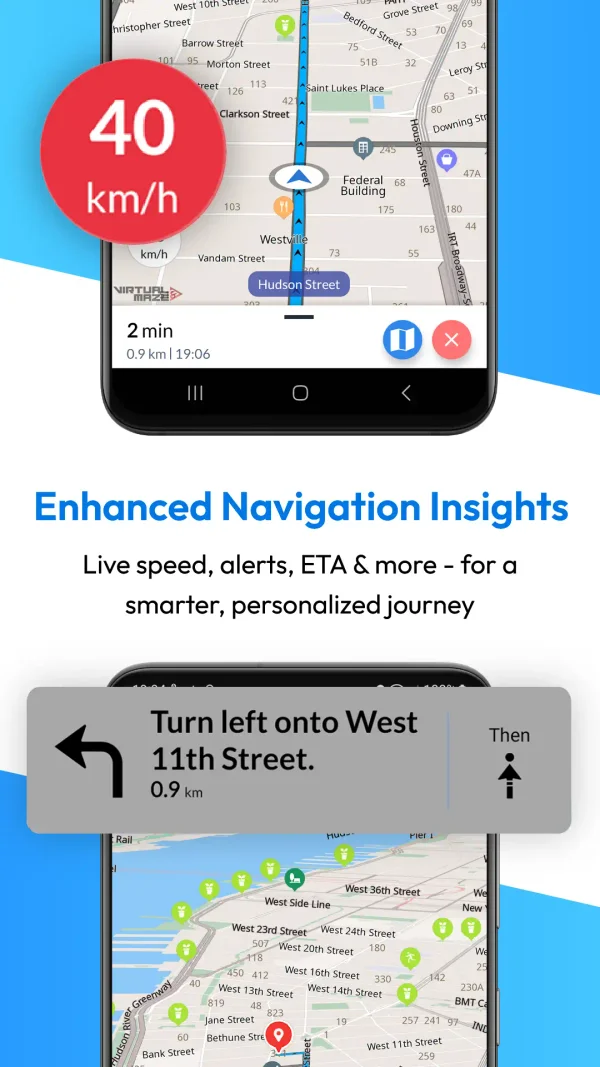
• Turn-by-turn navigation: Clear route instructions with accurate GPS positioning.
• Voice guidance: Spoken directions in multiple languages.
• Automatic rerouting: Instant recalculation if you miss a turn.
• Alternative routes: Choose the route that fits your trip.
LANE ASSIST + JUNCTION VIEW (HIGHWAY HELP)
• Lane guidance / lane assistance (lane assist): Know which lane to be in before a turn.
• Junction view: See upcoming junctions and interchanges more clearly.
• Exit guidance: Better confidence at complex intersections and highway exits.
ROUTE PLANNING + SAFETY
• Multi-stop routes: Add multiple way-points for optimized paths and precise ETA.
• Share routes: Share route instructions easily.
• Save locations: Store favorites for quick access.
• Over-speed alerts: Helpful speed warnings (where available).
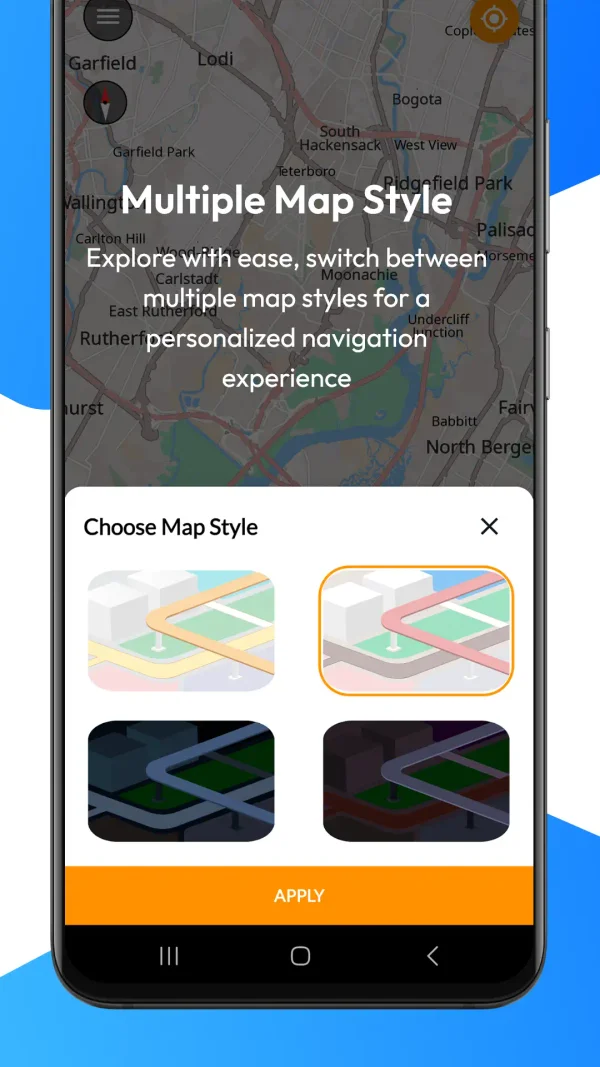
• Day & night mode: Clear navigation anytime.
EV + TRAVEL EXTRAS
• EV routing: Includes charging station information for electric vehicles.
• Weather updates: See weather details for your location when online.
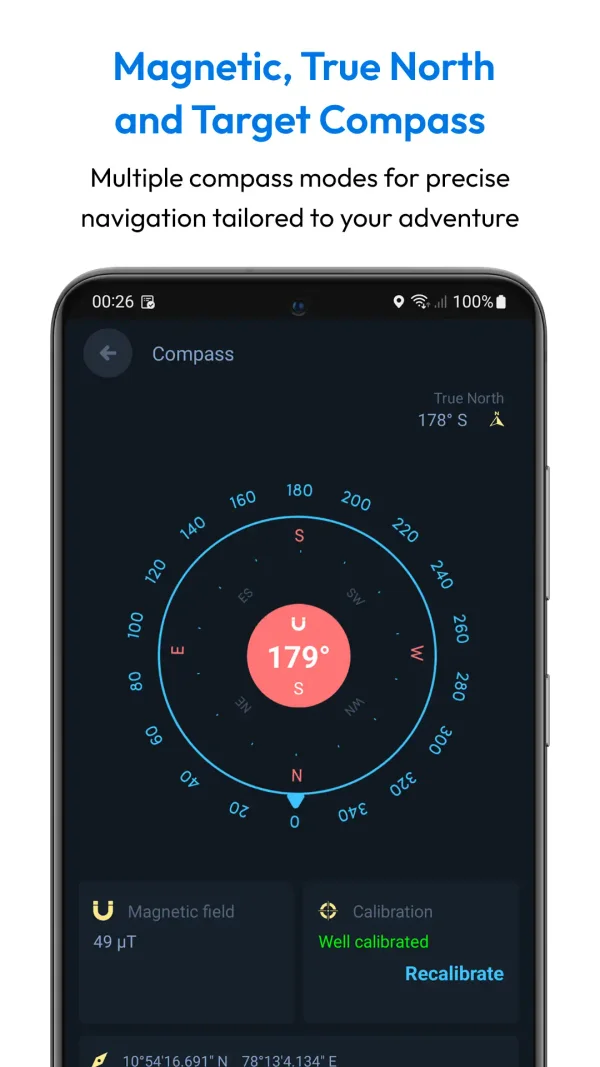
• Target compass: Navigate directly to a destination.
ANDROID AUTO + DEVICES
• Android Auto & Android Automotive: In-car navigation on your car display.
• Wear OS: Turn-by-turn navigation on your smartwatch.
WHY CHOOSE OFFLINE MAP NAVIGATION?
• Offline maps for travel: Avoid roaming costs and navigate without signal.
• Faster trip planning: Offline search + saved places + multi-stop routing.
• Clear highway guidance: Lane assist (lane guidance) + junction view.
• User-friendly: Simple, intuitive navigation UI.
SUBSCRIPTIONS (if applicable)
• You can manage or cancel subscriptions anytime in Google Play → Payments & subscriptions.
WEAR OS SETUP
1) Install the app on your Android phone and Wear OS watch.
2) Open the app on both devices and complete setup.
3) Start navigation on your phone.
4) Get turn-by-turn directions on your watch.
DISCLAIMER
Offline Map Navigation is a GPS-based app. Location permission is needed to show your position and provide navigation guidance. If you allow background location, the app may access location while running in the background for accurate navigation updates. You can control permissions anytime in Android settings.
Data safety
What VirtualMaze declares on Google Play about the data this app collects and shares.
- No data shared with third partiesLearn more about how developers declare sharing
- This app may collect these data typesLocation, Personal info and 3 others
- Data is encrypted in transit
- You can request that data be deleted
What’s new
Nov 13, 2026
* Updated SDK and data for better performance and optimized app size
* Enhanced search for faster, more accurate results
* Elevation graph now available for routes
* Now supports Phone, Tablet, Wear OS, Android Auto & Automotive devices
* Added junction view feature
* Improved lane guidance
* Fixed important bugs
* Improved UI/UX flow
* Updated app icon
***We highly recommend you to update your existing app to the latest version.
Developer contact
- Websitevirtualmaze.com
- Emailandroid@virtualmaze.com
- Privacy policyvirtualmaze.com
- Address2nd Floor, Survey No 33/9, Plot No 8/25 Kambar Street Alandur Village Chennai, Tamil Nadu 600016 India
Information
- Offered by
- VirtualMaze
- Category
- Maps & Navigation
- Updated
- Nov 13, 2026
- Released
- Feb 19, 2016
- Age rating
- Everyone
- Price
- Free
- In-app purchases
- $0.99 - $29.99 per item
- Package name
- com.virtualmaze.offlinemapnavigationtracker
Similar apps
-
 Google Maps
Travel & Local
-
 Geo Tracker - GPS tracker
Travel & Local
-
 Sygic: GPS Navigation & Maps
Maps & Navigation
-
 Save Location GPS - Live Share
Maps & Navigation
-
 Yandex Navigator
Travel & Local
-
 Radarbot: Radar Detector, GPS
Maps & Navigation
-
 Phases of the Moon
Weather
-
 Voice GPS & AI Travel Planner
Communication
-
 Google Earth
Travel & Local
-
 Digital Compass
Tools
-
 Live Earth Map - World Map 3D
Maps & Navigation
-
 Karta GPS Sat Nav Offline Maps
Maps & Navigation