Omnia Music Player
Rhythm SoftwareIn-app purchases
- EveryoneAge rating
- Music & AudioCategory
- Oct 13, 2026Updated
- FreePrice
Links to the official Google Play listing of com.rhmsoft.omnia. Last checked on Nov 20, 2026.

Screenshots


About this app
Omnia is powerful mp3 and audio player with hi-res output and 10-band equalizer.
Omnia Music Player is a powerful music player for Android. It is an offline audio player without advertisements. Its gorgeous user interface matches every single detail of the material design guidelines.
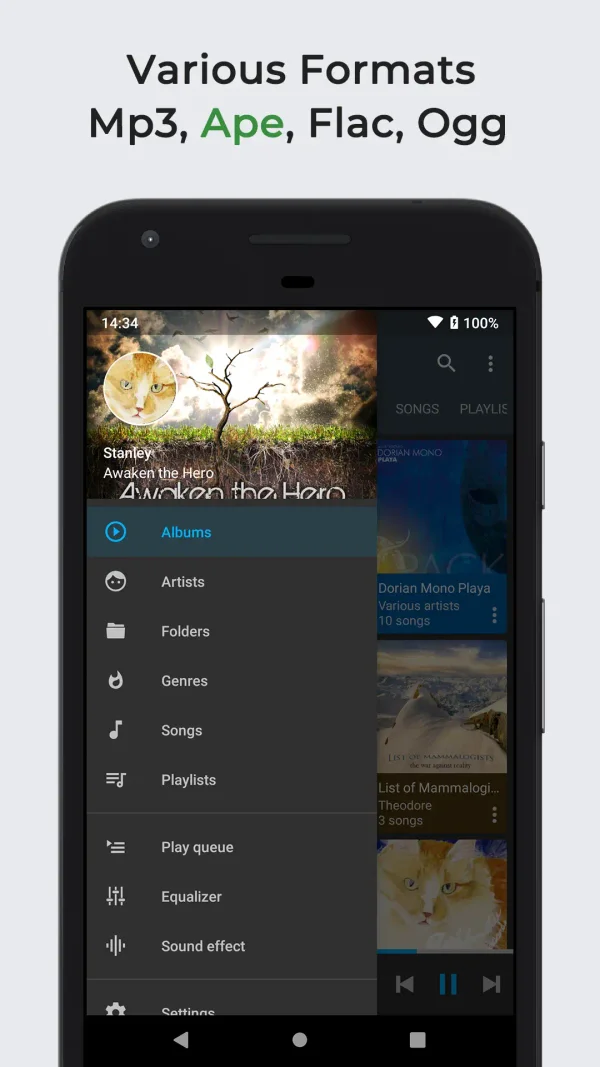
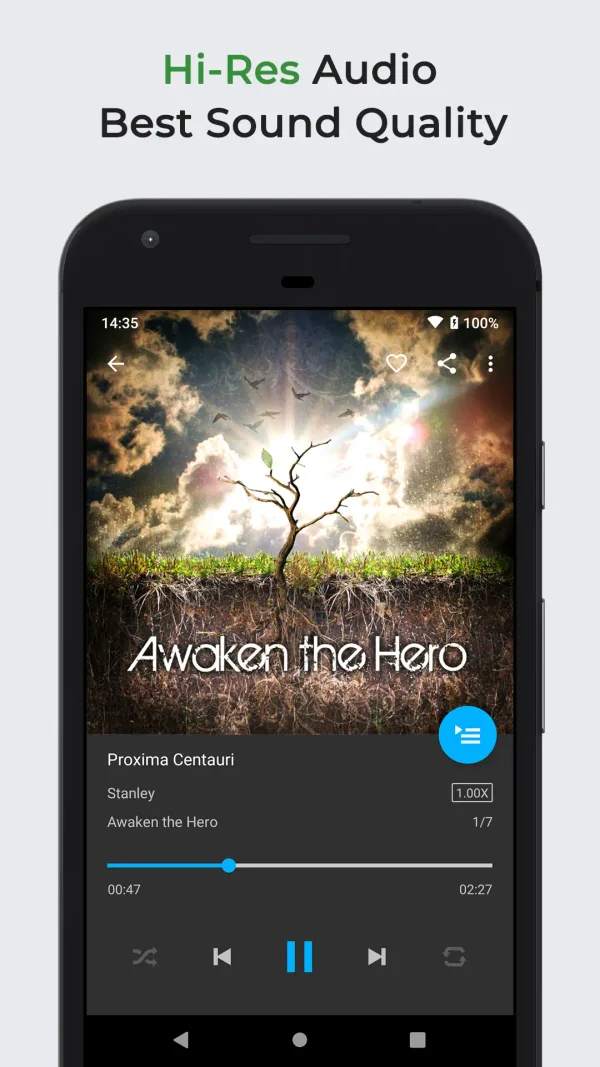
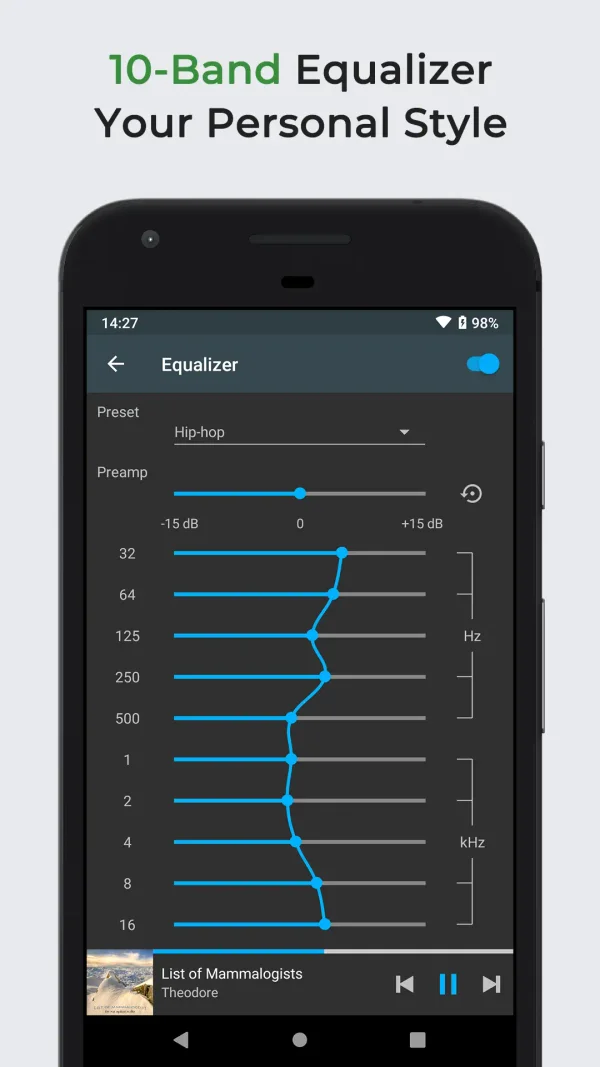
Omnia Music Player supports almost all audio formats, including mp3, ape, aac, alac, aiff, flac, opus, ogg, wav, dsd (dff/dsf), tta, etc. It has high-res output engine with best sound quality, and a 10-band equalizer, within a small footprint, less than 5 MB.
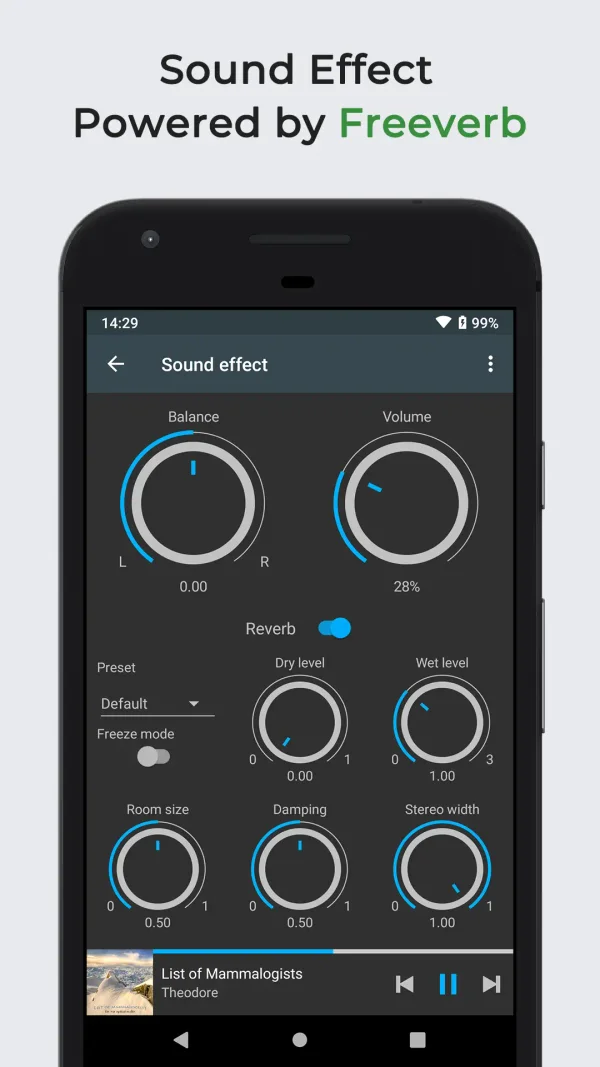
Omnia Music Player contains almost every necessary feature to fulfill all of your musical needs including: gapless playback, lyrics display, crossfade, play speed adjustment, tag editing, last.fm scrobbling, Chromecast, voice command, Android Auto, Freeverb, audio balance, ReplayGain, sleep timer, etc.
Key Features:
✓ Free of advertisements.
✓ High-resolution audio output.
✓ Lossless audio support such as APE.
✓ OpenSL / AudioTrack based output methods.
✓ Gorgeous user interface with material design.
✓ Manage and play music by album, artist, folder, and genre.
✓ Smart playlists with most played, recently played, and newly added tracks.
✓ Sava/restore playback position (useful for podcast and audiobook).
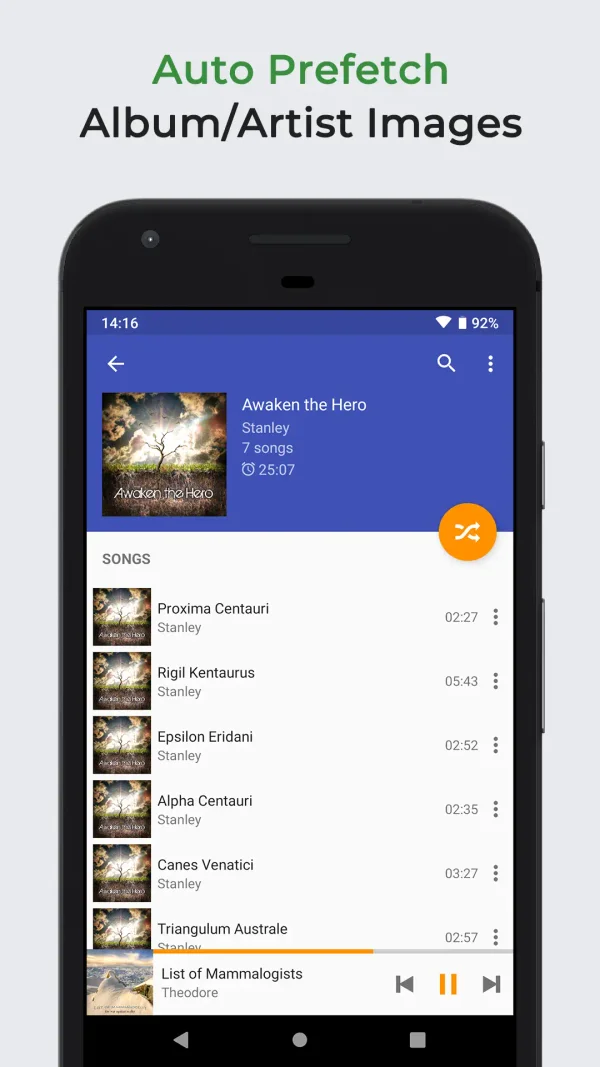
✓ Automatic sync missing album/artist images.
✓ Fast search across albums, artists, and songs.
✓ Volume normalization based on ReplayGain.
✓ Built-in metadata tag editor (mp3 and more).
✓ Display lyrics (embedded and lrc file).
✓ Support MP3 URL playlist files (m3u and m3u8).
✓ Support Windows media player playlist files (wpl).
✓ Resizable home screen widget.
✓ Gapless playback support.
✓ 10-band equalizer and 15 pre-built presets.
✓ Flexible reverb settings powered by Freeverb.
✓ Up to 32-bit/768kHz USB DAC support on Android 14+.
✓ Sound balance adjustment.
✓ Play speed adjustment.
✓ Crossfade support.
✓ Chromecast (Google Cast) support.
✓ Google voice commands support.
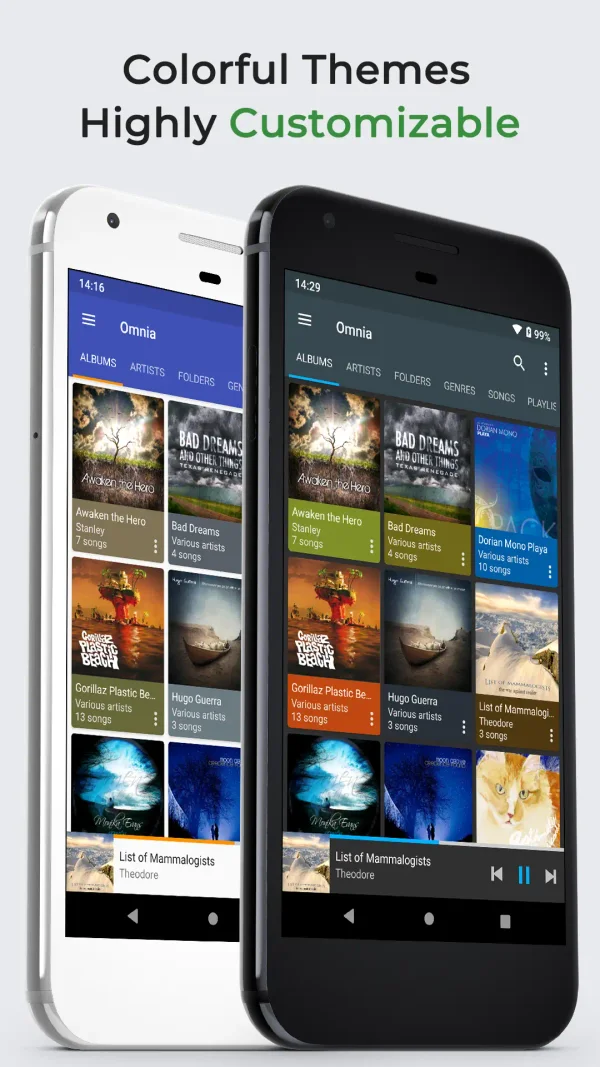
✓ Colorful themes, fully customizable.
✓ Background image from gallery.
✓ Android Auto support.
✓ Last.fm scrobbling.
✓ Sleep timer.
Omnia Music Player vs. Pulsar Music Player:
Omnia Music Player is the sister application of Pulsar Music Player. It contains following differentiation:
✓ New user interface and experience.
✓ Built-in audio engine, decoder and library.
✓ 10 bands equalizer and 15 presets.
✓ Reverb settings powered by Freeverb.
✓ More flexible preference settings.
Support Development:
If you can help to translate this audio player to your native language, or there is any mistake in current translation, please contact our email: support@rhmsoft.com.
If you run into any issues or have any suggestions while using this audio player, please feel free to contact us: support@rhmsoft.com.
Disclaimer:
Album covers used in the screenshots are licensed under CC BY 2.0 License:
https://creativecommons.org/licenses/by/2.0/
Credits:
https://www.flickr.com/photos/room122/3194511879
https://www.flickr.com/photos/room122/3993362214
https://www.flickr.com/photos/wheatfields/3328507930
https://www.flickr.com/photos/megatotal/4894973474
https://www.flickr.com/photos/megatotal/4894973880
https://www.flickr.com/photos/differentview/4035496914
https://www.flickr.com/photos/master971/4421973417
https://www.flickr.com/photos/woogychuck/3316346687
https://www.flickr.com/photos/115121733@N07/12110011796
Data safety
What Rhythm Software declares on Google Play about the data this app collects and shares.
- No data shared with third partiesLearn more about how developers declare sharing
- This app may collect these data typesApp activity and App info and performance
- Data is encrypted in transit
- Data can’t be deleted
- Committed to follow the Play Families Policy
What’s new
Version 1.8.6 · Oct 13, 2026
✓ Added year display to the album page.
✓ Updated compatibility with the latest Android platform.
Developer contact
- Websiterhmsoft.com
- Emailsupport@rhmsoft.com
- Privacy policyrhmsoft.com
- Address2108 N St Ste N Sacramento, CA 95816-5712 United States
Information
- Offered by
- Rhythm Software
- Category
- Music & Audio
- Version
- 1.8.6
- Updated
- Oct 13, 2026
- Released
- Mar 27, 2019
- Requires
- Android 6.0 or later
- Age rating
- Everyone
- Price
- Free
- In-app purchases
- $3.99 per item
- Package name
- com.rhmsoft.omnia
Similar apps
-
 Music Player - MP3 Player
Music & Audio
-
 LAVA+
Music & Audio
-
 PlayerPro Music Player (Pro)
Music & Audio
-
 Pi Music Player: Offline Music
Music & Audio
-
 Airlyn, the asthma app
Health & Fitness
-
 MusicCast Controller
Music & Audio
-
 Pulsar Music Player Pro
Music & Audio
-
 Pinwheel Caregiver
Parenting
-
 Stellio: Music Player & MP3
Music & Audio
-
 Solo - Fretboard Visualization
Music & Audio
-
 Lyrics for Poweramp
Music & Audio
-
 Music Player - MP3 Offline
Music & Audio