Paint for Android
Prometheus Interactive LLCContains ads · In-app purchases
- EveryoneAge rating
- Art & DesignCategory
- Sep 22, 2026Updated
- FreePrice
Links to the official Google Play listing of bueno.android.paint.my. Last checked on Nov 19, 2026.
Screenshots


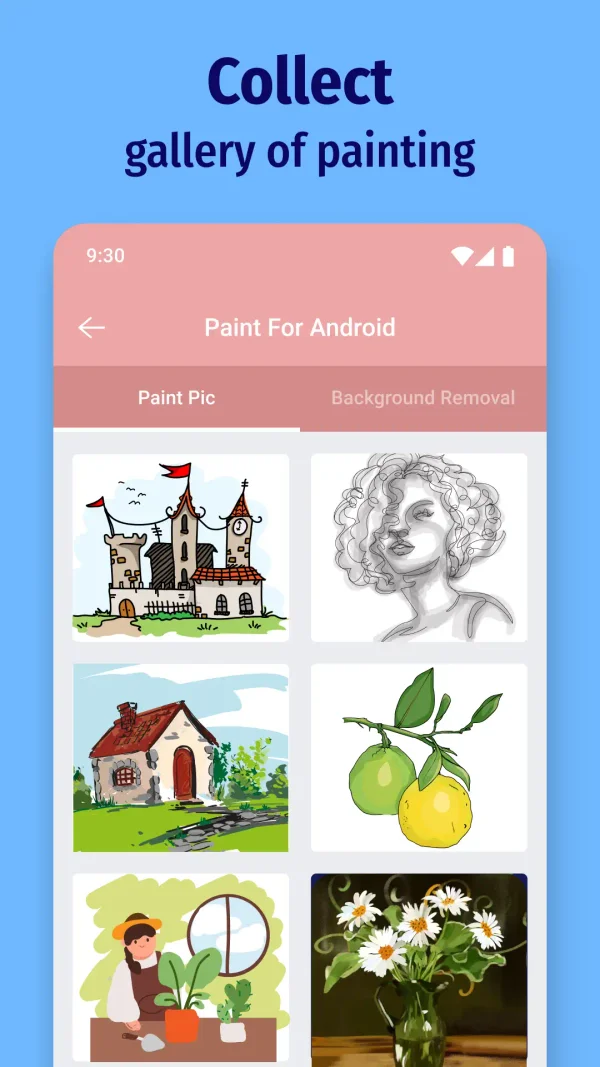
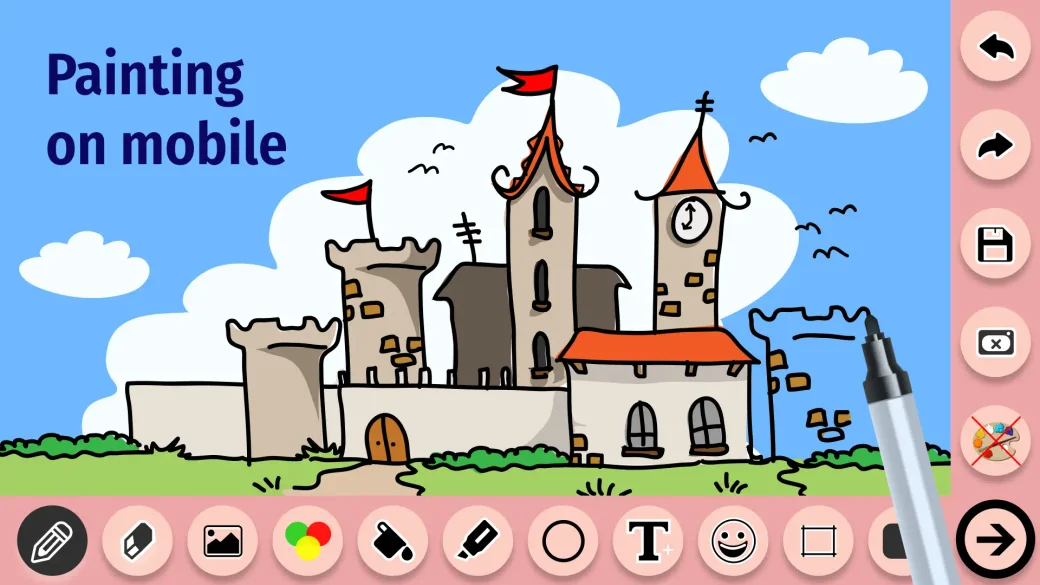
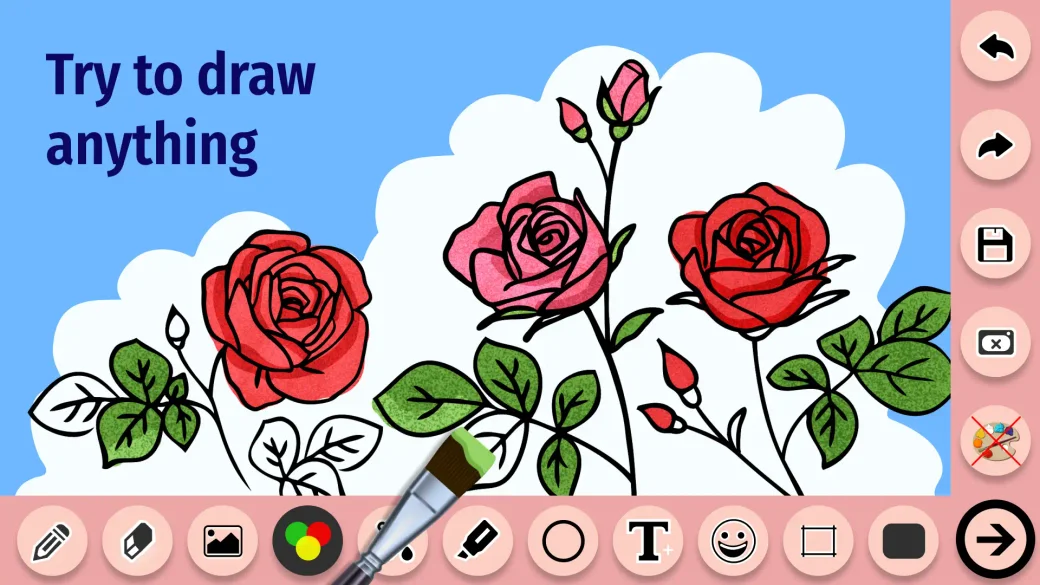
About this app
Fantastic Paint for Android Application. Enjoy painting and drawing.
What is Paint for Android?
Turn a picture idea into a digital sketch with this drawing app for Android. Paint, add details and create something to share, whether you have a scene in mind or just want to doodle.
Who is Paint for Android for?
Use it for casual drawing practice, a creative break or a picture with a personal message. Start with a simple idea: a house, a flower or a greeting for a friend.
What does Paint for Android do?
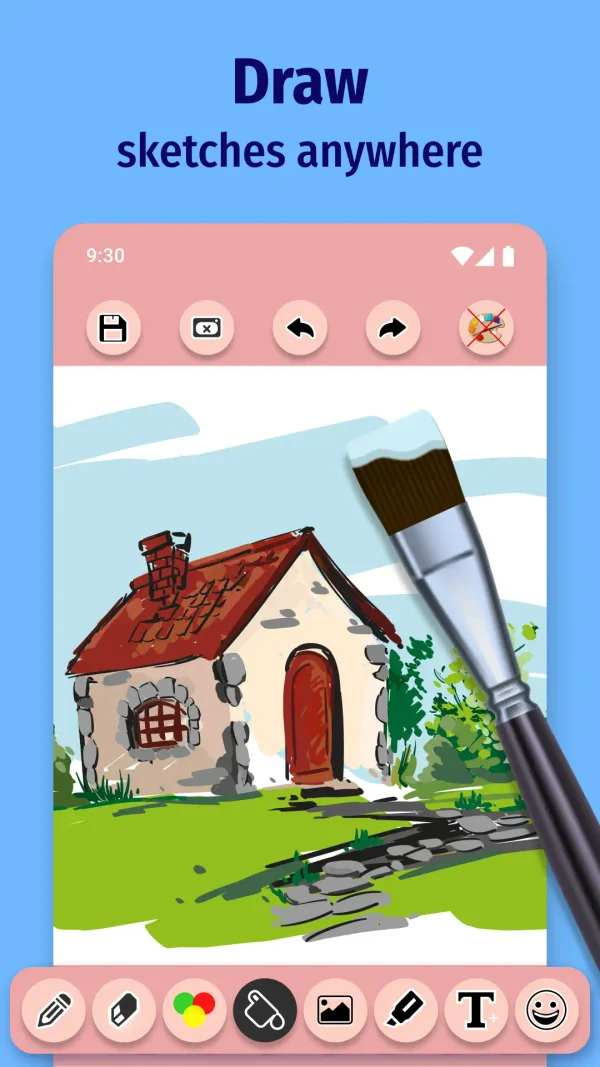
• Choose from multiple brushes for different strokes;
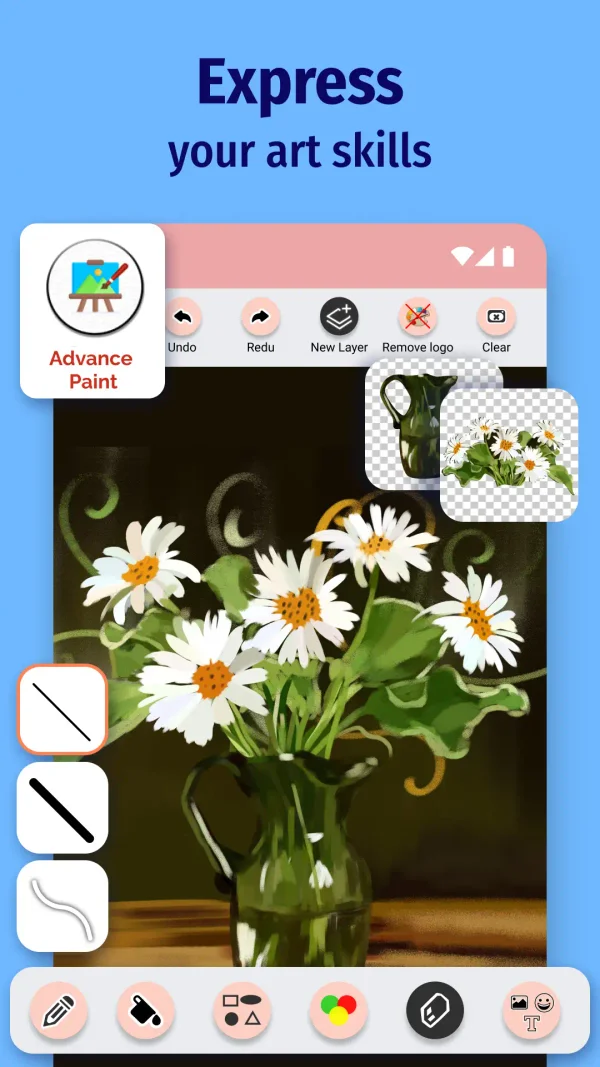
• Build pictures with circles, ovals and rectangles;
• Draw on photos to add your own details;
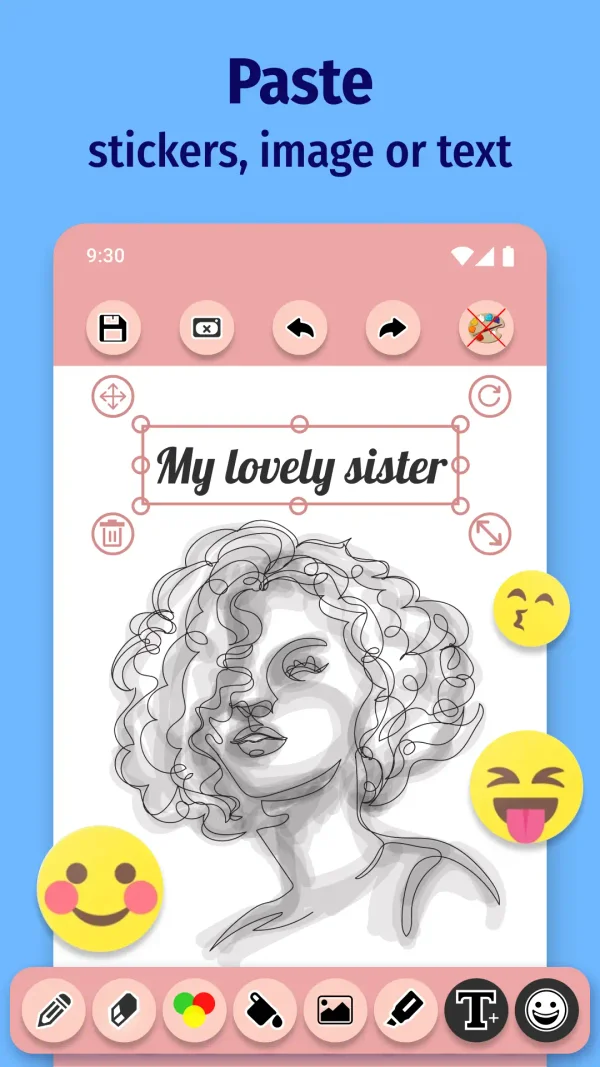
• Add text for names, captions or short messages;
• Correct marks with the eraser, undo and redo;
• Save and share your finished artwork.
Combine a shape with freehand lines, or give a photo a playful caption. A drawing does not need to be elaborate to express an idea.
How does Paint for Android work?
Choose a brush and begin drawing, or use a photo as your starting point. Add shapes or text where you want them. Undo a change, redo it if you prefer the earlier result, or erase an unwanted mark. Save your picture when it is ready and share it with someone you choose.
For drawing practice, try the same subject in different ways: outline a flower, build a house from shapes or draw on photos to explore an idea.
Compatibility and requirements
This is an Android app. It contains ads and offers in-app purchases.
Paint for Android brings drawing, photo sketching and personal messages together so you can turn an idea into a picture of your own.
Permissions:
Photos and Media / Storage Access (READ_MEDIA_IMAGES, READ_MEDIA_VIDEO, READ_EXTERNAL_STORAGE):
Photos / Media Access: Paint for Android requires access to your device's photos and media solely to allow you to import images for editing, background removal, and painting, as well as to save your created artwork directly to your device. We do not access or share your private files without your direct action.
Data safety
What Prometheus Interactive LLC declares on Google Play about the data this app collects and shares.
- This app may share these data types with third partiesDevice or other IDs
- No data collectedLearn more about how developers declare collection
- Data is encrypted in transit
- Data can’t be deleted
What’s new
Version 19.1.2.1 · Sep 22, 2026
Remove Ads options Added
New Paint Tool Added
Bug Fixed
Developer contact
- Websiteuseprometheus.app
- Emailsupport.paintforandroid@useprometheus.app
- Privacy policyuseprometheus.app
- Address8 The Grn Ste 4184 Dover, DE 19901-3618 United States
Information
- Offered by
- Prometheus Interactive LLC
- Category
- Art & Design
- Version
- 19.1.2.1
- Updated
- Sep 22, 2026
- Released
- Mar 11, 2016
- Requires
- Android 8.0 or later
- Age rating
- Everyone
- Price
- Free
- In-app purchases
- $0.99 - $99.99 per item
- Package name
- bueno.android.paint.my
Similar apps
-
 Colorfy: Colouring Book Games
Entertainment
-
 No.Pix Color by Number & Pixel
Entertainment
-
 InColor™ : Coloring & Drawing
Entertainment
-
 Sketchbook
Art & Design
-
 ibis Paint X
Art & Design
-
 Drum Pad Machine - music maker
Music & Audio
-
 FlipaClip: Create 2D Animation
Art & Design
-
 Tayasui Sketches
Art & Design
-
 Butterfly Draw Step by Step
Art & Design
-
 Clip Studio Paint
Art & Design
-
 AR Drawing: Sketch & Paint
Art & Design
-
 Drawing Desk: Learn to Draw
Art & Design