Passbolt - password manager
Passbolt SA- EveryoneAge rating
- ProductivityCategory
- Nov 6, 2026Updated
- FreePrice
Links to the official Google Play listing of com.passbolt.mobile.android. Last checked on Nov 27, 2026.

Screenshots

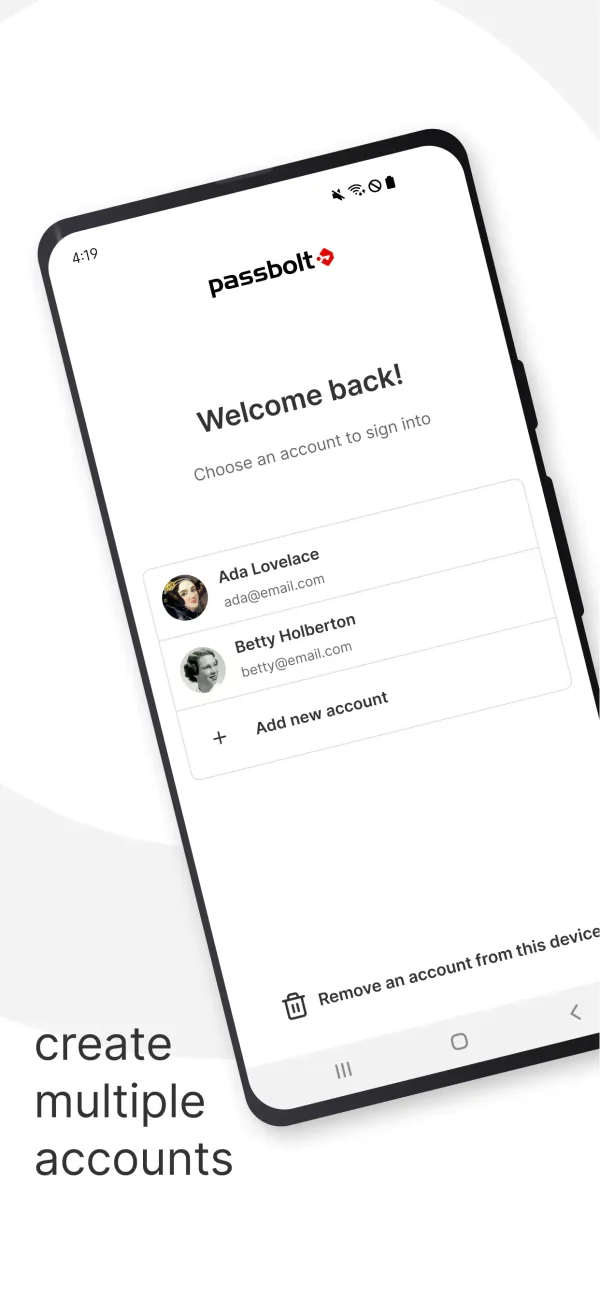
About this app
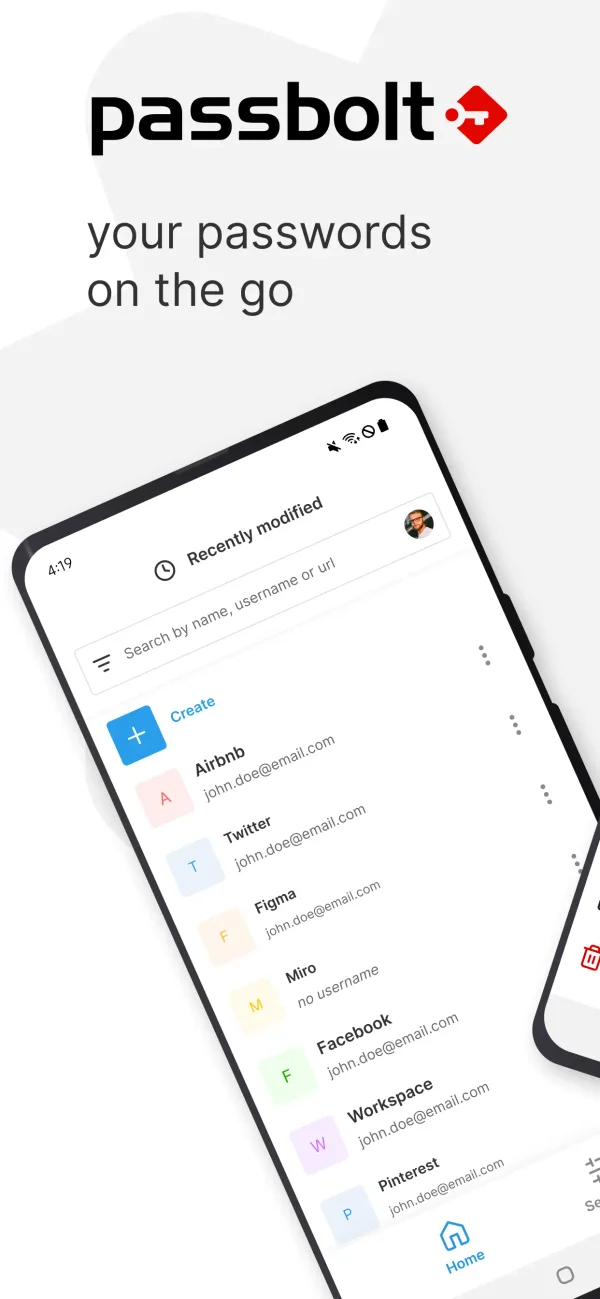
Secure and open source. Safely take your passwords with you on-the-go
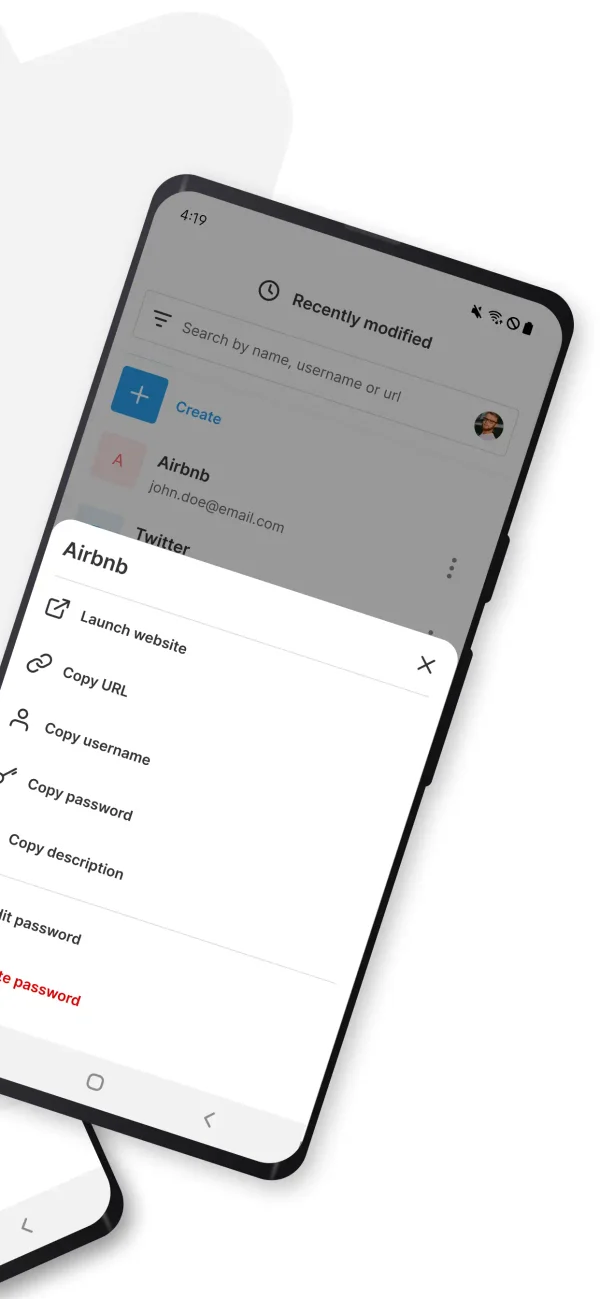
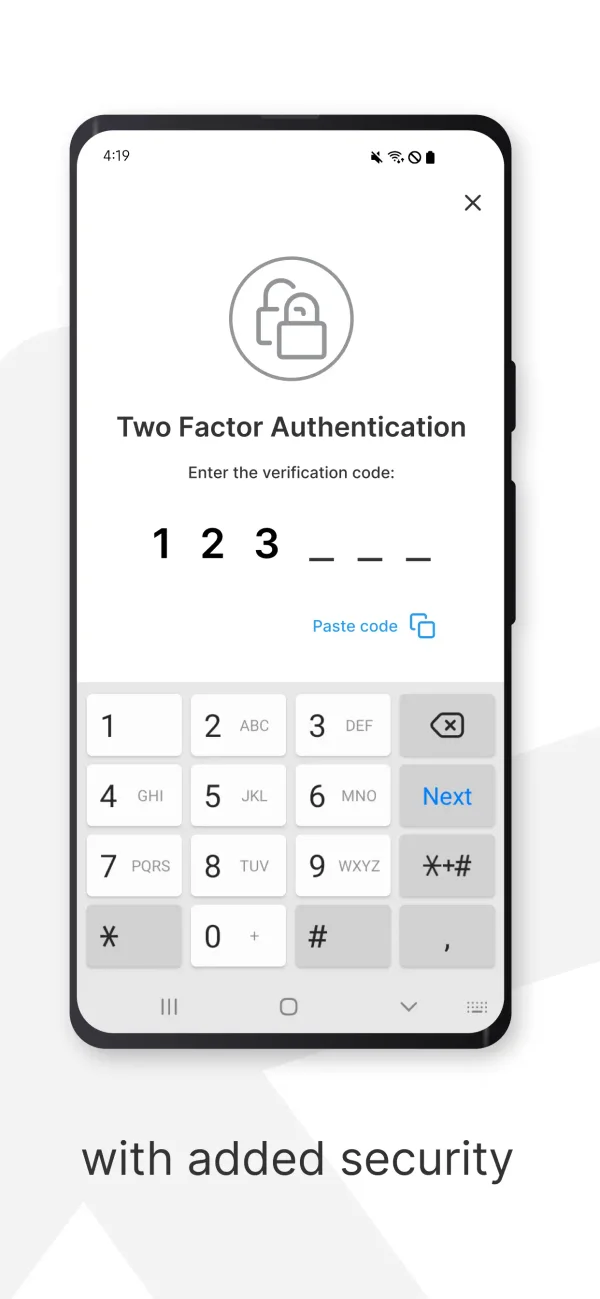
Take your team's passwords with you wherever you go by downloading Passbolt's open-source mobile app. It offers all the beloved features of the web application, including industry-leading password sharing security, form autofill, plus biometric and multi-factor authentication.
Why choose Passbolt mobile?
- Setting the highest standards in password collaboration security.
- Biometric authentication allows you to log in and access your passwords using fingerprint or facial recognition.
- Secure MFA login is enhanced with NFC-enabled Yubikey support.
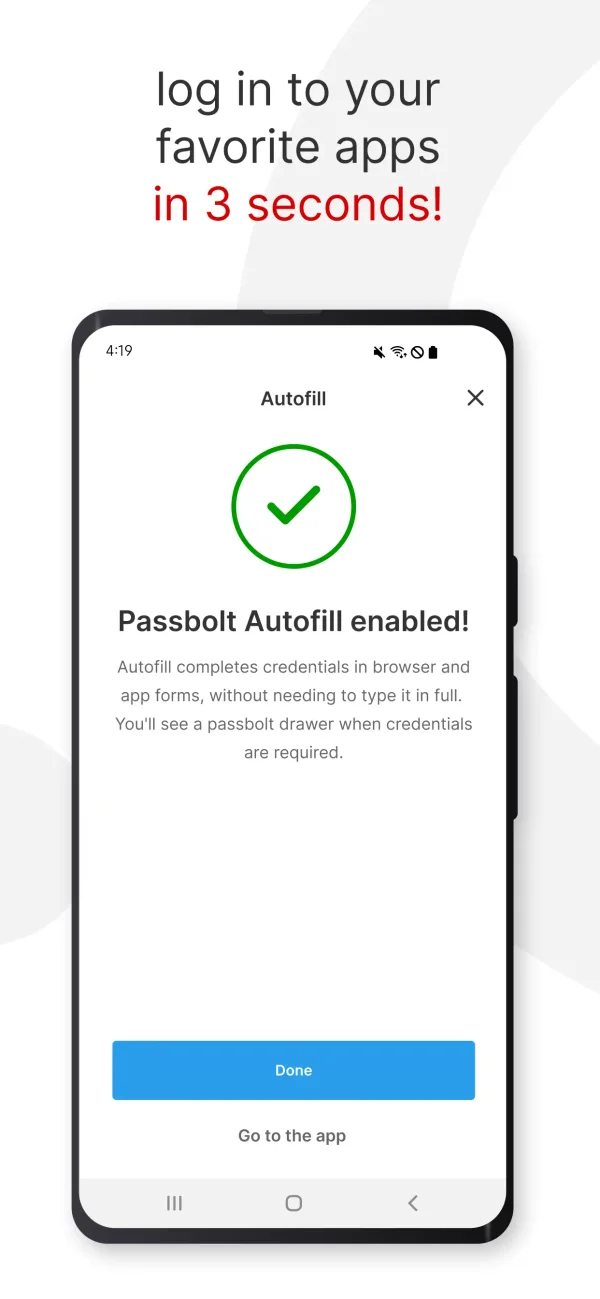
- The autofill feature simplifies credential input on your mobile device.
- Fully Open Source.
Passbolt is based in Luxembourg and complies with the EU's strict data privacy regulations. The app's security model follows strict end-to-end encryption principles. A key aspect of this is the secure transfer of private keys from the browser to the app, achieved offline through the scanning of multiple QR codes.
Accessibility Features: Passbolt utilizes these features provided by Android to assist you in signing into both web and native applications using the credentials stored in it.
Discover more at passbolt.com.
Data safety
What Passbolt SA declares on Google Play about the data this app collects and shares.
- No data shared with third partiesLearn more about how developers declare sharing
- This app may collect these data typesPersonal info and App activity
- Data is encrypted in transit
- Data can’t be deleted
What’s new
Version 3.4.1 · Nov 6, 2026
This release fixes a broken click action after the legacy accessibility service autofill widget migration and the app losing autofill mode when switching accounts mid-session. Also fixed is a rare crash in the legacy accessibility service on websites with duplicated IDs. It also hardens autofill so saved credentials are only suggested to trusted web browsers.
Developer contact
- Websitepassbolt.com
- Emailcontact@passbolt.com
- Privacy policypassbolt.com
- Address9 avenue du Blues 4368 Sanem (Belvaux ) Luxembourg
Information
- Offered by
- Passbolt SA
- Category
- Productivity
- Version
- 3.4.1
- Updated
- Nov 6, 2026
- Released
- Nov 25, 2021
- Requires
- Android 12 or later
- Age rating
- Everyone
- Price
- Free
- Package name
- com.passbolt.mobile.android