Password Manager - Proton Pass
Proton AGIn-app purchases
- EveryoneAge rating
- ProductivityCategory
- Nov 25, 2026Updated
- FreePrice
Links to the official Google Play listing of proton.android.pass. Last checked on Nov 25, 2026.

Screenshots




About this app
Encrypted password manager, safe passkeys, autofill login credentials.
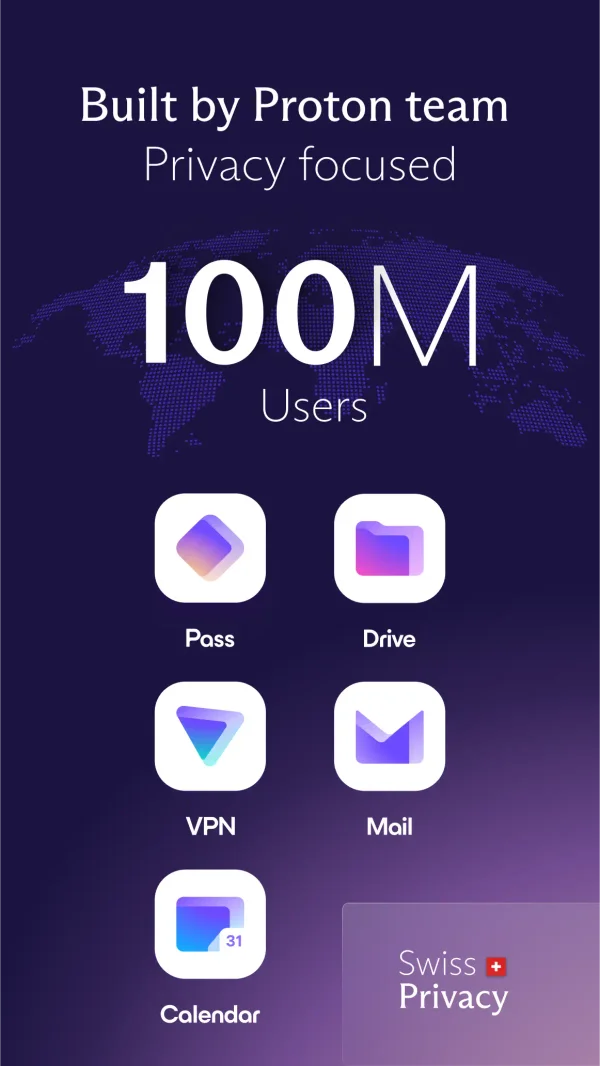
As a free password manager protected by Swiss privacy laws and fully open-source, Proton Pass is a secure password manager that keeps your passwords, logins, and notes locked with end-to-end encryption that only you can unlock.
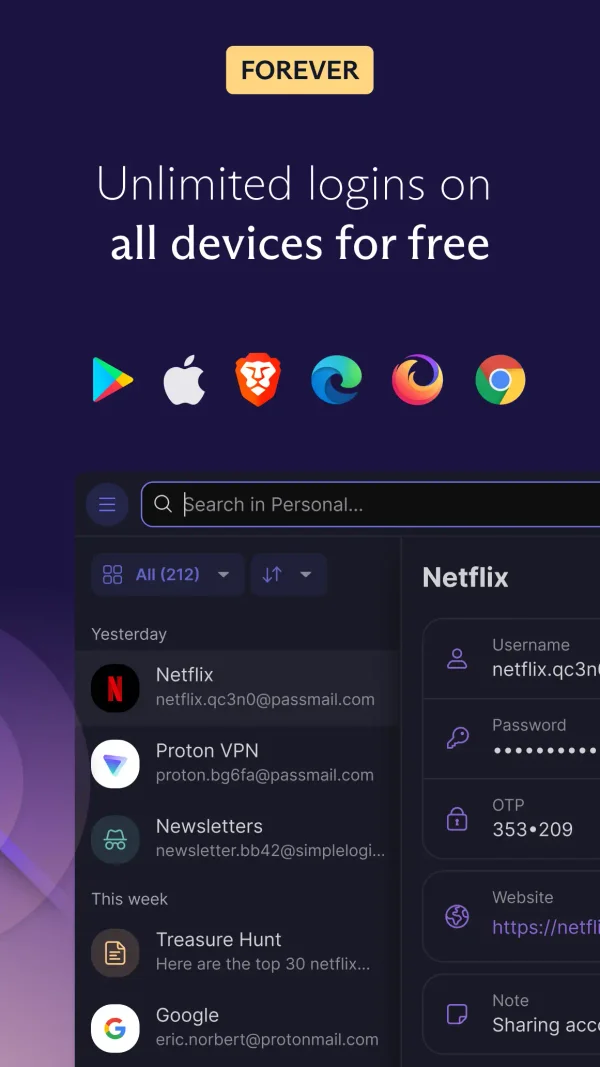
Store passwords, autofill logins, generate strong passwords, create 2FA codes and email aliases, and secure your notes — all in one encrypted password vault. Use it as your credential manager on unlimited devices, with zero ads and zero data collection, free forever.
🏆 ZDNET:“Best free password manager for privacy . Proton Pass is a well-designed and highly secure password manager with a handful of unique features.”
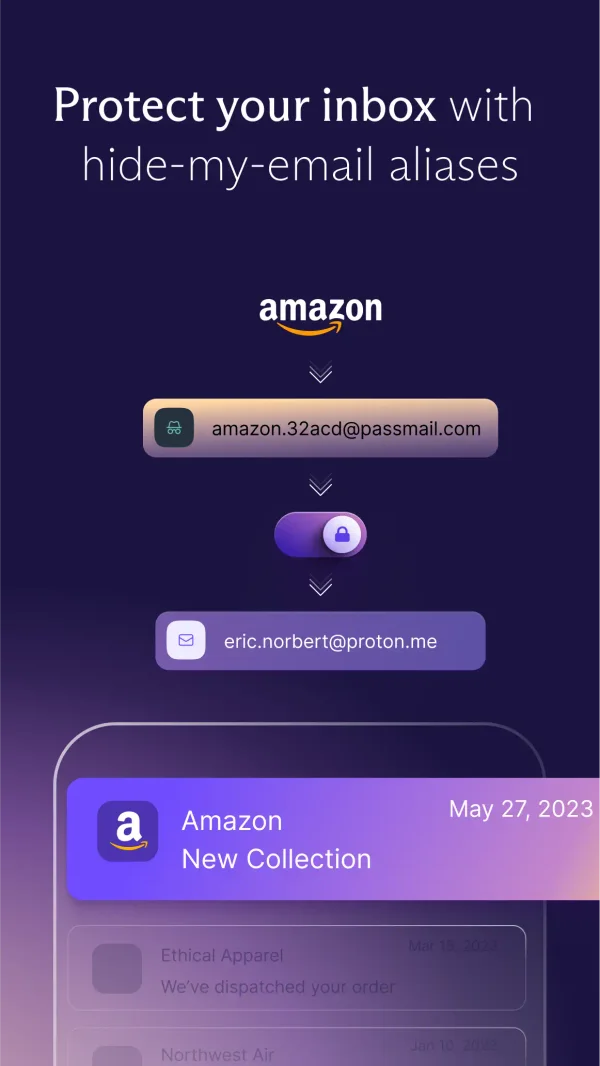
Hide-my-email aliases — protect your actual email address from being disclosed or leaked
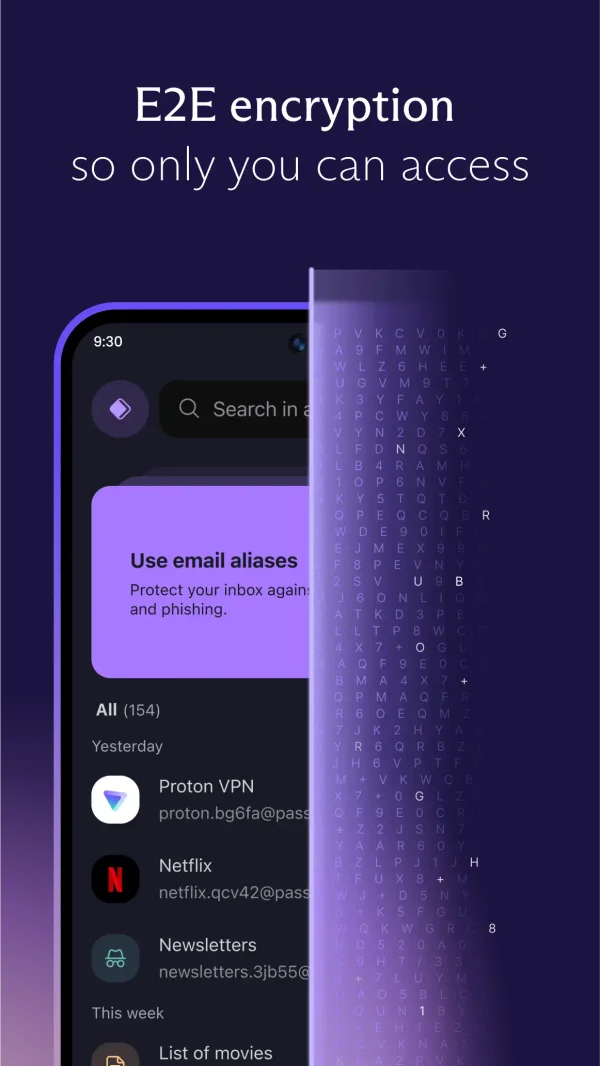
End-to-end encrypted password vault — all login metadata protected (including your username, the website address, and more), not just your passwords
Open-source and independently audited — no ads, no data collection
STORE AND SYNC UNLIMITED PASSWORDS
Save and auto-sync passwords and credentials across unlimited devices. Create, store, and organize passwords from anywhere with our browser extensions and apps for Android and iPhone/iPad.
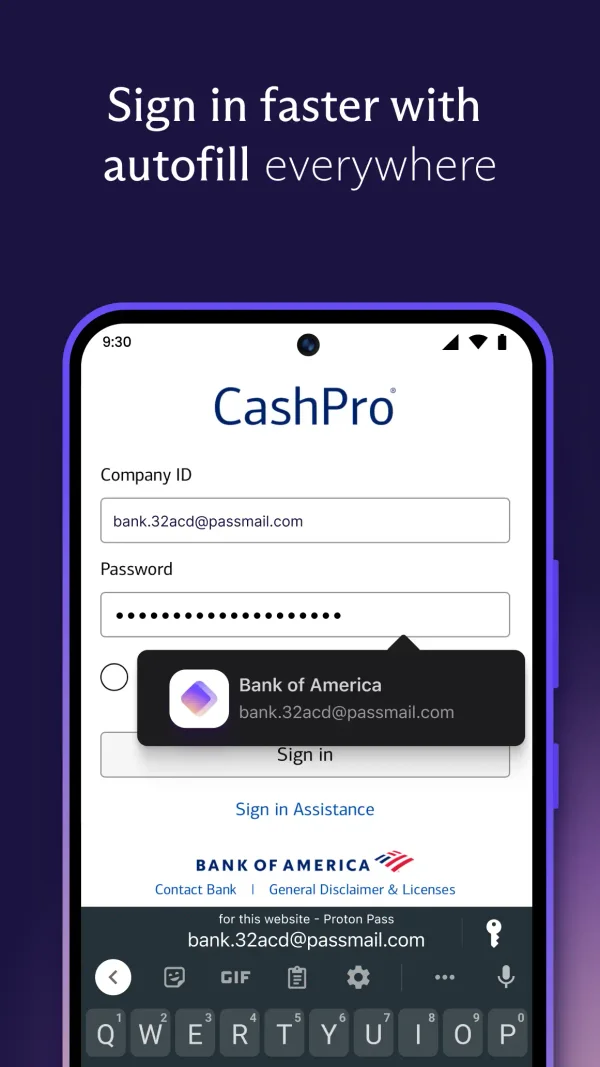
AUTOFILL PASSWORDS INSTANTLY
Log in with one tap — no more copying and pasting passwords. Easily and securely fill any login form, on any website.
GENERATE SECURE PASSWORDS
The built-in password generator creates strong, unique, random passwords that meet the security requirements of every site. Stop reusing weak passwords and let your password manager handle the hard part.
BUILT-IN 2FA AUTHENTICATOR
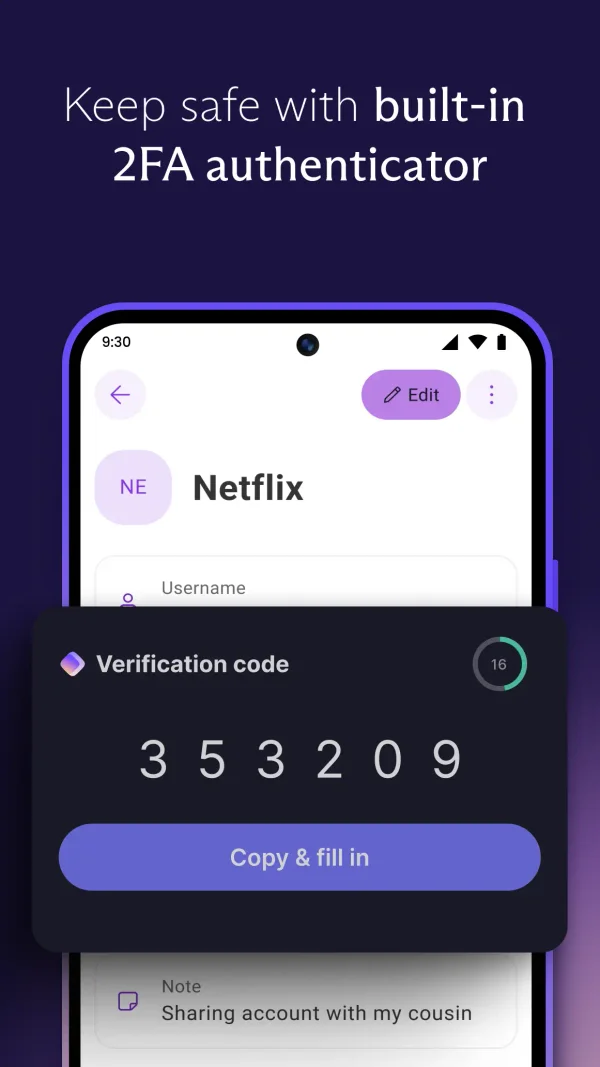
Store and autofill two-factor authentication codes right alongside your passwords. 2FA made convenient in a secure password manager.
HIDE-MY-EMAIL ALIASES
Create email aliases to protect your real address from spam, trackers, and data breaches. Keep your identity private without losing a single message.
ENCRYPTED SECURE NOTES
Save private notes in your password vault and access them securely across all your devices.
BIOMETRIC UNLOCK
Add an extra layer of protection to your passwords by using your fingerprint or face to unlock the app.
OFFLINE ACCESS
Your password vault is available anywhere — even without an internet connection.
EASY PASSWORD ORGANISING AND SHARING
Share passwords, logins, and notes with people you trust from a shared, fully encrypted password vault.
IMPORT PASSWORDS FROM ANY PASSWORD MANAGER
Switch in minutes. Import your passwords directly from Bitwarden, 1Password, Dashlane, LastPass, NordPass, Keeper, Google Password Manager, and more.
ADVANCED SECURITY KEYS
Add TOTP or U2F/FIDO2 security keys for an extra layer of vault protection beyond your master password.
⭐️ How can it be free forever?
We offer our password manager for free because everyone deserves online privacy and security. This is possible thanks to our supportive community on paid plans. If you would like to support our work and get access to premium features, consider upgrading your plan.
For more information, visit: https://proton.me/pass
Learn more about Proton: https://proton.me
Data safety
What Proton AG declares on Google Play about the data this app collects and shares.
- No data shared with third partiesLearn more about how developers declare sharing
- This app may collect these data typesPersonal info
- Data is encrypted in transit
- You can request that data be deleted
What’s new
Version 1.41.5 · Nov 25, 2026
Fixes:
- Improved security around autofill and passkeys.
- Fixed several sync and search issues.
- General bug fixes and improvements.
Other:
- Updated translations.
Developer contact
- Websiteproton.me
- Emailsupport@protonmail.zendesk.com
- Privacy policyproton.me
- AddressRoute de la Galaise 32 1228 Plan-les-Ouates Switzerland
Information
- Offered by
- Proton AG
- Category
- Productivity
- Version
- 1.41.5
- Updated
- Nov 25, 2026
- Released
- Jun 16, 2023
- Requires
- Android 8.1 or later
- Age rating
- Everyone
- Price
- Free
- In-app purchases
- $4.99 - $119.88 per item
- Package name
- proton.android.pass
Similar apps
-
 Proton Calendar: Secure Events
Productivity
-
 Seed4.Me VPN Proxy
Tools
-
 NotVPN: Encrypted Website VPN
Tools
-
 Proton Wallet: Secure Bitcoin
Finance
-
 hidemy.name VPN
Communication
-
 RoboForm Password Manager
Productivity
-
 WireGuard
Tools
-
 mSecure - Password Manager
Productivity
-
 2FA Authenticator (2FAS)
Tools
-
 LastPass Password Manager
Productivity
-
 Keeper Password Manager
Productivity
-
 One Key: password manager
Productivity