PDF Editor & Reader App | Xodo
Apryse Software Inc.In-app purchases
- EveryoneAge rating
- ProductivityCategory
- Nov 19, 2026Updated
- FreePrice
Links to the official Google Play listing of com.xodo.pdf.reader. Last checked on Nov 24, 2026.
Screenshots


About this app
Edit, sign, merge, turn text to PDF, merge files and edit documents effortlessly
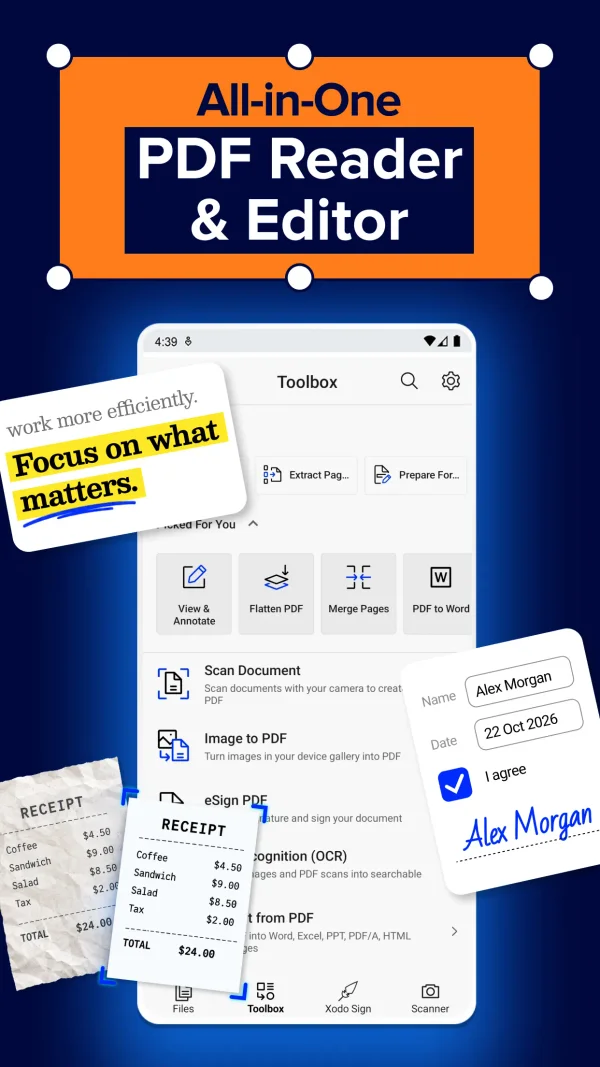
✏️ All Document Reader and PDF Viewer: Read, edit, view, and convert documents effortlessly for peak productivity!
Optimise business workflows with PDF fillable forms, smart annotations, and redaction features. This all-in-one document reader, editor and converter increases efficiency on mobile and tablet. Whether it’s to boost productivity at work or school: scan, edit, sign, annotate and convert documents with ease! Enhance PDF productivity and optimise business workflows with our advanced features, including fillable forms, smart annotations, and secure redaction tools for efficient document management.
✏️ Edit any PDF files easily:
Enhance daily business productivity with our quick PDF editor: create a PDF from scratch or edit directly.
• Flatten PDF files: All annotations in PDF reader, like fillable forms, will be locked and merged into a single layer for protection
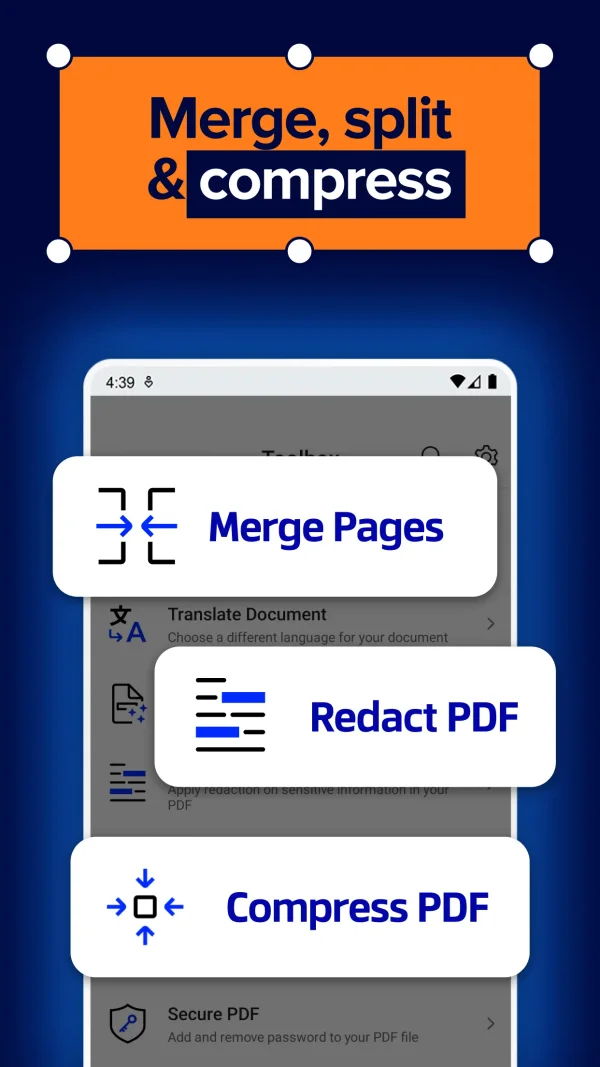
• Compress PDF files: Quickly reduce PDF files size for sharing with this all document reader
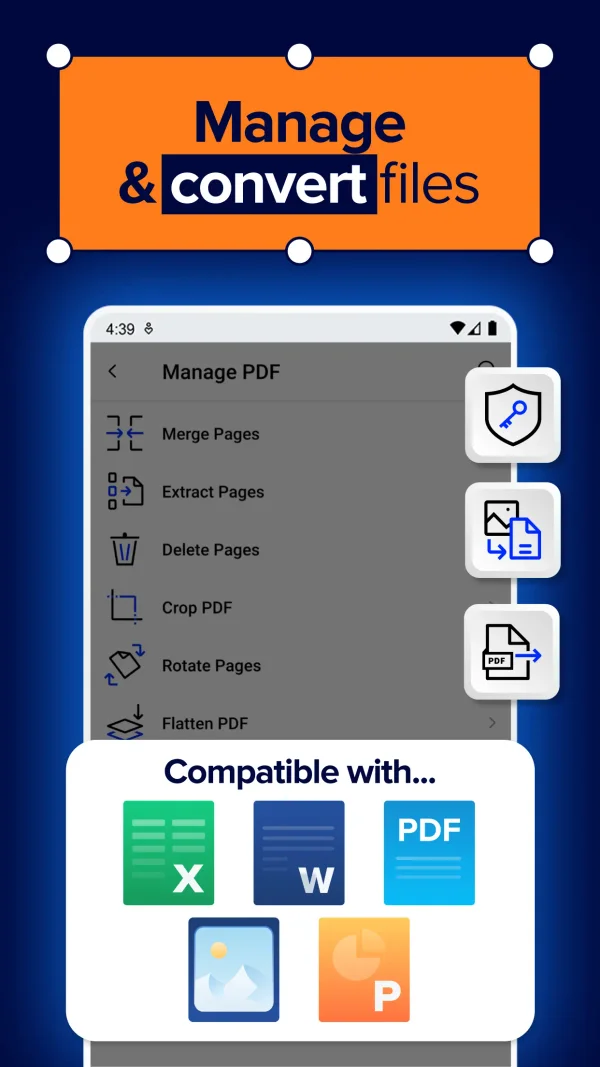
• Merge PDF files: Easily combine multiple documents to a single PDF
• Rotate PDF files: Add, remove, rearrange, rotate, crop PDF pages with ease
• Split & extract PDF files: split PDF files or extract pages to new PDF files
📄 View & print PDF files for efficient document handling:
Convenient document reader for ebooks, reports, digital planners, and more, even offline.
• Viewing mode: This document reader supports single & double page viewing modes, Dark Modes, Reflow Reading Mode tailors the PDF text size of your choice
• Multiple tabs: Use tabs to work across multiple PDF documents
• Use this reader to bookmark your favorite PDF files
• Print PDF files from this reader on any device
• Fully searchable text: Show detailed list of search results for maximum efficiency
📂Organise & Store PDF Files Securely:
Efficiently manage & access all PDF documents:
• Built-in file manager to organise documents
• Protected features: password encryption and removal tool Grid view mode for thumbnail previews and quick access to file details.
Scan & Manage PDFs:
Effortlessly process your PDF files in seconds.
• Optimise your workflow with our PDF scanner: Scan images using your camera or open existing images.
• Transform PDF files from MS Office: Import documents from Word, Excel, and PowerPoint into PDF format.
• Text recognition (OCR): Turn images and documents into searchable text files.
• Support for additional file formats: Change PDF to PDF/A, and easily handle JPG or PNG files.
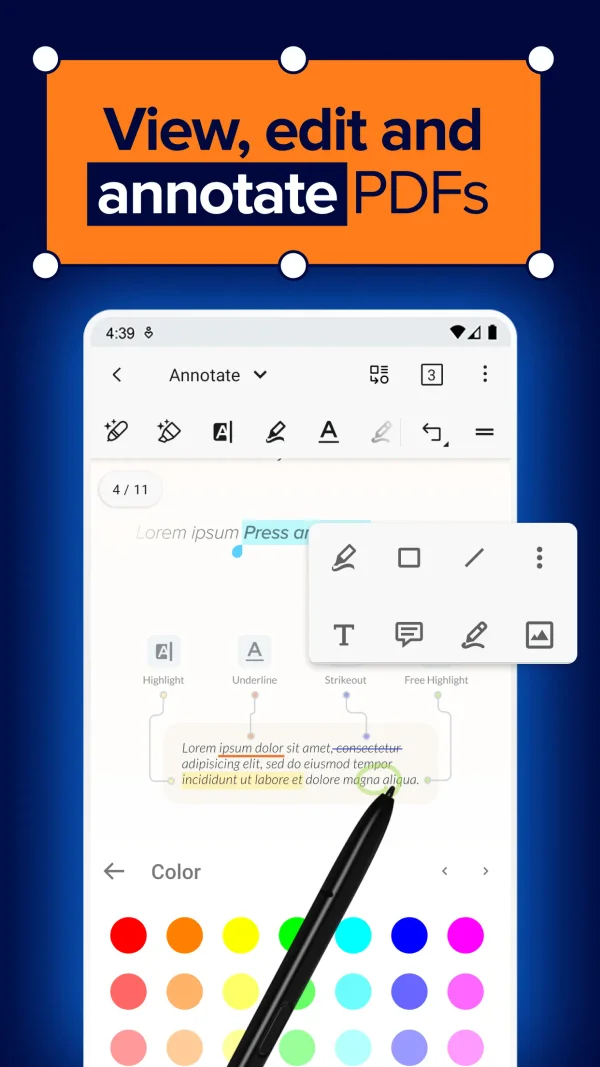
Comment, Annotate & Draw on PDF files:
Simplify tasks with smart annotations with our versatile tools:
• Mark-up suite for highlighting, stamping, and note-taking
•Page arrangement with a thumbnail browser for deletion, reordering, and blank page insertion
•Scrolling mode to view all annotations at a glance and navigate pages with two-finger gestures
•Stylus-friendly design for optimal use with S Pen and other styluses.
Fill and Sign forms with this document reader:
• Easily fill out, sign, share, and sync PDF files with online storage solutions like Xodo Drive, Google Drive, Dropbox, and OneDrive.
•Create your e-signature effortlessly: E-sign documents by hand or type your signature and save it for easy reuse in the future.
Upgrade to All Access Xodo Mobile:
•Unlimited access to 30+ tools
•Free trial available in supported regions
•Annotation in reading mode
•Customisable toolbar for bookmarking favourite tools Selection of app themes for different viewing environments
•Advanced options for image to PDF tool, including OCR and file compression PDF Redaction tool to remove sensitive content
•Flexible monthly & annual subscription options
•Cancel anytime
For Support and Feedback: support@xodo.com
Visit Homepage: xodo.com
Xodo is powered by Apryse | https://apryse.com
Data safety
What Apryse Software Inc. declares on Google Play about the data this app collects and shares.
- This app may share these data types with third partiesLocation, Personal info and 3 others
- This app may collect these data typesLocation, Personal info and 4 others
- Data is encrypted in transit
- You can request that data be deleted
What’s new
Version 11.3.2 · Nov 19, 2026
- All-New OLED Black Theme: Enjoy a true-black viewing experience designed to reduce eye strain and help conserve battery life on OLED screens
- Collapsible Picked for You Section: Hide recommendations when needed to maximize your working space and reduce distractions
- Fixed the issue with page gap not visible when using the default light theme
- Bug Fixes and Improvements
Developer contact
- Websitexodo.com
- Emailsupport@xodo.com
- Privacy policyxodo.com
- Address1735-555 Burrard St Vancouver, BC V7X 1M7 Canada
Information
- Offered by
- Apryse Software Inc.
- Category
- Productivity
- Version
- 11.3.2
- Updated
- Nov 19, 2026
- Released
- Jan 20, 2014
- Requires
- Android 7.0 or later
- Age rating
- Everyone
- Price
- Free
- In-app purchases
- $2.99 - $109.99 per item
- Package name
- com.xodo.pdf.reader
Similar apps
-
 PDF Editor – Edit Everything!
Tools
-
 PDF Reader - PDF Editor
Productivity
-
 Goodnotes: AI Notes, docs, PDF
Productivity
-
 PDF Reader: Create & Share PDF
Tools
-
 StarNote: Note Taking & PDF
Productivity
-
 PDF, Word, Excel, All Offices
Tools
-
 DOCX Editor: PDF, DOC, XLSX
Productivity
-
 Fill, Sign and Edit Documents
Business
-
 Regula Document Reader
Business
-
 Squid: Take Notes, Markup PDFs
Productivity
-
 Google Docs
Productivity
-
 Jnotes: Note-Taking, AI, PDF
Productivity