PDF Reader(KDAN PDF): Edit PDF
Kdan Mobile Software Ltd.Contains ads · In-app purchases
- EveryoneAge rating
- BusinessCategory
- Aug 5, 2026Updated
- FreePrice
Links to the official Google Play listing of com.kdanmobile.android.pdfreader.google.pad. Last checked on Nov 20, 2026.
Screenshots
About this app
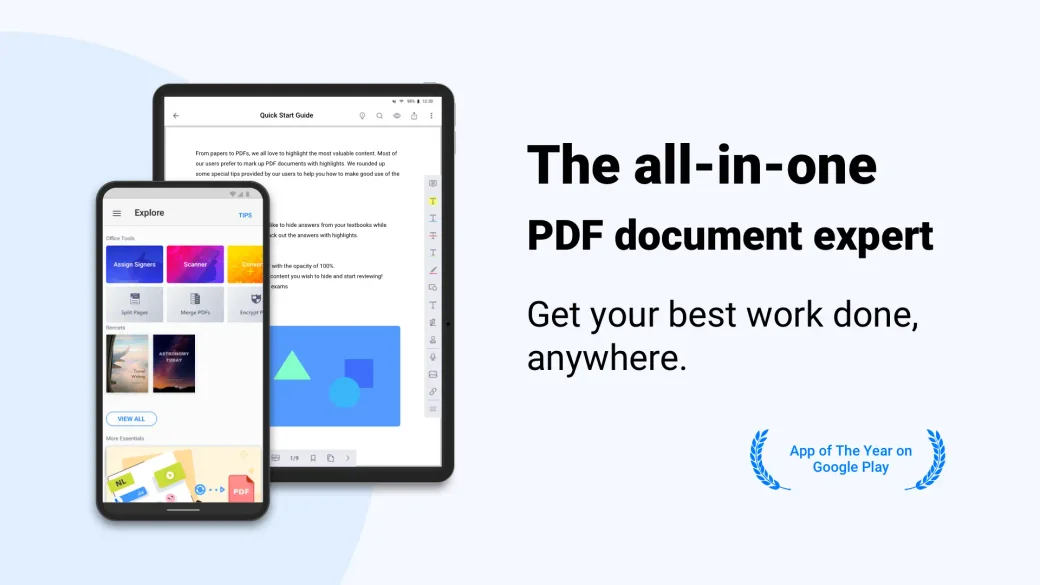
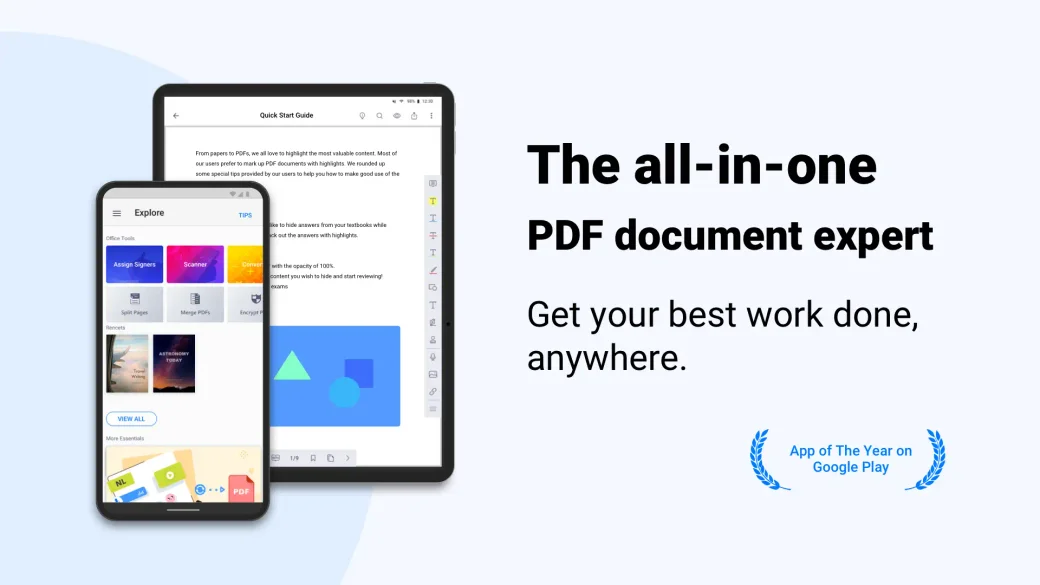
The all-in-one document expert for reading, editing & signing PDFs on any device
Covering all the essentials and more, PDF Reader(KDAN PDF) is the world's leading PDF editor. Its expert features allow you to view, annotate, scan, sign, and convert PDFs on smartphones, tablets, and PCs. Quickly back up and send files to friends, classmates, and colleagues via email or any popular Cloud storage service (share via Android).
AWARDS AND RECOGNITION
- Best PDF Reader Apps 2019 on TechRadar
- Best PDF Reader Apps 2017 on tom's guide
- Best Apps of 2016 on Google Play Store
***WITH KDAN PDF, YOU CAN***
CREATE & ACCESS FILES
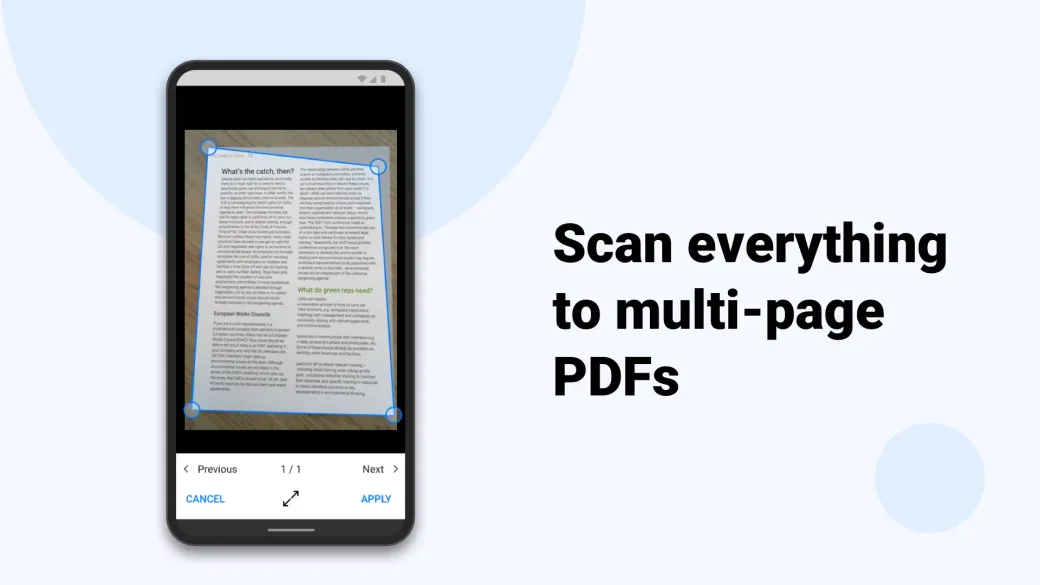
• Create and combine scans to multi-page PDFs
• Import files from your computer, cloud, or other apps
• Store files from the web or email attachments
• Access all files from the local folder."
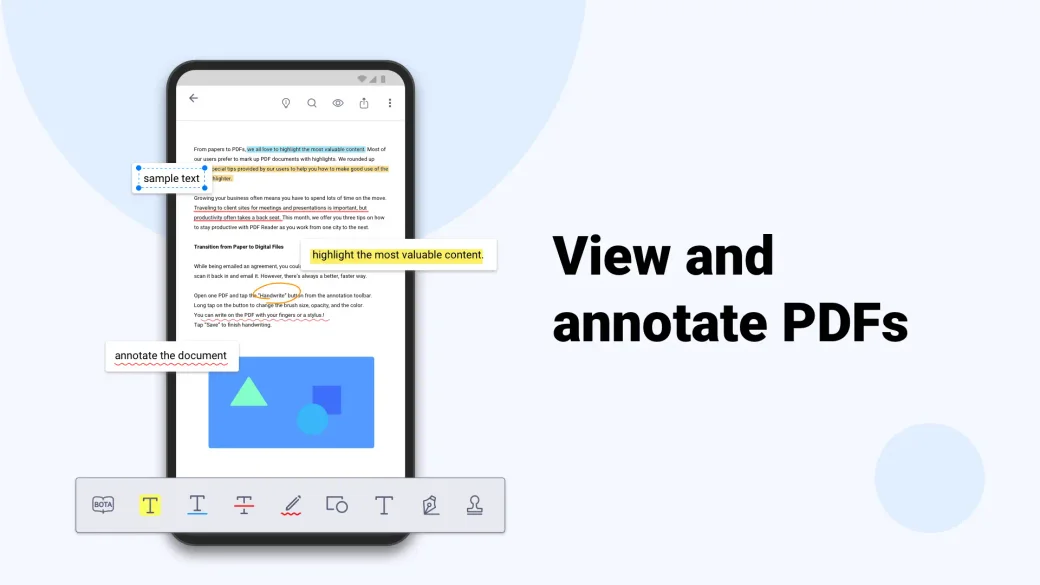
ANNOTATE & REVIEW PDF
• Highlight, underline, and strikeout text
• Add predesigned stamps, including Approved, Sign Here, Confidential, and more
• Insert shapes and text boxes to PDFs
• Convert text into speech (available when in Text Reflow mode)"
SIGN ON THE SCREEN DIRECTLY
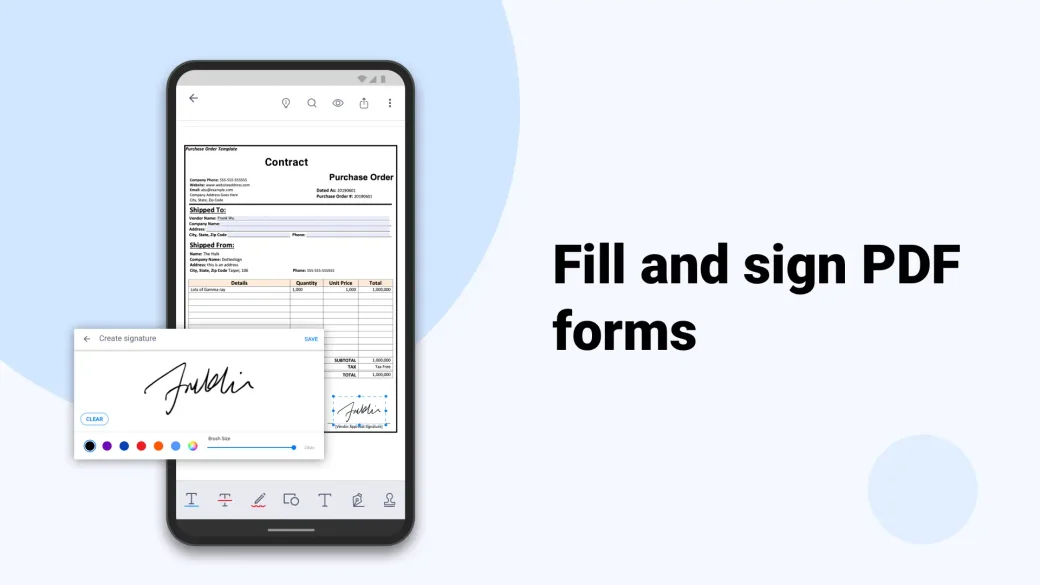
• Sign contracts and agreements with signatures
• Store and manage signatures from within the library."
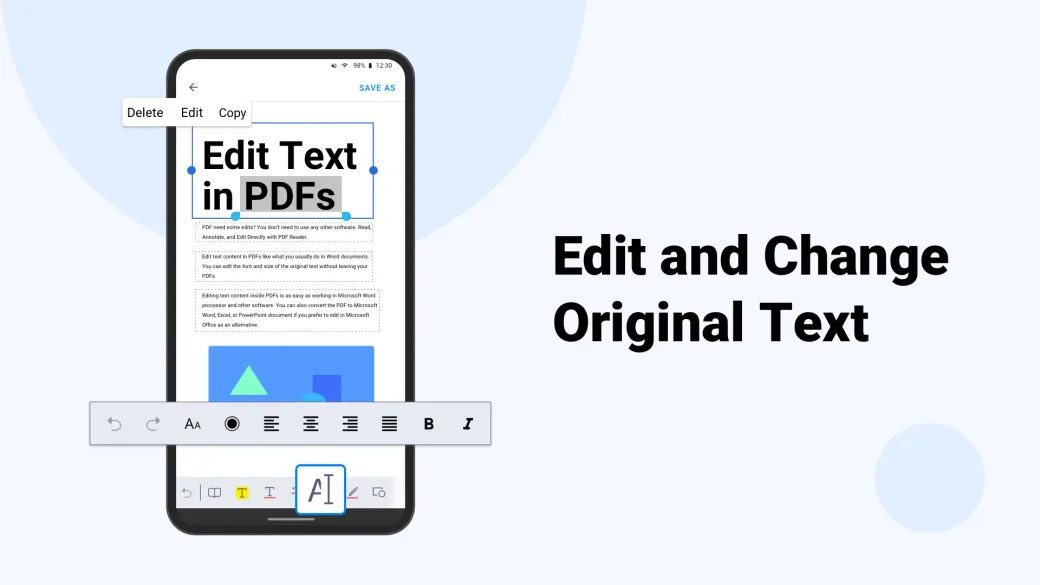
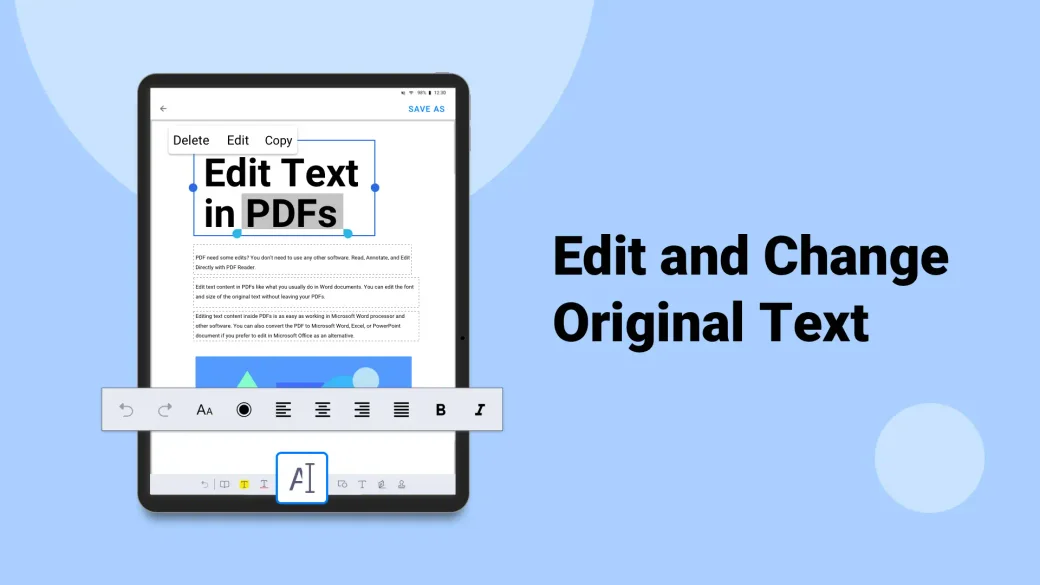
EDIT TEXT
• Easily correct and edit text and typos on PDF
• Instantly modify and update the latest texts on existing PDF document
VIEW FILES
• Support PDF, text, ePub, and image file formats
• Text Reflow
• Horizontal/Vertical scrolling mode
• Jump to Page/Text Search
• Bookmark/Outline/Thumbnail list"
MANAGE FILES
• Zip and unzip files
• Rename files and folders
WRITE ON PDFS
• Use your finger or a stylus to make handwritten notes
VIEW FILES
• Support PDF, text, ePub, and image file formats
• Text Reflow
• Horizontal/Vertical scrolling mode
• Jump to Page/Text Search
• Bookmark/Outline/Thumbnail list
MANAGE FILES
• Zip and unzip files
• Rename files and folders
***WITH DOCUMENT 365, YOU CAN***
• Unlock all features in KDAN PDF in all versions, including Android, iOS, Windows, and Mac.
• Work across smartphones, tablets, and desktops
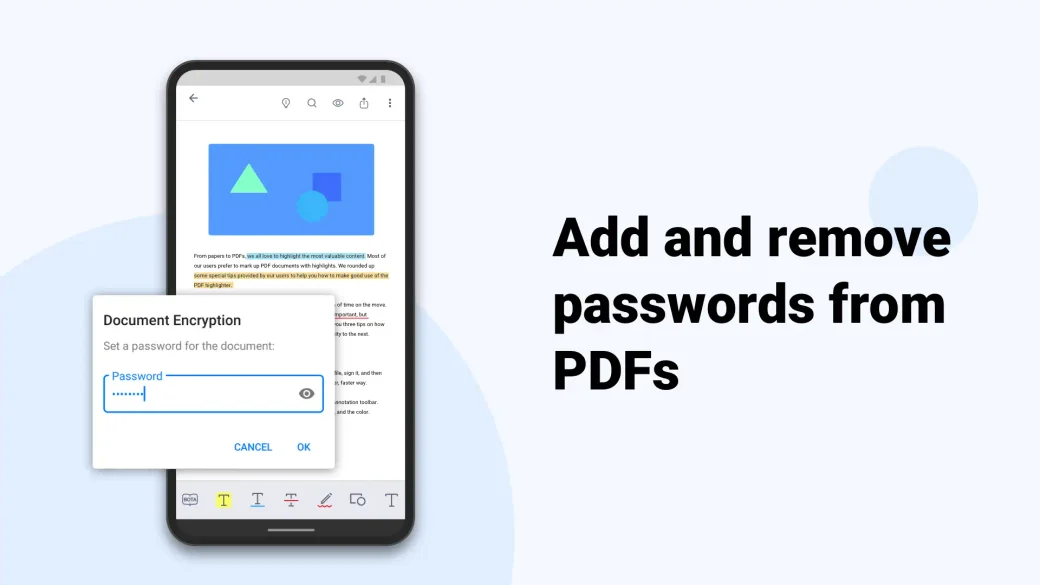
• Control the access to the app with a password
• Hide the margins of PDF pages
• Night viewing mode
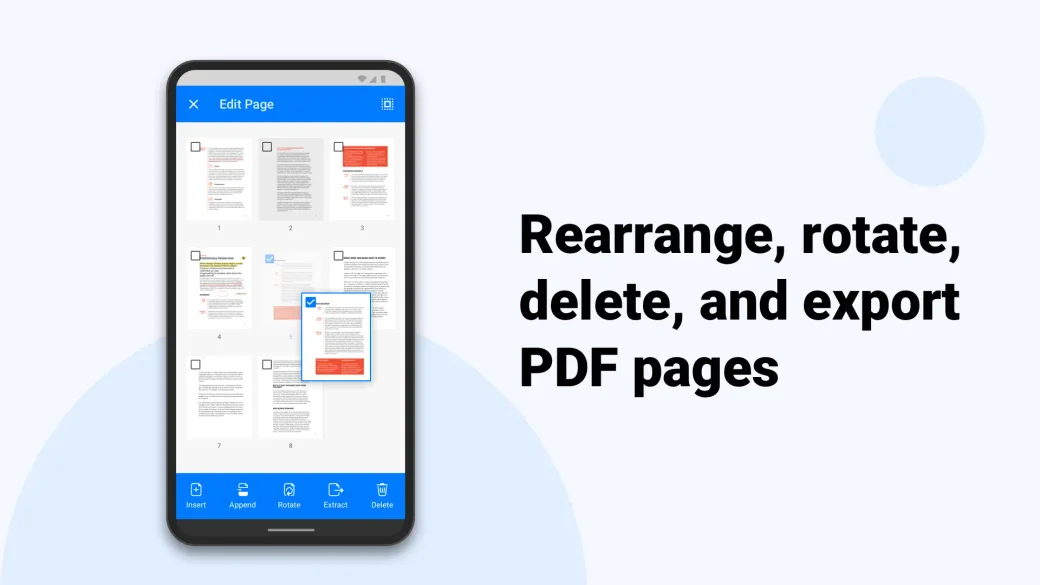
• Rotate, rearrange, add, and delete pages
• Extract pages from PDFs
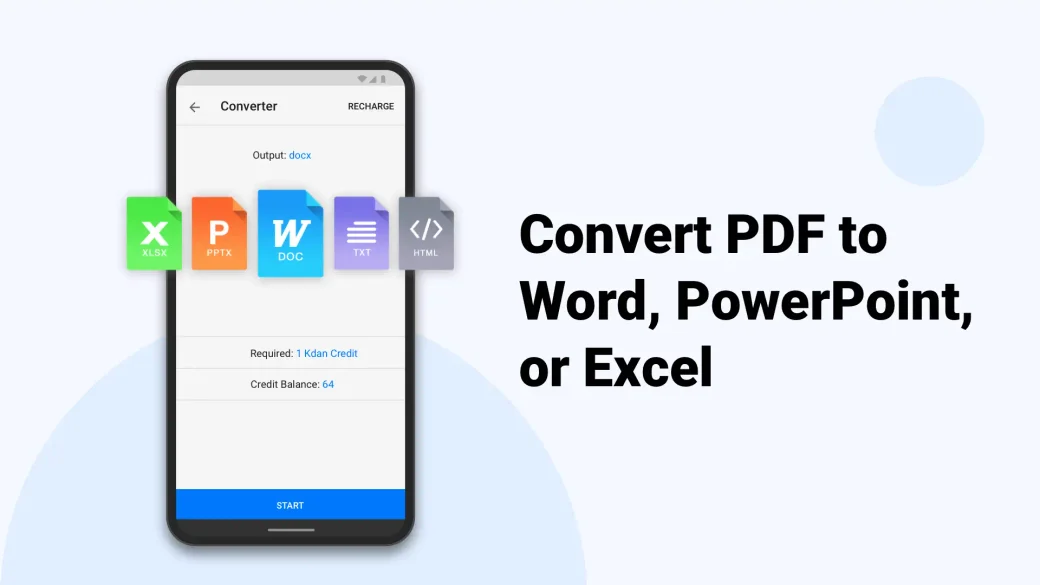
• Convert files to and from PDFs
• Send faxes from your devices
• 1 TB storage space on KDAN Cloud
• Get a link to share files with others
KDAN PDF supports 11 languages, including English, Traditional Chinese, Simplified Chinese, Japanese, Italian, German, Spanish, French, Portuguese, Russian and Korean
Terms of Service: https://pdf-reader.kdandoc.com/terms-of-service
Privacy Policies: https://pdf-reader.kdandoc.com/privacy-policy
CAN WE GIVE A HAND?
Check out the tutorial and FAQ at https//support.kdanmobile.com
You can always find us at helpdesk@kdanmobile.com and https://www.facebook.com/pdfreader
Data safety
What Kdan Mobile Software Ltd. declares on Google Play about the data this app collects and shares.
- This app may share these data types with third partiesApp info and performance and Device or other IDs
- No data collectedLearn more about how developers declare collection
- Data is encrypted in transit
- You can request that data be deleted
What’s new
Version 3.46.1 · Aug 5, 2026
Bug Fixes
- Fixed an issue with Microsoft third-party sign-in.
- Fixed issues related to PDF editing features.
Improvements
- Introducing KDAN PDF MCP for Claude and ChatGPT, enabling your authorized AI assistant to handle PDFs through natural, conversational workflows.
- Performance improvements and stability enhancements for a smoother experience
Developer contact
- Websitepdf-reader.kdandoc.com
- Emailhelpdesk@kdanmobile.com
- Privacy policykdanmobile.com
- Address710044台湾台南市永康區 中華路1之4號5樓C 室
Information
- Offered by
- Kdan Mobile Software Ltd.
- Category
- Business
- Version
- 3.46.1
- Updated
- Aug 5, 2026
- Released
- Jul 16, 2014
- Age rating
- Everyone
- Price
- Free
- In-app purchases
- $0.99 - $69.99 per item
- Package name
- com.kdanmobile.android.pdfreader.google.pad
Similar apps
-
 PDF Editor – Edit Everything!
Tools
-
 Fill, Sign and Edit Documents
Business
-
 Notepad Notes
Productivity
-
 PDF Reader - PDF Editor
Productivity
-
 DOCX Editor: PDF, DOC, XLSX
Productivity
-
 PDF, Word, Excel, All Offices
Tools
-
 Inkpad Notepad & To do list
Productivity
-
 Squid: Take Notes, Markup PDFs
Productivity
-
 PDF Reader: Create & Share PDF
Tools
-
 Jnotes: Note-Taking, AI, PDF
Productivity
-
 AI Resume Builder CV Maker PDF
Business
-
 Image to PDF - PDF Maker
Productivity