PDF Scanner App: Document Scan
Tools & Utilities AppsContains ads · In-app purchases
- EveryoneAge rating
- ToolsCategory
- Nov 10, 2026Updated
- FreePrice
Links to the official Google Play listing of com.camscanner.documentscanner.pdfscanner.textscanner.photos.scanner. Last checked on Nov 20, 2026.
Screenshots

About this app
Easy to scan documents, Photo, PDF, Text & convert to PDF with fast scanner app
PDF Scanner App - Document Scanner & Scan PDF, If you need to scan multiple documents then open your smartphone and scan documents in your device with just one touch by using the camera scanner to scan PDF which is a popular app to scan PDF files and PDF documents. Scan your documents anytime, anywhere. Document scanner HD lets you quickly scan any kind of documents in your office, universities, and anything that needs to be there. Camera scanner app scans your document, Files, ID, books, and scan pictures in high quality and also convert it into PDF or JPEG format by using the document scanner app.
Doc scanner app for android detects the corner of the file that you want to scan for better quality along with you can also crop the part of the document that you want to scan. Use your android device's camera to photo scan and digitize all kinds of paper documents, receipts, notes, invoices, business cards, certificates, and scan to PDF. Fast scanner app PDF document scan also has a long tap on an item at the home page to enable selection mode to create multi-page PDF by using mobile scanner.
We have:
Scan Docx:
The PDF scan photo scanner is so easy and powerful to use. By having this document scanner PDF scanning app on your phone, you can save your time and efforts by quickly scanning at any time by using the document scanner. Scans are saved to your device in image or PDF format by using a PDF scanner and a camera scanner HD PDF scan.
Scan ID Card:
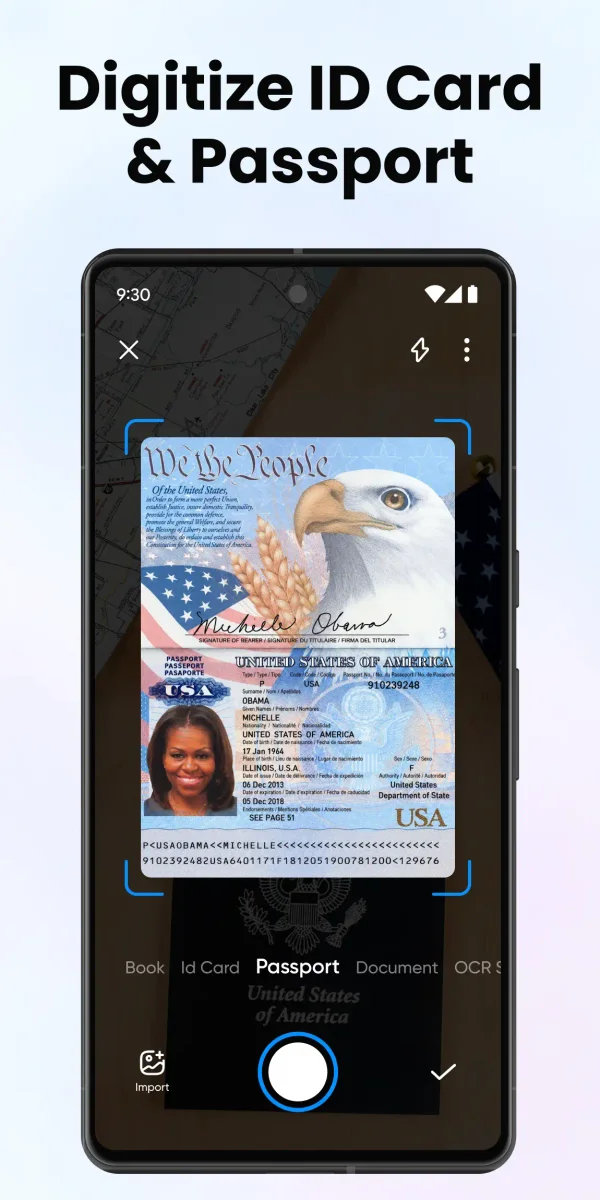
An ID scanner scans ID cards, passports, driving licenses, visas, and other identity documents in just a few seconds and saves them into the device by using an ID scanner & Doc scanner.
Scan Book:
Scanner app for documents that can be used to scan books, novels, magazines, and scan to PDF by using a page scanner, saved to your device in image or PDF format by using a Doc scanner app for android.
Scan ID Photo:
Photo scan that lets you scan and save your favorite photos by using a photo scanner app and PDF scanner document scan OCR. Digitize your photos with picture scanner & OCR scanner and save the photo to PDF by using a photo scan and PDF scanning app.
Feature of PDF Scanner App - Document Scanner & Scan PDF:
• Automatically document edge recognition and perspective correction.
• Photo scan enhance the scan quality automatically and manually.
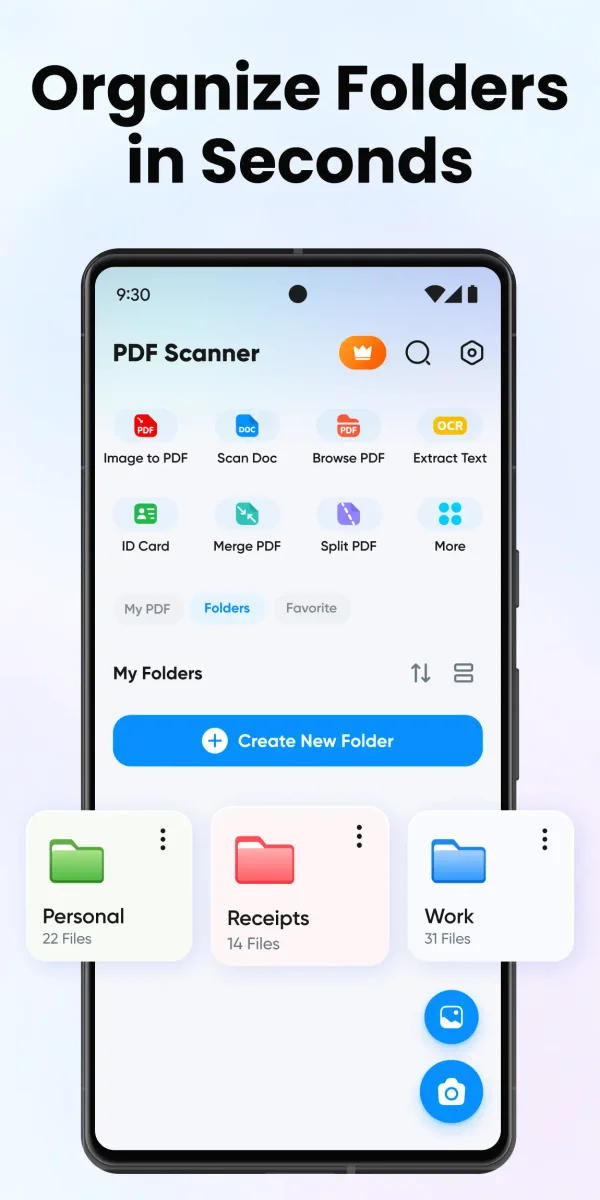
• Arrange your docs in folders and subfolders with the scanning app.
• Scanner app for documents and photos scanning.
• PDF creator can create PDF in different sizes from A1 to A-6 and like postcards, letters, notes, etc.
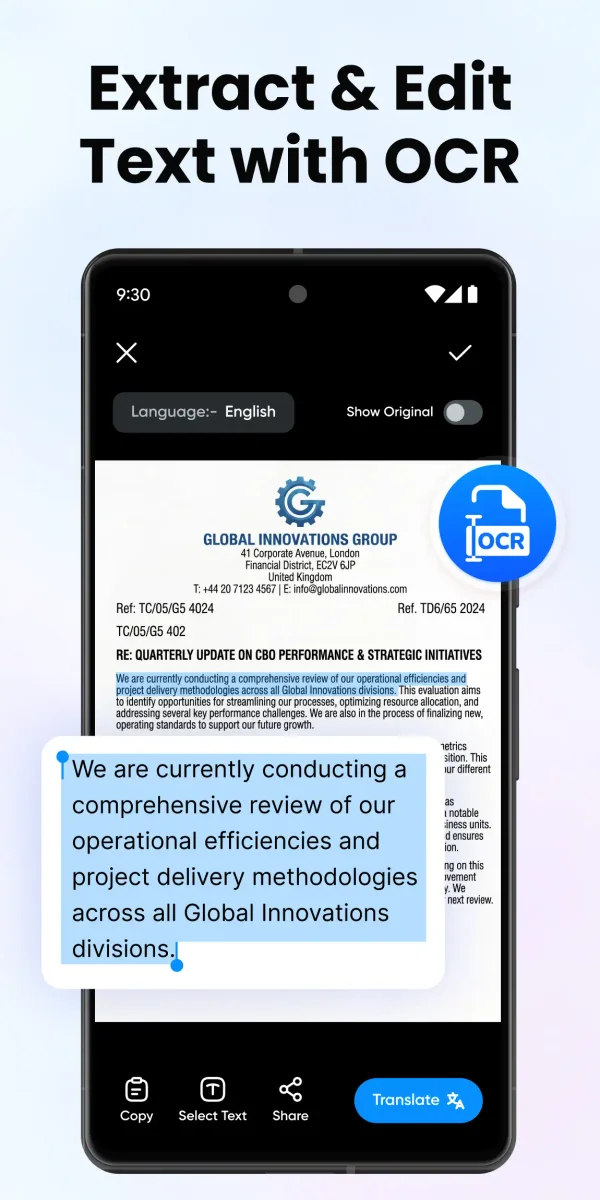
• Extract texts from Image OCR, transfer image to text so you can search, edit or share.
• Multi-page PDF and scan to PDF by using the PDF document scanner app.
• Scan & print documents with a scanner app.
• Fast scanner and digital scanner manages your files, to organize your documents better.
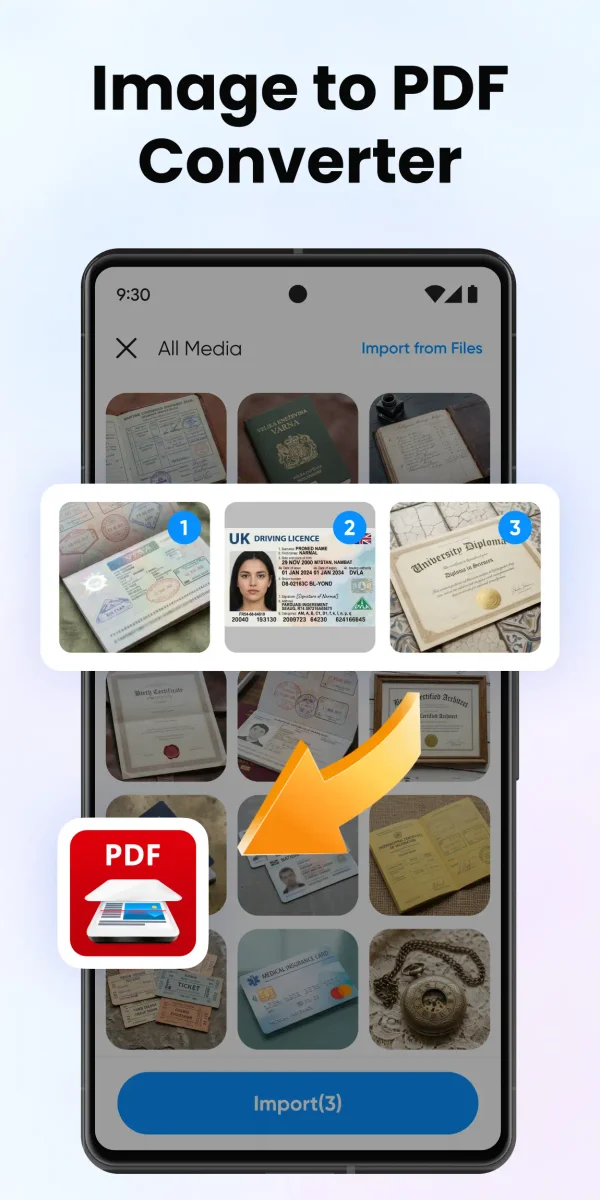
• Using the picture to PDF converter you can select some image from an Image Gallery and convert it into a PDF file as a document.
• Document scanner app for android share in PDF or JPEG format.
How to scan:
1. Choose the Camera or pick photos from the gallery.
2. Crop it by using an 8 points multi selection tool.
3. Enhance the quality of an image by applying filters.
4. Export to PDF or JPEG if required.
PDF Scanner App - Document Scanner & Scan PDF Scanner is recommended for you and the fast scanning app saves your time and money. Suggested for you to give us feedback and tell us what you think about PDF Scanner App - Document Scanner & Scan PDF app to develop a good next version!
You might like it. Download now
Data safety
What Tools & Utilities Apps declares on Google Play about the data this app collects and shares.
- No data shared with third partiesLearn more about how developers declare sharing
- No data collectedLearn more about how developers declare collection
- Data isn’t encrypted
- You can request that data be deleted
Developer contact
- Websitetoolsutilitiesapps.com
- Emailsupport@toolsutilitiesapps.com
- Privacy policytoolsutilitiesapps.com
- AddressOffice M28 Naameh Hamad Abda Hamad Al Badr Al Muhairi - Naif, Deira إمارة دبيّ United Arab Emirates
Information
- Offered by
- Tools & Utilities Apps
- Category
- Tools
- Version
- 6.4.5
- Updated
- Nov 10, 2026
- Released
- Jun 9, 2020
- Requires
- Android 7.0 or later
- Age rating
- Everyone
- Price
- Free
- In-app purchases
- $1.99 - $39.99 per item
- Package name
- com.camscanner.documentscanner.pdfscanner.textscanner.photos.scanner
Similar apps
-
 PDF Scanner Plus - Doc Scanner
Productivity
-
 QR Scanner: Barcode Scanner
Productivity
-
 PDF, Word, Excel, All Offices
Tools
-
 Image to PDF - PDF Maker
Productivity
-
 Samsung Print Service Plugin
Productivity
-
 Photo to PDF Maker & Converter
Productivity
-
 PDF Reader - PDF Editor
Productivity
-
 Google Docs
Productivity
-
 Clear Scan - PDF Scanner App
Business
-
 Document Reader - PDF Editor
Productivity
-
 DOCX Editor: PDF, DOC, XLSX
Productivity
-
 PDF Merge: Scan, Sign & Edit
Productivity