PDF Scanner, Reader & Editor
1 BitContains ads · In-app purchases
- EveryoneAge rating
- ProductivityCategory
- Oct 27, 2026Updated
- FreePrice
Links to the official Google Play listing of com.scan.pdf.scanner. Last checked on Nov 22, 2026.
Screenshots




About this app
All-in-one PDF app: scan, view, edit & share documents anytime.
Smart PDF Scanner, Reader & Editor is your all-in-one PDF solution. Whether you need to scan paper documents, read e-books, annotate files, or edit PDFs, this app makes it simple, fast, and reliable.
✨ Key Features:
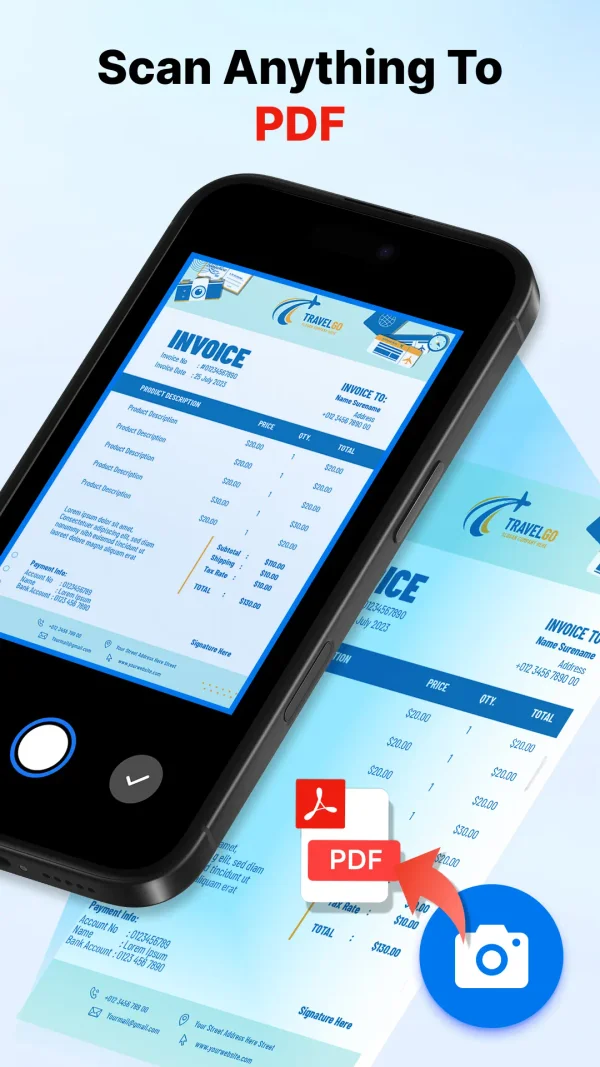
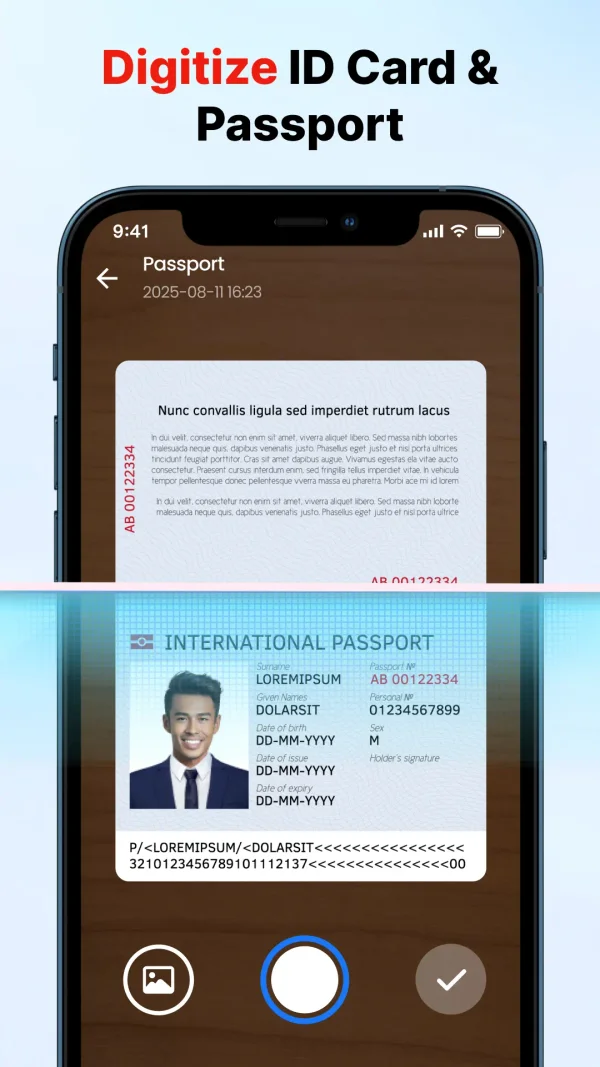
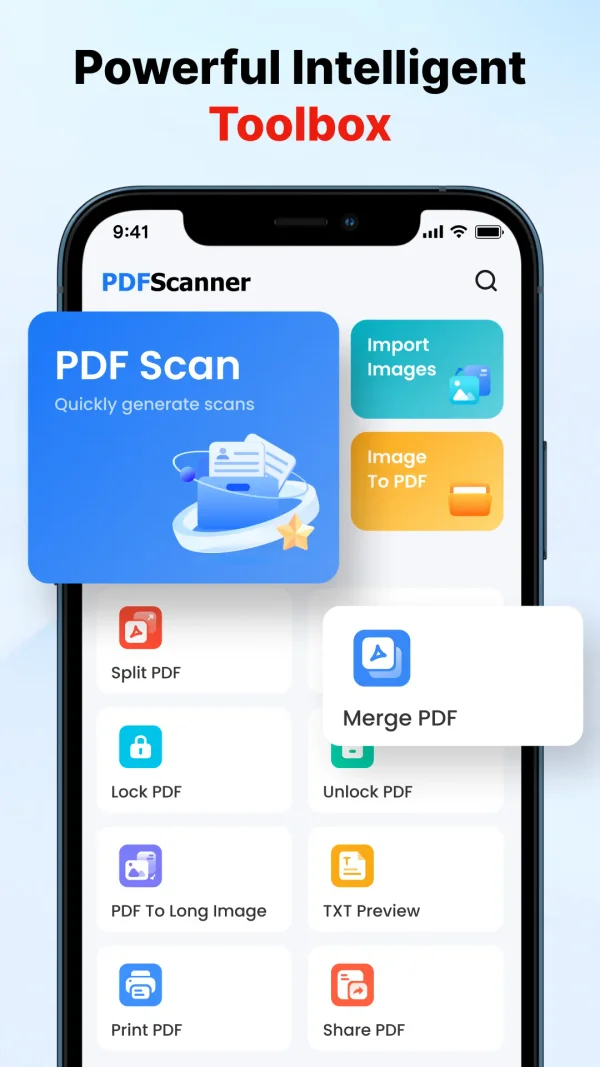
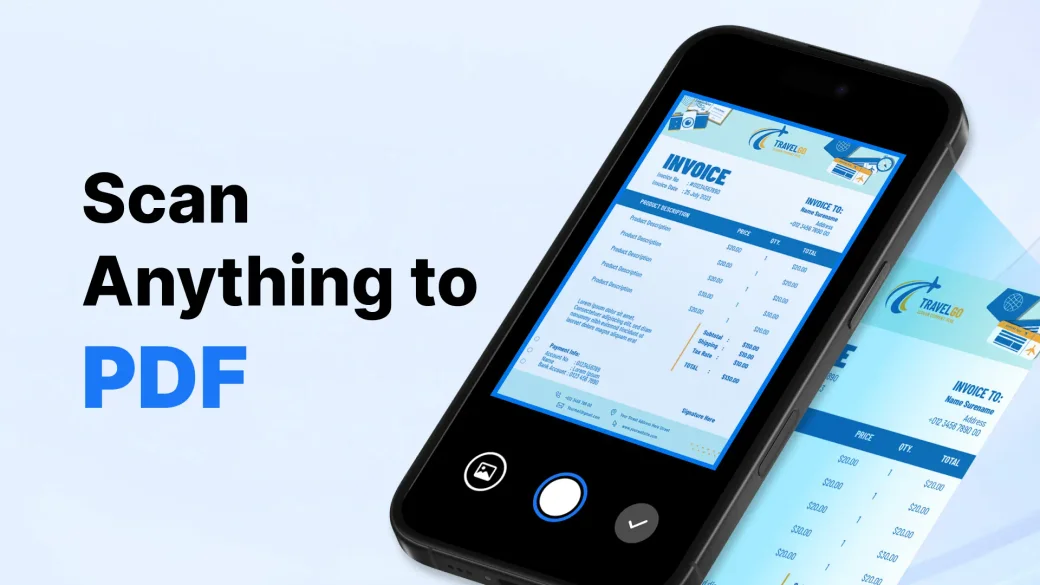
PDF Scanner: Quickly scan receipts, contracts, notes, books, or any paper document into clear PDF files using your phone camera.
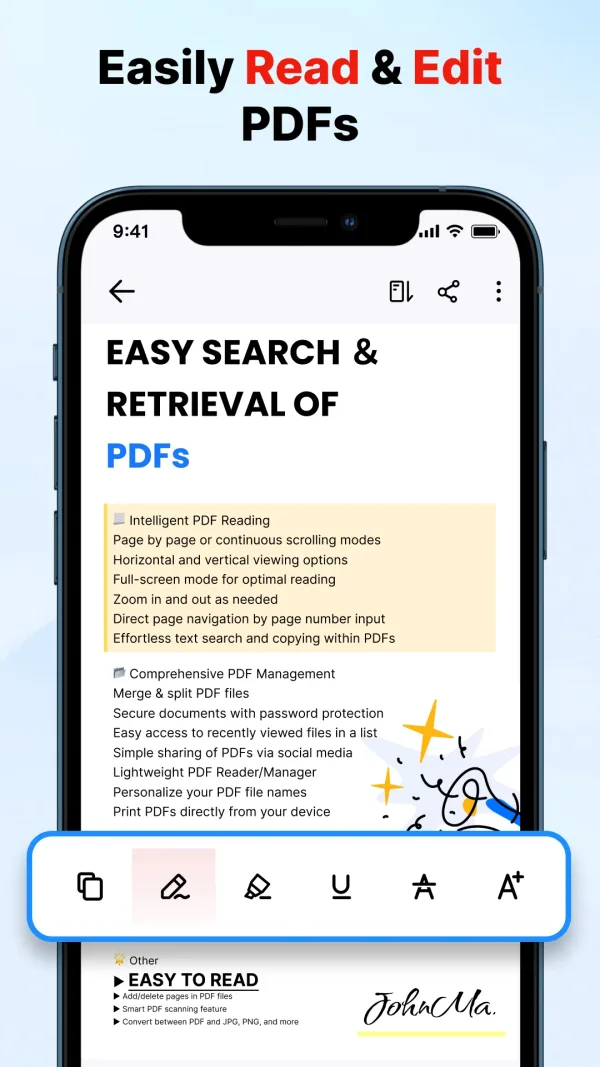
PDF Reader: Open and view PDF files with smooth navigation, search, and zoom support. Perfect for e-books, manuals, and study materials.
PDF Editor: Add text, highlight, underline, or annotate documents directly. Edit PDFs easily without a computer.
File Manager: Organize your PDF documents, rename files, and manage folders with ease.
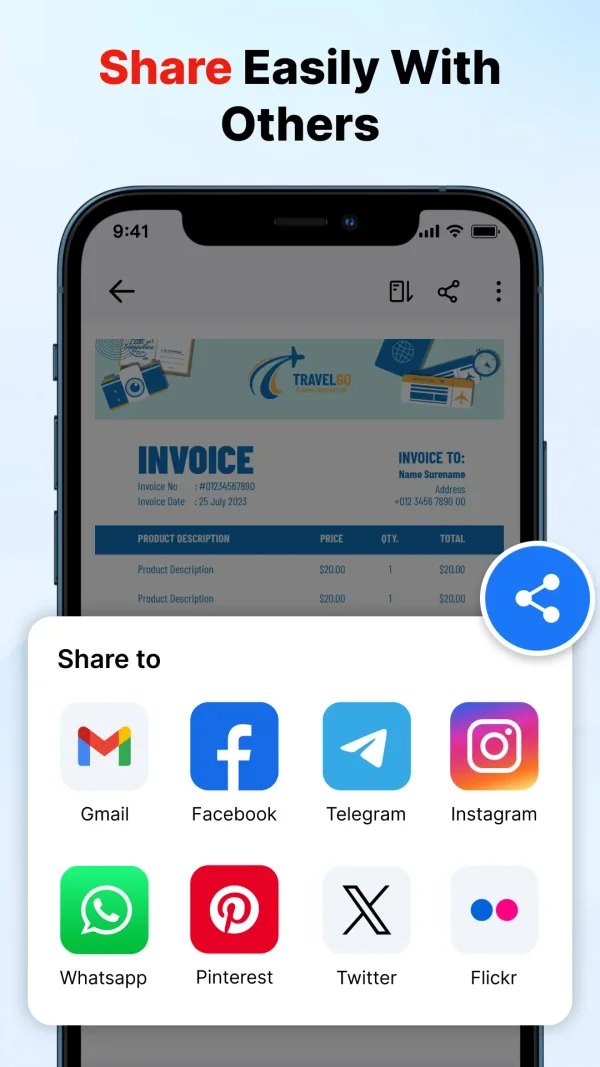
Convert & Share: Convert images to PDF and share your files via email, cloud storage, or social apps in seconds.
Offline Use: Scan, read, and edit PDFs anytime—even without an internet connection.
Secure Documents: Protect your files with passwords to ensure privacy.
📌 Why Choose Smart PDF Scanner, Reader & Editor?
All-in-one tool: No need to install multiple apps—scan, view, and edit in one place.
Fast & reliable: High-quality scans with automatic edge detection.
Free & easy to use: Simple design that anyone can use, from students to professionals.
Boost productivity: Turn your phone into a portable office and handle PDFs on the go.
Whether you’re a student organizing study notes, a professional managing contracts, or simply someone who needs a handy PDF app, Smart PDF Scanner, Reader & Editor is the perfect choice.
📥 Download now and enjoy scanning, reading, and editing PDFs anytime, anywhere!
Data safety
What 1 Bit declares on Google Play about the data this app collects and shares.
- This app may share these data types with third partiesLocation, App activity and 2 others
- This app may collect these data typesLocation, App activity and 2 others
- Data is encrypted in transit
- Data can’t be deleted
What’s new
Version 4.0.9 · Oct 27, 2026
* Fixed some issues
Developer contact
- Websiteonebit-app.web.app
- Emailpointdotdog@gmail.com
- Privacy policysites.google.com
- Address茂丰路133号3栋2单元1202房 香洲区, 珠海市, 广东省 China 519000
Information
- Offered by
- 1 Bit
- Category
- Productivity
- Version
- 4.0.9
- Updated
- Oct 27, 2026
- Released
- May 12, 2020
- Requires
- Android 8.0 or later
- Age rating
- Everyone
- Price
- Free
- In-app purchases
- $2.99 - $39.99 per item
- Package name
- com.scan.pdf.scanner