Pearson Authenticator
Pearson Education, Inc.- EveryoneAge rating
- ToolsCategory
- Sep 25, 2026Updated
- FreePrice
Links to the official Google Play listing of com.pearsoned.authenticator. Last checked on Nov 14, 2026.

Screenshots




About this app
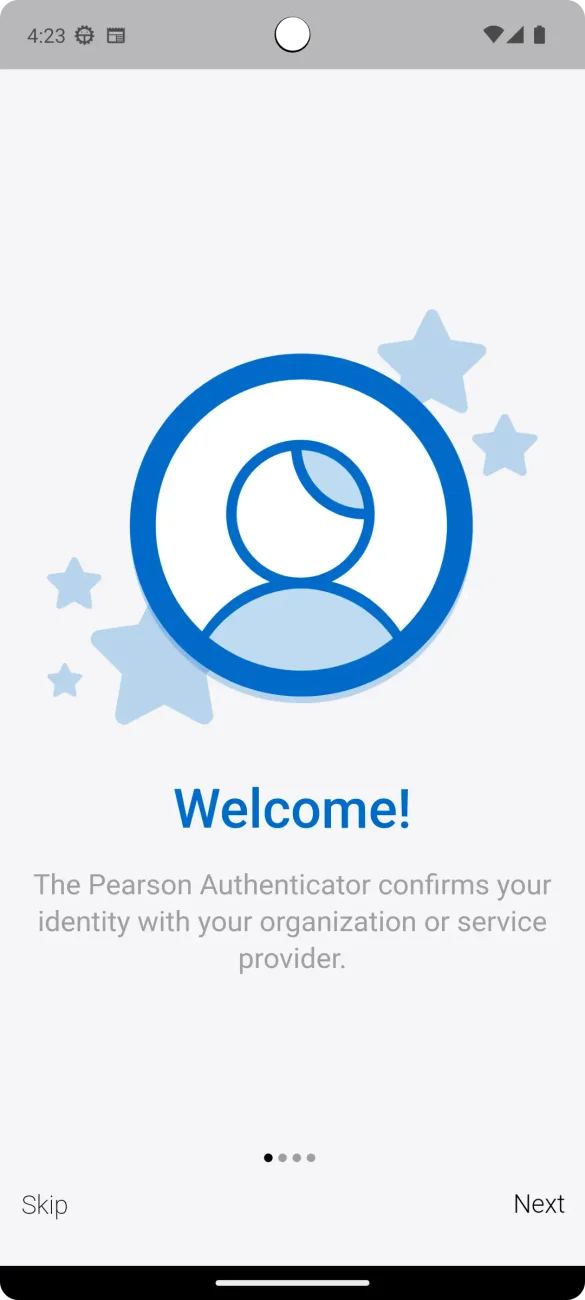
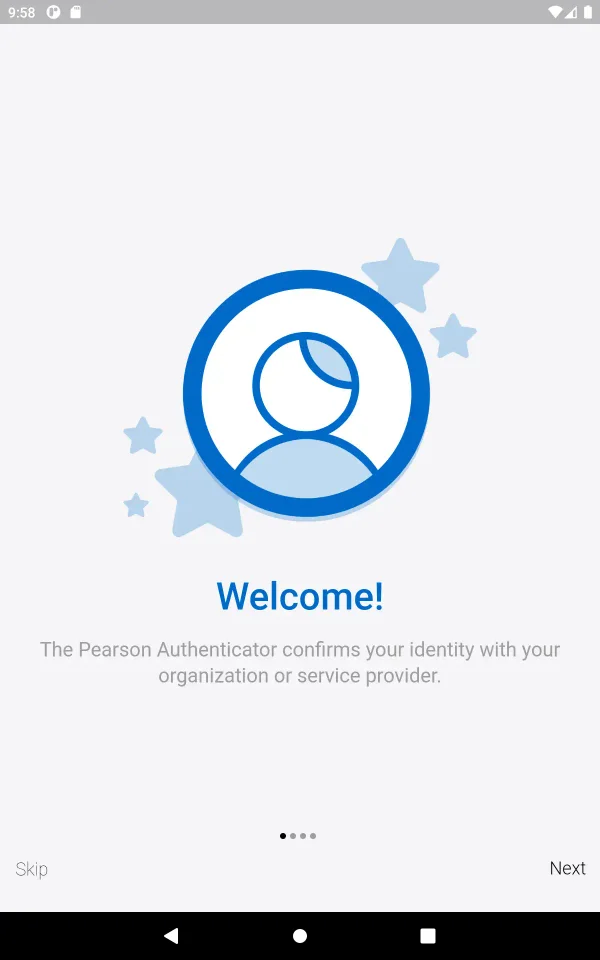
Secure method for users to access their accounts managed by Pearson's Platform
Pearson Authenticator works in conjunction with the Pearson Identity Platform to deliver easy, yet secure access to apps and services.
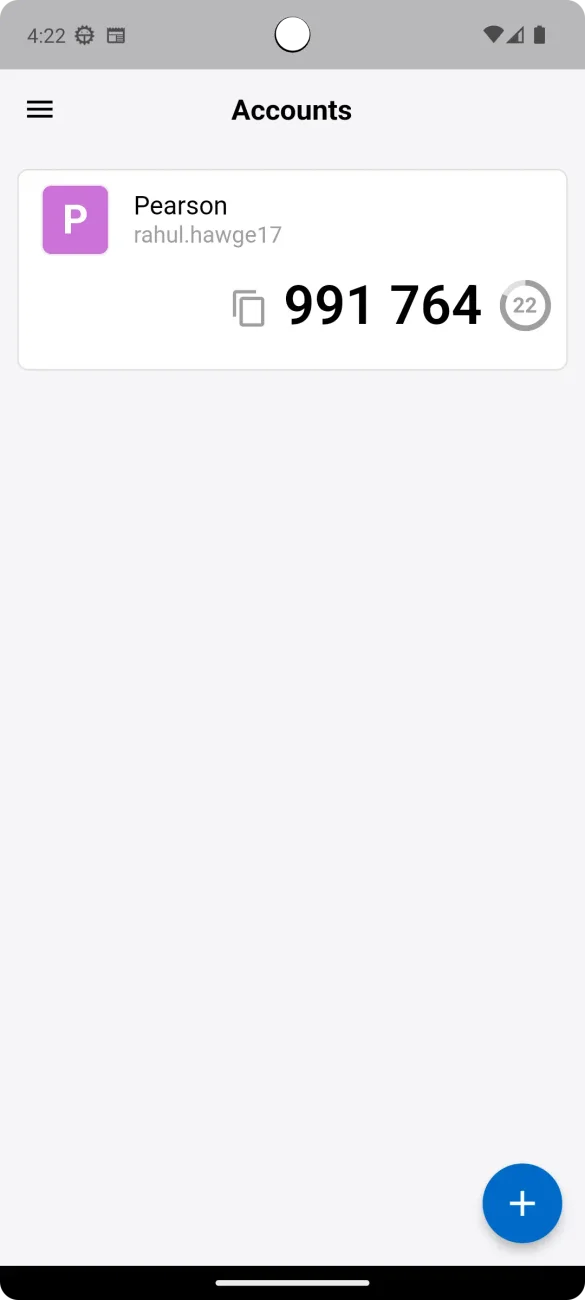
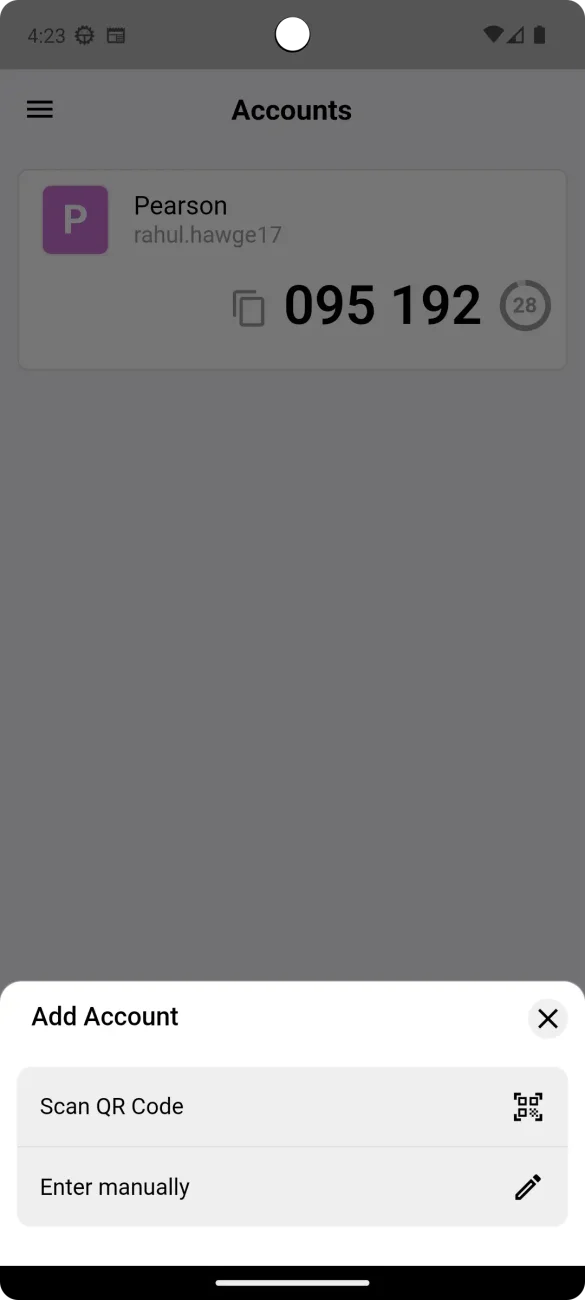
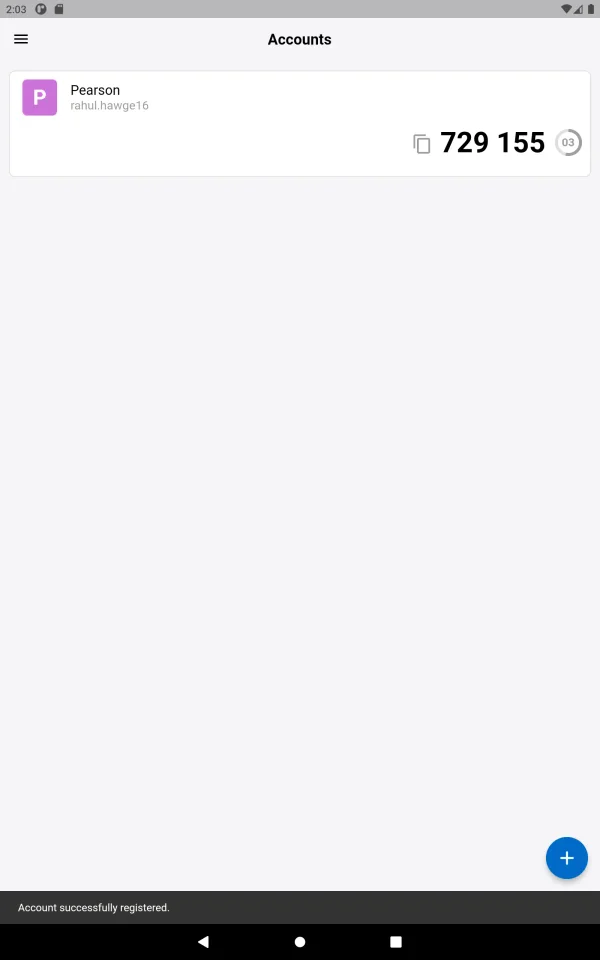
Users can register their phones, using QR codes, to receive notifications or generate One-Time Passwords which can be used to securely log in.
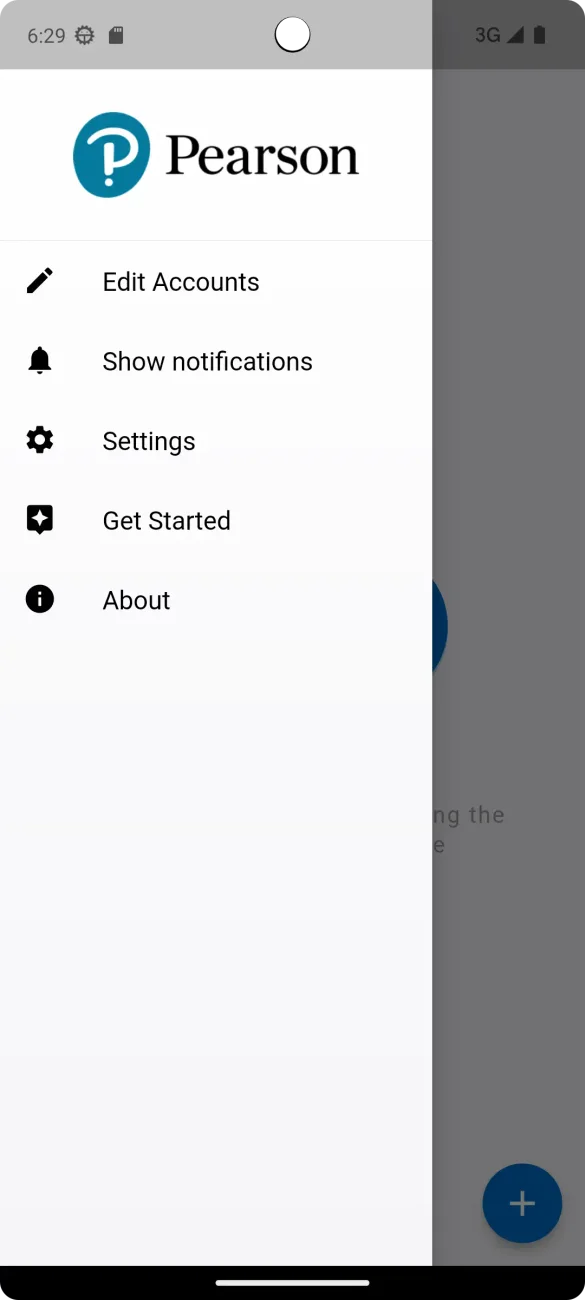
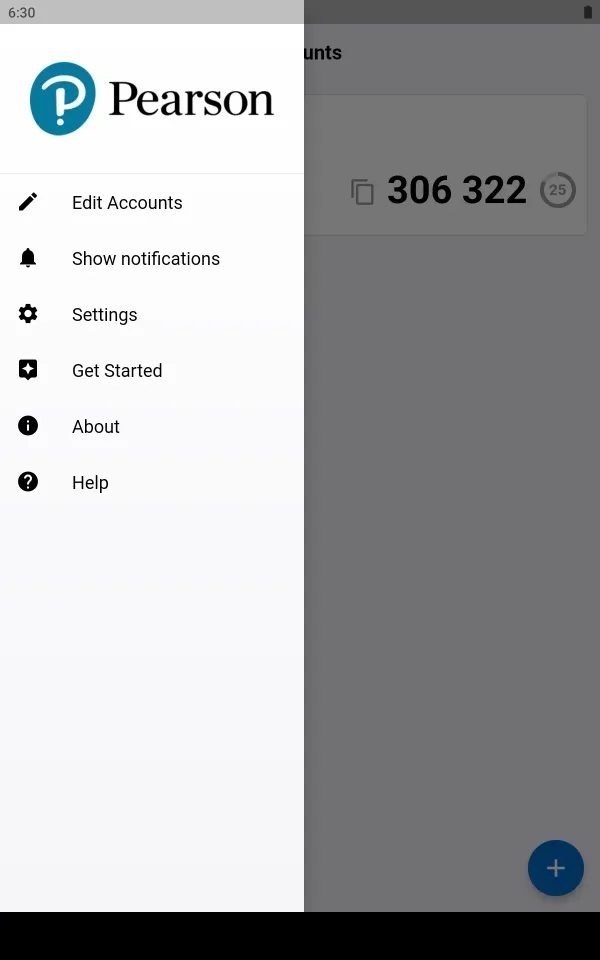
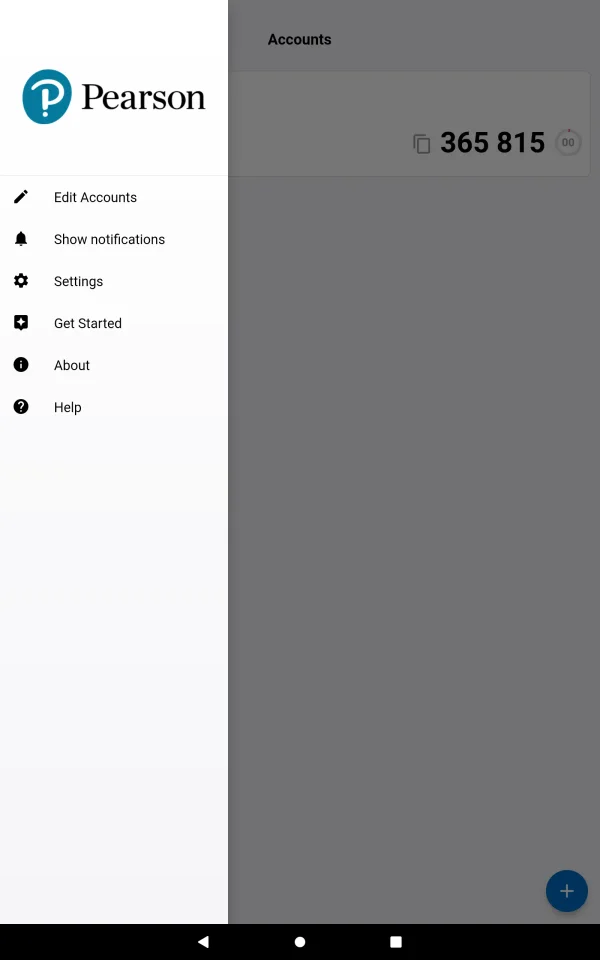
Features include:
- Automatic setup via QR codes
- Support for multiple accounts
- Support for TouchID and FaceID to authorize access
- Support for Time and Counter based One-Time Password generation
Data safety
What Pearson Education, Inc. declares on Google Play about the data this app collects and shares.
- No data shared with third partiesLearn more about how developers declare sharing
- No data collectedLearn more about how developers declare collection
- Data is encrypted in transit
- You can request that data be deleted
What’s new
Version 1.5.2 · Sep 25, 2026
Minor bugfixes and improvements
Developer contact
- Websitepearson.com
- Emailwblcustomerservices@pearson.com
- Privacy policyloginstatic.pearson.com
- Address221 River St Hoboken, NJ 07030 United States
Information
- Offered by
- Pearson Education, Inc.
- Category
- Tools
- Version
- 1.5.2
- Updated
- Sep 25, 2026
- Released
- Nov 27, 2023
- Requires
- Android 7.0 or later
- Age rating
- Everyone
- Price
- Free
- Package name
- com.pearsoned.authenticator