PENUP – Drawing-sharing SNS
Samsung Electronics Co., Ltd.- TeenAge rating
- Art & DesignCategory
- Sep 18, 2026Updated
- FreePrice
Links to the official Google Play listing of com.sec.penup. Last checked on Nov 26, 2026.
Screenshots







About this app
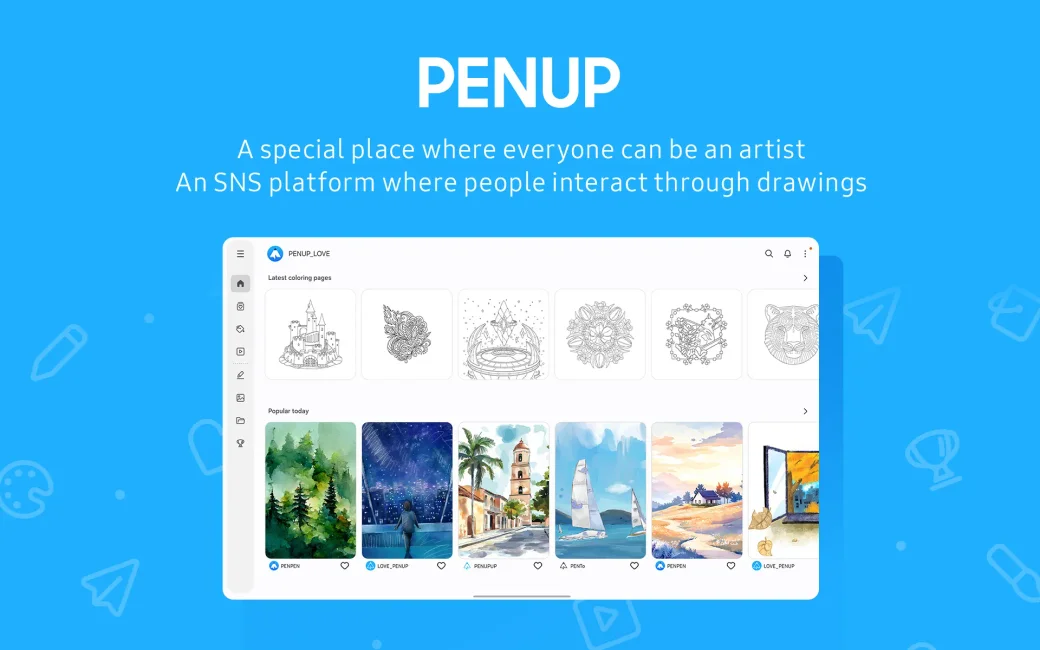
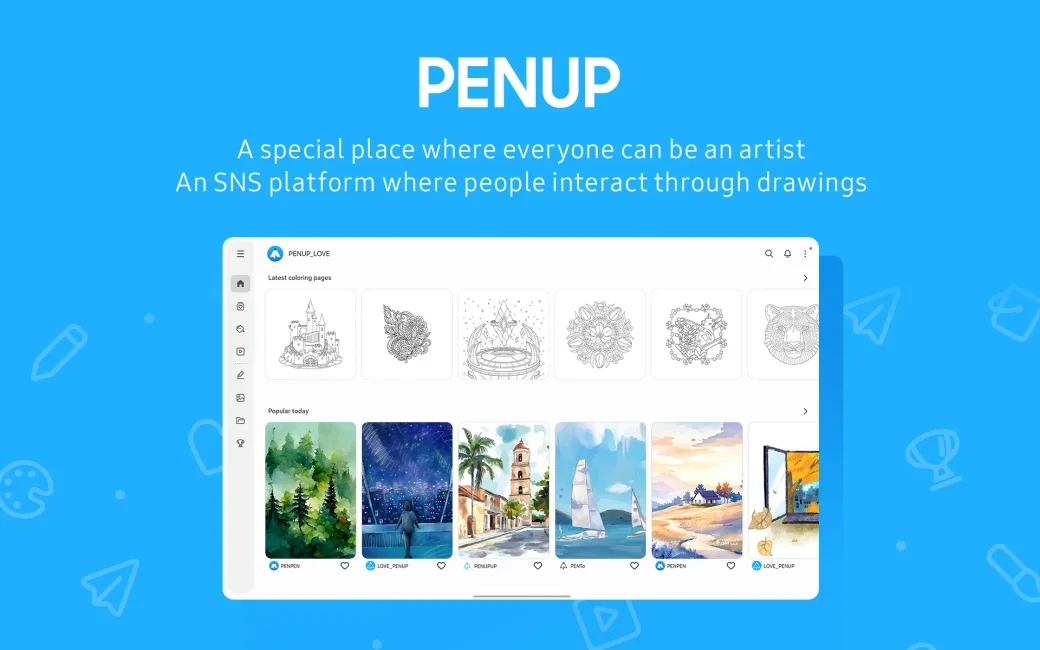
PENUP is an SNS where users communicate through drawings.
Enjoy a variety of pen-drawn content on PENUP. Share drawings of your thoughts and everyday life with friends all over the world.
• A variety of drawing features
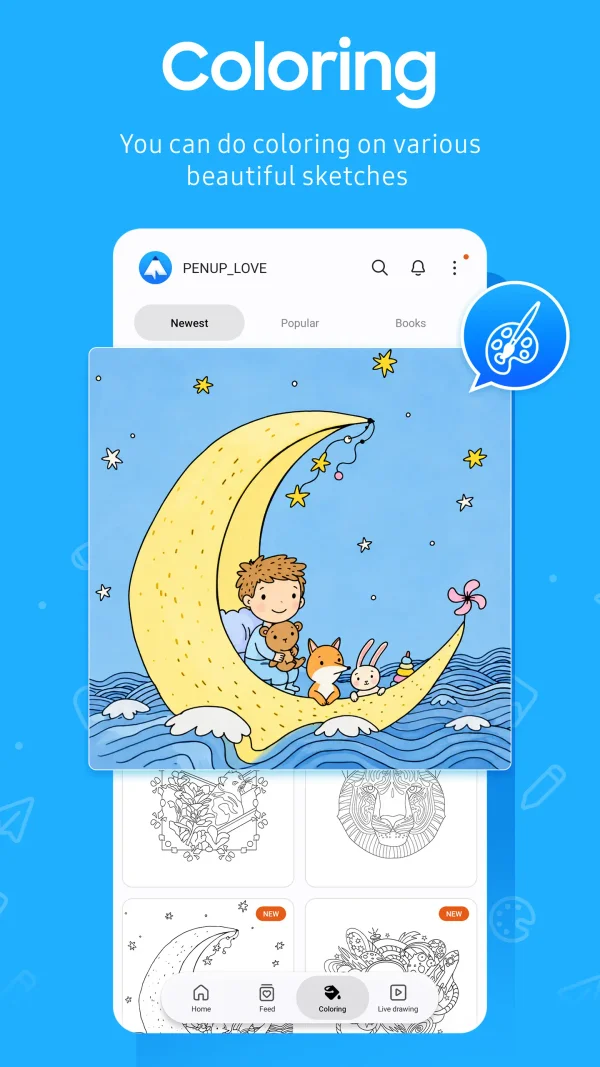
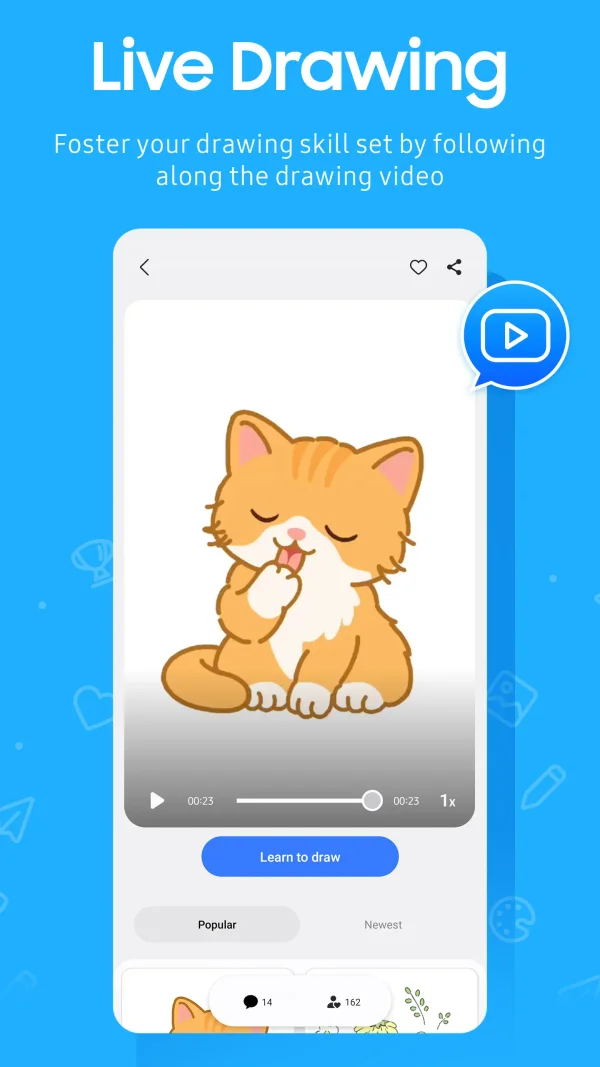
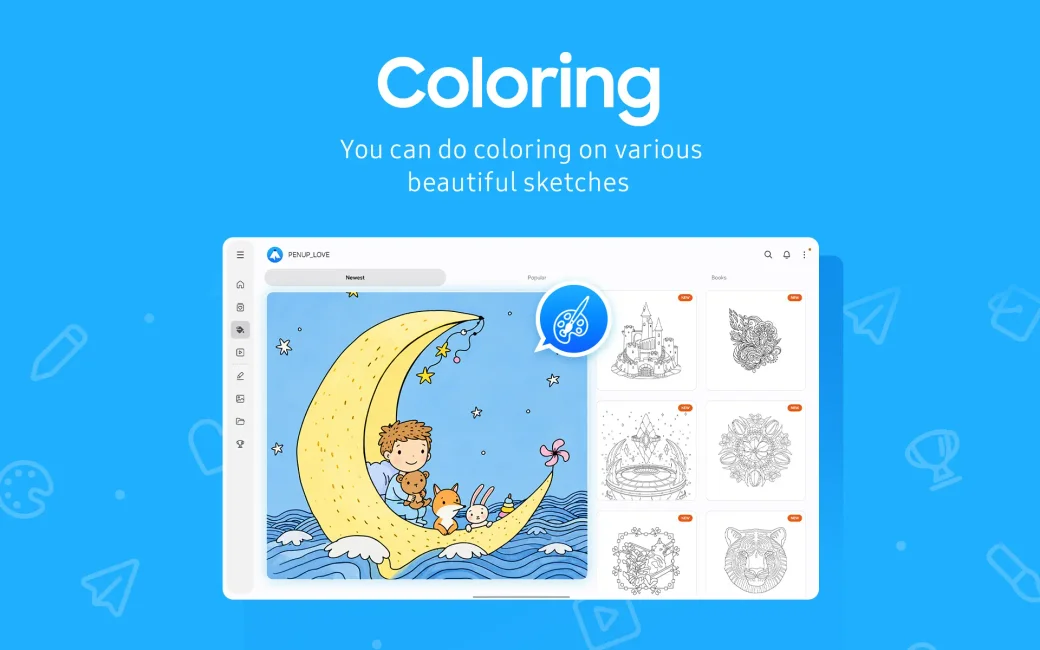
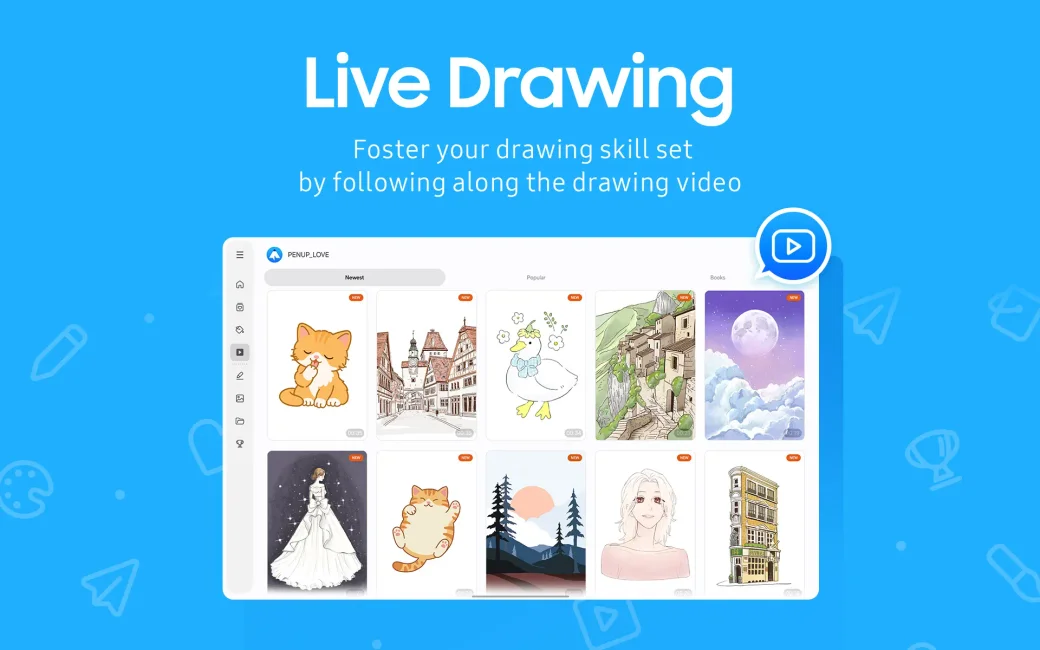
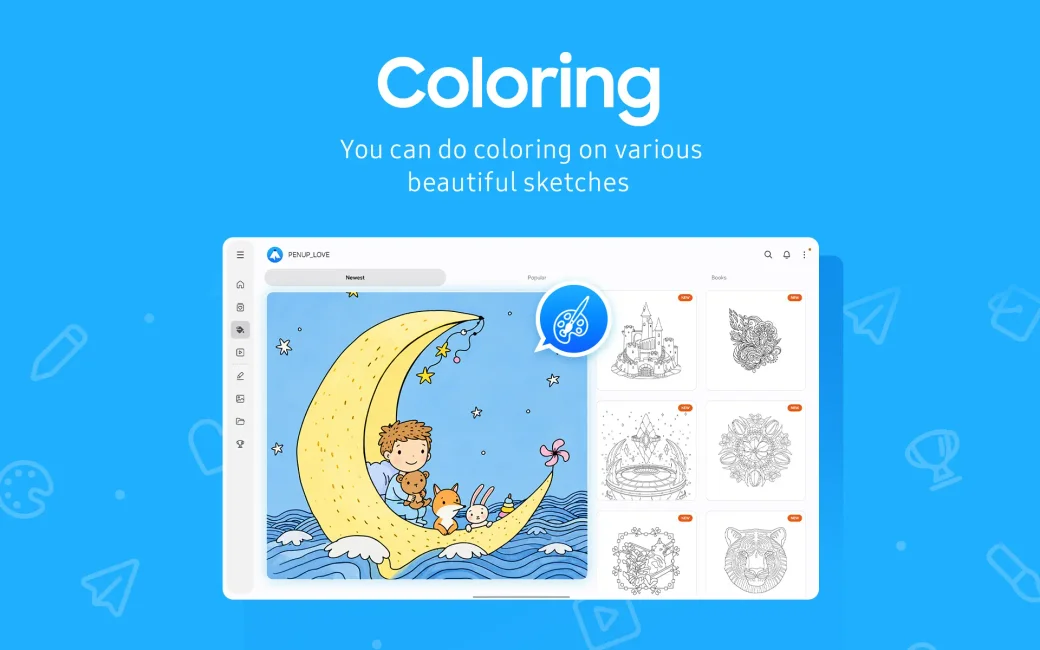
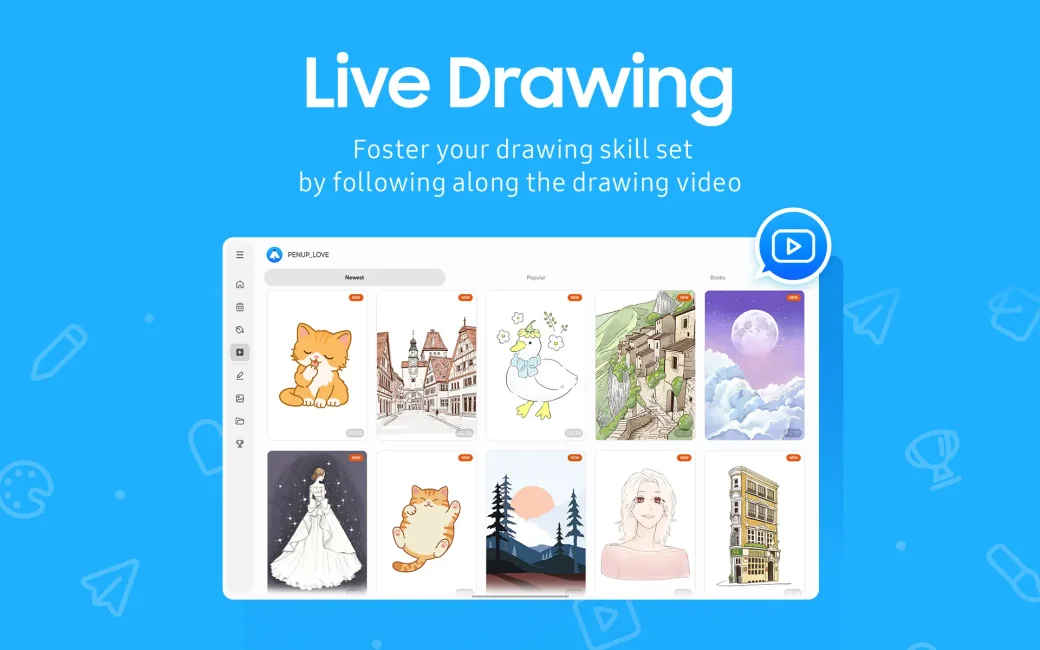
Drawing made easy and fun for everyone. Enjoy coloring in a variety of coloring book pages. Choose from a range of great templates. Improve your drawing skills with Live Drawing (video drawing follow-along) and Photo Drawing (drawing with a photo aid). Test your skills through various drawing challenges.
• Enjoy drawing with friends
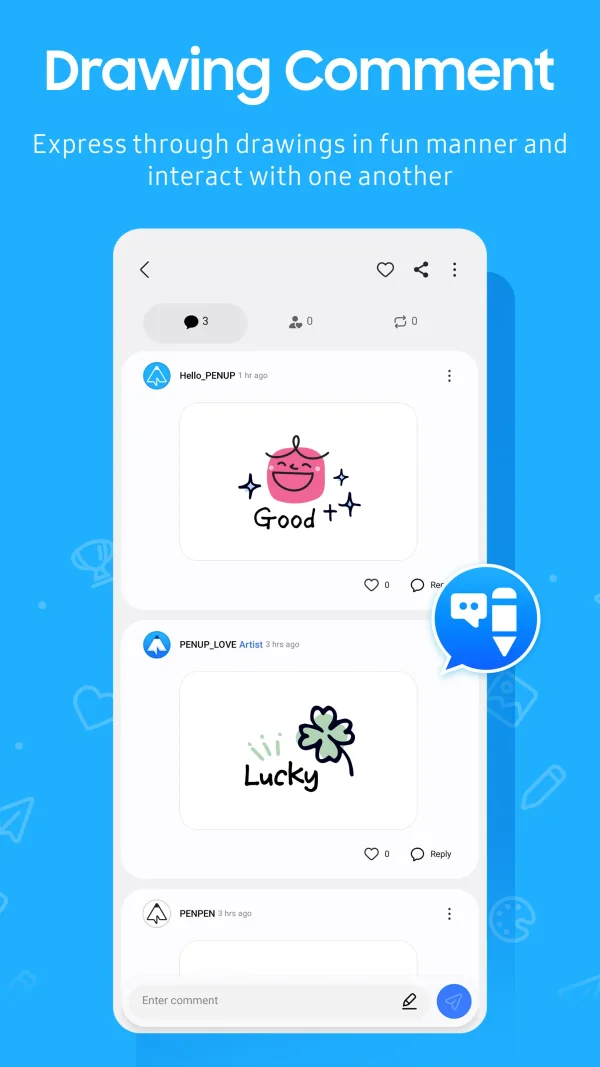
Share your drawings or appreciate other users’ creations on Trending Works. Comment on other users’ drawings and communicate on your creations.
-------------------------------------------------Regarding the App Access Privilege--------------------------------------
The following permissions are required for the app service. For optional permissions, the default functionality of the service is turned on, but not allowed.
[Optional Access Privilege]
- Storage : To upload a drawing to PENUP or download a drawing from PENUP (Android 9 or lower)
- Notifications : To notify about activities related to your drawing, followers, and people you're following (Android 13 or above)
If your system software version is lower than Android 6.0, please update the software to configure App permissions.
Previously allowed permissions can be reset on Apps menu in device settings after software update.
Data safety
What Samsung Electronics Co., Ltd. declares on Google Play about the data this app collects and shares.
- This app may share these data types with third partiesApp activity and App info and performance
- This app may collect these data typesLocation, Personal info and 2 others
- Data isn’t encrypted
- You can request that data be deleted
What’s new
Sep 18, 2026
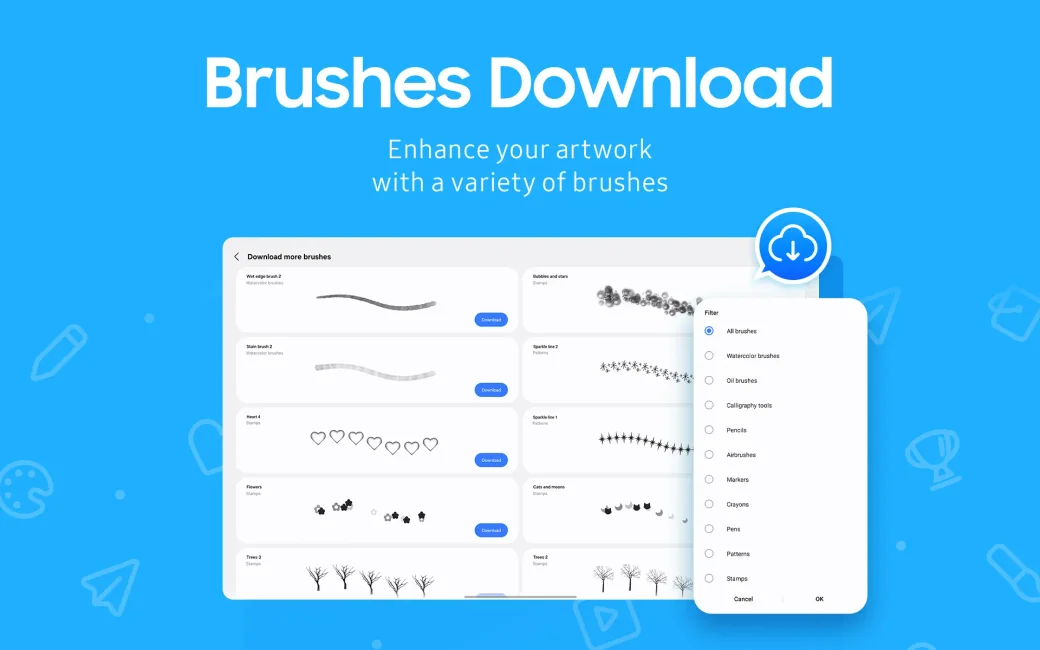
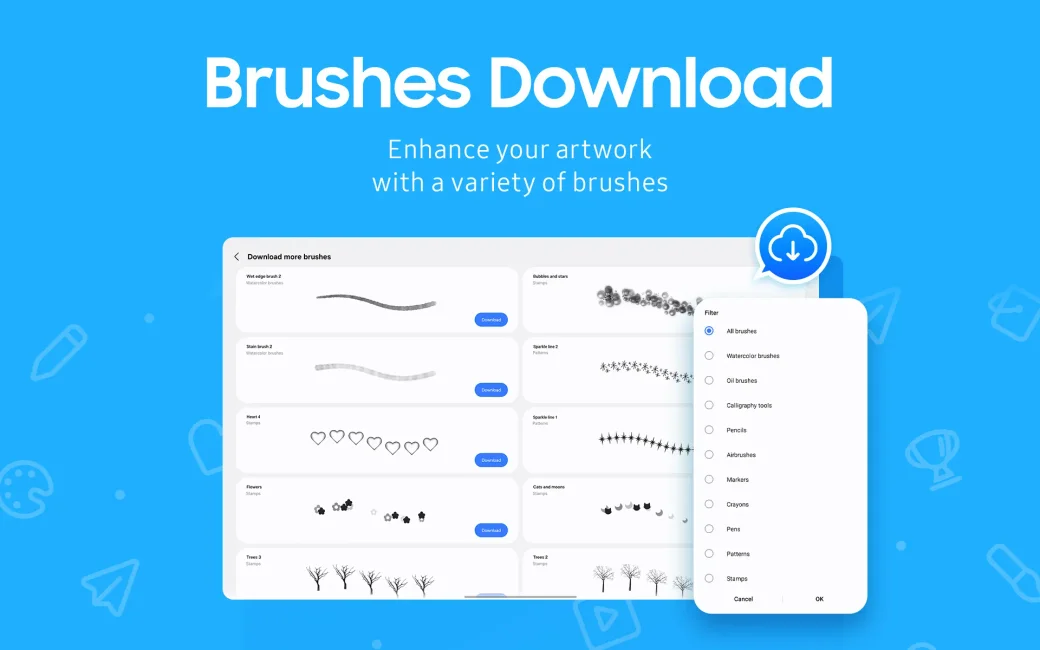
• New brush added as drawing tool
Developer contact
- Websitepenup.com
- Emailnoreply.sec@samsung.com
- Privacy policypenup.com
- Address대한민국 16677 경기도 수원시 영통구 삼성로 129 (매탄동)
Information
- Offered by
- Samsung Electronics Co., Ltd.
- Category
- Art & Design
- Updated
- Sep 18, 2026
- Released
- Sep 7, 2013
- Age rating
- Teen
- Price
- Free
- Package name
- com.sec.penup
Similar apps
-
 Sketchbook
Art & Design
-
 PaperColor
Art & Design
-
 Infinite Painter
Art & Design
-
 Samsung Notes
Productivity
-
 Noteshelf - Notes, Annotations
Productivity
-
 Drawing Desk: Learn to Draw
Art & Design
-
 Sketch Pro: Draw & Create Art
Art & Design
-
 Pixel Studio: pixel art editor
Art & Design
-
 Miuu Note: Cute Diary Journal
Productivity
-
 Learn Drawing
Art & Design
-
 ibis Paint X
Art & Design
-
 Notepad, Notebook, Notes app
Productivity