Perfect Viewer X
Rookie001- EveryoneAge rating
- ComicsCategory
- Nov 21, 2026Updated
- $2.99Price
Links to the official Google Play listing of com.rookiestudio.perfectviewerx. Last checked on Nov 22, 2026.

Screenshots




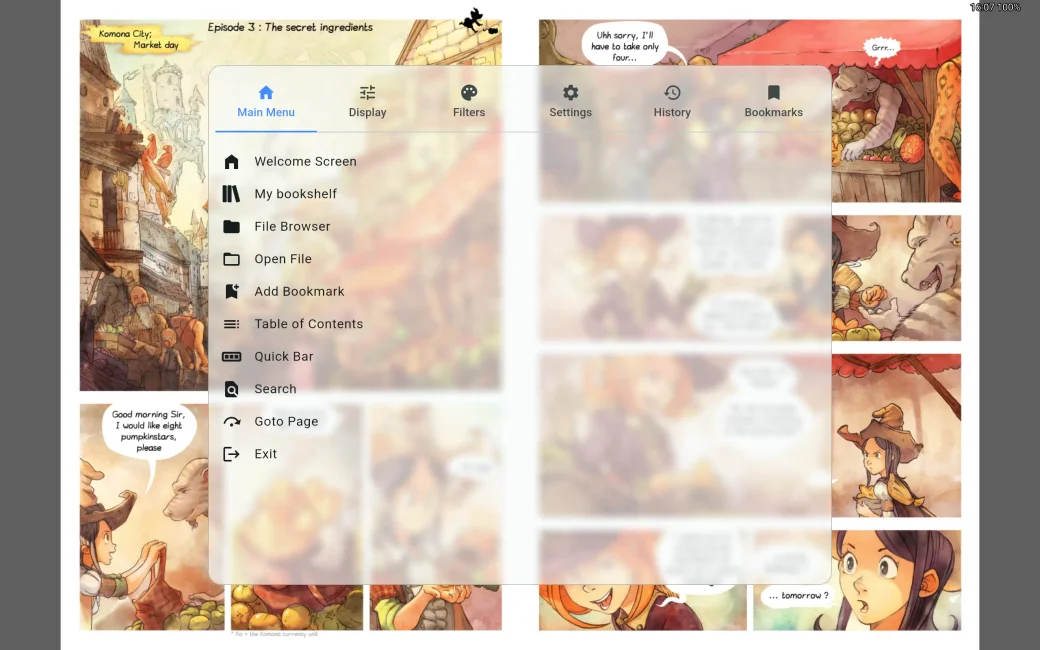


About this app
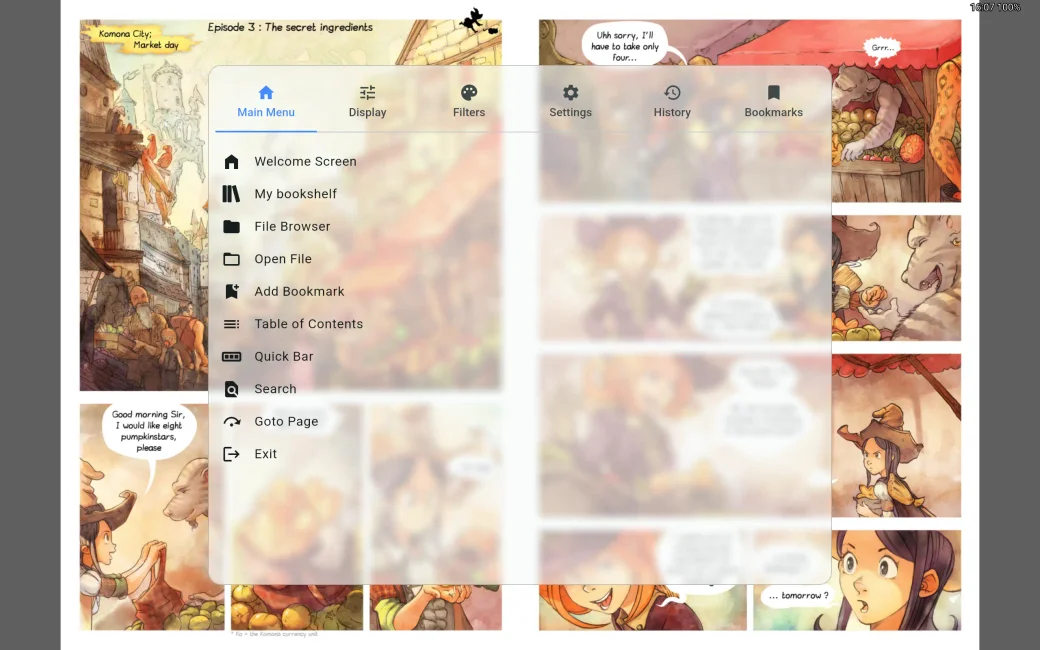
Powerful comic & ebook reader with multiple format support and cloud integration
Perfect Viewer X is a brand new cross-platform version of the classic Perfect Viewer, a professional reader designed for image and e-book enthusiasts. Whether you're a comic fan, photographer, or e-book reader, Perfect Viewer X delivers the best reading experience.
📚 Supports Over 20 File Formats
• Images: JPEG, PNG, WebP, AVIF, HEIF, JXL, TIFF, GIF, BMP, etc.
• Archives: ZIP, RAR, 7Z, CBZ, CBR, CB7, TAR, LZH, etc.
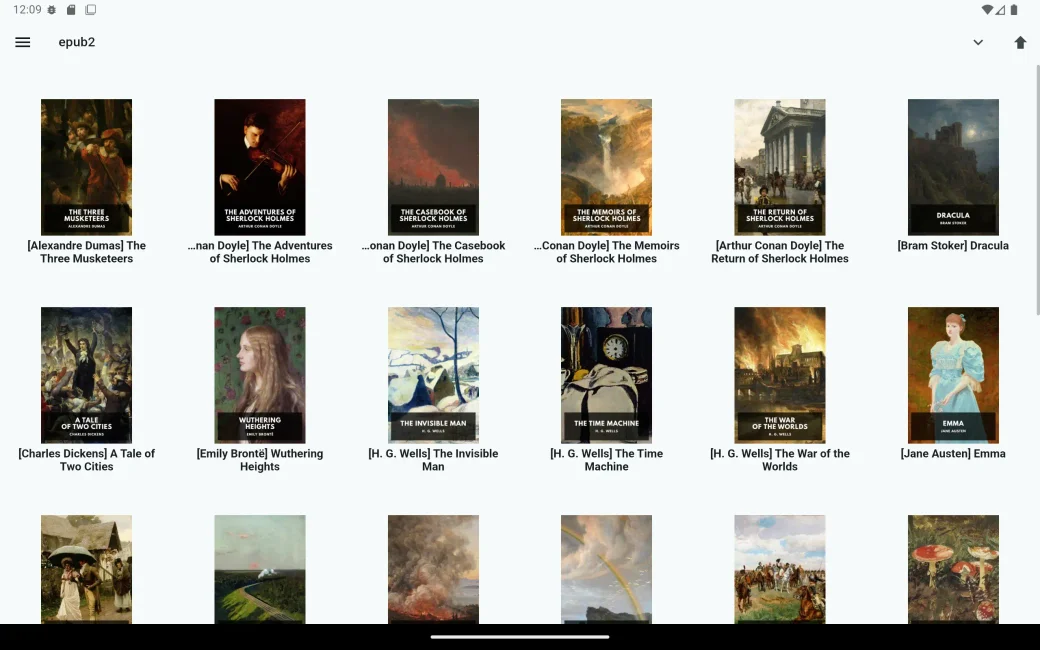
• E-books: EPUB, MOBI, AZW, FB2, TXT, HTML
• Documents: PDF, DjVu
🎨 Professional Image Processing
• Automatic color correction and contrast adjustment
• Hue, saturation, and brightness control
• Image sharpening and edge cropping detection
• Grayscale and color inversion modes
• Multiple zoom and fit modes
📖 Flexible Reading Modes
• Automatic single/dual page switching
• Left-to-right or right-to-left reading
• Vertical scrolling mode
• Auto-rotation feature
• Full-screen immersive reading
☁️ Cloud & Network Storage Integration
• Full Google Drive support
• SMB/CIFS network share support
• FTP/FTPS/SFTP protocol support
• WebDAV server support
• Browse and open remote files directly
• Automatic login and authentication
🔧 Highly Customizable
• Customizable touch zones and gestures
• Hardware key mapping
• Quick action bar customization
• Day/Night themes
• Detailed display settings
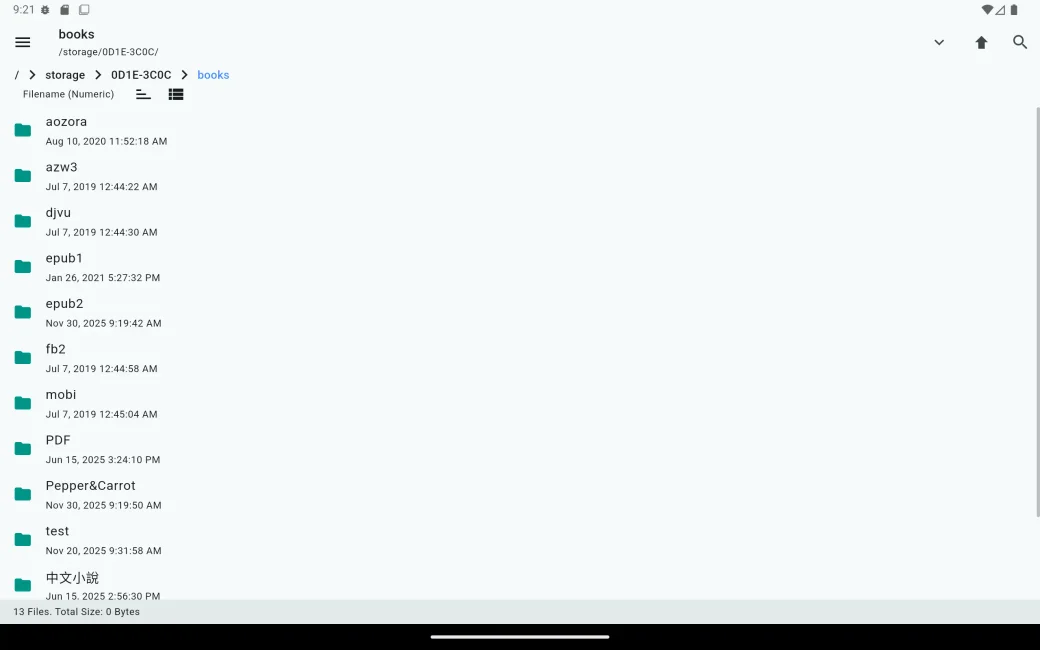
📑 Complete File Management
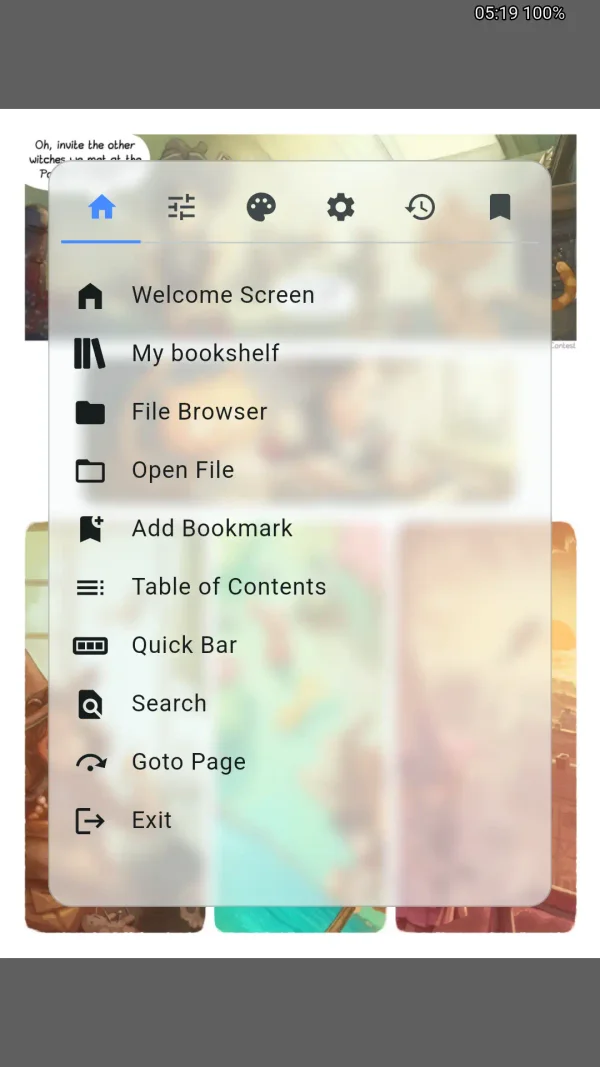
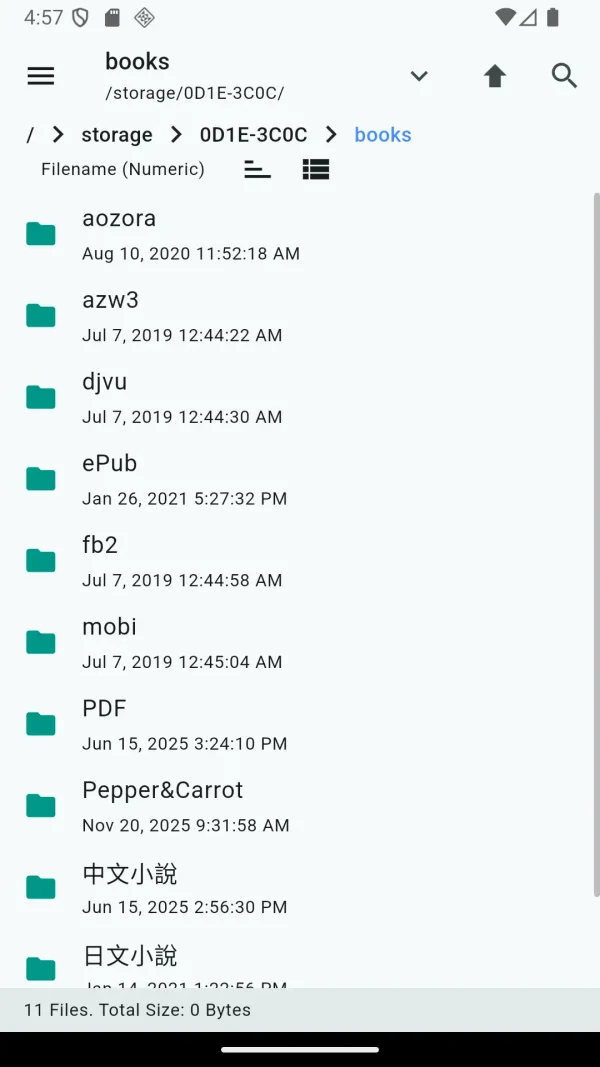
• Built-in file browser
• Bookshelf and favorites
• Reading history
• Bookmark feature
• Settings export/import
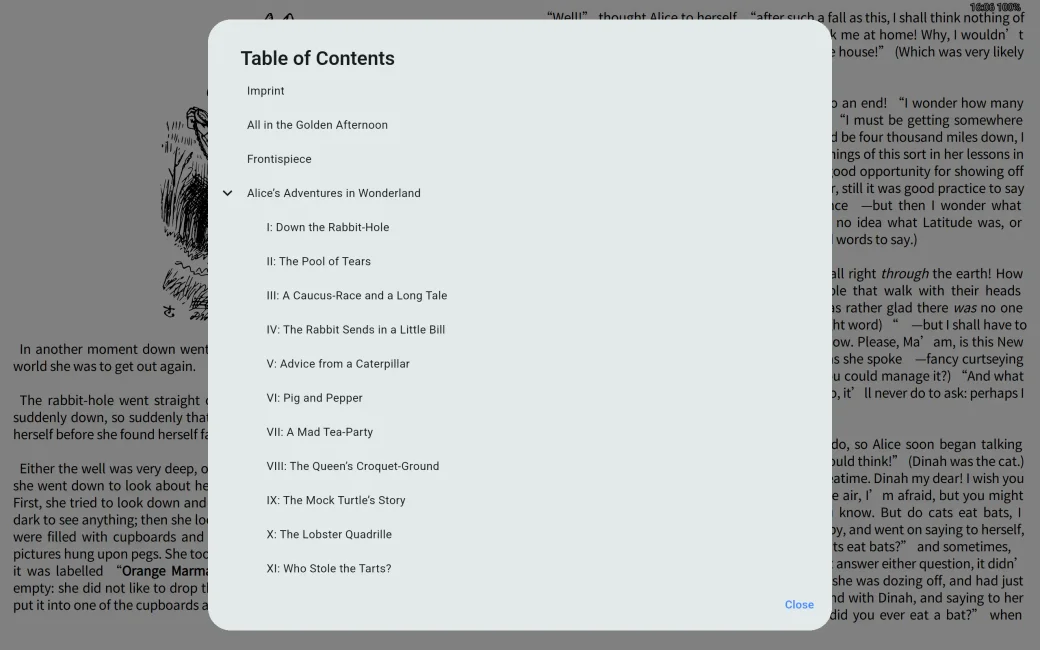
📖 E-book Exclusive Features
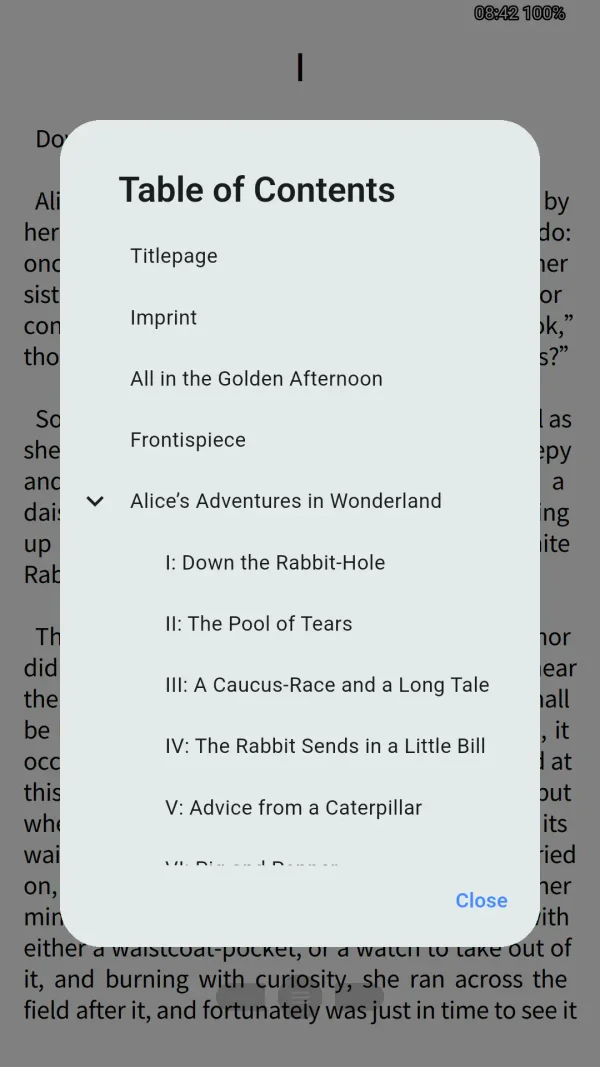
• Table of contents navigation
• Full-text search
• Text selection
• Custom fonts and sizes
• Paragraph spacing adjustment
🎯 Advanced Features
• Slideshow auto-play
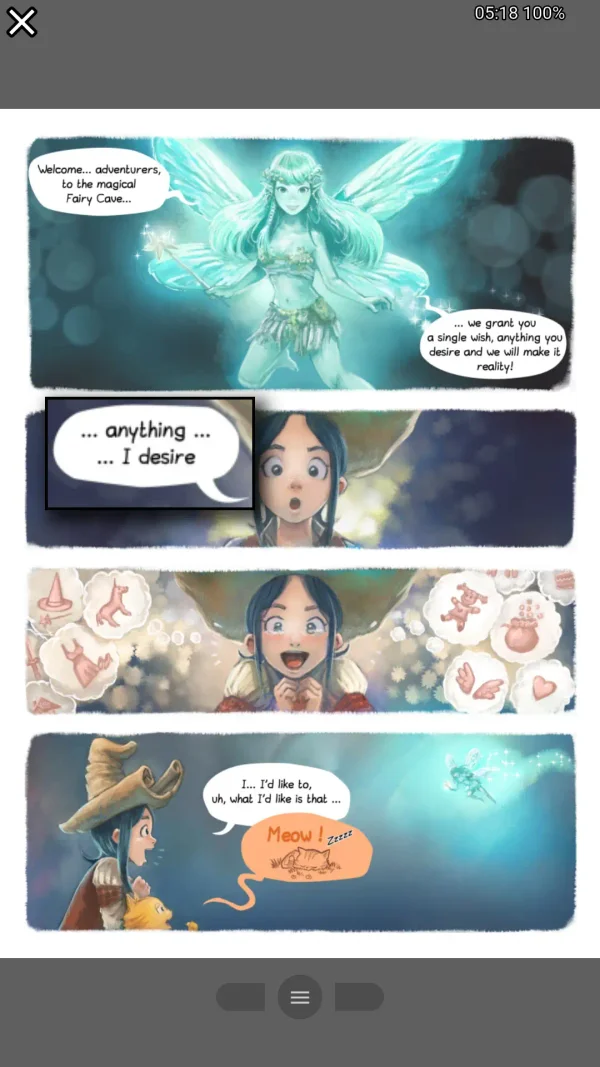
• Magnifier and balloon magnifier
• Quick screen brightness adjustment
• Preference management
• Multi-language interface
### 📱 Use Cases
• Comic Reading: Perfect support for CBZ/CBR formats with smooth page-turning
• E-book Reading: Comfortable reading interface with rich text control options
• Photo Browsing: Support for various image formats with professional color adjustment
• PDF Documents: Convenient document reader with table of contents and search
• Cloud & Network Files: Direct access to files on Google Drive, SMB/FTP/FTPS/SFTP/WebDAV servers
### 🔐 Permissions Explained
• Storage Permission: Read comic and e-book files on your device
• Network Permission: Access cloud services and remote servers (Google Drive, SMB, FTP, FTPS, SFTP, WebDAV)
• Manage External Storage: Full file system access (Android 11+)
We value your privacy. All permissions are only used to provide core functionality.
Data safety
What Rookie001 declares on Google Play about the data this app collects and shares.
- No data shared with third partiesLearn more about how developers declare sharing
- No data collectedLearn more about how developers declare collection
- Committed to follow the Play Families Policy
What’s new
Version 1.6.0 · Nov 21, 2026
- Added: Page Curl and Flip effects
- Added: Dual-page gutter shadow
- Added: CJK font download
- Added: SFTP private key login
- Added: TTS pauses
- Added: Extra Large cover size
- Added: Ignore network file covers
- Changed: Faster startup
- Changed: Auto dual-page by aspect ratio
- Fixed: Next book and image folders
- Fixed: Missing images in e-books
- Fixed: FTP/SFTP endless re-download
- Fixed: Failed downloads marked complete
- Fixed: Bookshelf settings and paths
- Fixed: Other bug fixes
Developer contact
- Websiterookiestudio.uk
- Emailrookiestudio@gmail.com
- Privacy policyrookiestudio.uk
- Address柳陽西街88號 12F-7 北屯區 台中市, Taiwan 40649
Information
- Offered by
- Rookie001
- Category
- Comics
- Version
- 1.6.0
- Updated
- Nov 21, 2026
- Released
- Dec 11, 2025
- Requires
- Android 7.0 or later
- Age rating
- Everyone
- Price
- $2.99
- Package name
- com.rookiestudio.perfectviewerx
Similar apps
-
 Lezhin Comics - Daily Releases
Comics
-
 Wuxiaworld - Online Novels
Books & Reference
-
 Readwise Reader
Productivity
-
 Toonsutra: Webtoon & Manga App
Comics
-
 Webfic - Fantastic Reading
Books & Reference
-
 Hoopla: Your Library, Anywhere
Books & Reference
-
 Bookshelf
Education
-
 Biblio
Books & Reference
-
 Tappytoon Comics & Novels
Comics
-
 PeriPage
Education
-
 NBC South Florida: Miami News
News & Magazines
-
 Plumb's | Standards
Books & Reference