Phone Clone - Data Transfer
FirehawkContains ads · In-app purchases
- EveryoneAge rating
- ToolsCategory
- Sep 29, 2026Updated
- FreePrice
Links to the official Google Play listing of com.smartswitch.phoneclone.datatransfer.filesharingapp. Last checked on Nov 19, 2026.

Screenshots
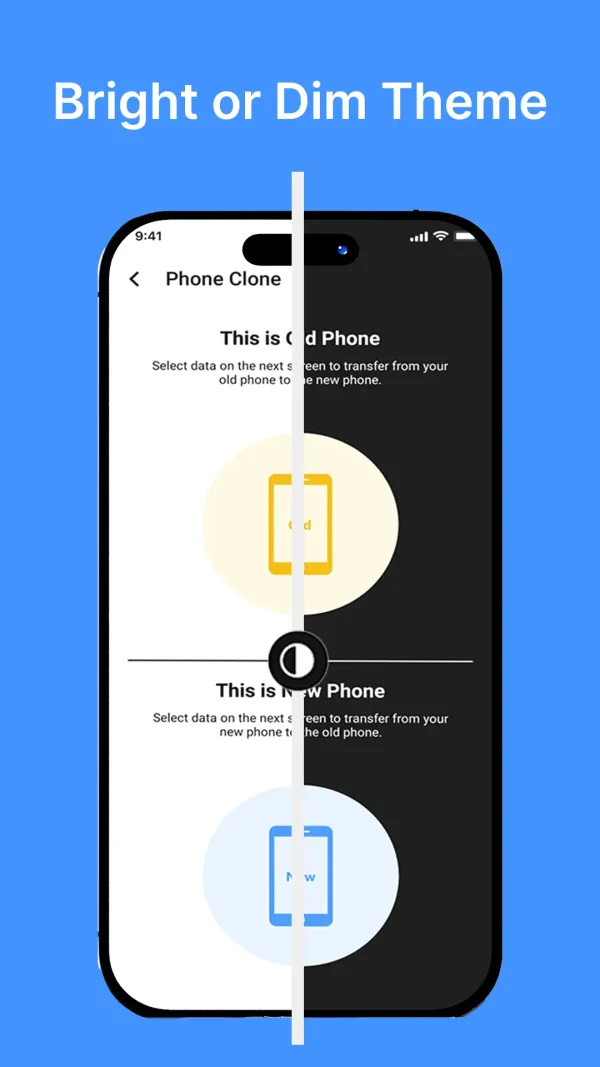
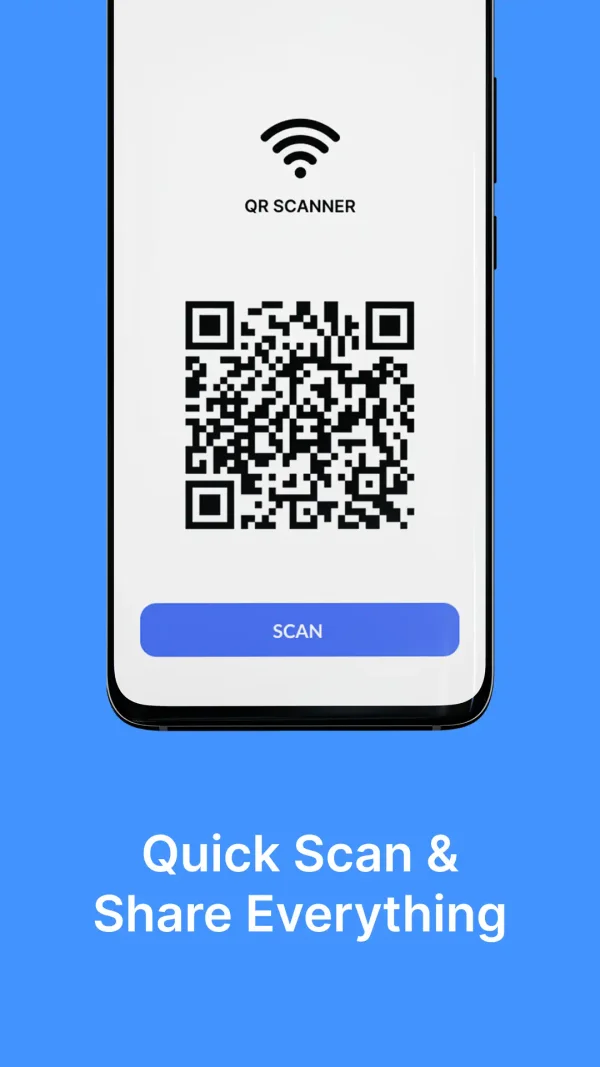
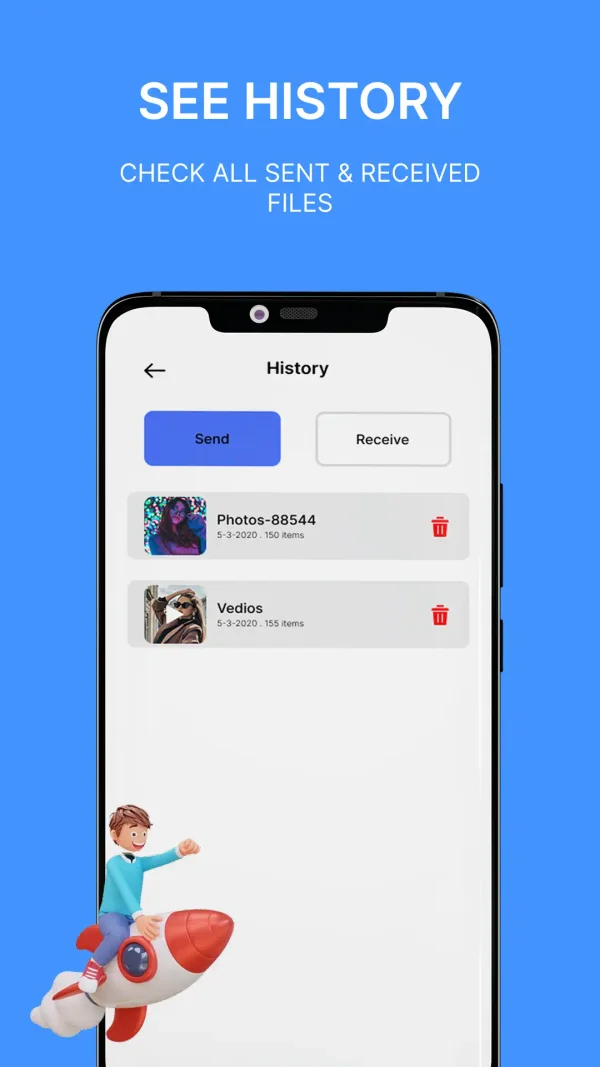
About this app
Quickly clone & securely transfer data: apps, contacts and more.
📲 Smart Mobile Switch: Fast & Secure Data Transfer App 🚀
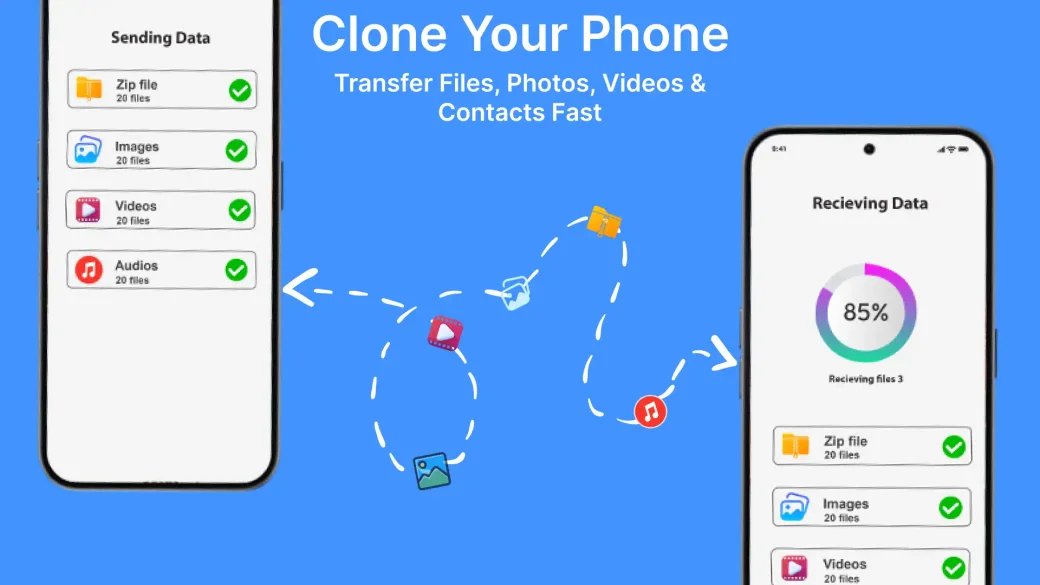
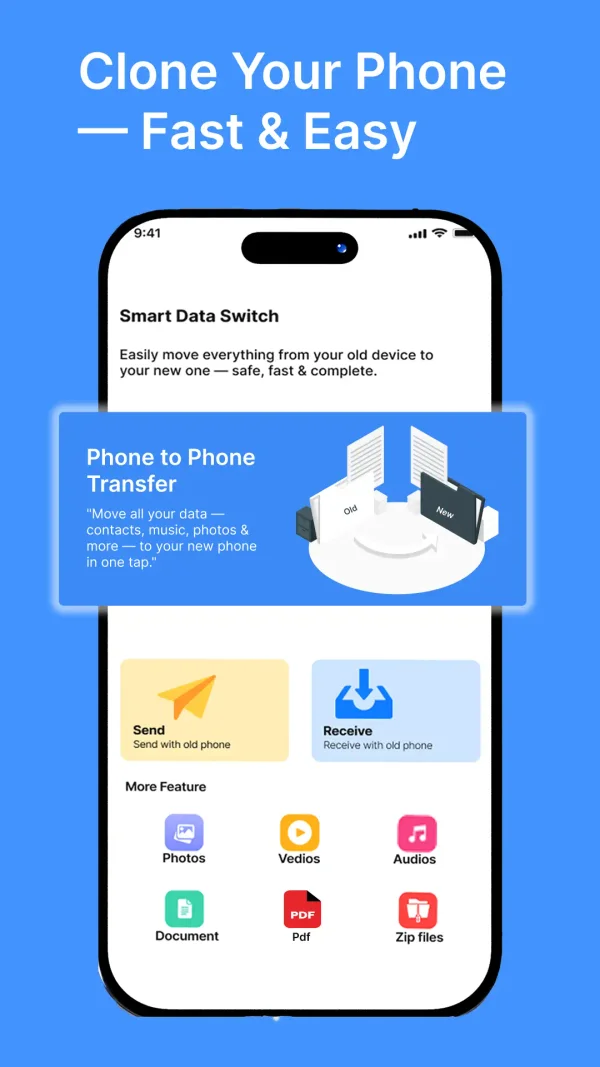
Switch phones seamlessly with Smart Mobile Switch – Transfer My Data. Clone and share files, apps, contacts, photos, videos, music, documents and more — no Wi‑Fi or mobile data needed.
🔄 Seamless Phone Cloning & Smart Sharing
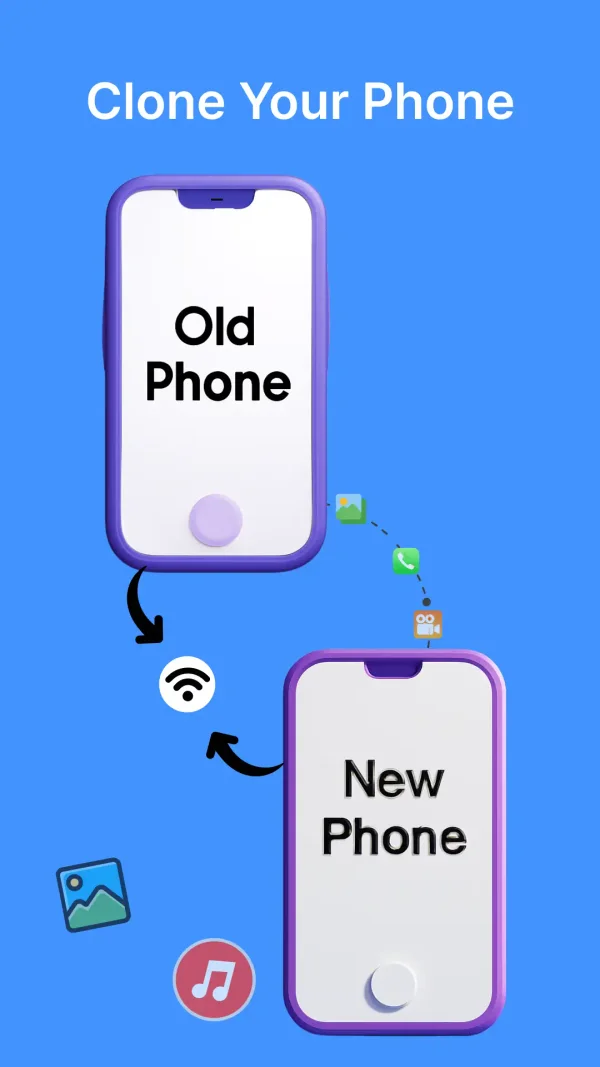
Clone your phone in minutes. Everything from contacts to messages, games to videos moves intact to your new device.
⚡ Fast File Transfer – No Limits!
Transfer any size file instantly between Android phones—no restrictions.
🔐 Private, Secure & Reliable
Your data remains on a private encrypted connection—no cloud upload, no leaks.
🌐 No Internet? No Problem!
Works offline with a direct device-to-device link for smooth transfers.
🧠 Easy to Use, Built for Everyone
Easily follow step‑by‑step guide—no tech skills required.
🔑 Key Features:
✅ One‑tap transfers
✅ Clone apps, contacts, media & more
✅ Unlimited speed & file size
✅ No internet or mobile data needed
✅ Encrypted private connection
✅ Android‑wide compatibility
✅ Smart file manager
✅ Clean & lightweight UI
🎉 Switch devices stress‑free with Smart Mobile Switch! Download now.
Data safety
What Firehawk declares on Google Play about the data this app collects and shares.
- This app may share these data types with third partiesLocation, Photos and videos and 3 others
- No data collectedLearn more about how developers declare collection
- Data is encrypted in transit
- Data can’t be deleted
Developer contact
- Websitefirehawk.ai
- Emailsupport.wapexclonephone@firehawk.ai
- Privacy policywapexdevelopers.blogspot.com
- Address18/7 Yechezkel TEL AVIV-JAFFA, 6259524 Israel
Information
- Offered by
- Firehawk
- Category
- Tools
- Version
- 1.57
- Updated
- Sep 29, 2026
- Released
- Oct 31, 2021
- Requires
- Android 7.0 or later
- Age rating
- Everyone
- Price
- Free
- In-app purchases
- $0.99 - $99.99 per item
- Package name
- com.smartswitch.phoneclone.datatransfer.filesharingapp
Similar apps
-
 Square Home Launcher - Tile UI
Personalization
-
 Phone Clone App: Mobile Data
Tools
-
 Taskbar
Tools
-
 Transfer All Data - PhoneClone
Tools
-
 AT&T Personal Cloud
Tools
-
 Kiren by F-Secure
Tools
-
 Arm Care
Sports
-
 OPPO Clone Phone
Productivity
-
 Timely – Bookings & payments
Business
-
 AmTrav Business Travel
Travel & Local