Photo Collage Maker
AppAspect Technologies Pvt. Ltd.Contains ads
- EveryoneAge rating
- PhotographyCategory
- Sep 22, 2025Updated
- FreePrice
Links to the official Google Play listing of com.piccollage.imageeditor.photocollage. Last checked on Nov 24, 2026.
Screenshots



About this app
Photo Collage Maker - Photo Editor is a powerful collage maker and photo editor.
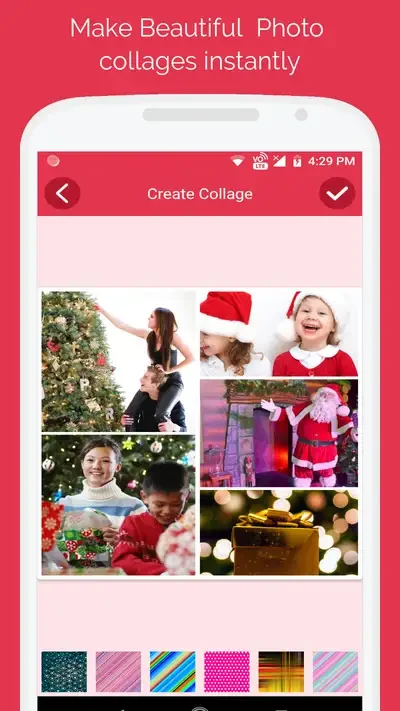
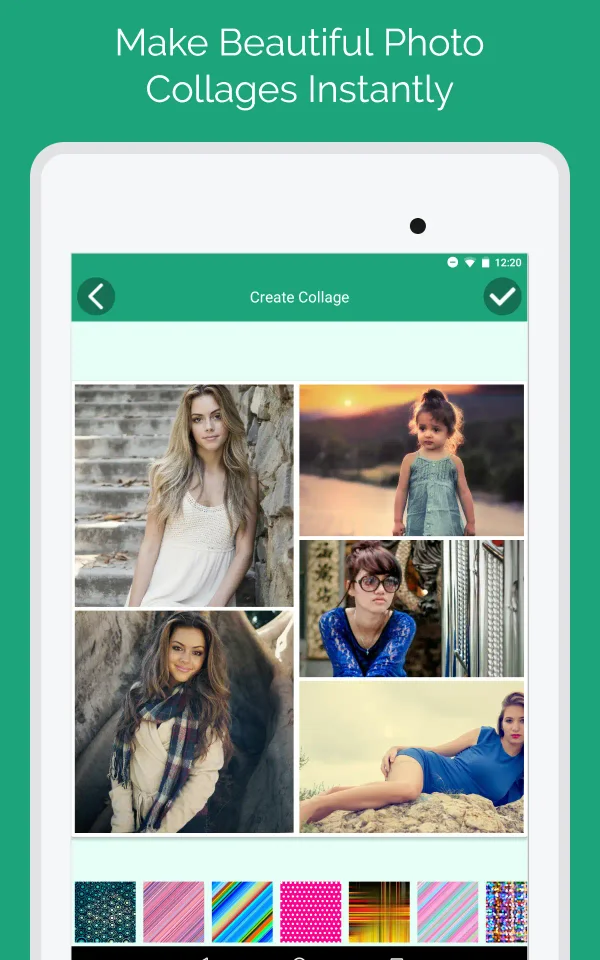
Photo Collage Maker - Pic Collage & Photo Editor is a powerful collage maker and photo editor for you to create amazing collages using your photos, frames, backgrounds and your beautiful drawings.
Templates:
Support creating both single framed photo and multiple-photo collages which can contain up to 14 photos.
Super Easy Sharing:
Share your collages onto all major social platforms (Facebook, Instagram, Twitter, WhatsApp and many more) with only a few steps.
Advance Settings:
Simple settings to select theme color for the app and also option to save created Collage directly to the Photo Album.
KEY FEATURES:
- Interactive and Easy to use UI.
- High resolution output.
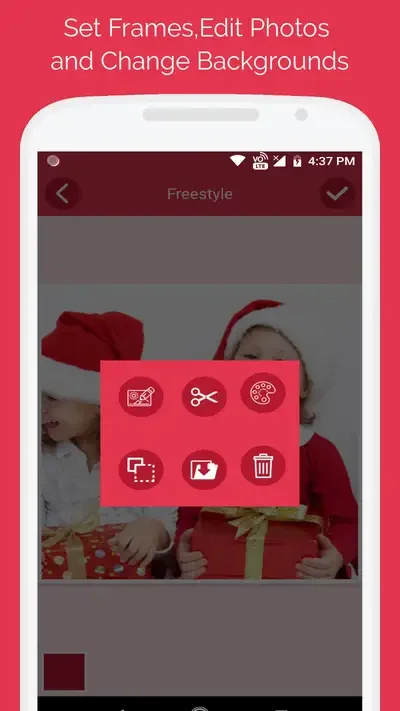
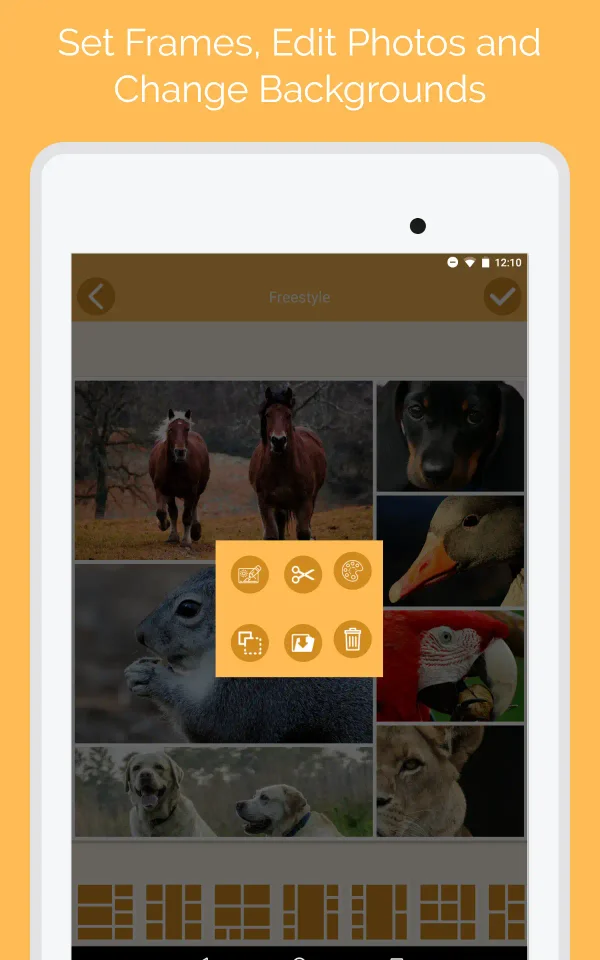
- FreeStyle: Create collage directly by selecting photos from photo album and it automatically adjust with frames it needed.
- Backgrounds: Simple options to change Border color of the Collage.
- Frame: Beautify your photos into framed artwork with 20 creative background patterns.
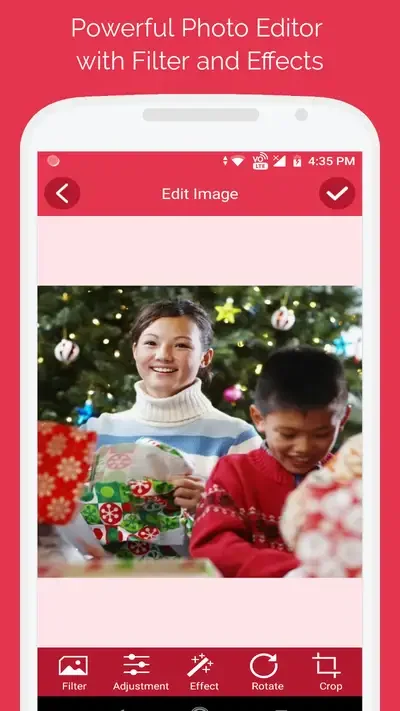
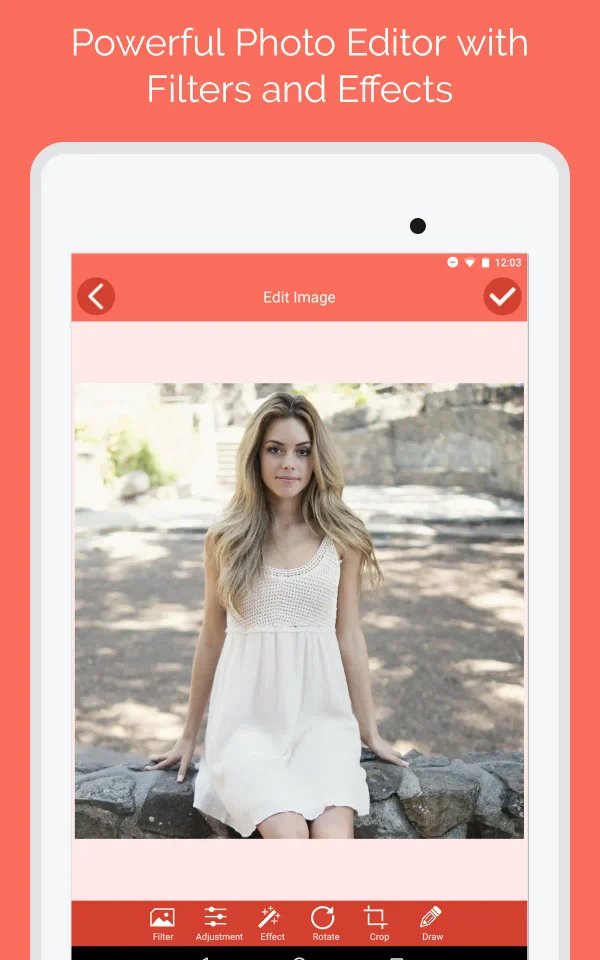
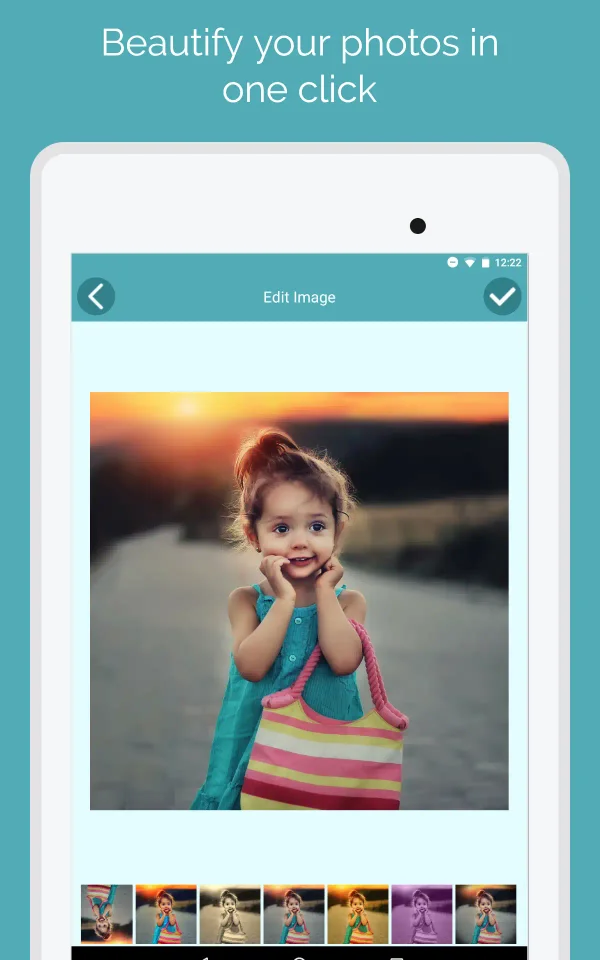
- A full featured photo editor included in the app.
- Filters: Trendy Retouch filters - Portrait and Vintage, Classic, Double-exposure, Texture, Light etc.
- Adjustments: Option to set brightness, contrast and color to the selected image and provide better look.
- Effects: Amazing photo fx filters available in the app.
- Rotate: Flip image Horizontal and Vertically as well as give 90 degree rotation.
- Crop: Cropping the photo with gesture zoom in / zoom out and rotation mode.
- Drawing: Draw freely on the selected image and create amazing Collage.
- Shapes: Cut the photo to 9 different shapes and use it for the Collage.
- Explore your saved collages via built-in gallery.
- Share Collage with friend on social networking sites and Email.
- Save created Collage directly to the photo album.
- Unlimited Collage making for free..
Data safety
What AppAspect Technologies Pvt. Ltd. declares on Google Play about the data this app collects and shares.
- This app may share these data types with third partiesDevice or other IDs
- No data collectedLearn more about how developers declare collection
- Data isn’t encrypted
- Data can’t be deleted
What’s new
Version 7 · Sep 22, 2025
Improvements in app functionality and solved minor issues
Developer contact
- Websiteappaspecttechnologies.com
- Emailinfo@appaspecttechnologies.com
- Privacy policyappaspect.com
- AddressA/8, Shakti Vijay Society, Nr Vijay Park Brts Stand N.H.8 Krishnanagar Ahmedabad, Gujarat 382345 India
Information
- Offered by
- AppAspect Technologies Pvt. Ltd.
- Category
- Photography
- Version
- 7
- Updated
- Sep 22, 2025
- Released
- Jan 3, 2018
- Requires
- Android 6.0 or later
- Age rating
- Everyone
- Price
- Free
- Package name
- com.piccollage.imageeditor.photocollage