Pix Material You Light/Dark
PashaPuma DesignIn-app purchases
- EveryoneAge rating
- PersonalizationCategory
- Nov 18, 2026Updated
- $1.79Price
Links to the official Google Play listing of com.pashapuma.pix.material.you.dark. Last checked on Nov 19, 2026.

Screenshots


About this app
MaterialYou Themed Icons for Android 8+ and Widgets for Android 12+
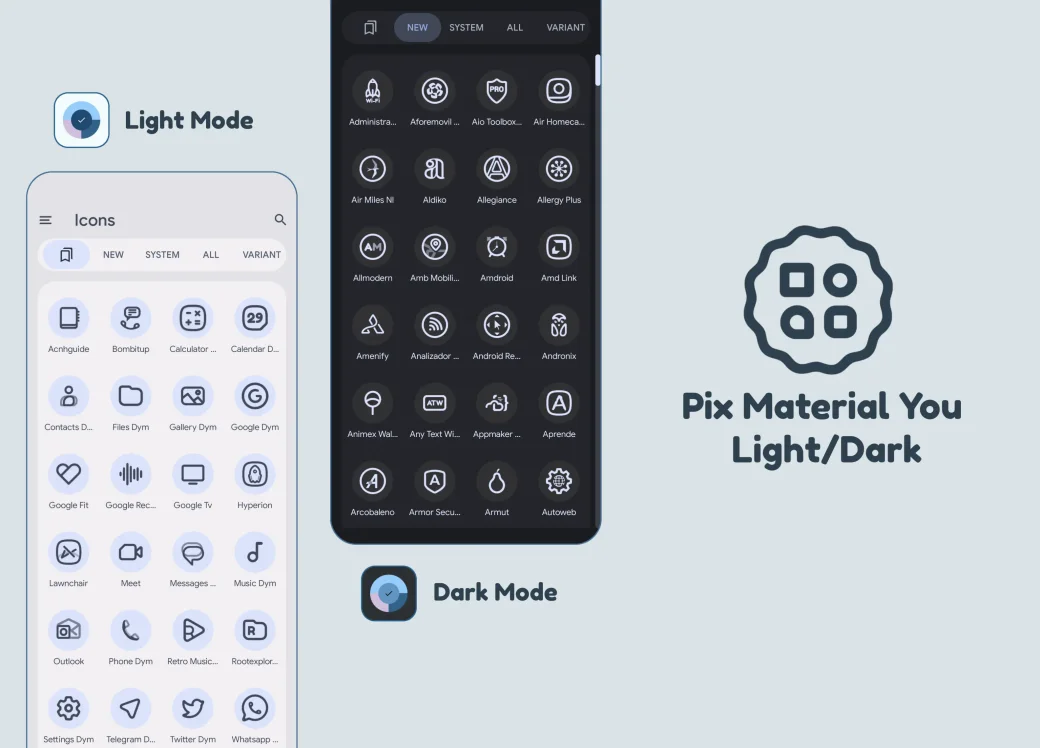
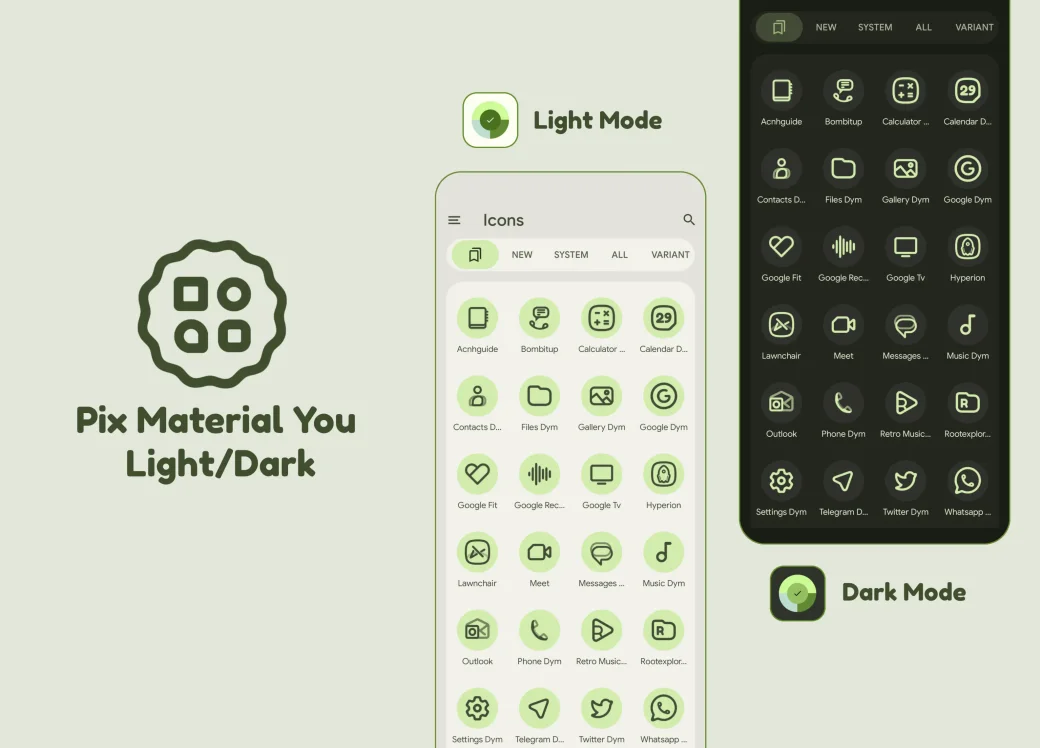
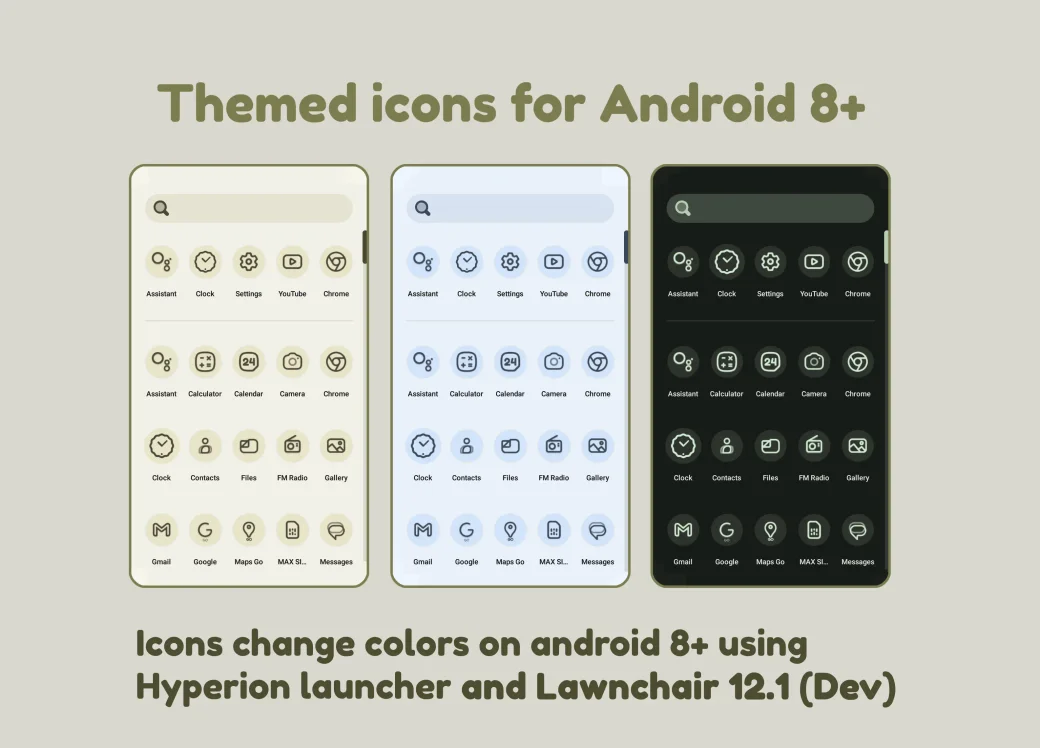
Pix Material You Light/Dark Themed Icons - These are icons for custom launchers that change color from wallpaper / accent of system, also change in light / dark mode of device. There are also ways to apply to stock launcher (read about it below ↓ ↓ ↓).
Available in application:
- Adaptive icons (30k+).
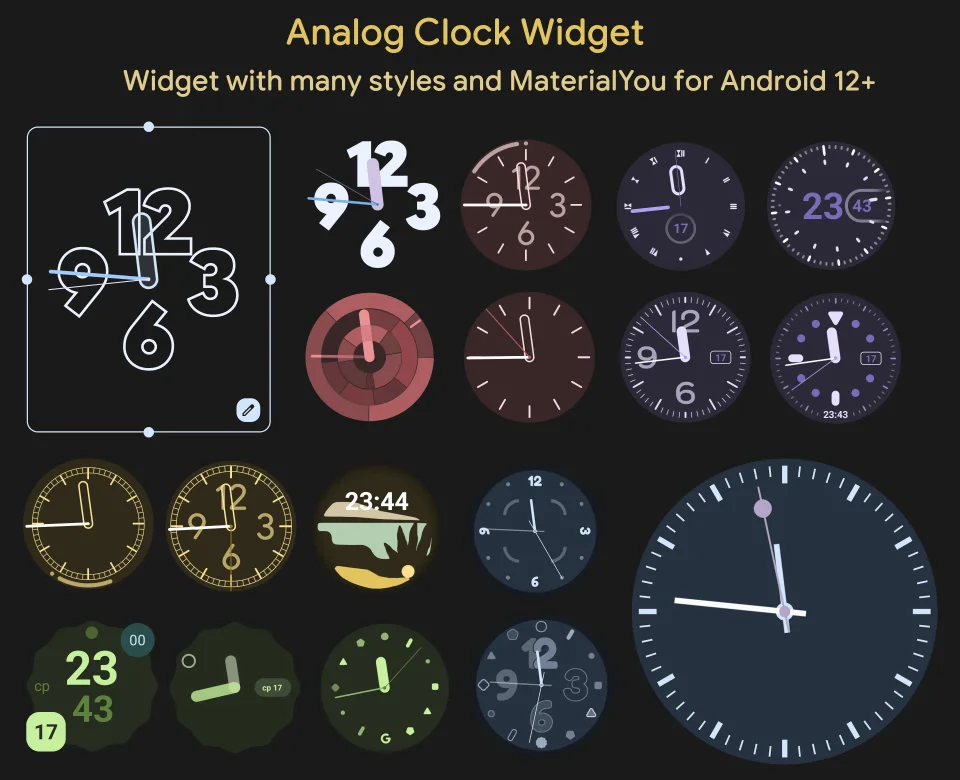
- Themed Widgets for Android 12+:
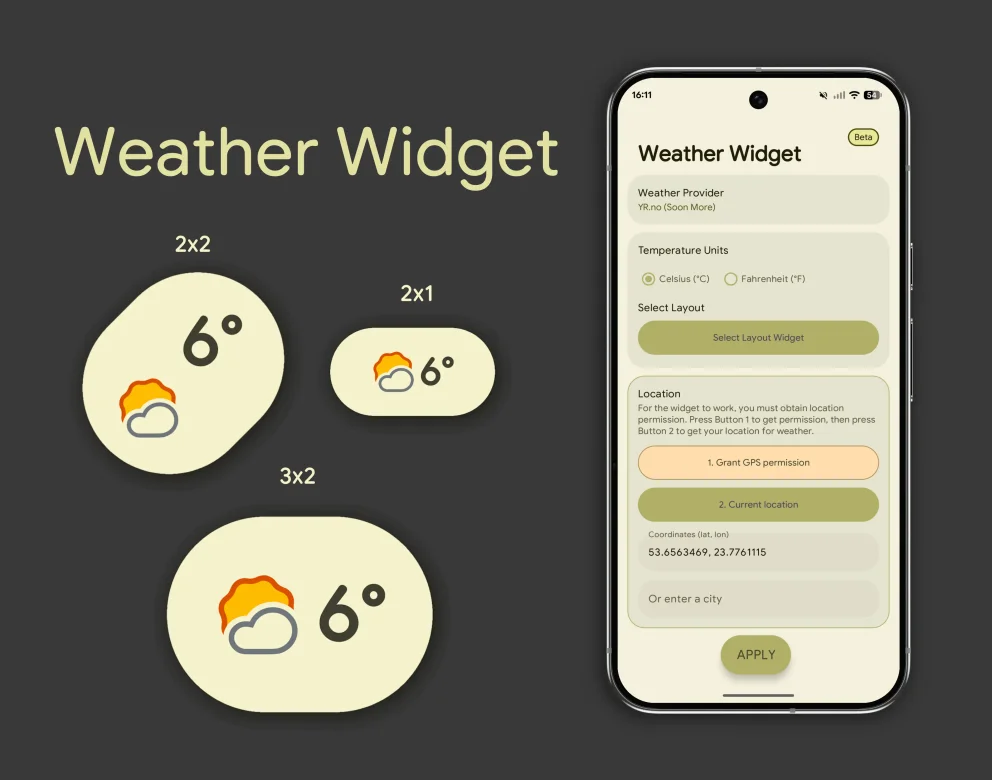
- Weather Widget (with more styles) (a12+),
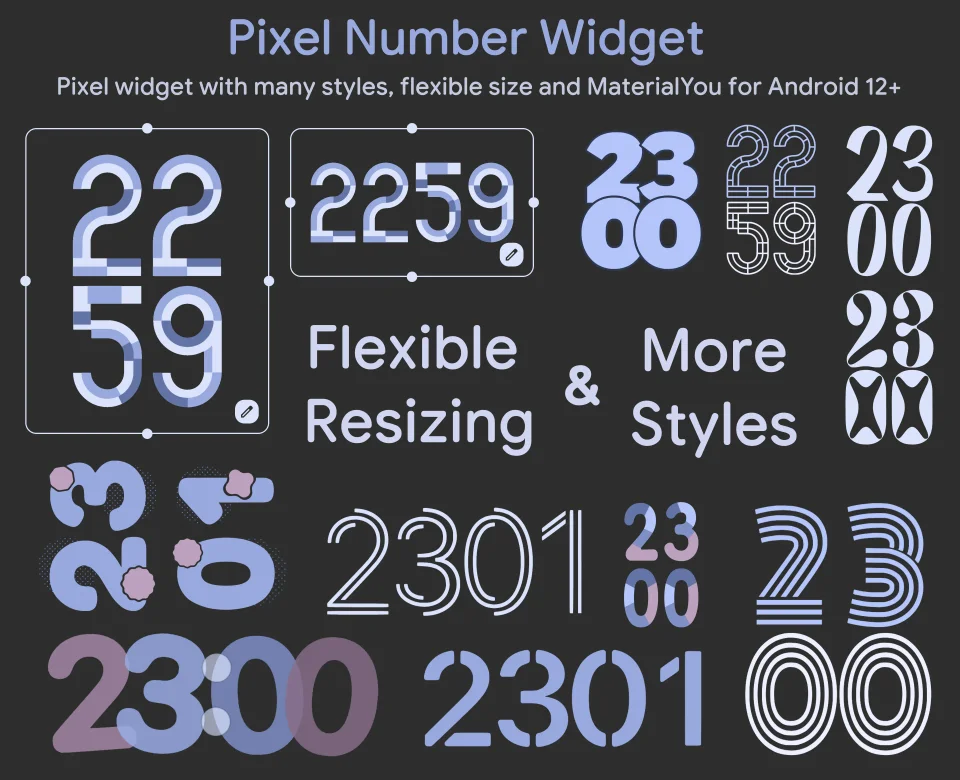
- Pixel Numbers Widget (with more styles) (a12+),
- Analog Clock Widget (with more styles) (a12+),
- Search Widget Widget (with more styles) (a12+),
- Numbers Clock Widget (with more styles) (a12+),
- Date Glance Widget (with more styles) (a12+),
- Tablet Clock,
- Tablet Date.
- Exclusive thematic Wallpapers.
- For the package to work, you must first open the application to check the license.
How to use:
How to change icon colors automatically on Android 8-14?
To change color of icons on Android 8+, you need :
Lawnchair Launcher 12.1 (min. version dev №1415):
Activate "Themed Icons" for Home Screen and App Drawer.
Hyperion Launcher (beta):
Setting the color scheme:
Setting Hyperion > Colors > Theme > Theme base color > Wallpaper color.
Activate Themed Icons:
Hyperion Settings > Iconography > Themed Icons…
Detailed instructions:
https://pashapumadesign.blogspot.com/2022/11/themed-icons-for-android-8.html
How do I change the colors of icons in Android 12+?
You can use any launcher to make the icons change colors, but there is one BUT:
After changing wallpaper / accent system, you need to reapply icon pack (or apply another icon pack, and then immediately this one), Except those launchers that are marked (Change Colors Automatically).
How do I change to light / dark mode?
After changing device theme to light / dark, you need to reapply icon pack (or apply another icon pack, and then this one immediately), Except those launchers that are marked (Change Colors Automatically).
How to change the shape of icons?
An adaptive icon can display a variety of shapes across different device models. For example, it can display a circular shape on one OEM device, and display a squircle on another device. Each device OEM must provide a mask, which the system uses to render all adaptive icons with the same shape.
So if your default launcher doesn't change the shape of the icon, you NEED a custom launcher that does.
!Notes! :
1. Read description in full.
2. You need to re-apply icon pack to change colors, except for launchers that are marked (Change Colors Automaticaly).
# Recommended use Launchers:
Change Colors Automaticaly:
Android 8+:
- Lawnchair 12.1 - 14.
- Hyperion (Beta).
- Kvaesitso.
- Smart Launcher (Beta).
Android 12+:
- Niagara Launcher.
- Nova Launcher (Beta 8.0.4+).
- AIO Launcher.
- Stario Launcher.
- Pixel Launcher (work with app Shortcut Maker Android 13 only!).
Reapplying Icons After Changing Wallpaper/Accent:
Android 12+:
- Action Launcher.
- Ruthless Launcher.
- And others.
- In Stock One UI Launcher use Theme Park to change color.
If something does not work for you, you can contact "technical support" in telegram:
https://t.me/devPashapuma
Data safety
What PashaPuma Design declares on Google Play about the data this app collects and shares.
- This app may share these data types with third partiesLocation
- No data collectedLearn more about how developers declare collection
- Data is encrypted in transit
- Data can’t be deleted
What’s new
Version 6.1.7.Build · Nov 18, 2026
• New Pixel Clock Widget:
Widget updating has been fixed, new styles have been added, and dimensions
have been corrected.
• Bug fixed update, new icons in nex update.
• Fixed folder icon.
• Fixed gemini button in widgets.
• Redesigned some Icons.
• Fixed non apply icons.
Developer contact
- Websitetwitter.com
- Emailpashapuma1@gmail.com
- Privacy policypashapuma.github.io
- AddressПестрака 34а 24 Гродно Гродненская область 230026 Belarus
Information
- Offered by
- PashaPuma Design
- Category
- Personalization
- Version
- 6.1.7.Build
- Updated
- Nov 18, 2026
- Released
- Feb 17, 2022
- Requires
- Android 8.0 or later
- Age rating
- Everyone
- Price
- $1.79
- In-app purchases
- $0.99 - $11.99 per item
- Package name
- com.pashapuma.pix.material.you.dark
Similar apps
-
 Ares Dark Icon Pack
Personalization
-
 Ares Light: Pastel Icon Pack
Personalization
-
 Borealis - Icon Pack
Personalization
-
 Pixelful - Icon Pack
Personalization
-
 Retro Mode - Icon Pack (Neon)
Personalization
-
 Ai Wallpapers : WallArt
Personalization
-
 Doodle: Live Wallpapers
Personalization
-
 Backdrops - Wallpapers
Personalization
-
 Vera Icon Pack: shapeless icon
Personalization
-
 Zeel Walls - 4K Wallpapers
Personalization
-
 heyUp: Custom Lock Screen
Personalization
-
 Bing Wallpapers
Personalization