Pixel Studio
Google LLC- EveryoneAge rating
- ToolsCategory
- Oct 8, 2026Updated
- FreePrice
Links to the official Google Play listing of com.google.android.apps.pixel.creativeassistant. Last checked on Nov 15, 2026.

Screenshots

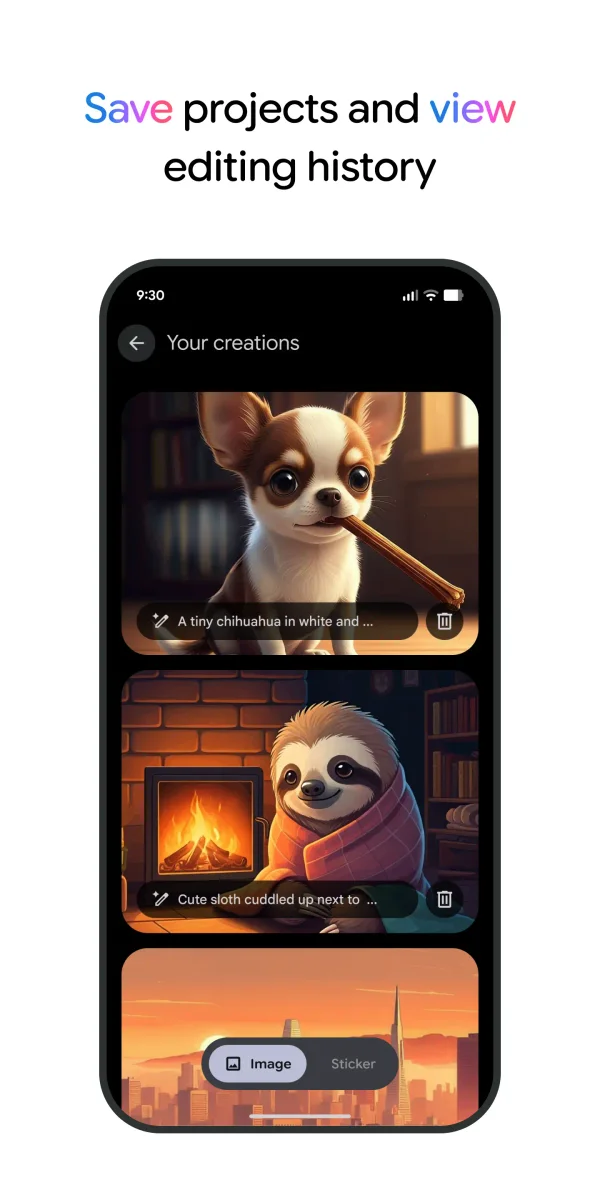
About this app
Your creative AI assistant
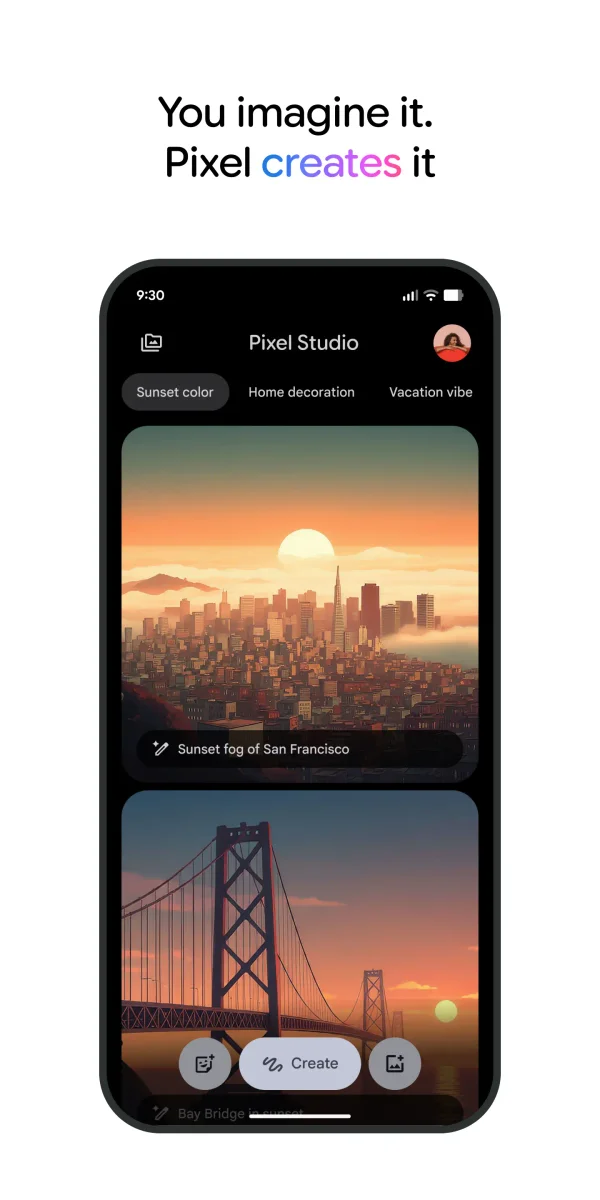
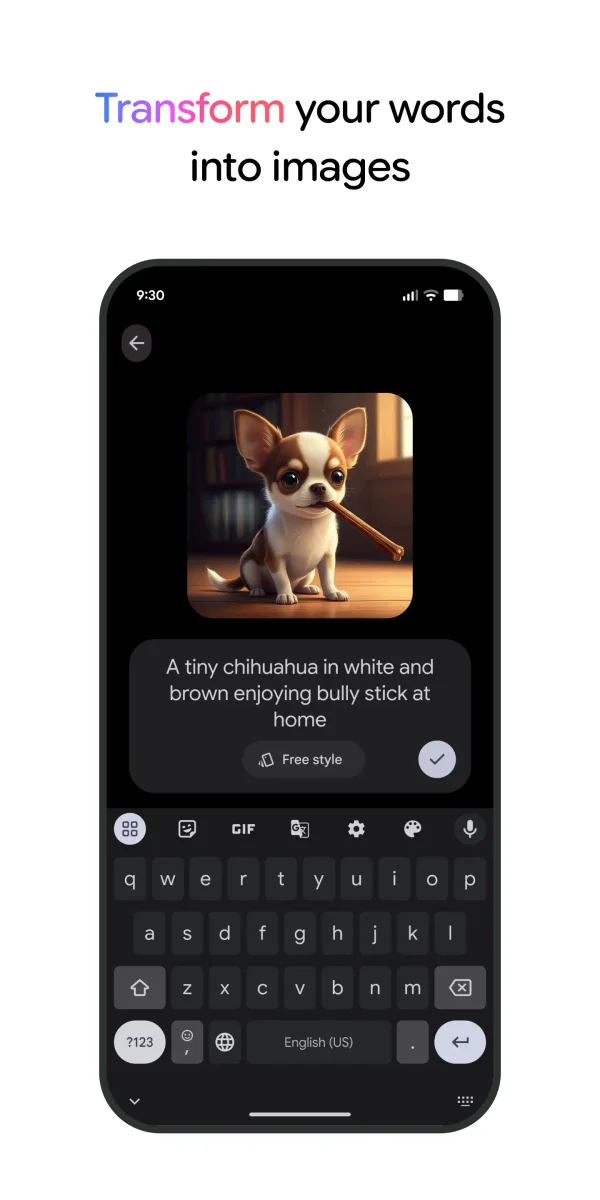
Pixel Studio uses state-of-the-art generative AI to create unique and fun images on your Pixel. You can use Pixel Studio to make personalised cards for a special occasion, create funny images, animate your family pet and more.
Here's what you can do:
● Enter a description of a person, animal, place or thing and Pixel will create it, or upload your own image.
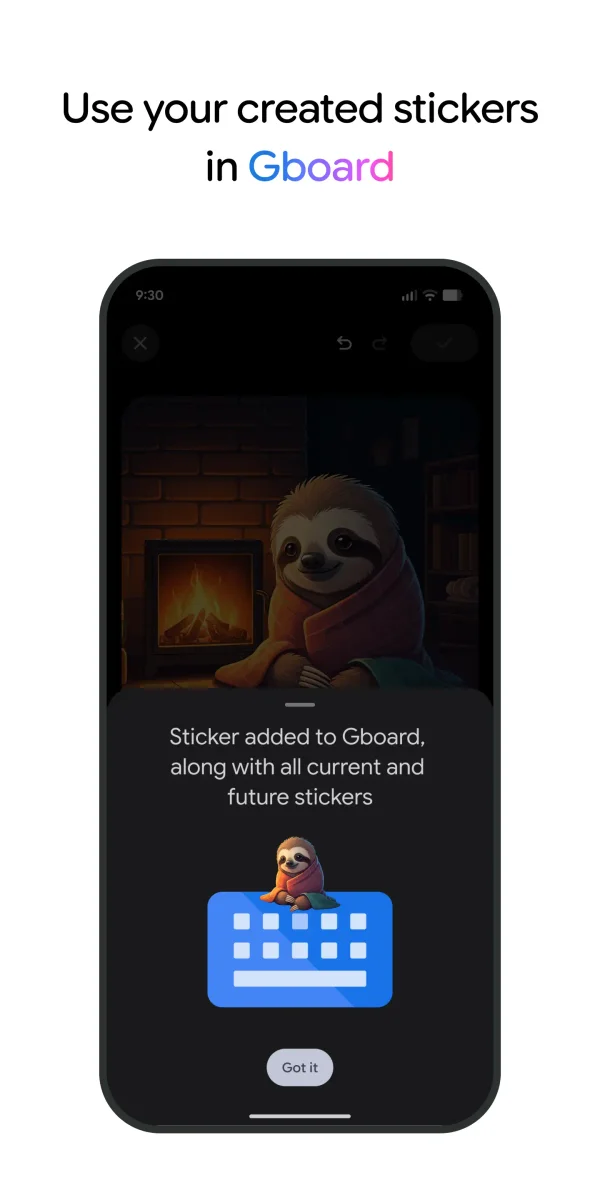
● Add or create stickers just by describing them, automatically saving to your Studio projects and Google Keyboard (Gboard).
● Add captions in different fonts and colours, circle to select parts of an image and highlight areas.
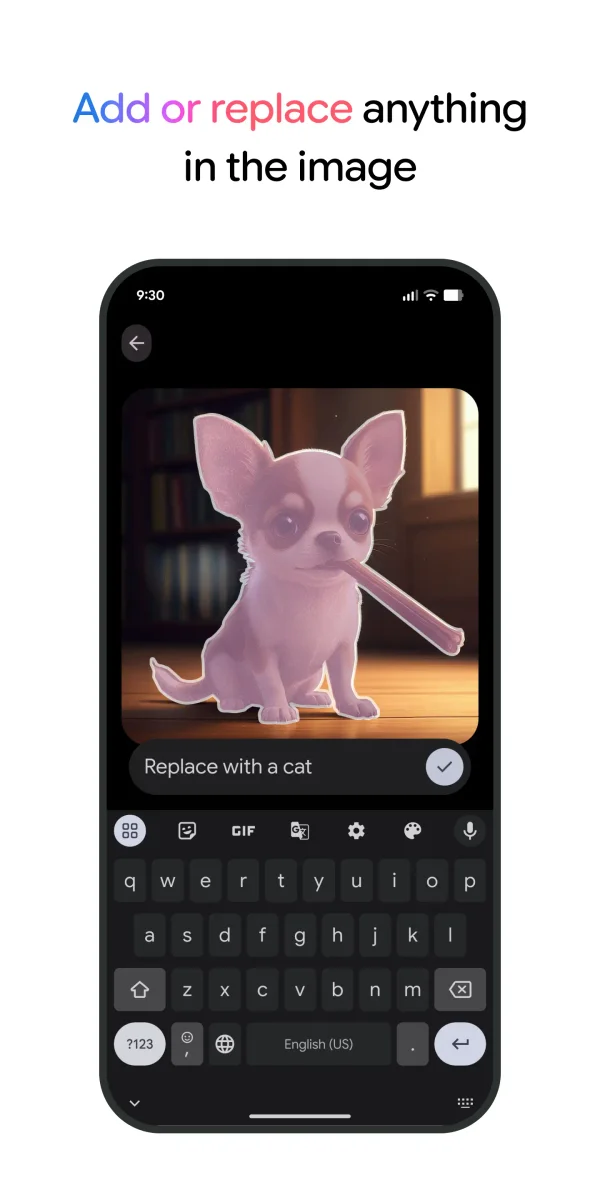
● Remove or move items with gestures.
● Insert new items into your existing images with a description.
● Create Stickers directly in Google Keyboard (Gboard) while messaging others.
● Modify your screenshots with your favourite functionalities from Studio.
Some Pixel Studio features may not be available in your country, region, or language.
Learn more about Pixel Studio: https://support.google.com/pixelphone/answer/15236074
Terms and Policies - https://policies.google.com/terms/generative-ai/use-policy
Every Google product is designed for safety. Learn more at our Safety Center: https://safety.google/products/#pixel
Data safety
What Google LLC declares on Google Play about the data this app collects and shares.
- No data shared with third partiesLearn more about how developers declare sharing
- No data collectedLearn more about how developers declare collection
What’s new
Oct 8, 2026
● Add captions in different fonts and colours, circle to select parts of an image and highlight areas.
● Insert new items into your existing images with a description.
● Create stickers just by describing them.
● All-new Studio editing functionalities available in your favourite screenshot tool.
Developer contact
- Websiteandroid.com
- Emailpixel-studio-play-admin@google.com
- Privacy policypolicies.google.com
- Address1600 Amphitheatre Pkwy Mountain View, CA 94043 United States
Information
- Offered by
- Google LLC
- Category
- Tools
- Updated
- Oct 8, 2026
- Released
- Aug 19, 2024
- Age rating
- Everyone
- Price
- Free
- Package name
- com.google.android.apps.pixel.creativeassistant