PixelFlow: Intro Video maker
PixelFlow Tech Private LimitedContains ads · In-app purchases
- EveryoneAge rating
- Video Players & EditorsCategory
- Jan 5, 2026Updated
- FreePrice
Links to the official Google Play listing of com.w3saver.typography. Last checked on Nov 20, 2026.

Screenshots


About this app
Intro maker, outro maker & Logo animation, 2D video intro maker for YT Channel
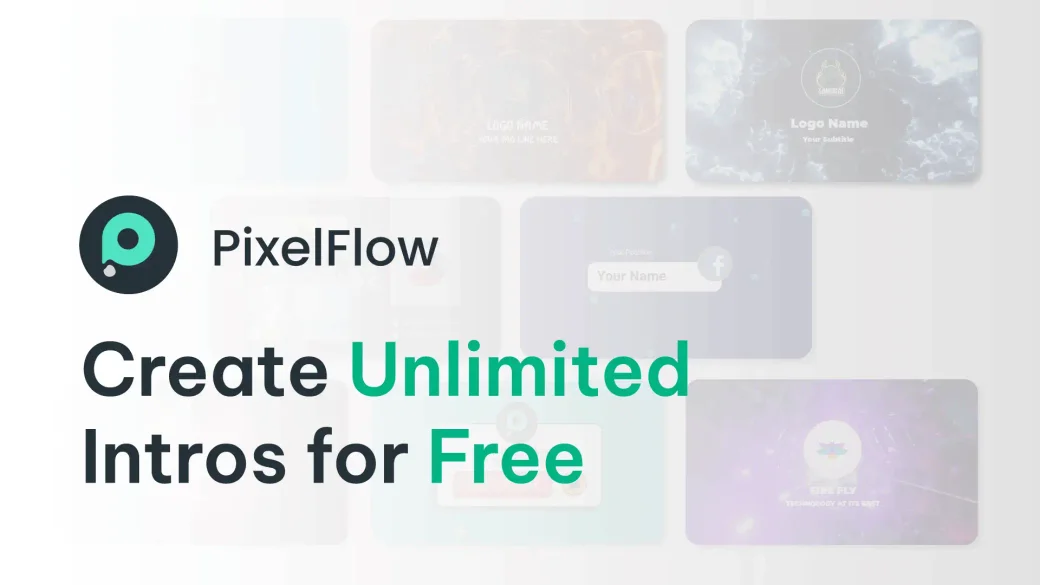
Create a stunning intro video with PixelFlow intro maker just by customizing intro templates to increase video engagement. Quick and Easy to use.
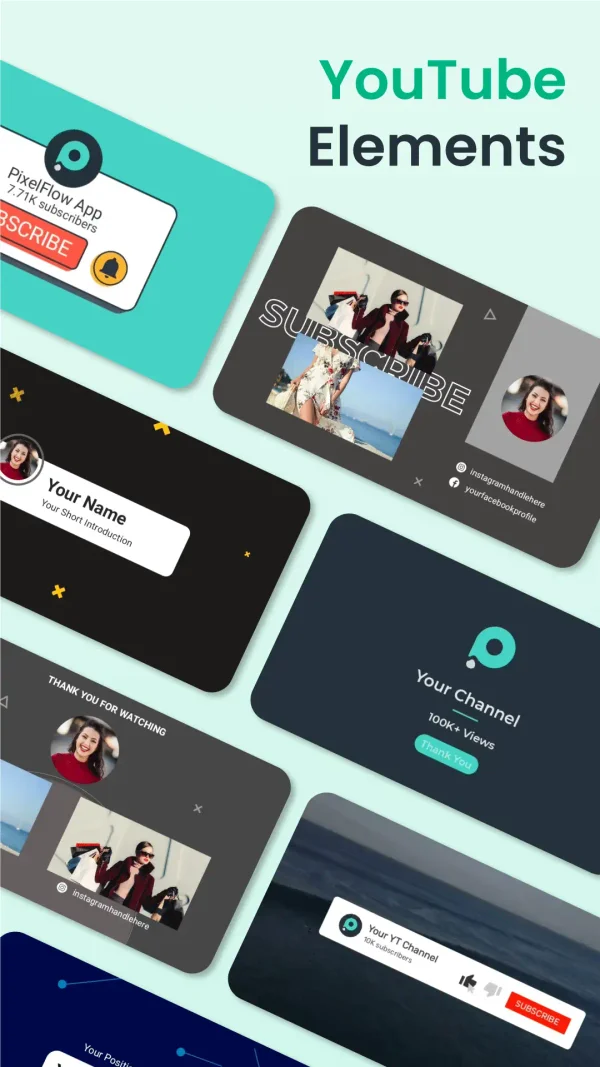
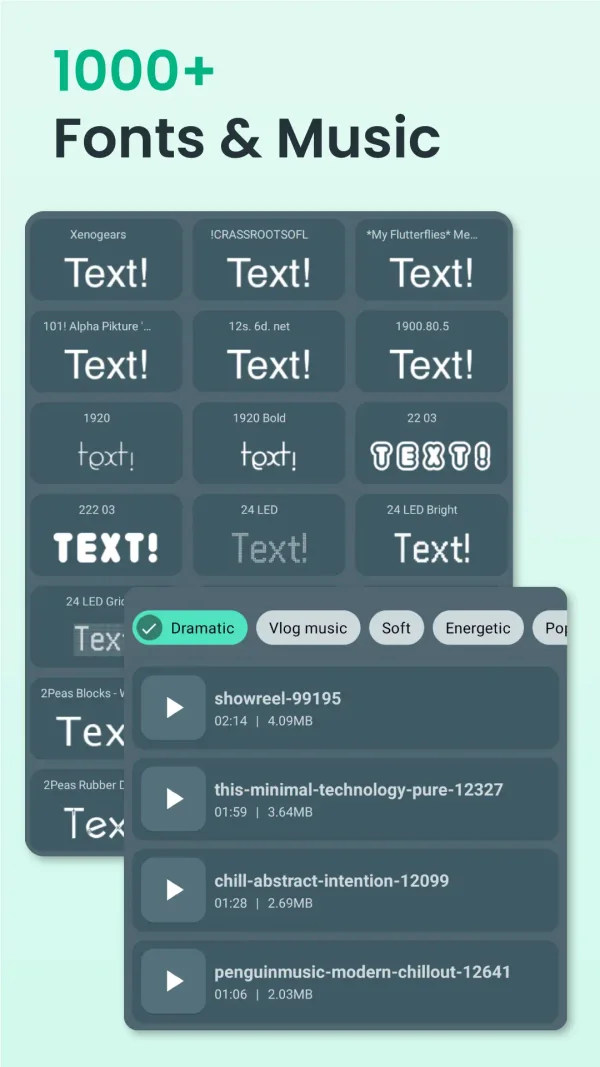
PixelFlow app helps you create engaging & professional Intro video, Outro (end screen animation), title animation, clips or text on video animation for your brand, Gaming YT channel or Social Media platforms just in minutes. It is a right solution to edit text animations, animated video posts and making intro videos. It has well designed high-quality intro templates which are easily customizable with all types of backgrounds, fonts and music.
Whether you're a content creator, a professional marketer, a small business owner, or simply looking to add text & logo animation to your videos, PixelFlow Intro Maker is the perfect tool for you. With our intuitive interface and powerful editing tools, you can create professional-grade intros in no time. Our app features a wide range of customizable templates and pre-made designs, making it easy to find the perfect style for your brand. You can add your own text, images, and music to make your intro truly unique, or use our library of stock assets to quickly create something eye-catching.
Quickly edit templates to create professional outro to end your videos with bang.
- Intro maker & outro maker for YT
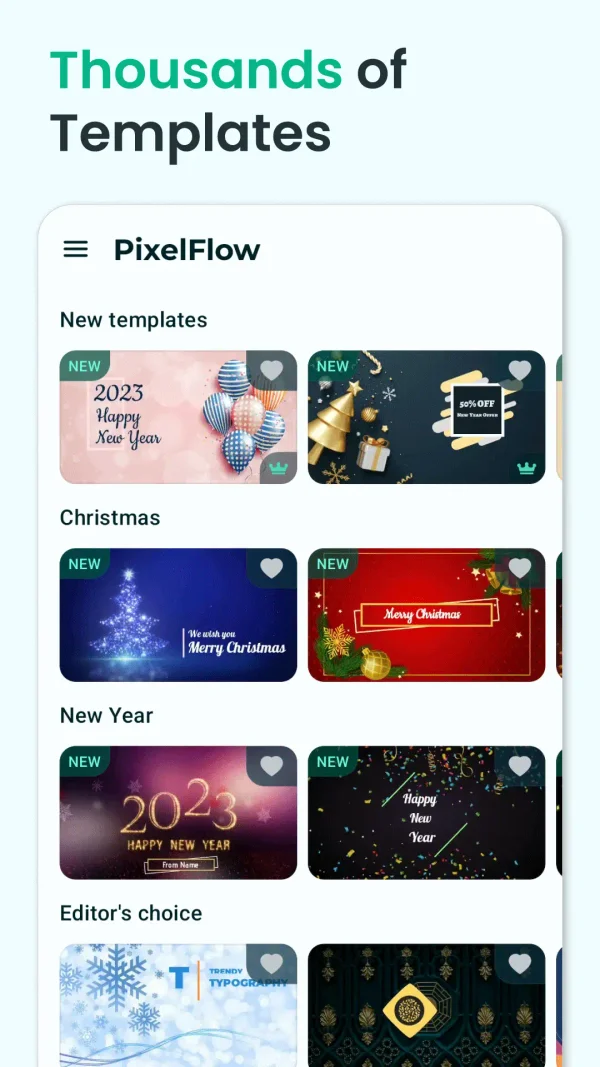
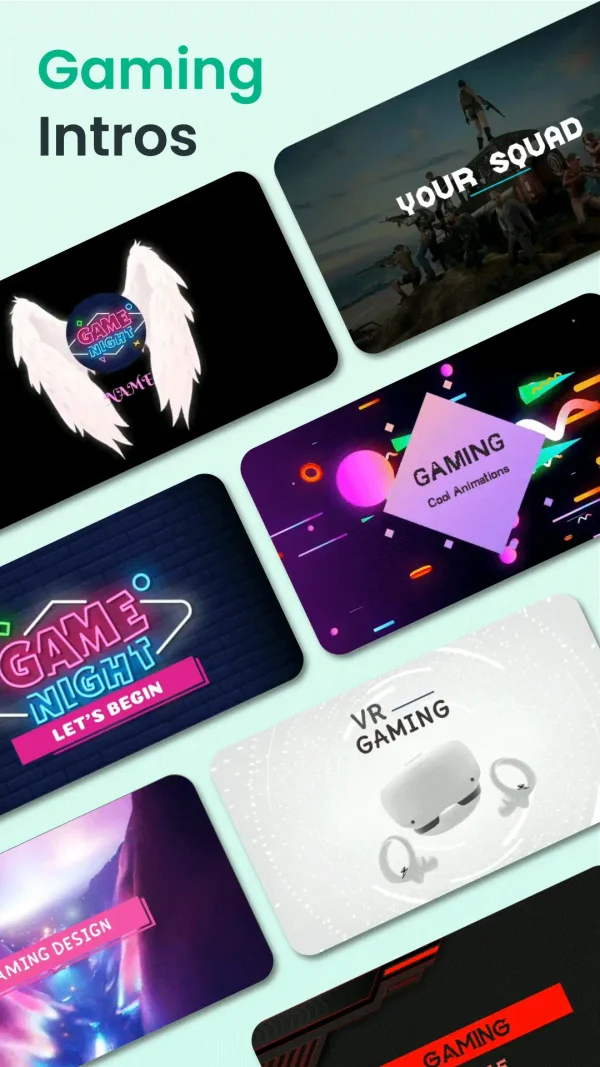
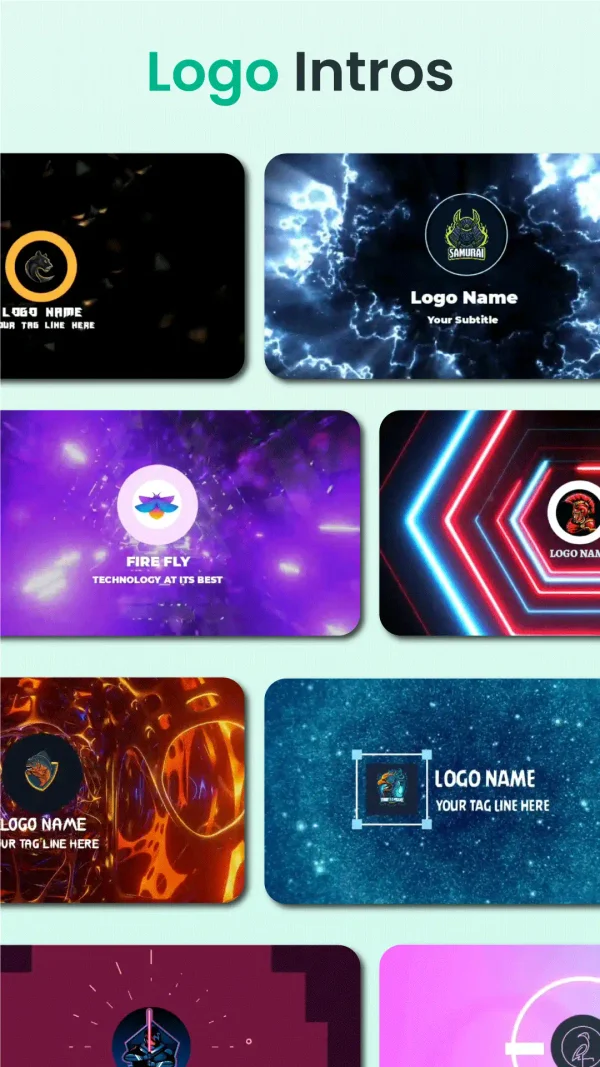
- Various Intros and Outros templates like Cool, Gaming, Technology, 2D, Business, Health & Fitness, Logo, Love, Minimal, Particle Logo, Cute, Cooking, Aesthetic, Promo, Birthday, Gaming, Sports, Education etc
- Awesome Text Animations
- Customization of Text Size, Color & Position
- 2000+ Fantastic Fonts
- 5000+ High Quality Backgrounds
- Solid color & Gradient Backgrounds
- Dynamic Backgrounds can be modified to your desired brand color combinations which are perfect for the 2d Text animation.
PixelFlow: Intro Video Maker is generally used as Intro Maker for Videos, Outro maker, Title maker or Logo Animation maker. PixelFlow follows Flat Design text animation aka 2D Animation and Motion graphics principles to animate the text on video effects. With this app, you can create smooth Computer Class text animations , professional social media video post and caption videos.
This app can be used by the Video Content Creators as intro maker and animated social media post maker.
PixelFlow is a very simple app with a Beautiful and Clean User Interface. It also has great Seamless User Experience. Just follow these 5 steps
1) Select the Premade Intro Template or Raw Text Animation
2) Edit the text and customize fonts, color, size & position
3) Select the background of your choice
4) Add your favorite music
5) Play to confirm the final Intro video and Export the Intro video
PixelFlow Pro offers a monthly and annual subscription to unlock all features.
• Remove Ads & Watermark
• Access to all premium graphics
Subscription Details:
Google sends you a confirmation receipt over email as soon as you purchase a premium subscription. Your pro subscription will be auto-renewed. You can cancel your subscription anytime from the Play Store.
We are working constantly to update new templates and features. Please rate PixelFlow Intro maker app and submit your feedback to help us improve. Thank you!!
PixelFlow app helps you create engaging & professional Intro video, Outro (end screen animation), title animation, clips or text on video animation for your brand, Gaming YT channel or Social Media platforms just in minutes. It is a right solution to edit text animations, animated video posts and making intro videos. It has well designed high-quality intro templates which are easily customizable with all types of backgrounds, fonts and music.
Whether you're a content creator, a professional marketer, a small business owner, or simply looking to add text & logo animation to your videos, PixelFlow Intro Maker is the perfect tool for you. With our intuitive interface and powerful editing tools, you can create professional-grade intros in no time. Our app features a wide range of customizable templates and pre-made designs, making it easy to find the perfect style for your brand. You can add your own text, images, and music to make your intro truly unique, or use our library of stock assets to quickly create something eye-catching.
Promo & Outro Maker
Quickly edit templates to create professional outro to end your videos with bang.
1000+ Intro Templates
- Intro maker & outro maker for YT
- Various Intros and Outros templates like Cool, Gaming, Technology, 2D, Business, Health & Fitness, Logo, Love, Minimal, Particle Logo, Cute, Cooking, Aesthetic, Promo, Birthday, Gaming, Sports, Education etc
- Awesome Text Animations
- Customization of Text Size, Color & Position
- 2000+ Fantastic Fonts
- 5000+ High Quality Backgrounds
- Solid color & Gradient Backgrounds
- Dynamic Backgrounds can be modified to your desired brand color combinations which are perfect for the 2d Text animation.
How can I use this Intro maker app?
PixelFlow: Intro Video Maker is generally used as Intro Maker for Videos, Outro maker, Title maker or Logo Animation maker. PixelFlow follows Flat Design text animation aka 2D Animation and Motion graphics principles to animate the text on video effects. With this app, you can create smooth Computer Class text animations , professional social media video post and caption videos.
This app can be used by the Video Content Creators as intro maker and animated social media post maker.
Easy to use Gaming Intro maker app
PixelFlow is a very simple app with a Beautiful and Clean User Interface. It also has great Seamless User Experience. Just follow these 5 steps
1) Select the Premade Intro Template or Raw Text Animation
2) Edit the text and customize fonts, color, size & position
3) Select the background of your choice
4) Add your favorite music
5) Play to confirm the final Intro video and Export the Intro video
PixelFlow Pro offers a monthly and annual subscription to unlock all features.
• Remove Ads & Watermark
• Access to all premium graphics
Subscription Details:
Google sends you a confirmation receipt over email as soon as you purchase a premium subscription. Your pro subscription will be auto-renewed. You can cancel your subscription anytime from the Play Store.
We are working constantly to update new templates and features. Please rate PixelFlow Intro maker app and submit your feedback to help us improve. Thank you!!
Data safety
What PixelFlow Tech Private Limited declares on Google Play about the data this app collects and shares.
- No data shared with third partiesLearn more about how developers declare sharing
- No data collectedLearn more about how developers declare collection
What’s new
Version 2.7.0 · Jan 5, 2026
- Fixed an issue where logos would disappear when moved to corners in Intro Maker
- General stability improvements
Developer contact
- Websitepixelflow.app
- Emailgarasiakartik@gmail.com
- Privacy policypixelflow.app
- Address1, HARIOM KRUPA, PARAG BAUG SOCIETY, DHARAMPUR ROAD ABRAMA Valsad, Gujarat 396002 India
Information
- Offered by
- PixelFlow Tech Private Limited
- Category
- Video Players & Editors
- Version
- 2.7.0
- Updated
- Jan 5, 2026
- Released
- Aug 31, 2019
- Requires
- Android 7.0 or later
- Age rating
- Everyone
- Price
- Free
- In-app purchases
- $0.99 - $19.99 per item
- Package name
- com.w3saver.typography
Similar apps
-
 Film Maker Pro - Movie Maker
Photography
-
 Videoleap App: AI Video Maker
Video Players & Editors
-
 Cut Cut: Photo Editor & CutOut
Photography
-
 Mimic - AI Photo Face Animator
Entertainment
-
 InStories AI Reels Story Maker
Photography
-
 FilmoraHD - Video Creator
Video Players & Editors
-
 Node Video
Video Players & Editors
-
 LightCut -AI Auto Video Editor
Video Players & Editors
-
 Veffex: Video effects, filters
Video Players & Editors
-
 Image Toolbox - Edit & Convert
Tools
-
 GoCut - Effect Video Editor
Video Players & Editors
-
 GOGH: Animated Drawings
Art & Design