Poster Maker - Flyer Creator
ZipoAppsContains ads · In-app purchases
- EveryoneAge rating
- Art & DesignCategory
- Oct 30, 2026Updated
- FreePrice
Links to the official Google Play listing of com.appxstudio.postro. Last checked on Nov 20, 2026.
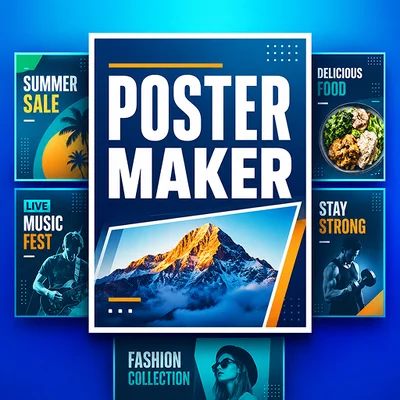
Screenshots


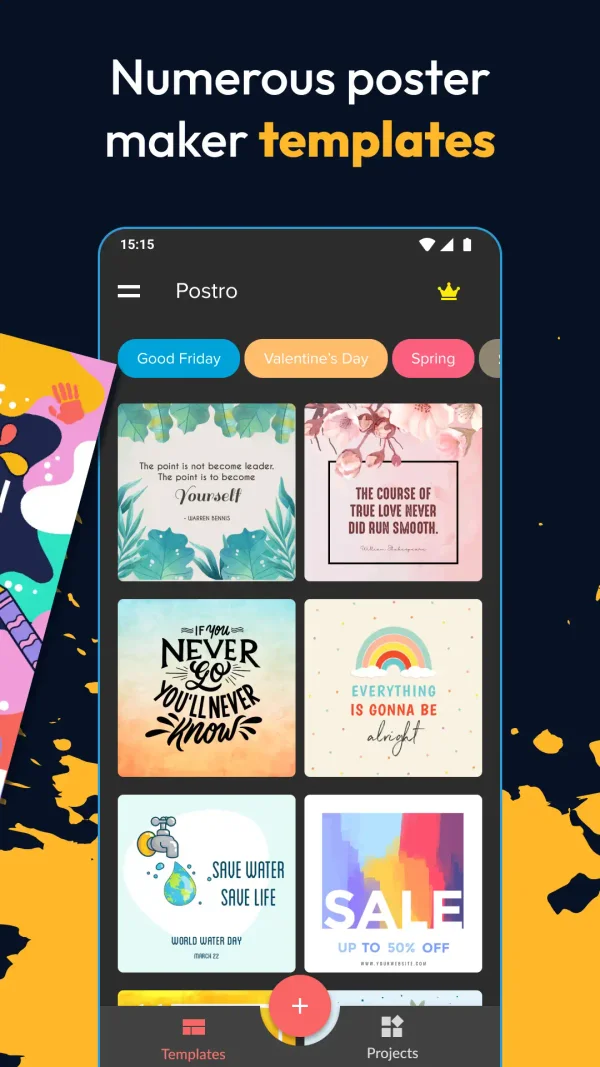
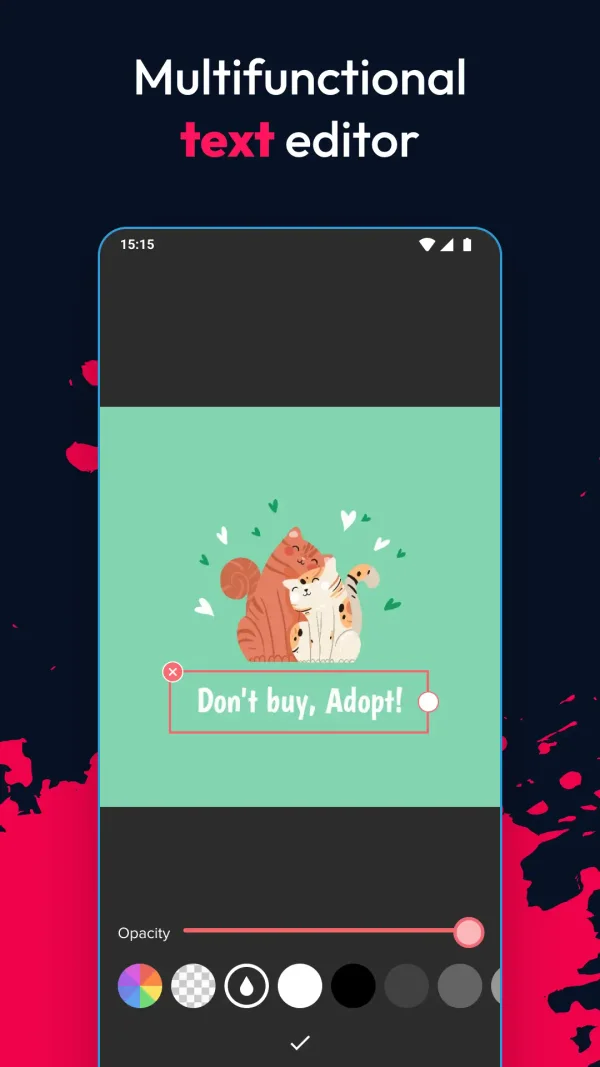


About this app
Design stunning posters effortlessly. Instantly craft eye-catching flyers.
What is Poster Maker - Flyer Creator?
An Android design app for creating posters, flyers, and other image-based layouts from templates, photos, text, and graphics. Customize the elements, adjust your photos, and save or share the finished design from your phone.
Use this flyer maker to put an event announcement, business message, greeting, or quote into a visual format you can make your own.
Who is Poster Maker - Flyer Creator for?
Create an event flyer, a school poster, a salon announcement, or a social media banner when you need to combine clear text with images. Editable templates provide a starting point, while text and photo controls let you change the look.
For personal projects, design invitations, greeting cards, story graphics, quote images, covers, or phone wallpapers. You can also create image-based business cards and logo designs, using assets you have permission to use.
What does Poster Maker - Flyer Creator do?
🎨 Customize a template
Start with an editable layout and adapt its text, photos, and design elements to your message. Use graphics and shapes to build a visual hierarchy instead of placing every detail in one block.
✍ Style text on photos
Add multiple text elements and change the font, size, color, spacing, alignment, and position. Curve text or use stroke and shadow effects to shape a heading or caption. Text editing also includes an erase tool.
🖼 Adjust your images
Apply photo filters and overlays, then adjust brightness, contrast, hue, exposure, blur, and saturation. Add your own image, logo, or watermark to personalize a design.
✨ Add shapes, fonts, and stickers
Choose from more than 25 shapes, over 200 fonts, and a library of more than 5,000 graphics. Adjust shape dimensions, colors, and borders, or create stickers using different shapes.
Find photos through the integrated Unsplash option when you need an image for your layout. Save your finished design on your device, or share it through social media or email.
How does Poster Maker - Flyer Creator work?
• Choose a template for the kind of design you want to make.
• Replace or add the text and images for your event, message, or project.
• Adjust typography, photo effects, shapes, and graphics to suit the layout.
• Add your logo or watermark if needed, then save or share the finished image.
Check the wording and visual arrangement before sharing, especially dates, contact details, and other information people need to read clearly.
Compatibility and requirements
The app is for Android and contains ads and in-app purchases. Use photos, logos, fonts, and other assets in accordance with their applicable usage rights; adding an asset to a design does not transfer ownership of it.
Third-party names and brands identify their respective services and do not imply endorsement of this app.
Poster Maker - Flyer Creator brings templates, text styling, photo adjustments, and graphics together to help you create a visual message for your next project.
Data safety
What ZipoApps declares on Google Play about the data this app collects and shares.
- This app may share these data types with third partiesApp info and performance and Device or other IDs
- This app may collect these data typesApp info and performance and Device or other IDs
- Data is encrypted in transit
- Data can’t be deleted
Developer contact
- Websitezipoapps.com
- Emailsupport.postermaker@zipoapps.com
- Privacy policyzipoapps.com
- Address24/1 Mapu TEL AVIV-JAFFA, 6343423 Israel
Information
- Offered by
- ZipoApps
- Category
- Art & Design
- Version
- 1.4.4
- Updated
- Oct 30, 2026
- Released
- Nov 8, 2019
- Requires
- Android 8.0 or later
- Age rating
- Everyone
- Price
- Free
- In-app purchases
- $0.99 - $279.99 per item
- Package name
- com.appxstudio.postro
Similar apps
-
 Logo Maker - Logo Creator App
Art & Design
-
 Photo Lab Picture Editor & Art
Photography
-
 Logo maker Design Logo creator
Business
-
 AI Resume Builder CV Maker PDF
Business
-
 Background Eraser Photo Editor
Photography
-
 Invitation Maker: RSVP Cards
Events
-
 CV Maker: CV & Resume Builder
Business
-
 Arvin® - AI Logo Maker
Art & Design
-
 Poster Maker - AI Flyer Design
Art & Design
-
 Invitation maker & Card design
Events
-
 Logo Maker, AI Logo Generator
Art & Design
-
 Photoshop Express Photo Editor
Photography