Private Screenshots
ShamanLandContains ads · In-app purchases
- EveryoneAge rating
- ToolsCategory
- Nov 8, 2026Updated
- FreePrice
Links to the official Google Play listing of com.shamanland.privatescreenshots. Last checked on Nov 20, 2026.
Screenshots
About this app
Take a screenshot without them knowing. No screenshot notification is sent.
⬛ Came here to get rid of that annoying black screen?
🚫 Bad news: we're powerless, and you'll be keeping it.
We capture the very same screenshot your phone does — so wherever you already get a black screen, our outcome will be exactly the same.
Screenshot protection can't be bypassed. Not by us, not by any app out there. No magic tricks, no exceptions.
So no, we can't rescue your screenshot from:
❌ Streaming and video subscription apps
❌ Banking and payment apps
❌ Secret or disappearing chats that block screenshots
❌ Anything that already turns black when you try to capture it
✅ WHAT IT'S PERFECT FOR
👉 Photo-messaging and social apps
👉 Save snaps, stories and chat photos privately
👉 Keep moments that would otherwise disappear
❓ HOW IT KEEPS THINGS PRIVATE
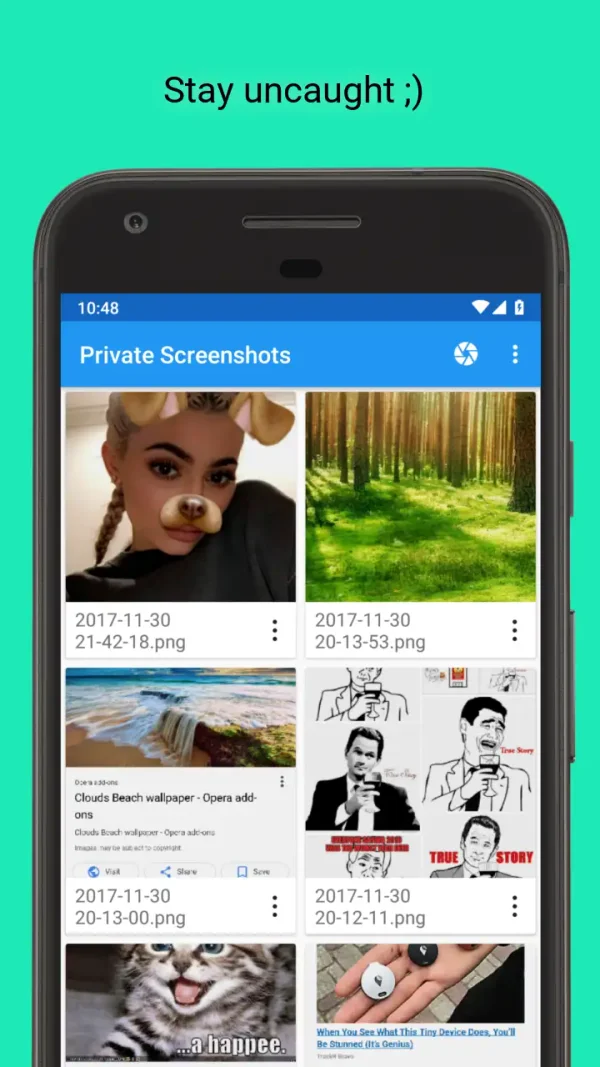
🔒 Screenshots are stored in a hidden folder inside the app
👻 Your gallery and other apps can't see them
🗄️ Nothing is uploaded, files never leave your device
☺️ Only you can view, share or delete them
❓ HOW IT WORKS
The app captures the current screen and saves it into a private file.
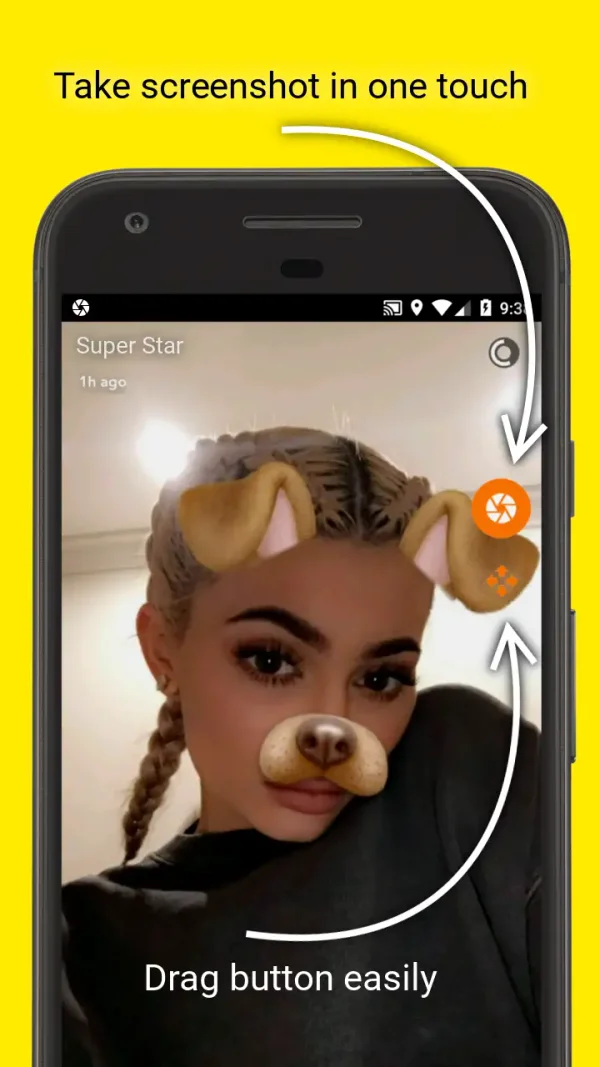
A small floating shutter button lets you capture any screen with a single tap.
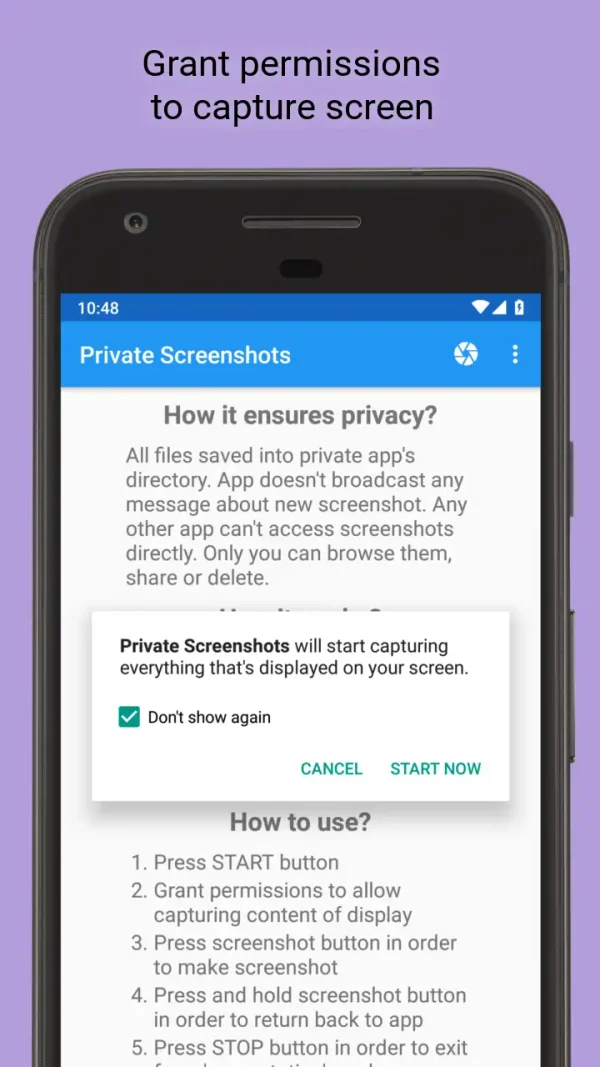
1️⃣ Press START and grant all the permissions needed
2️⃣ Tap the floating shutter button to take a screenshot
3️⃣ Press STOP when you're done
🔐 PERMISSIONS
Required:
- Notifications — an ongoing notification shows that capture is active; tap it to stop.
- Display over other apps — draws the floating shutter button.
Optional:
- Screen recording — a common way to capture the screen; confirmed in a system dialog on every start.
- Accessibility service — an alternative way to take a screenshot: a longer one-time setup, but every start after that is faster; see details below.
- Camera — an extra feature: shoot photos and keep them inside the app.
- Storage — only when you export a file to your gallery.
ℹ️ HOW THIS APP USES THE ACCESSIBILITY SERVICE
The app can use the accessibility service as an optional alternative way to take a screenshot — and for nothing else.
Why: screen recording has to be confirmed on every start. The accessibility service is enabled once, so every start after that is faster.
What it does: it calls one system function that takes a screenshot, only when you ask for it. It does not request access to window content, does not read the screen or what you type, does not observe your actions and changes nothing on your device.
What is collected: nothing. Screenshots go to the app's private folder and no data is sent anywhere.
Your choice: the app asks for your explicit consent; you can decline and keep using the app without it. You can turn it off at any time in the app settings or in Android Settings → Accessibility.
😎 MORE THAN JUST SCREENSHOTS
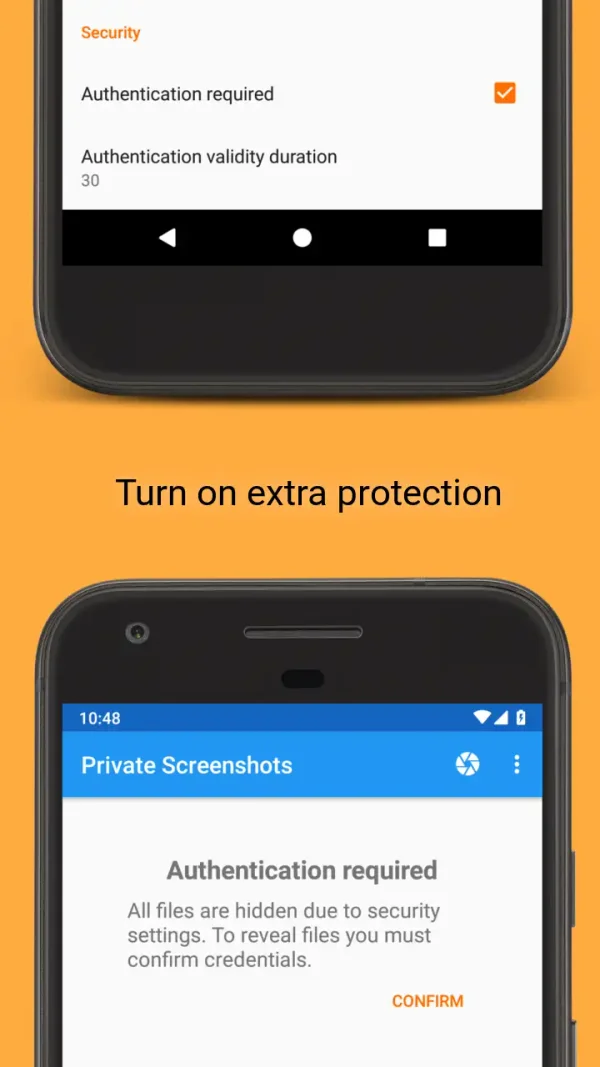
🔒 App lock — protect your screenshots with your fingerprint or device PIN
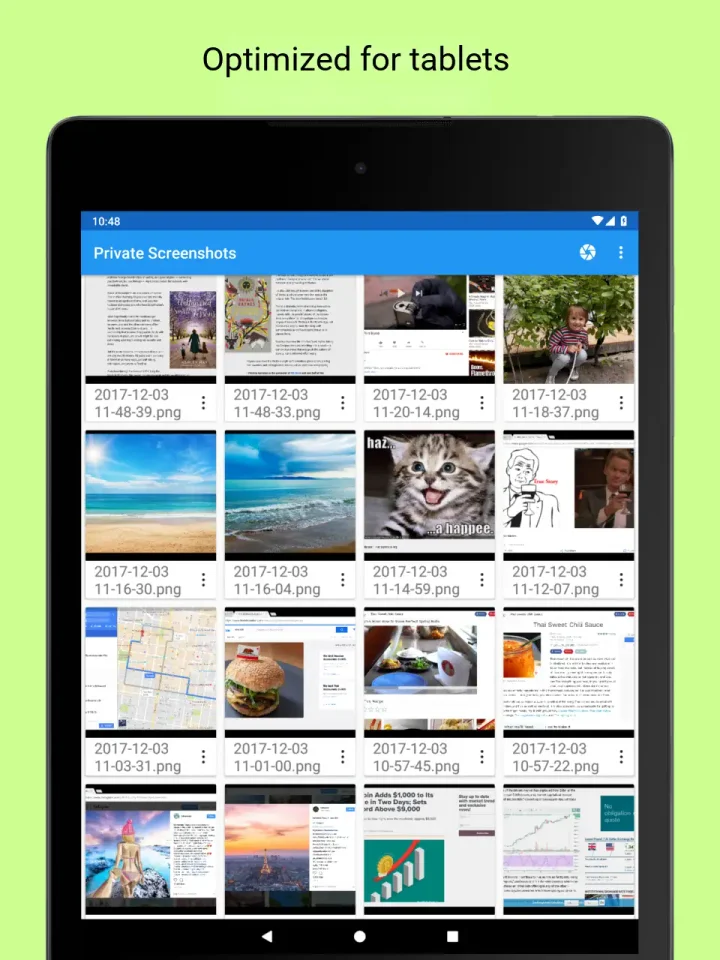
🫥 Blur previews — hide a thumbnail from a quick glance over your shoulder
📝 Notes — attach a text note to any screenshot
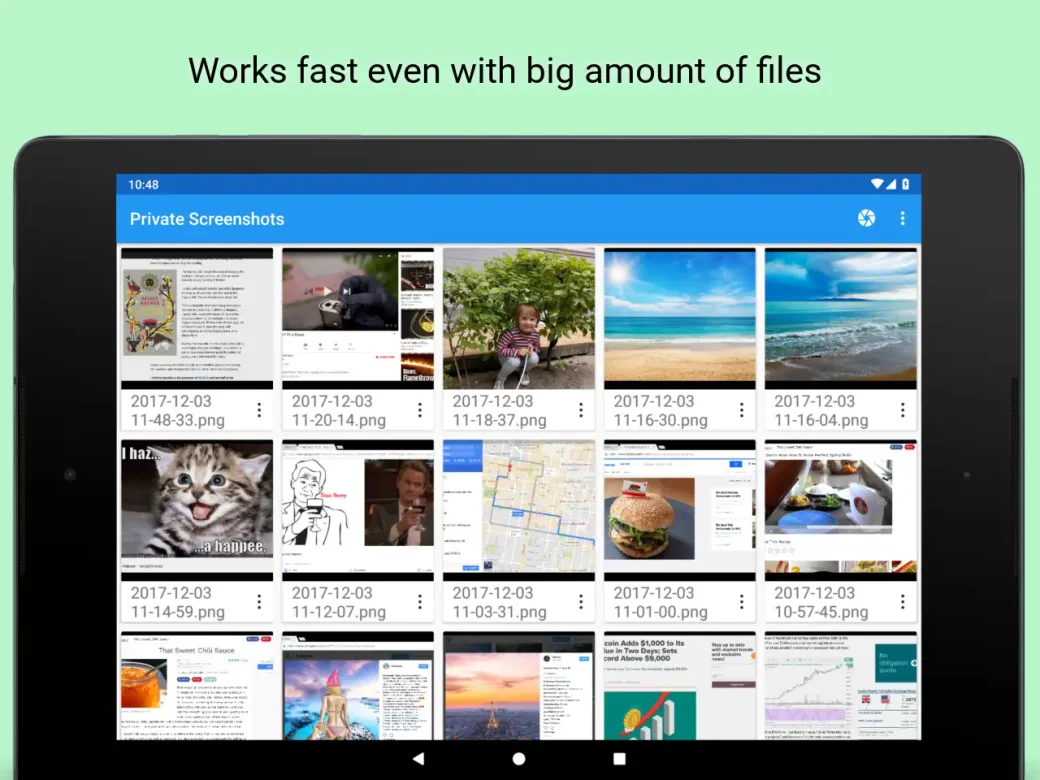
🔎 Search — find screenshots by note or by date
📳 Shake to capture — take a screenshot just by shaking your phone (handy when a finger is busy holding a story)
🖼️ Move to gallery anytime — "reveal" a screenshot into your normal gallery when you choose
💻 Transfer to PC over your local Wi-Fi (for advanced users)
Reminder: Private Screenshots keeps YOUR OWN screenshots private. It does not, and cannot, defeat other apps' screenshot protection.
Data safety
What ShamanLand declares on Google Play about the data this app collects and shares.
- No data shared with third partiesLearn more about how developers declare sharing
- This app may collect these data typesApp activity, App info and performance, and Device or other IDs
- Data is encrypted in transit
- Data can’t be deleted
What’s new
Version 1.21.4 · Nov 8, 2026
1.21.4
- New: redesigned start screen and FAQ. Questions on the start screen open the answer right away.
1.21.3
- Fixed: settings sections were sometimes displayed incorrectly.
- Fixed: the camera now shows the newest photo in the circle, not an older one.
1.21.1
- New: Import in the menu. Copy PNG and JPEG pictures from other apps, the originals stay in place.
Developer contact
- Websiteshamanland.com
- Emailprivatescreenshots@shamanland.com
- Privacy policyshamanland.com
- Addressвулиця Липківського Василя Митрополита, будинок 33-А, квартира 172 Київ Ukraine 03035
Information
- Offered by
- ShamanLand
- Category
- Tools
- Version
- 1.21.4
- Updated
- Nov 8, 2026
- Released
- Jan 3, 2017
- Requires
- Android 7.0 or later
- Age rating
- Everyone
- Price
- Free
- In-app purchases
- $4.49 per item
- Package name
- com.shamanland.privatescreenshots