Pure QR Code & Barcode Scanner
PureBrowserContains ads · In-app purchases
- EveryoneAge rating
- ToolsCategory
- Nov 24, 2026Updated
- FreePrice
Links to the official Google Play listing of pure.qrscanner.qrcodereader.barcodescanner. Last checked on Nov 25, 2026.

Screenshots

About this app
All QR Code & Barcode Scanner
Pure QR Code Scanner is a fast, accurate, and easy-to-use QR code and barcode scanner for Android. Scan and decode codes instantly using your camera
⚡ Fast & Easy Scanning
Open the app and point your camera at any QR code or barcode. It will automatically detect and decode in seconds—no buttons needed.
📦 Supports All Formats
Scan all common QR and barcode types, including:
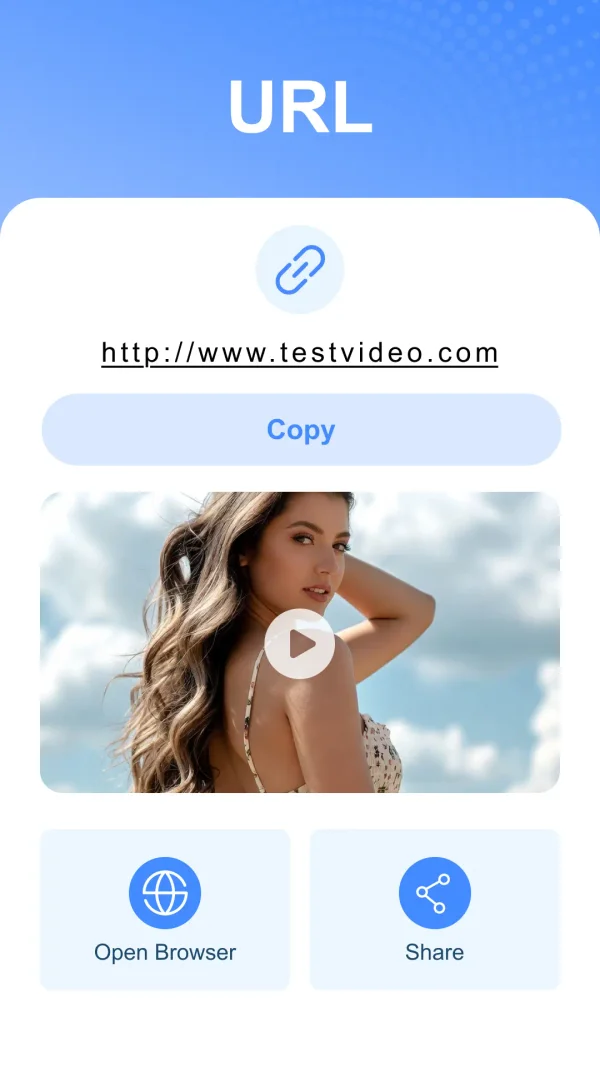
• URLs, Wi-Fi, contacts
• Text, email, phone numbers
• Calendar events, locations
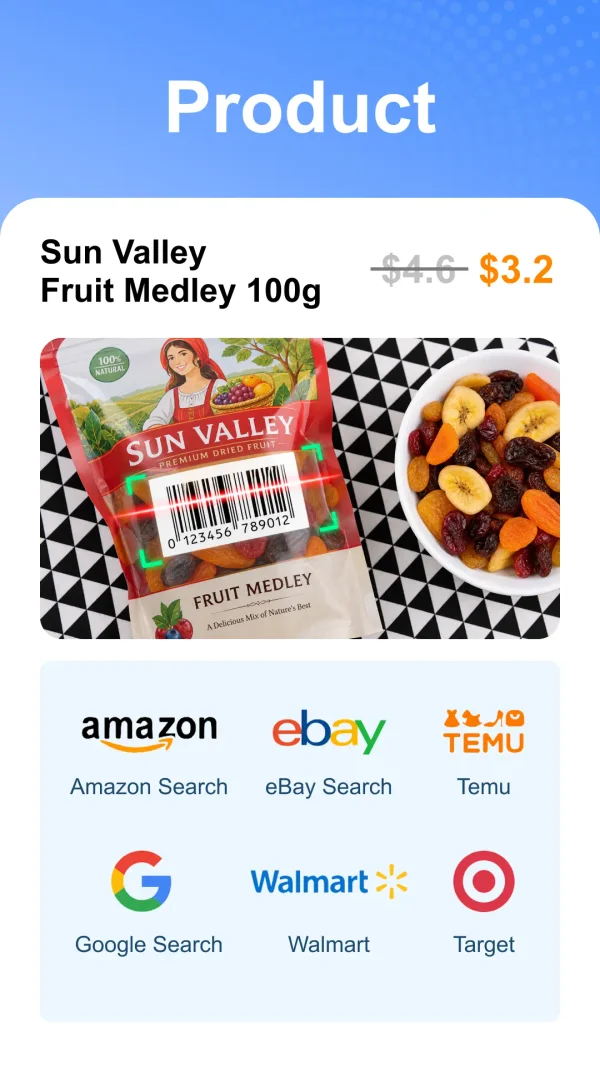
• Product barcodes and more
✨ QR Code Generator
Create and share your own QR codes for:
• Websites, Wi-Fi
• Contacts, phone numbers
• Text and email
🔒 Privacy First
Only camera permission required.
No personal data is collected or shared.
⭐ Key Features
✔ Fast and accurate scanning
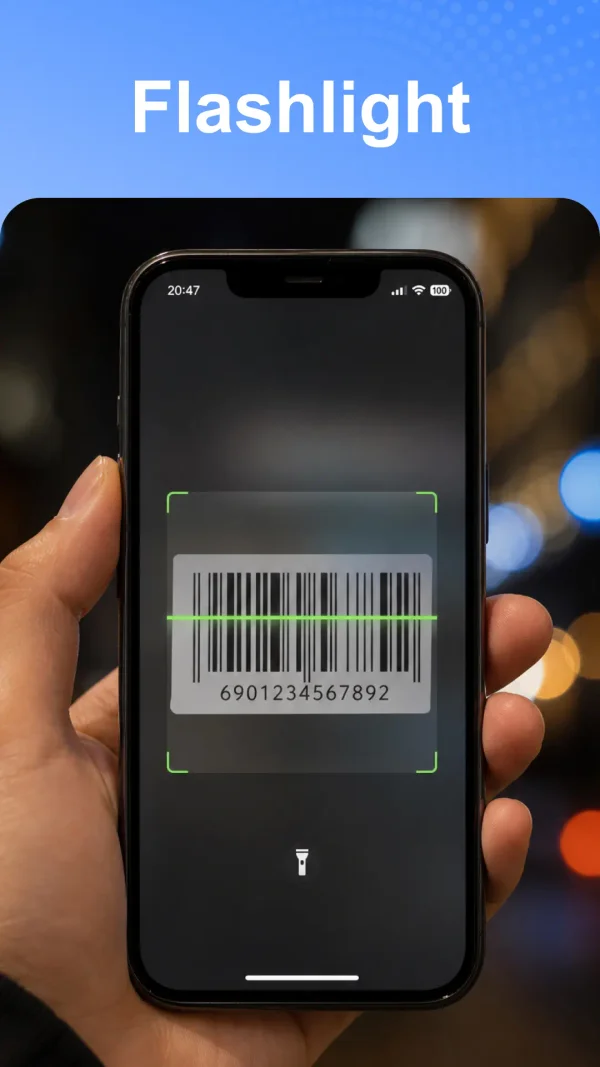
✔ Auto zoom & flashlight support
✔ Scan from gallery images
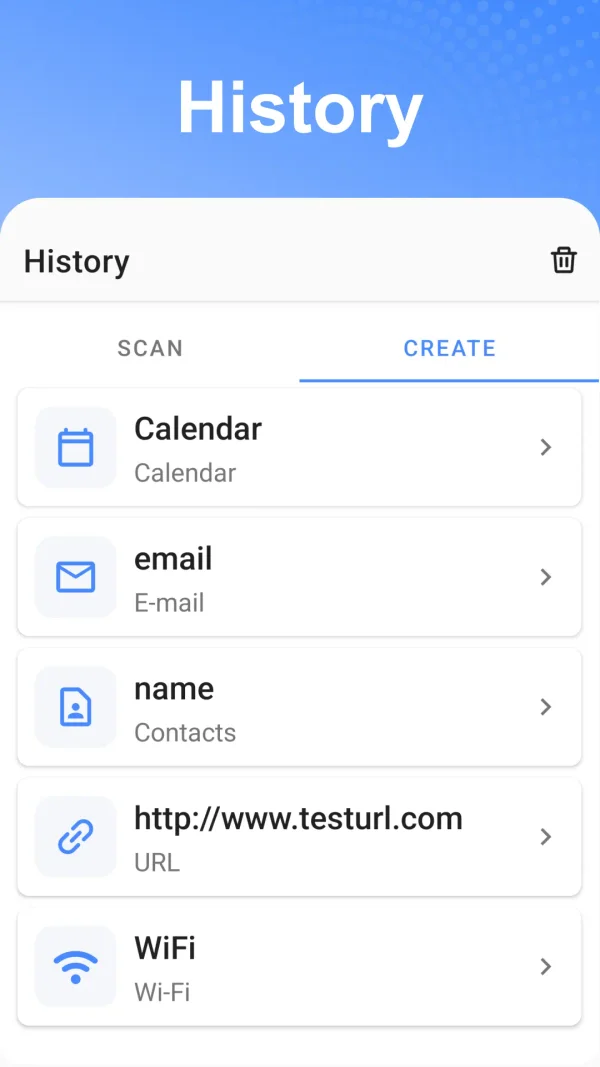
✔ Scan history
✔ Clean UI with dark mode
✔ Works offline
📱 How to Use
1. Open Pure QR Code Scanner
2. Point your camera at the QR code or barcode
3. The app will automatically scan and decode it
4. View the result and choose what to do next
Data safety
What PureBrowser declares on Google Play about the data this app collects and shares.
- No data shared with third partiesLearn more about how developers declare sharing
- No data collectedLearn more about how developers declare collection
- Data is encrypted in transit
- Data can’t be deleted
What’s new
Version 1.0.16 · Nov 24, 2026
Thanks for using Pure QR & Barcode Scanner! We bring updates to Google Play regularly to constantly improve speed, reliability, performance and fix bugs.
Developer contact
- Websiteunionvpn.com
- Emailpureminibrowser@gmail.com
- Privacy policypurevideodownloader.com
- Address仁和镇瓦房村大岗组 潢川县, 信阳市, 河南省 China 465124
Information
- Offered by
- PureBrowser
- Category
- Tools
- Version
- 1.0.16
- Updated
- Nov 24, 2026
- Released
- Mar 13, 2026
- Requires
- Android 7.0 or later
- Age rating
- Everyone
- Price
- Free
- In-app purchases
- $1.99 per item
- Package name
- pure.qrscanner.qrcodereader.barcodescanner