Puzzle Slide Solver
Nadzeya YashchukContains ads · In-app purchases
- EveryoneAge rating
- PuzzleCategory
- Nov 18, 2026Updated
- FreePrice
Links to the official Google Play listing of com.enidev.slidesolver. Last checked on Nov 22, 2026.
Screenshots
About this app
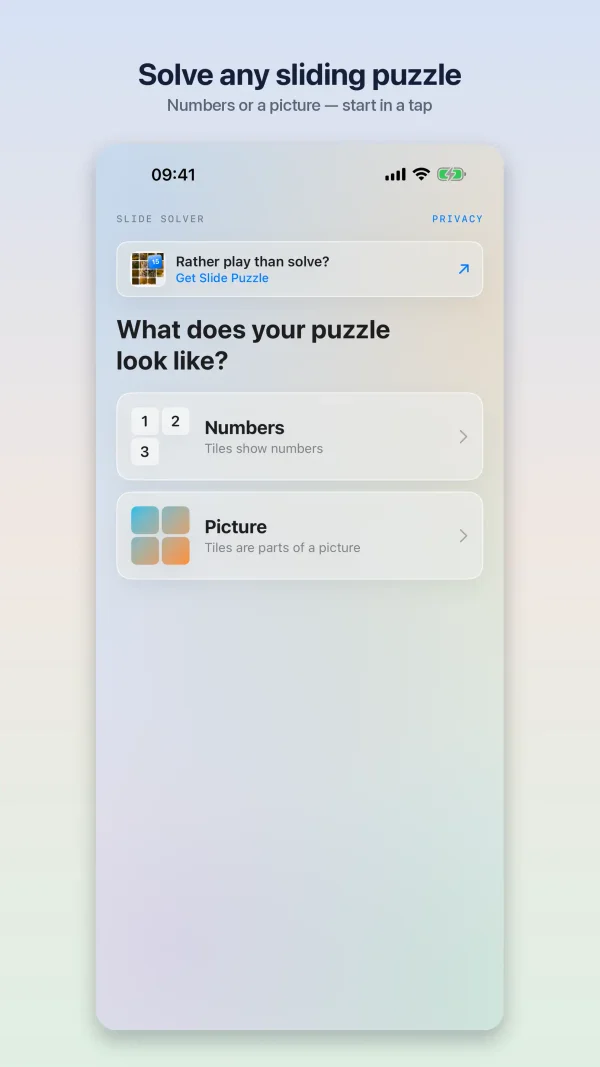
Solve number & picture sliding puzzles — scan from a photo, get the steps.
Puzzle Slide Solver — Type in your board or scan it, get the fewest moves
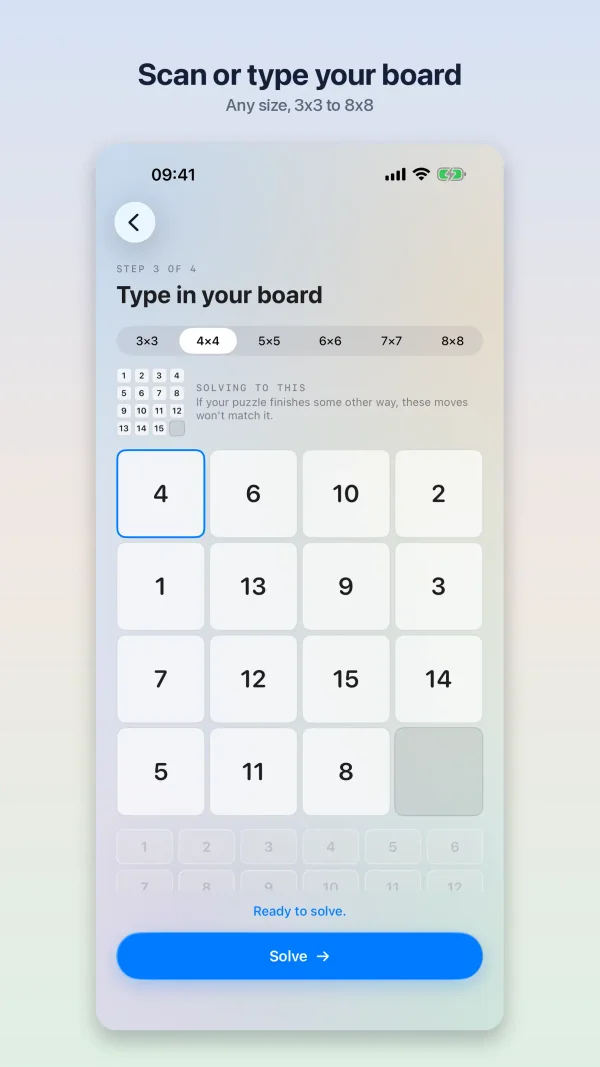
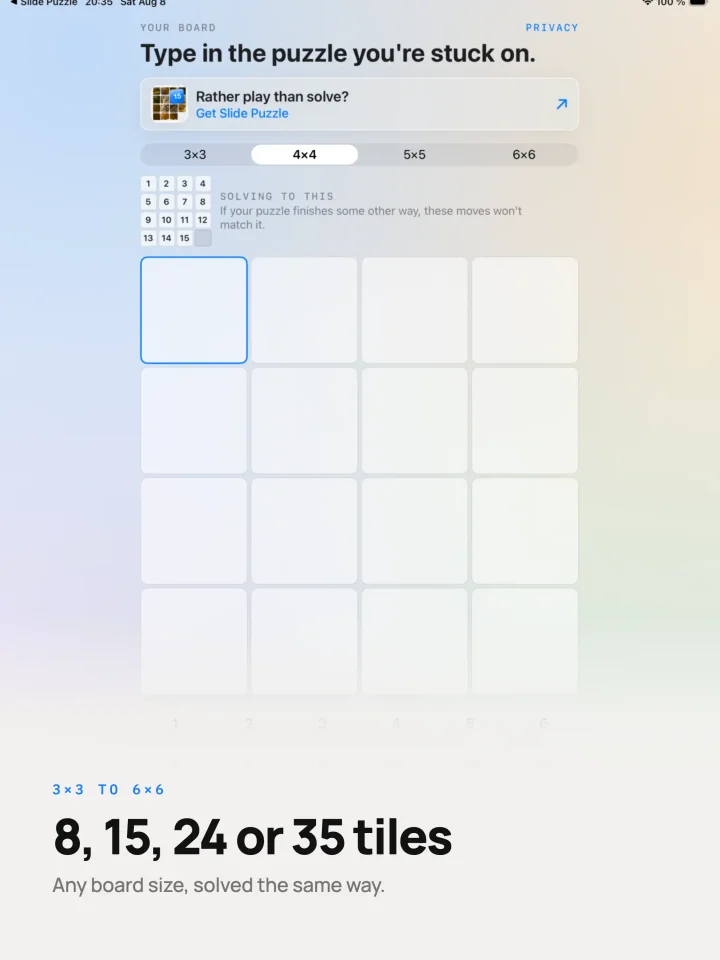
Stuck on a sliding puzzle? Puzzle Slide Solver takes any scrambled sliding tile puzzle — the classic 15 puzzle and every size around it, from 3×3 right up to 8×8 — and shows you exactly how to finish it. Type in the board you're stuck on, or scan it from a photo, and the app works out the solution, then walks you through it one move at a time so you never lose your place on your real puzzle.
It's a tool, not a game: no timers, no scores, no pressure. Just the way out of the board in front of you.
Key features:
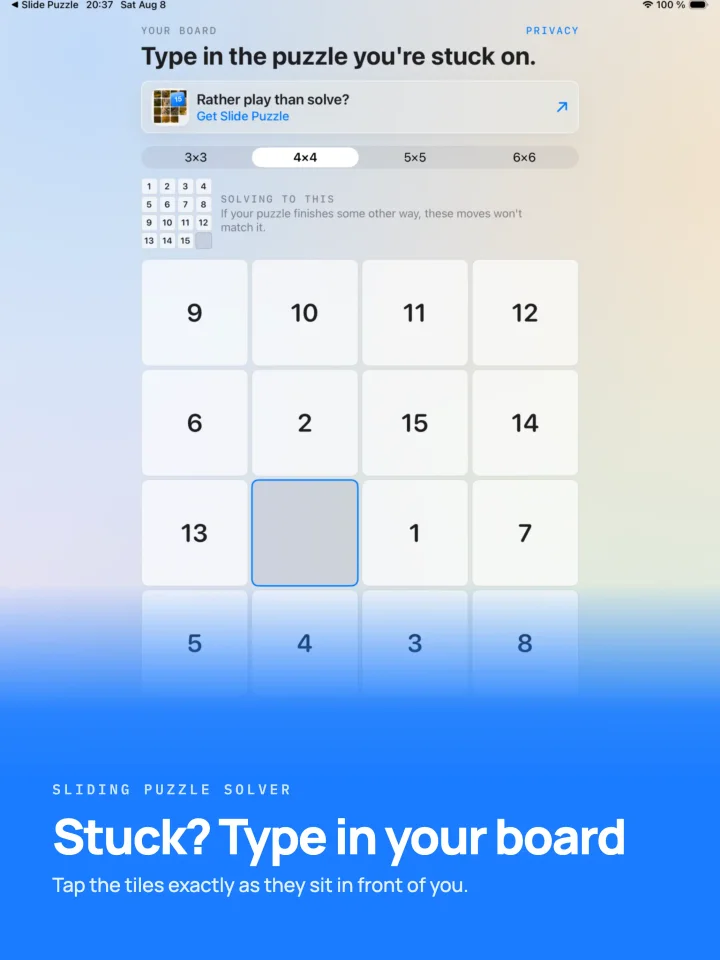
- Type in any board you're stuck on, from 3×3 up to 8×8
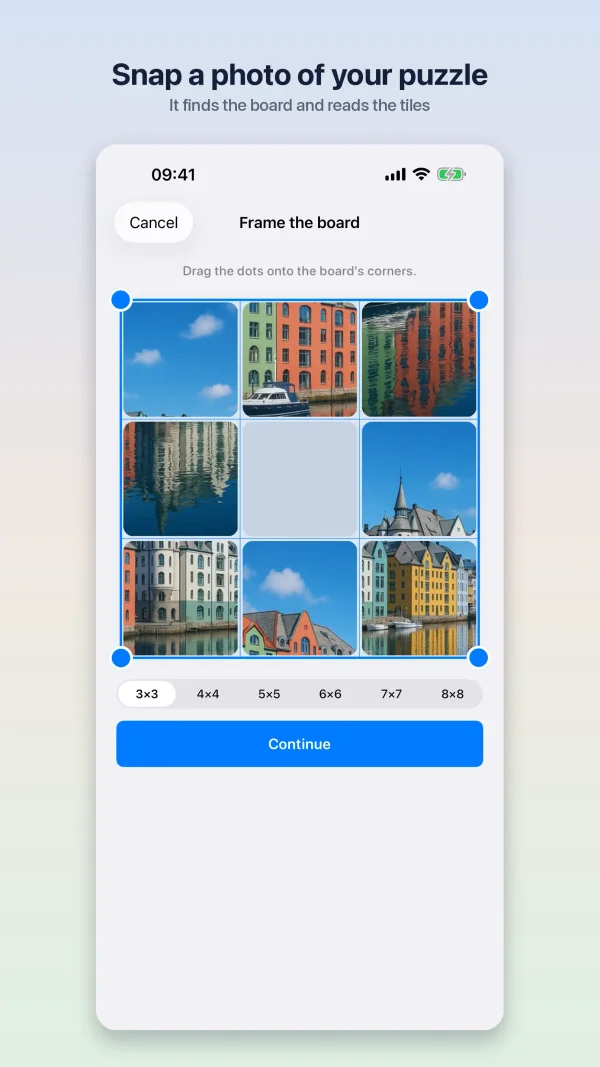
- Or scan the board from a photo — number tiles or a picture puzzle, no typing
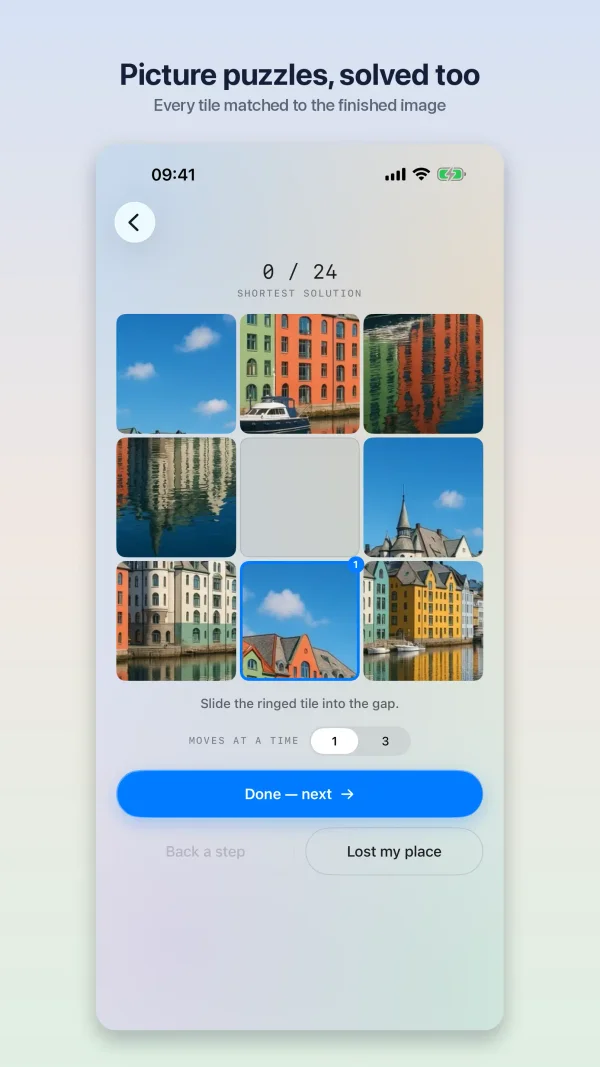
- Solve picture puzzles too, not only numbers
- The fewest possible moves on 3×3 and 4×4, and a guaranteed solution on 5×5 up to 8×8
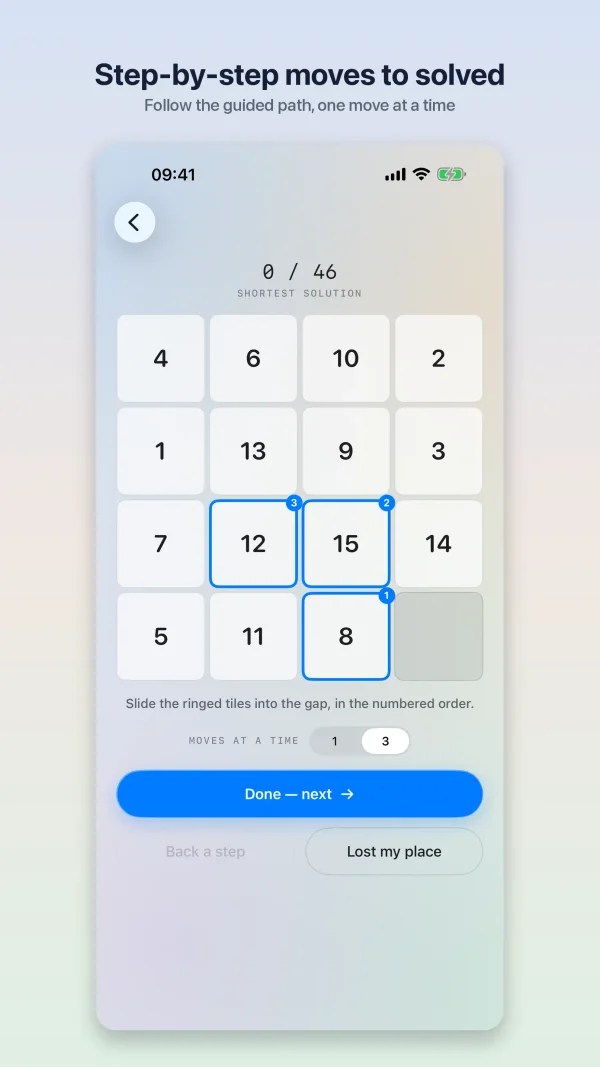
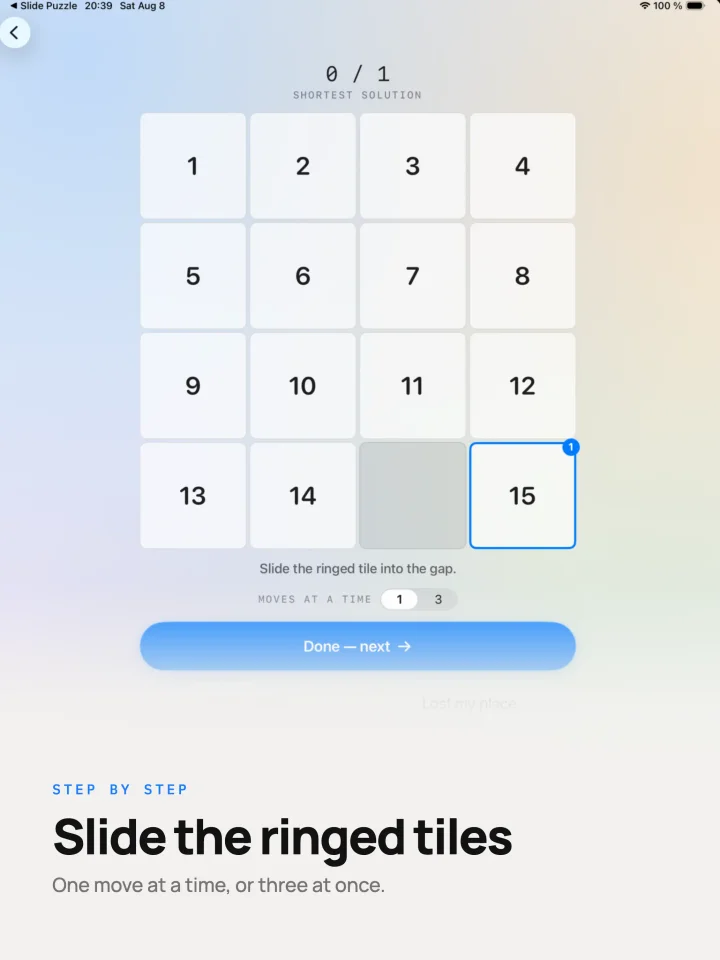
- Step-by-step guidance with the exact tile to slide ringed on screen
- Show one move at a time, or three, and preview the board after every step
- Catches impossible boards, so a typo never sends you chasing a solution that can't exist
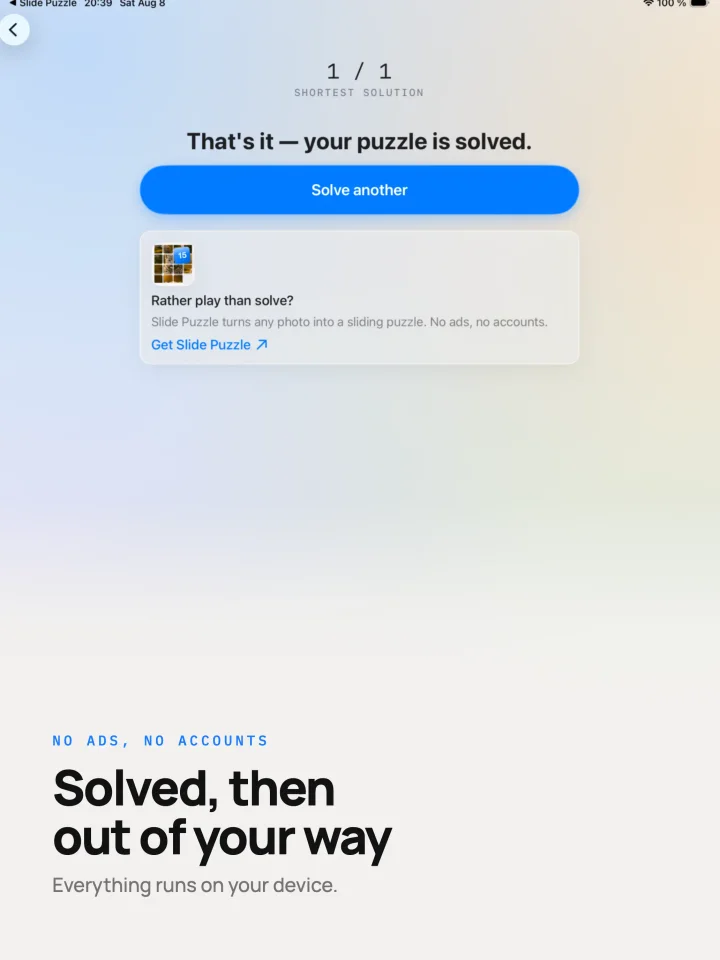
- No ads, no accounts, and no in-app purchases
How it works:
- Two ways in: tap the numbers off your own puzzle into the grid, or scan the board from a photo — number tiles or a picture, no typing. Mark the empty gap and hit Solve.
- Then follow along on your real puzzle: the app rings the exact tile to slide next and previews the board after each step, while a running counter holds your place — so you can put the phone down and pick right back up. Show one move at a time, or three.
Board sizes:
- 3×3 (8 puzzle) and 4×4 (15 puzzle): the app searches for the mathematically shortest solution, so you copy as few moves as possible.
- 5×5, 6×6, 7×7 and 8×8: the shortest-possible search is out of reach for any tool here, so the app returns a guaranteed solution instead — always correct, just not the theoretical minimum.
Why Puzzle Slide Solver
Most solvers spit out a wall of moves you have to decode. This one keeps your place for you: it rings the next tile, previews the result, and lets you step back if your hand slipped. That single job — never losing your place while you copy the moves — is the whole point.
Tips
- Double-check the empty gap: the gap's position changes which solutions are possible.
- Set "moves at a time" to 1 if you're new to sliding puzzles, or 3 once you're confident.
- If the board is flagged as unsolvable, re-check for a repeated or swapped number.
Privacy
No sign-up and no ads. Typing and solving happen on your device; scanning a photo sends that image so the app can read the tiles.
Data safety
What Nadzeya Yashchuk declares on Google Play about the data this app collects and shares.
- No data shared with third partiesLearn more about how developers declare sharing
- No data collectedLearn more about how developers declare collection
What’s new
Version 2.1.0 · Nov 18, 2026
2.0.0 features + monetization (rewarded-ad-or-unlock gate), production ad IDs, fixed app icon. Built on the live 2.0.0 code line.
Developer contact
- Websiteslidepuzzle.app
- Emailnadin@puzzlefree.game
- Privacy policyslidepuzzle.app
- AddressKäferheimerstraße 153b/Tür 12 5071 Wals Austria
Information
- Offered by
- Nadzeya Yashchuk
- Category
- Puzzle
- Version
- 2.1.0
- Updated
- Nov 18, 2026
- Released
- Sep 5, 2026
- Requires
- Android 7.0 or later
- Age rating
- Everyone
- Price
- Free
- In-app purchases
- $2.99 per item
- Package name
- com.enidev.slidesolver