QR Code Scanner & Scanner App
QR Code Scanner.Contains ads · In-app purchases
- EveryoneAge rating
- ToolsCategory
- Nov 17, 2026Updated
- FreePrice
Links to the official Google Play listing of qrcodescanner.barcodescanner.qrscanner.qrcodereader. Last checked on Nov 25, 2026.
Screenshots

About this app
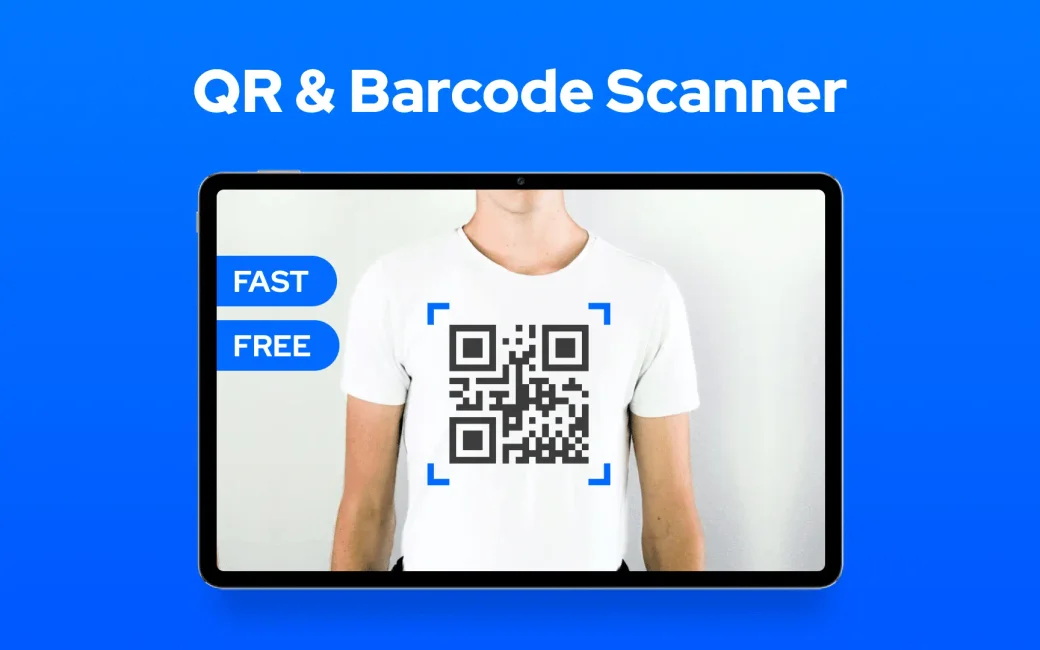
Easy & fastest QR scanner, barcode reader for all formats. Lightest scanner app!
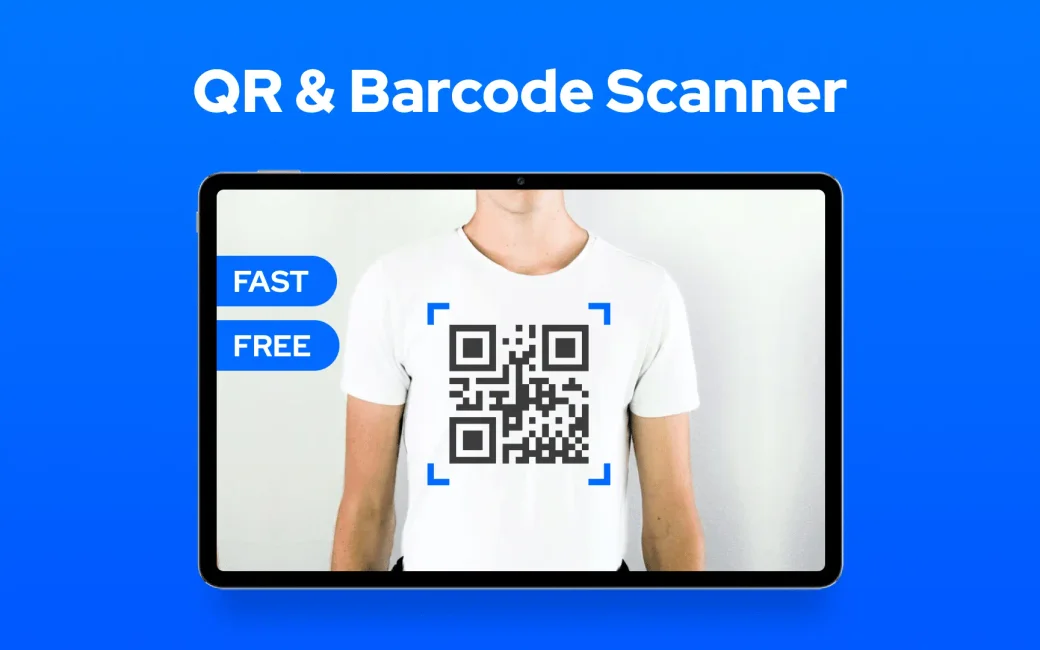
Free and full-featured QR code scanner app for all Android devices, helps you easily scan and decode all types of QR codes/barcodes at lightning speed⚡. 100% free and easy to use.
*Easy-to-Use Scanner App*
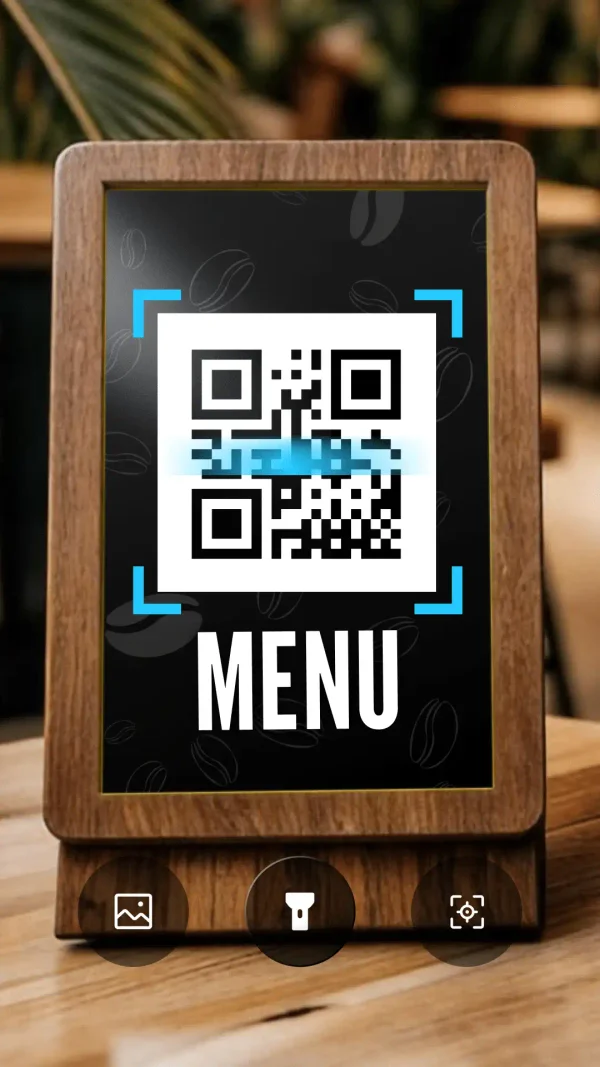
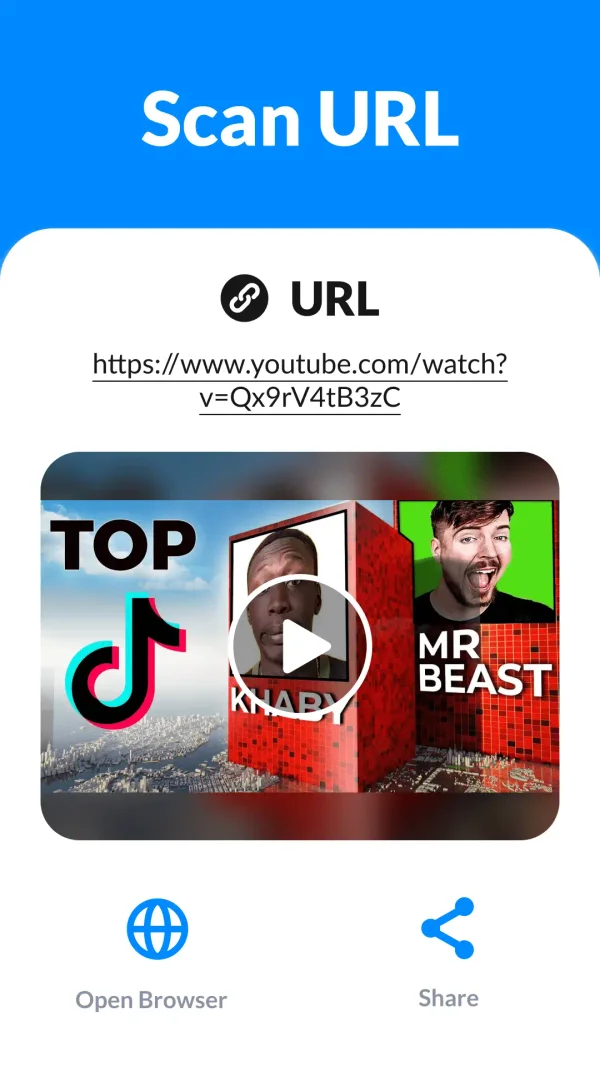
QR code reader just uses your phone's camera to scan and read QR codes/barcodes, then immediately displays results with multiple options for the next operation.
*Support All QR & Barcode Formats*
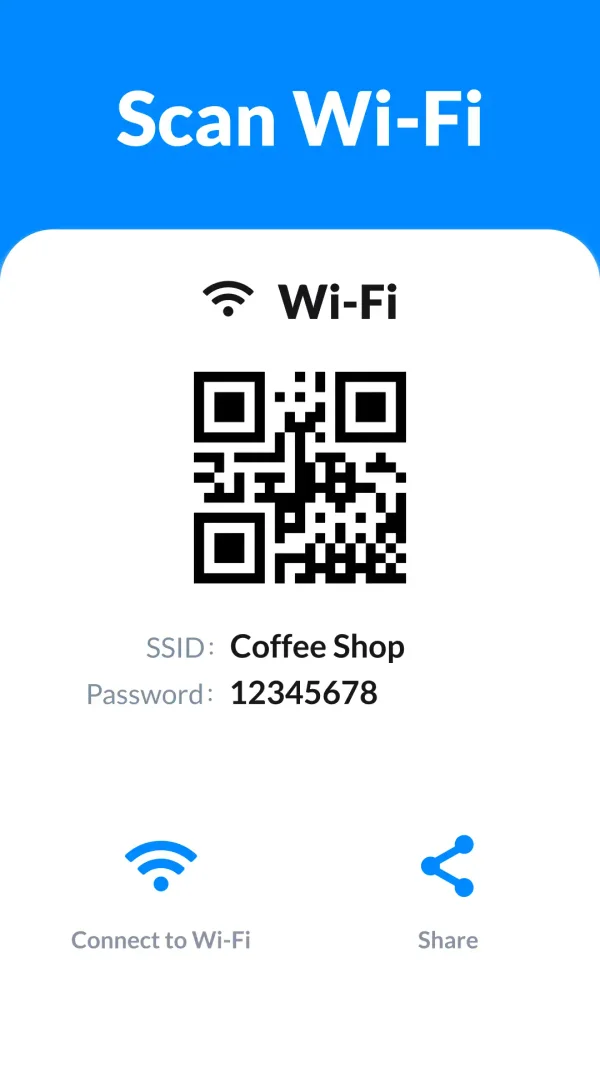
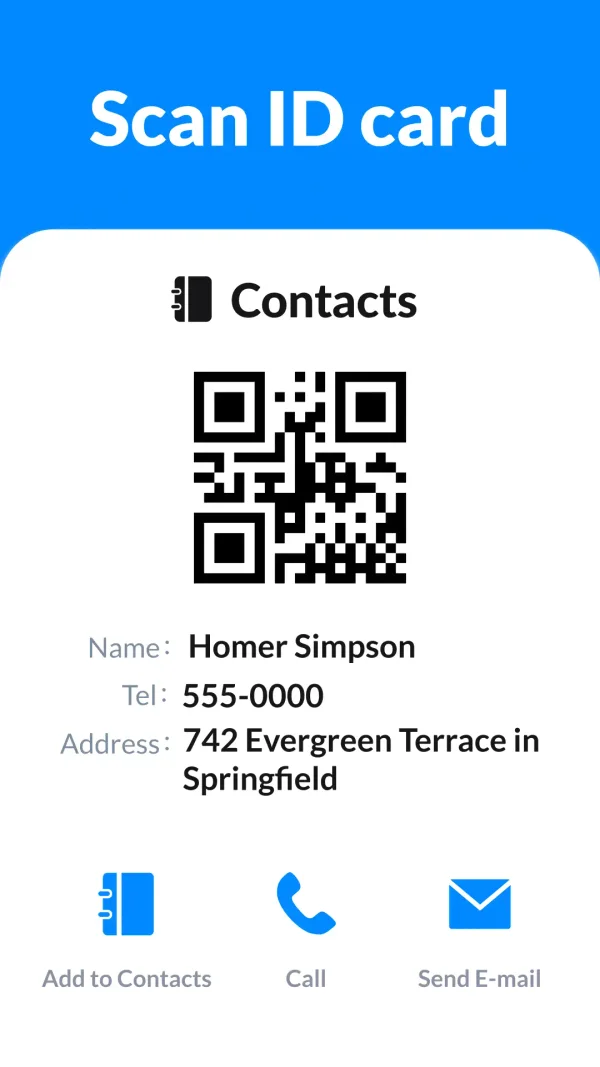
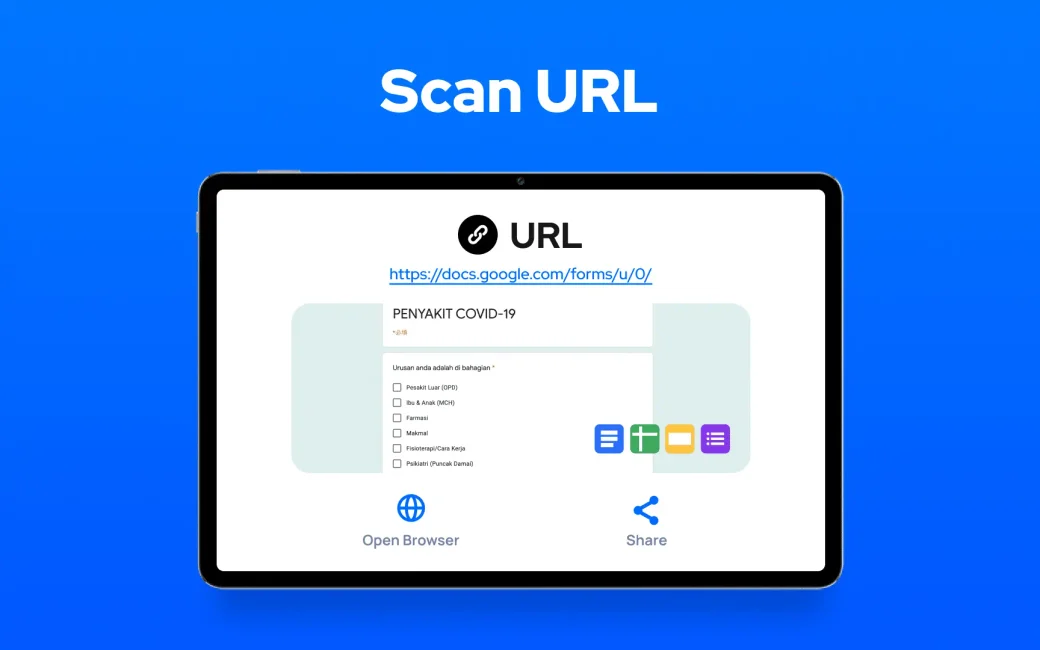
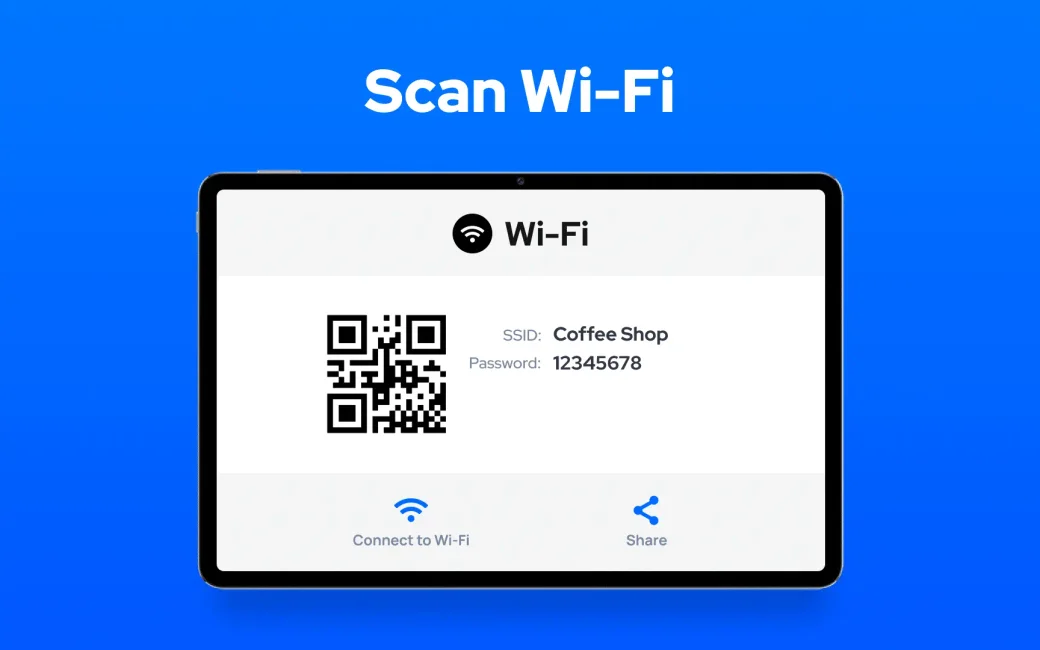
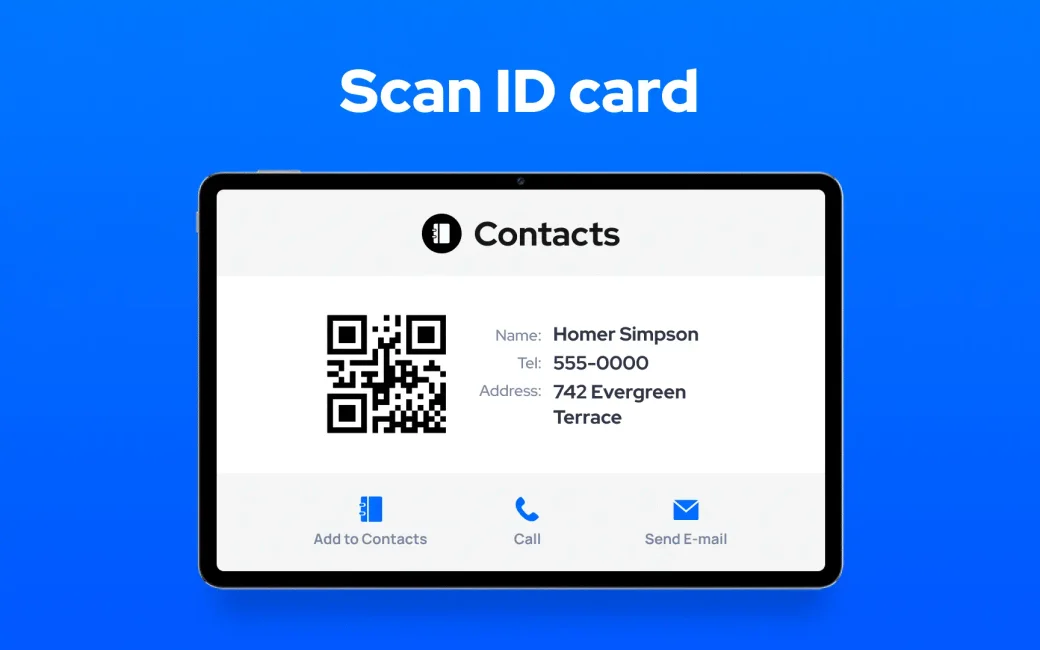
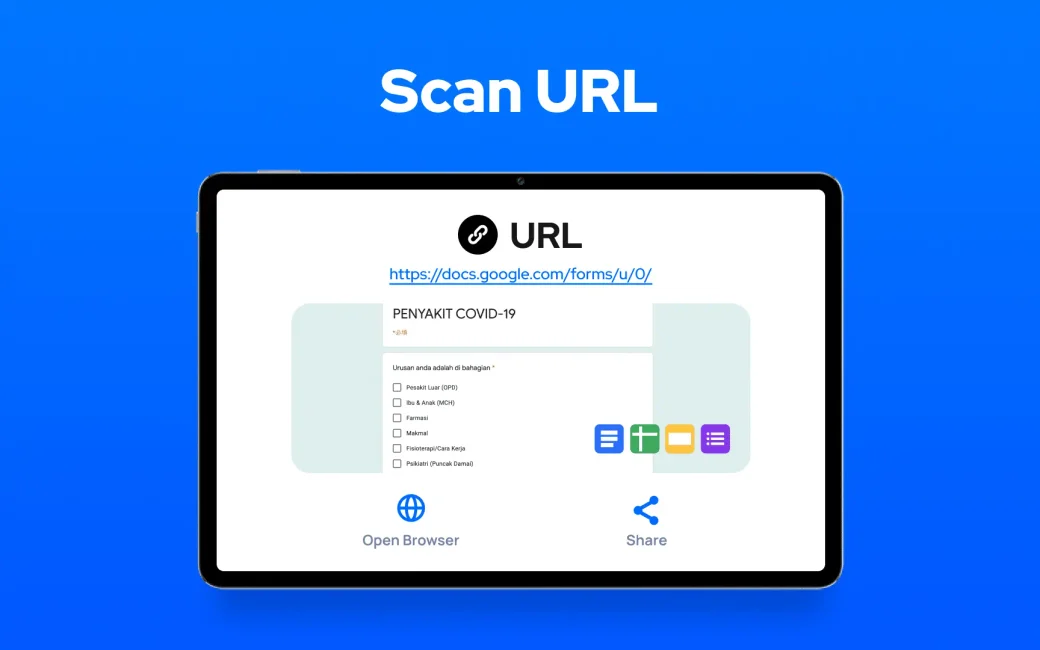
Automatically scan, read, and decode all types of QR codes/barcodes, including Wi-Fi, contacts, URL, products, text, books, E-mail, location, calendar, etc. Also, batch scan is supported!
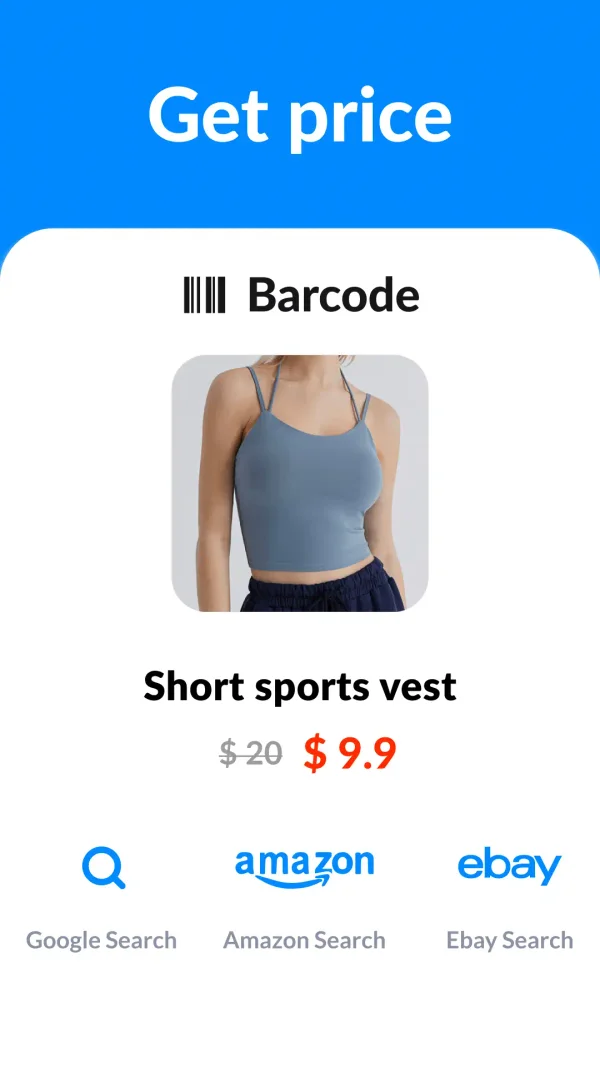
*Price Scanner*
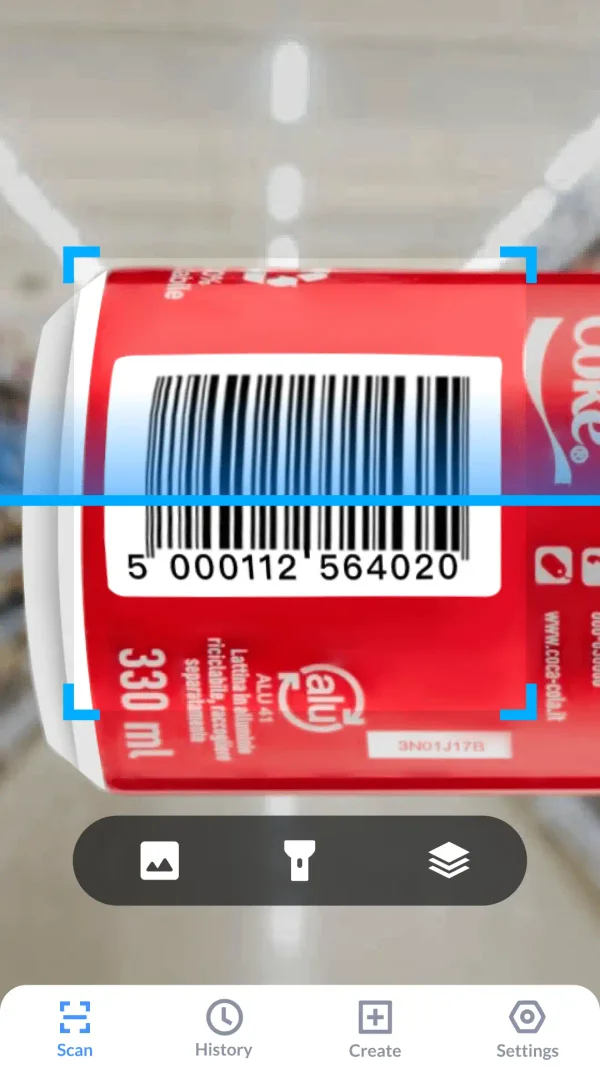
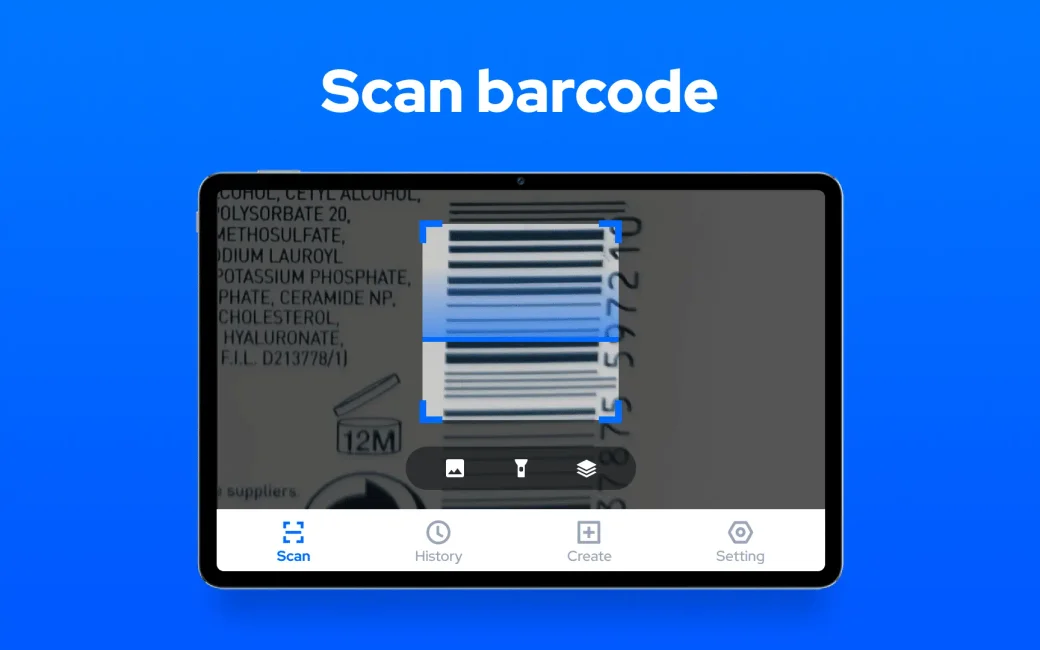
You can use this QR code reader as price scanner to scan product barcodes in stores, check product sources, view details, and compare prices online. Use it to scan promo/coupon codes💰 for discounts is also a wise choice.
*QR Code Creator*
It is also a QR code generator, helps you to create your own QR codes for URL, Wi-Fi, phone number, contacts, text, and more...
*Privacy Safe*
Your privacy is 100% safe. QR code scanner app only requires camera permission, and it won't use this permission to access any personal information in your phone.
#WHY CHOOSE QR CODE SCANNER?#
✔Support all QR & barcode formats
✔Auto zoom
✔Batch scan supported
✔Support scan QR & barcodes from gallery
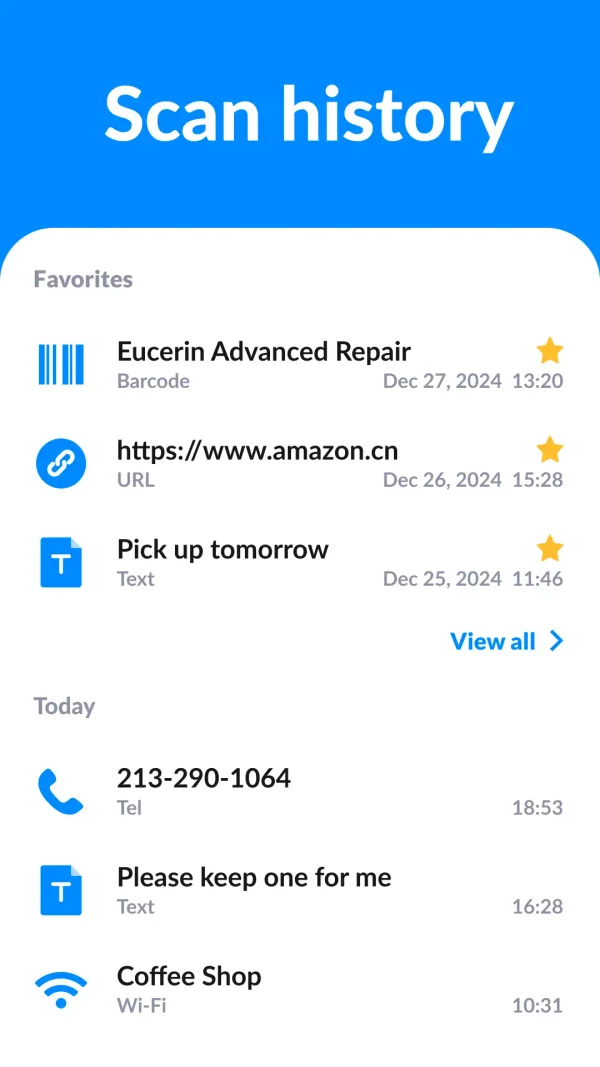
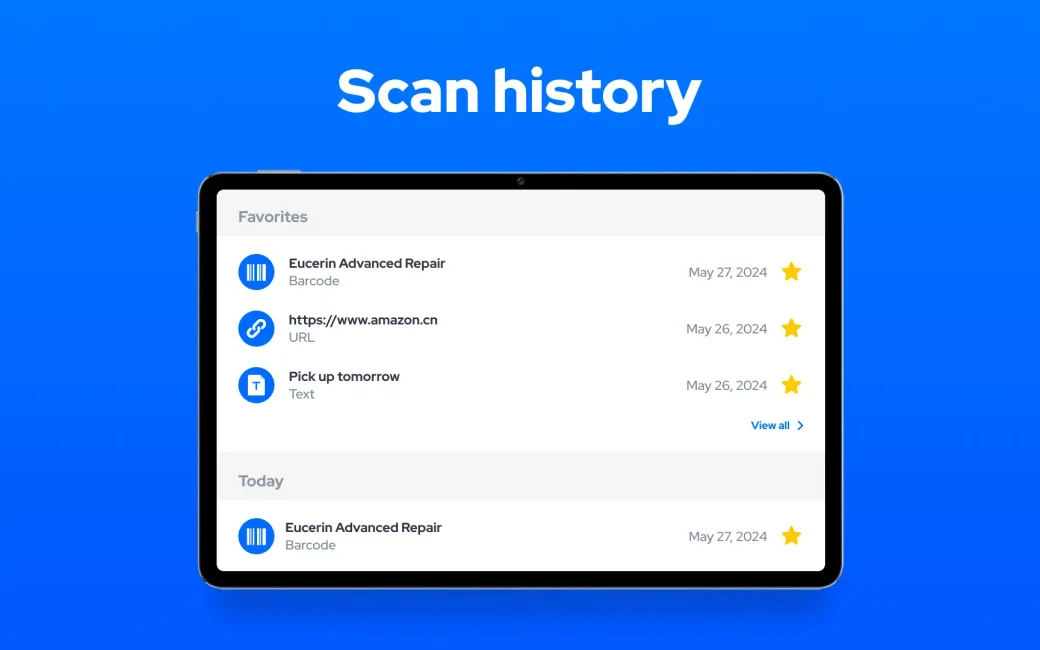
✔Scan history saved
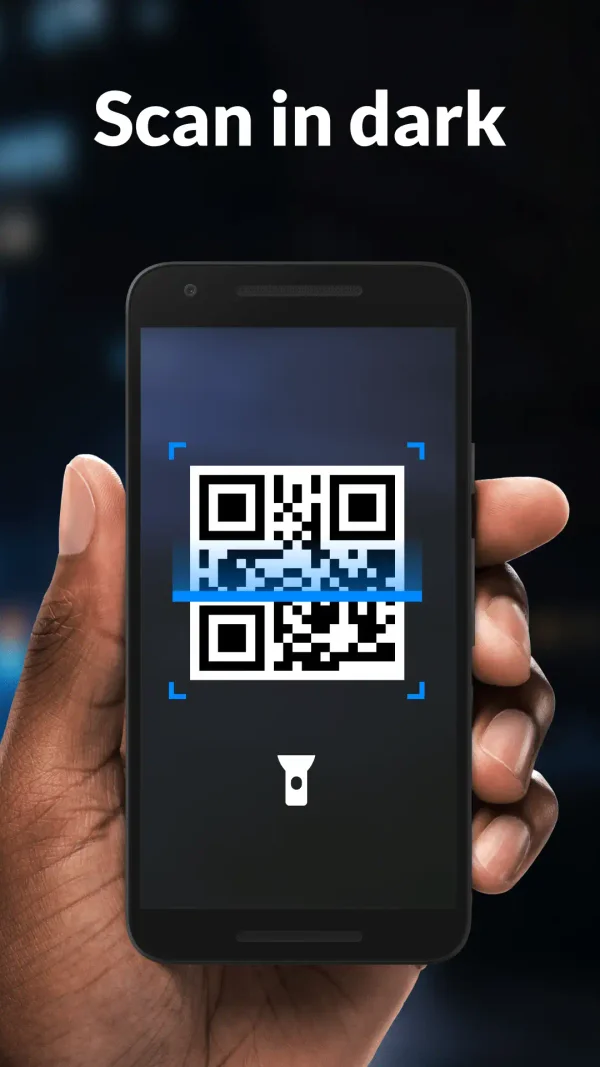
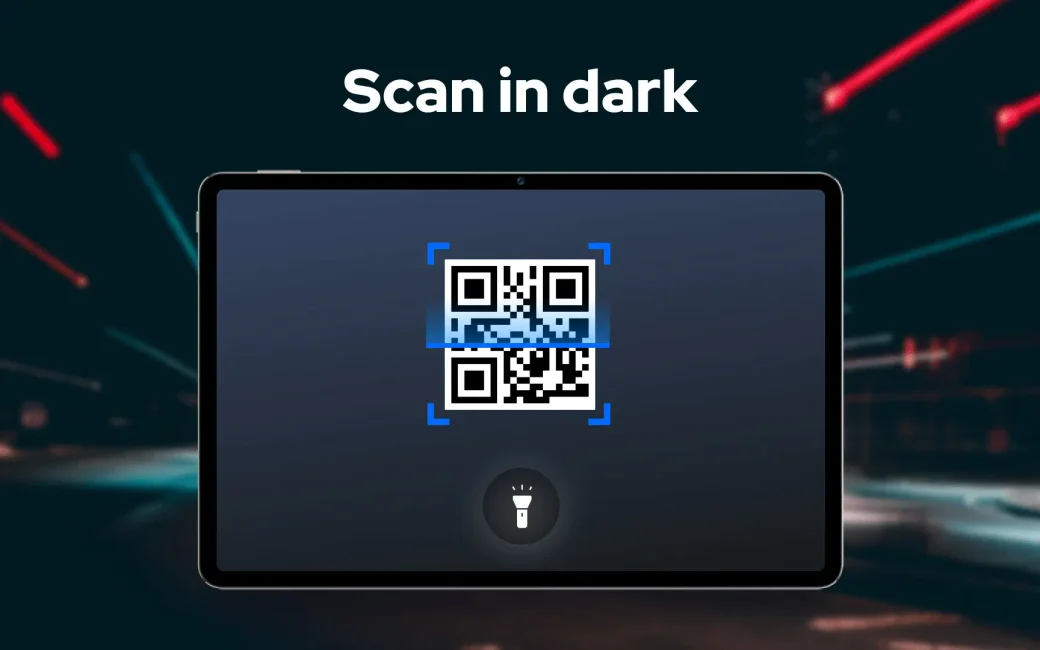
✔Dark mode supported
✔Flashlight supported
✔Privacy safe
✔No internet connection required
How to Use
1. Point camera to the QR code/barcode
2. Auto recognize, scan and decode
3. Get result and relevant options
Data safety
What QR Code Scanner. declares on Google Play about the data this app collects and shares.
- No data shared with third partiesLearn more about how developers declare sharing
- This app may collect these data typesApp activity, App info and performance, and Device or other IDs
- Data is encrypted in transit
- You can request that data be deleted
Developer contact
- Websiteqrcode.deepthought.industries
- Emailsupport@deepthought.industries
- Privacy policyqrcode.deepthought.industries
- Address7 ONE-NORTH GATEWAY #01-03 ONE-NORTH RESIDENCES Singapore 138642
Information
- Offered by
- QR Code Scanner.
- Category
- Tools
- Version
- 1.7.4
- Updated
- Nov 17, 2026
- Released
- Apr 30, 2021
- Requires
- Android 7.0 or later
- Age rating
- Everyone
- Price
- Free
- In-app purchases
- $4.99 per item
- Package name
- qrcodescanner.barcodescanner.qrscanner.qrcodereader
Similar apps
-
 Languages Translator App
Tools
-
 QR Scanner: Barcode Scanner
Productivity
-
 Wearfit Pro
Health & Fitness
-
 QR Code & Barcode Scanner Plus
Tools
-
 Heart Rate Monitor - Pulse App
Health & Fitness
-
 Wifi password all in one
Tools
-
 Xender - Quick Share, Transfer
Tools
-
 QR Code Scanner
Productivity
-
 Acrobat Reader: PDF Converter
Productivity
-
 Mobile Scanner App - Scan PDF
Productivity
-
 FitCloudPro
Health & Fitness
-
 Me QR: Generate QR Code
Tools