QuickBooks Time Kiosk
Intuit Inc- EveryoneAge rating
- ProductivityCategory
- Nov 18, 2026Updated
- FreePrice
Links to the official Google Play listing of com.tsheets.android.catshark. Last checked on Nov 21, 2026.

Screenshots


About this app
An online time tracking tool that works like a punch clock.
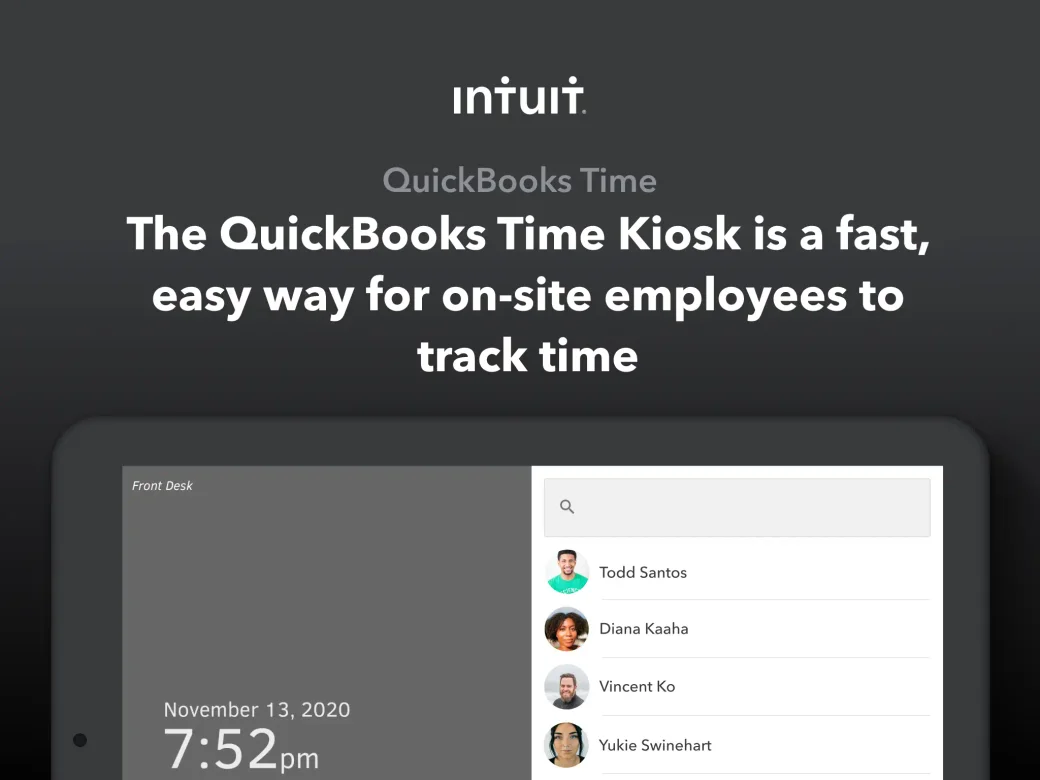
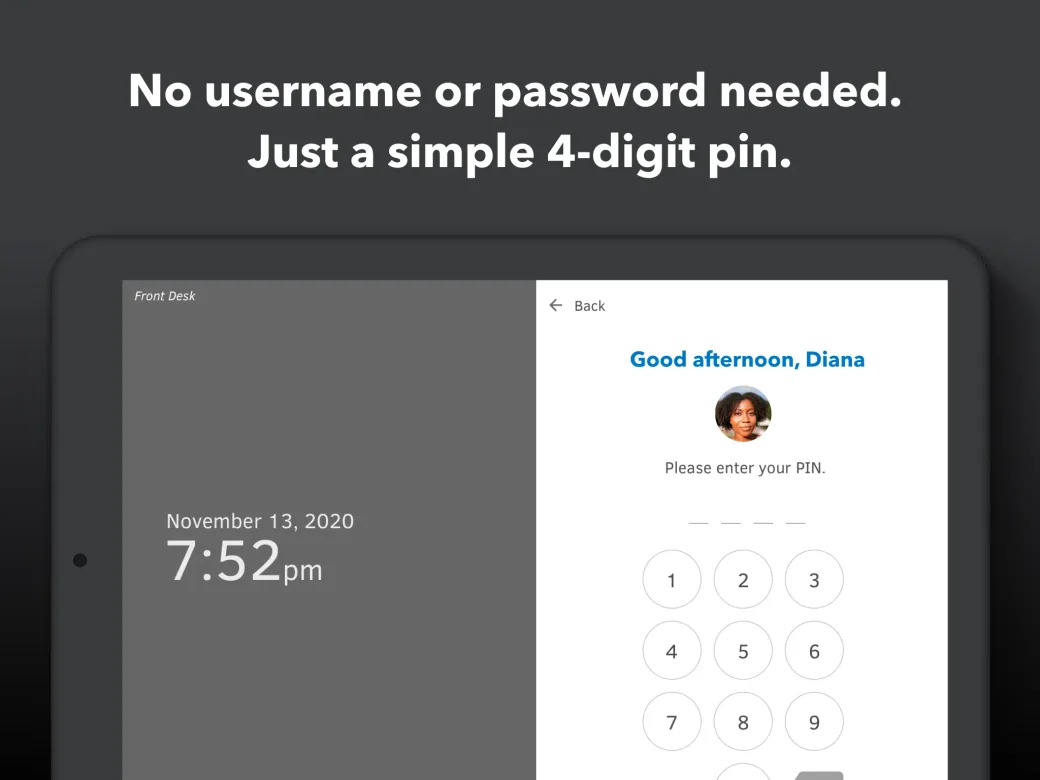
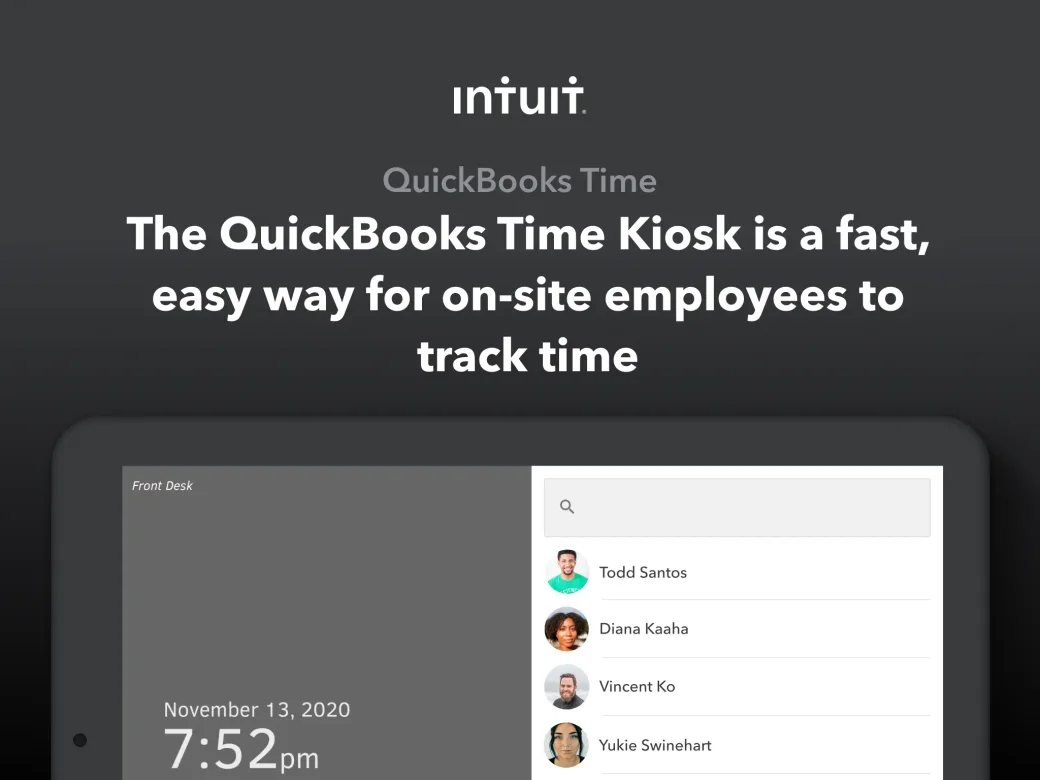
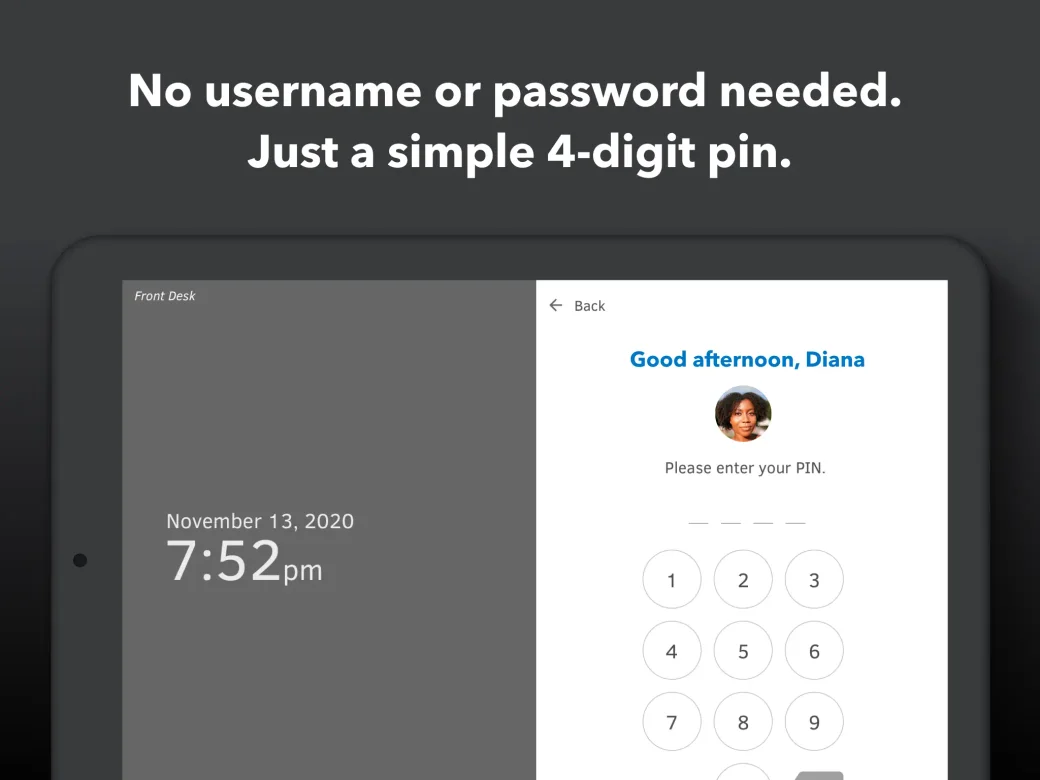
The QuickBooks Time Kiosk (formerly TSheets Time Clock Kiosk) is a simple digital time tracking tool that operates like a traditional punch clock. Simply run this app on any internet-enabled device and link it to your existing QuickBooks Time account. Now your employees can quickly clock in and out from one location.
From the office to the job site, your team can effortlessly capture and submit accurate and error-free timesheets. Streamline your payroll, improve productivity and build better ways of working with QuickBooks Time.
The QuickBooks Time Kiosk allows employees to track time from one location.
The QuickBooks Time mobile app allows employees to accurately log their hours even while on the go, from the devices they’ve already got in their pockets.
The QuickBooks Time web dashboard can be used on any desktop or laptop for office environments.
Create schedules and share directly with your team. Assign jobs, share project details, communicate with your team and know what they're working on, wherever they are.
GAME CHANGERS
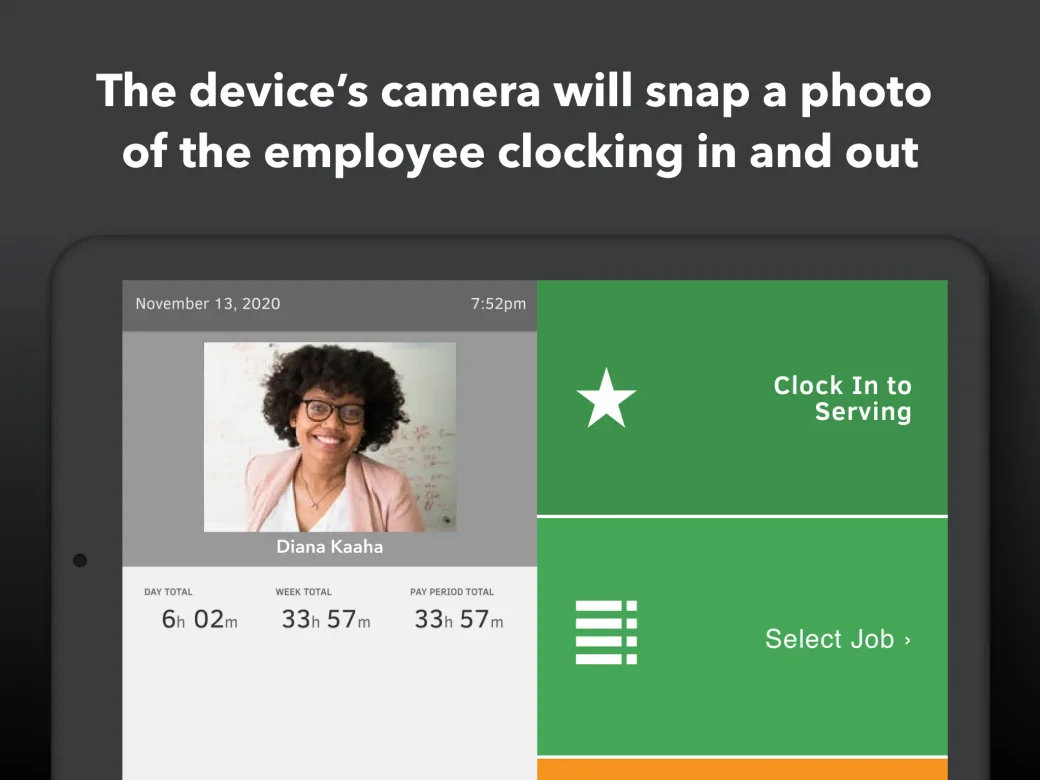
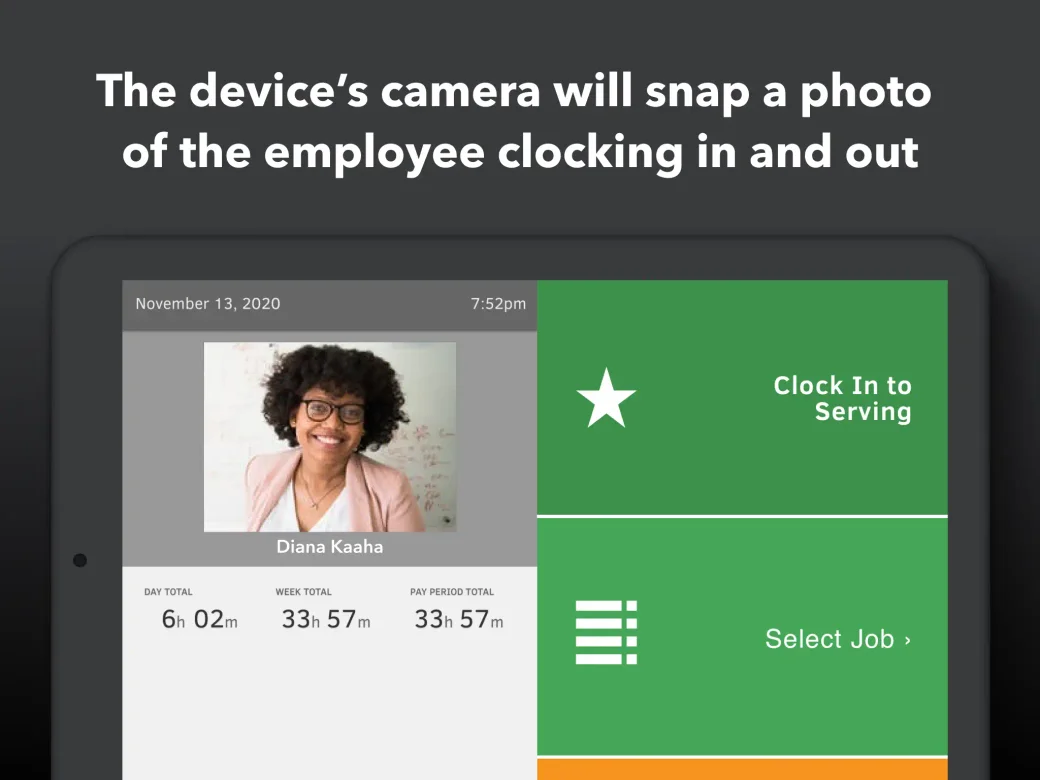
• Photo capture feature allows admins to recognise who is clocking in and out.
• In-app scheduling lets employees easily clock in and out of assigned jobs or shifts.
• Push, text & email alerts that are triggered if employees don’t clock in as scheduled, or approach overtime limits.
ALSO INCLUDED
• QuickBooks Time works with popular payroll, accounting, invoicing software QuickBooks Online, Xero and MYOB
• Powerful, real-time reports in multiple formats (PDF, CSV, online, HTML)
Safe data storage and detailed time log to protect you against labour disputes and audits.
FOR HELP AND SUPPORT
QuickBooks Time offers phone and chat support to all of our customers. Have a question? We’re always happy to help!
THERE'S MORE TO LOVE...
TRACK TIME
• Track employee hours accurately.
• Photo capture feature allows admins to recognise who is clocking in and out.
• Easily switch between jobs, pause tracking, or take a break.
• Clock into new shifts and jobs right from the schedule.
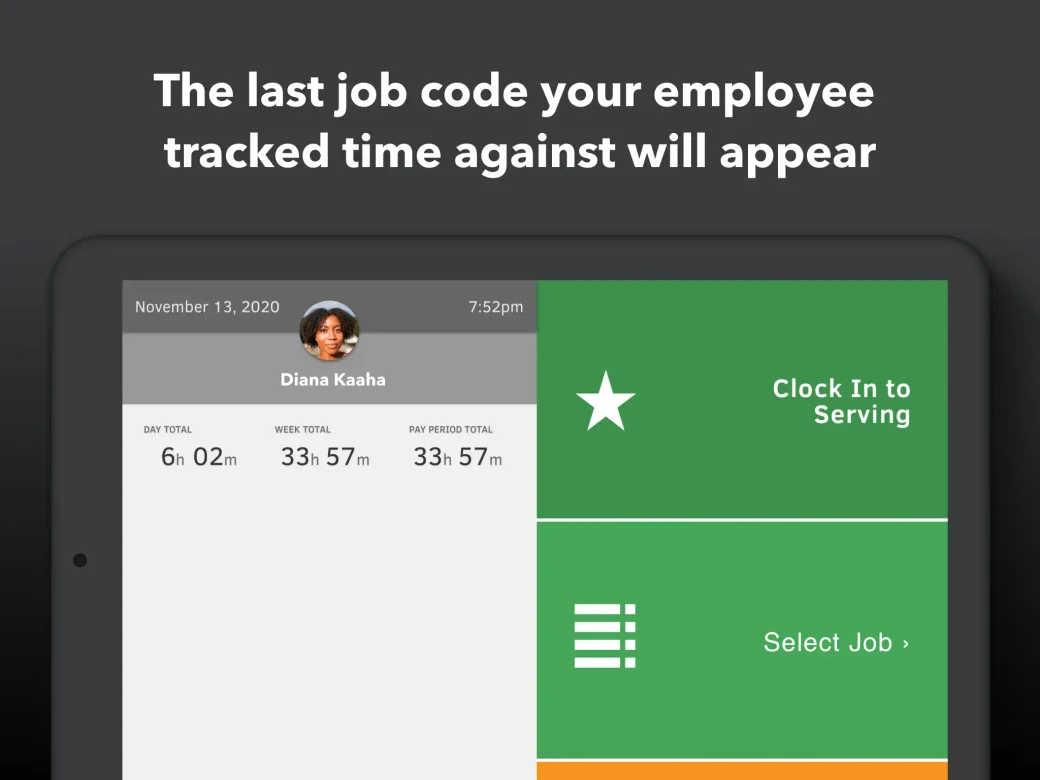
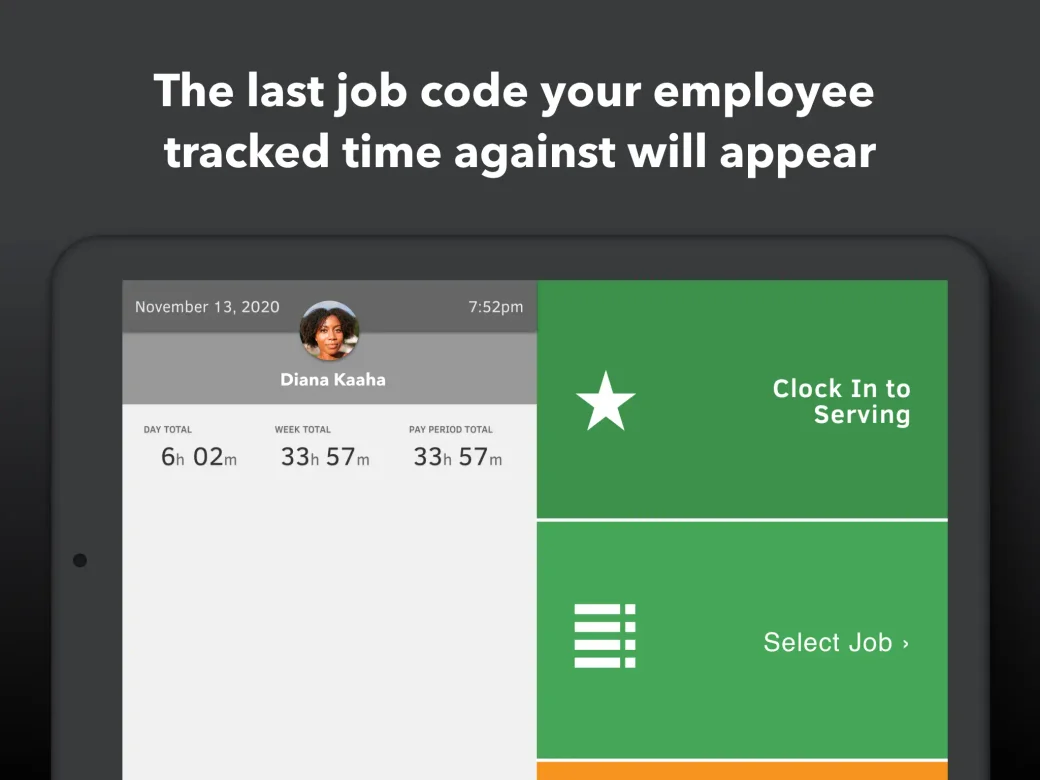
• Track time against job codes, projects, locations, clients, and more.
• Know where your employees are on one map view.
SCHEDULE
• Schedule by job or by shift.
• Easily create or modify a schedule with drag-and-drop shifts.
• Sync your schedule with Apple iCal, Microsoft Outlook or Google Calendar.
• Notifications let employees know when a new schedule is published or if a shift changes.
• Get notifications if employees don't clock into a job or shift as scheduled.
MANAGE TIME
• Employees can effortlessly submit time for approval right from the Kiosk
• Approve, edit or delete timesheets with a tap.
• Set overtime alerts to notify team members and managers as limits approach.
• See who's working and where even on the go.
• Manage annual leave, sick leave and public holidays.
REPORT TIME
• See day and week totals at a glance.
• Easily access a breakdown of employee hours by employee, job, customer, or location.
• View timer history with a map view.
• Keep a history of all edits and deletions, in case of an audit.
Continued use of GPS running in the background can dramatically decrease battery life.
Data safety
What Intuit Inc declares on Google Play about the data this app collects and shares.
- No data shared with third partiesLearn more about how developers declare sharing
- No data collectedLearn more about how developers declare collection
What’s new
Version 2.1.11.20261118.RELEASE · Nov 18, 2026
Small fixes and improvements
Developer contact
- Websitequickbooks.intuit.com
- Emailhelp@tsheets.com
- Privacy policyintuit.com
- Address2700 Coast Ave Mountain View, CA 94043 United States
Information
- Offered by
- Intuit Inc
- Category
- Productivity
- Version
- 2.1.11.20261118.RELEASE
- Updated
- Nov 18, 2026
- Released
- Dec 12, 2016
- Requires
- Android 7.1 or later
- Age rating
- Everyone
- Price
- Free
- Package name
- com.tsheets.android.catshark