Real Weather Watch Face
HuskyDevContains ads · In-app purchases
- EveryoneAge rating
- PersonalizationCategory
- Aug 22, 2025Updated
- FreePrice
Links to the official Google Play listing of huskydev.android.watchface.rw. Last checked on Nov 25, 2026.
Screenshots


About this app
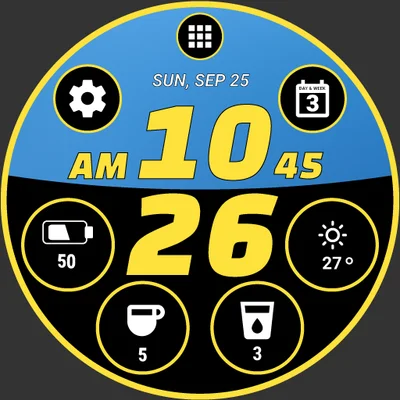
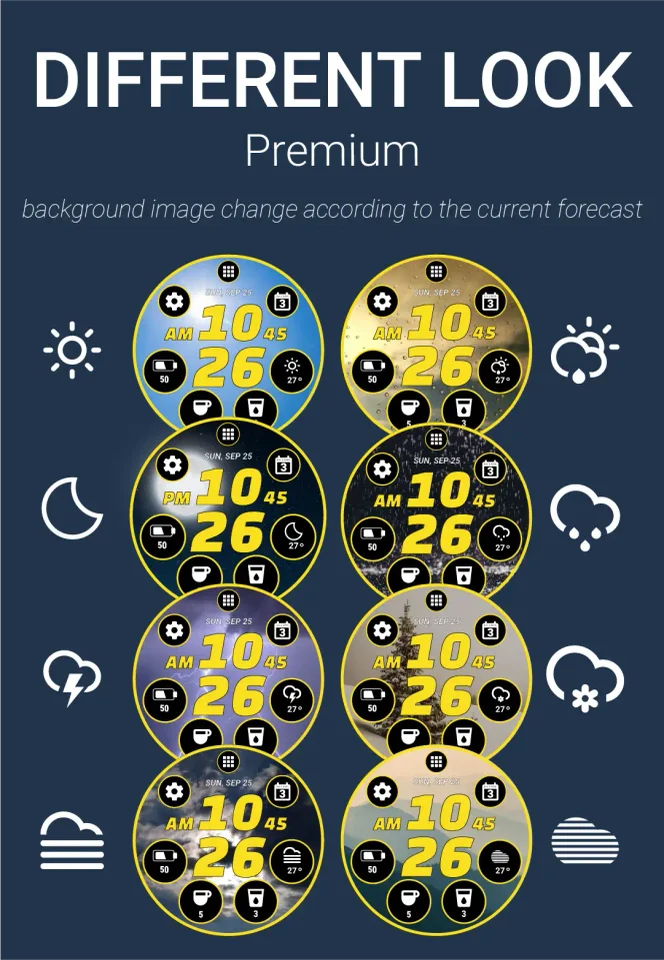
A nice watch face with the ability to show background according to the forecast
The Real Weather Watch Face is fully compatible with Wear OS 2 and Wear OS 3 and is compatible with all Wear OS watches
Wear OS 2 and Wear OS 3 integrated features
• external complication support
• fully standalone
• iPhone compatible
The Real Weather Watch Face has a perfect look and is built for use every day, it simplifies many use cases such as launching programs or being informed about watch battery usage.
The application is completely free and has basic features and options. You can also purchase the PREMIUM version with many useful features and options.
FREE version includes:
★ Background image that shows the current weather condition according to the current weather forecast
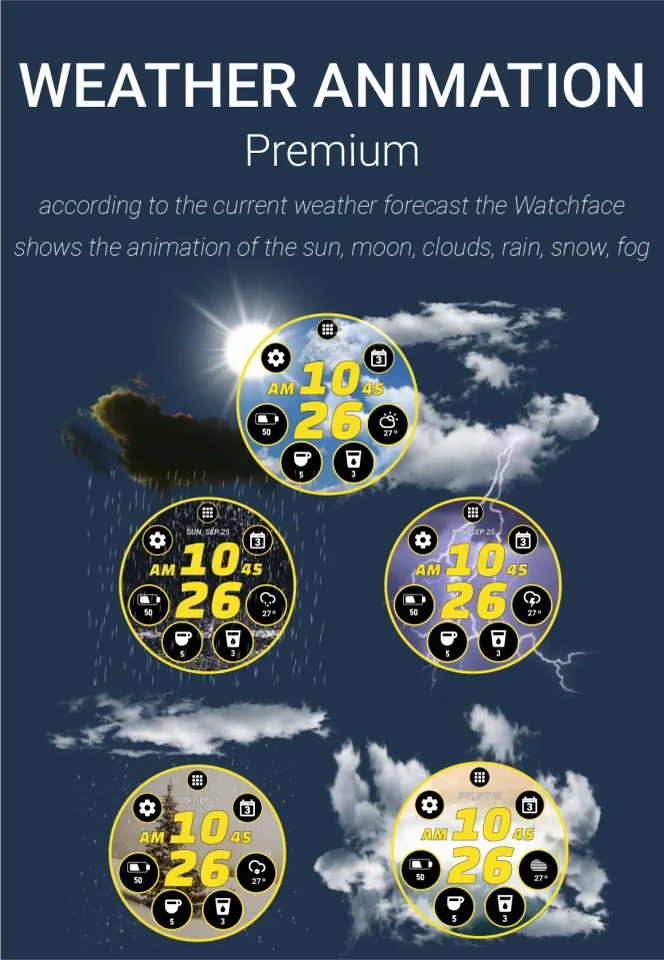
★ Animation of the sun, moon, clouds, rain, snow, fog, lightning and raindrops according to the current weather forecast
★ Own launcher
★ Weather forecast for the current day
★ Detailed information about the watch battery
★ Hourly sound and vibration options
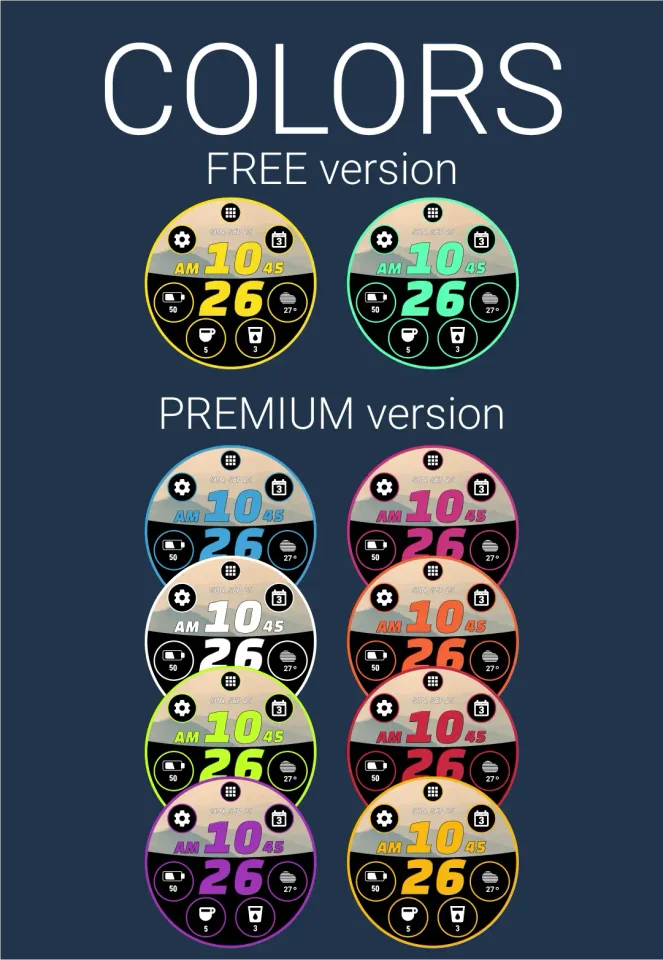
★ 2 accent colors
PREMIUM version includes:
★ All features from the FREE version
★ 8 additional accent colors
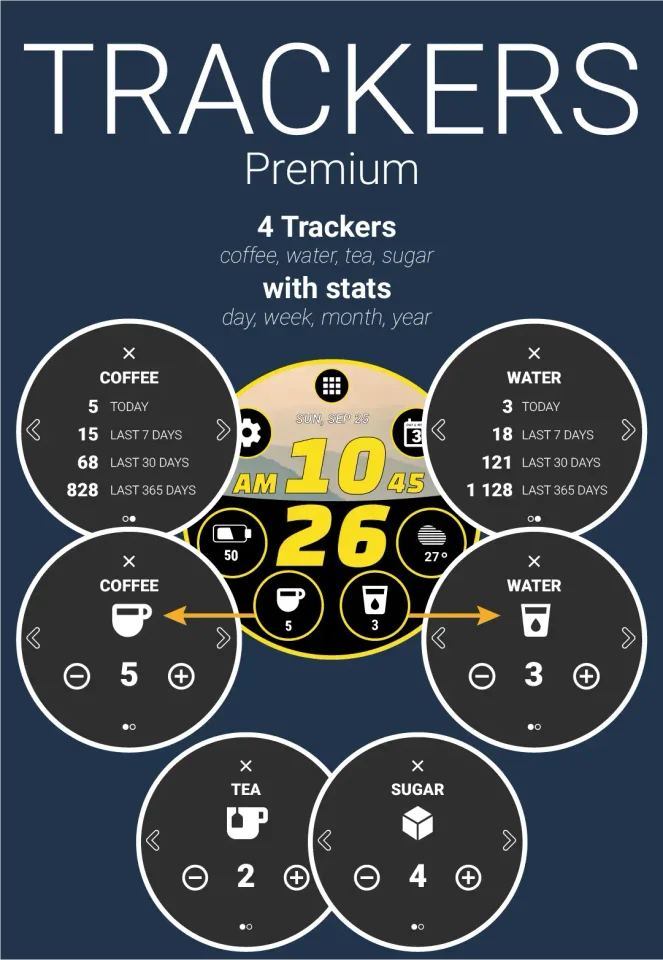
★ 4 predefined trackers for coffee, water, tea, sugar (etc...) intake with daily, weekly, monthly, and yearly statistics
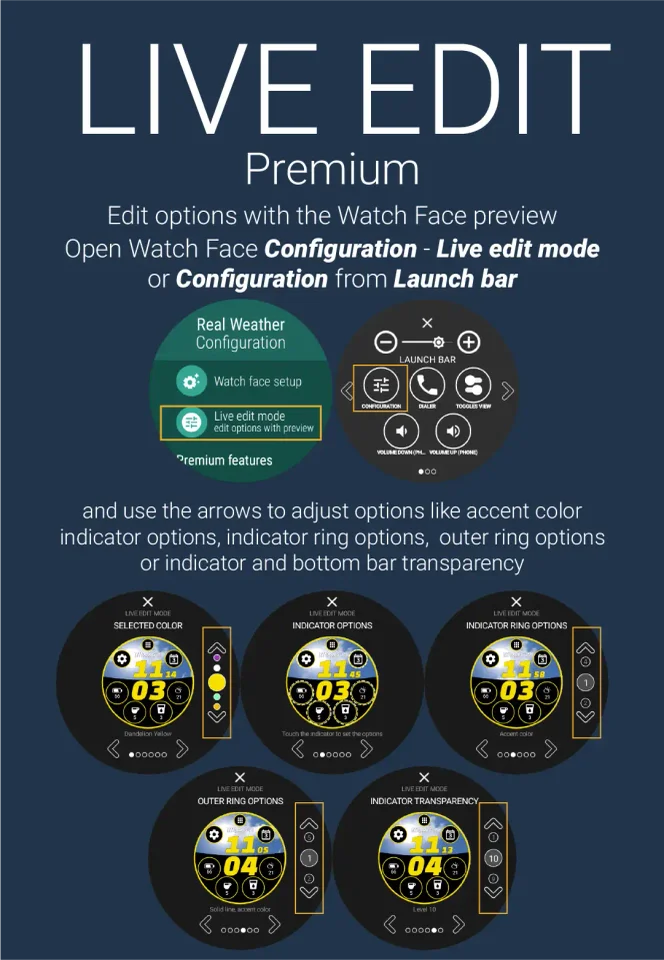
★ Ability to adjust accent color, set indicator option, indicator ring options, outer ring options or adjust indicator and bottom bar transparency using LIVE EDIT mode
★ Ability to set the transparency of the indicator and bottom bar
★ Ability to hide the bottom bar and enjoy all the weather animations
★ Ability to set the style of the watch face outer ring line (Solid accent, Dashed accent, Solid gray, Dashed gray, Hidden - no outer ring visible)
★ Ability to set the style of the indicator ring (Accent, Gray, White, Hidden - no indicator ring visible)
★ Ability to set weather animation over the bottom bar
★ Ability to use a selected accent color for indicator text and icons
★ More than 15 language translations
★ Watch the battery history chart
★ Two styles of the notification indicator (dot, counter) with the ability to set custom colors
★ Auto-lock option, a feature to prevent accidental clicks
★ Pixel burn-in protection
★ Lost connection option
★ 5 launch bar shortcuts
★ Weather forecast for upcoming hours and days
★ Set 6 indicators with any of the predefined views, actions, applications or external complications (Wear OS 2.0+ required)
★ Ability to change battery indicator type
★ Ability to change Keep watch screen awake interval
★ Ability to change the Weather update interval
You can change any settings or adjust all features (the PREMIUM version) or all free features in the Watch Face configuration in the watch. You can also install a companion application that allows you to conveniently change any settings or adjust all features.
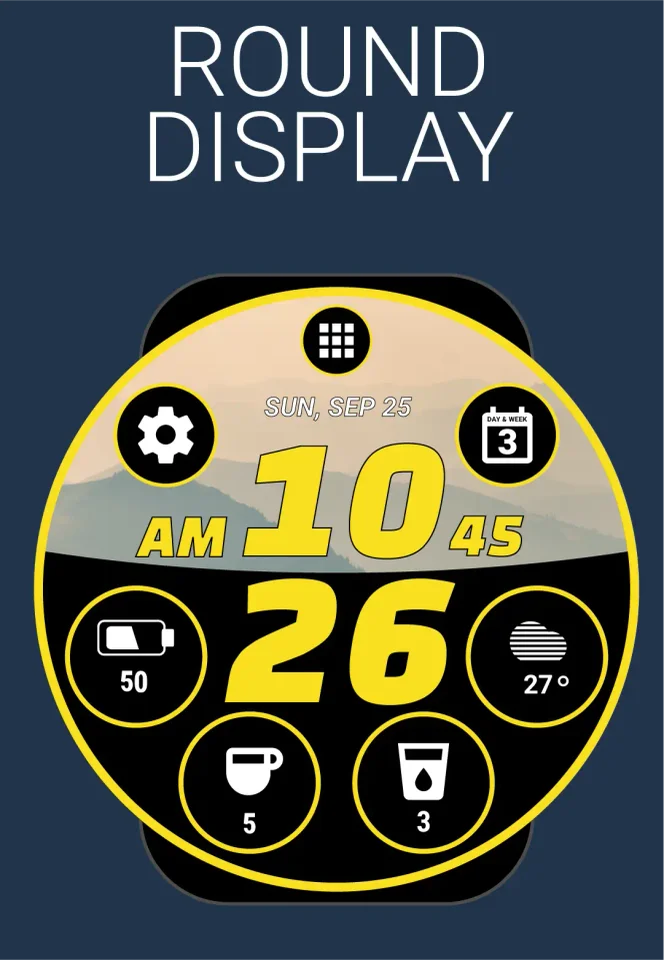
The Real Weather Watch Face works great with squared and round watches.
Data safety
What HuskyDev declares on Google Play about the data this app collects and shares.
- No data shared with third partiesLearn more about how developers declare sharing
- This app may collect these data typesLocation, App activity and 2 others
- Data is encrypted in transit
- Data can’t be deleted
What’s new
Version 1.08 · Aug 22, 2025
Target SDK has been updated to version 35 for mobile
Developer contact
- Emailhuskydevcz@gmail.com
- Privacy policymediation-project-d483b.web.app
- AddressWeberova 1534/14 405 02 Děčín Czechia
Information
- Offered by
- HuskyDev
- Category
- Personalization
- Version
- 1.08
- Updated
- Aug 22, 2025
- Released
- Sep 15, 2022
- Age rating
- Everyone
- Price
- Free
- In-app purchases
- $0.99 - $9.99 per item
- Package name
- huskydev.android.watchface.rw
Similar apps
-
 CC Clean 22 Watch Face
Personalization
-
 Iris597 Multi Function Watch
Productivity
-
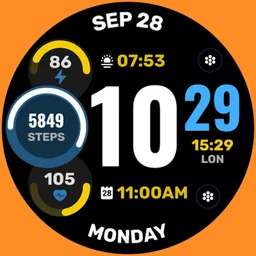 Active Wear Watchface 3
Personalization
-
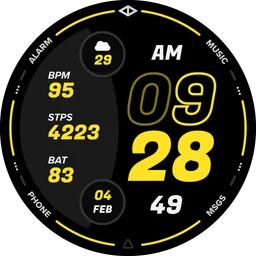 Destiny Watch Face
Personalization
-
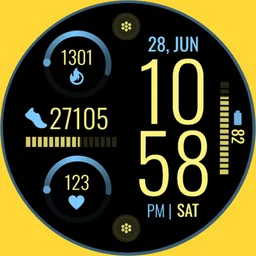 Active Progress
Personalization
-
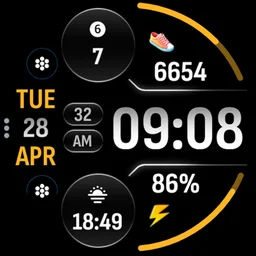 OMG 449 - Digital Watch Face
Personalization
-
 Active Hue Digital
Personalization
-
 Pixel Sporty - Watch face
Lifestyle
-
 RHS 78 Soladsolid
Personalization
-
 AniLys MidnightArc
Personalization
-
 SamWatch Color G
Personalization
-
 DADAM120: Digital Watch Face
Personalization