RemoteMeeting
RSupport Co., Ltd.- EveryoneAge rating
- ProductivityCategory
- Nov 11, 2026Updated
- FreePrice
Links to the official Google Play listing of com.rsupport.remotemeeting.application. Last checked on Nov 27, 2026.
Screenshots




About this app
Professional video-conferencing solution for business collaboration.
RemoteMeeting is collaboration and video conferencing application.
With RemoteMeeting, you can easily enjoy multipoint videoconferencing anytime, anywhere in you mobile device.
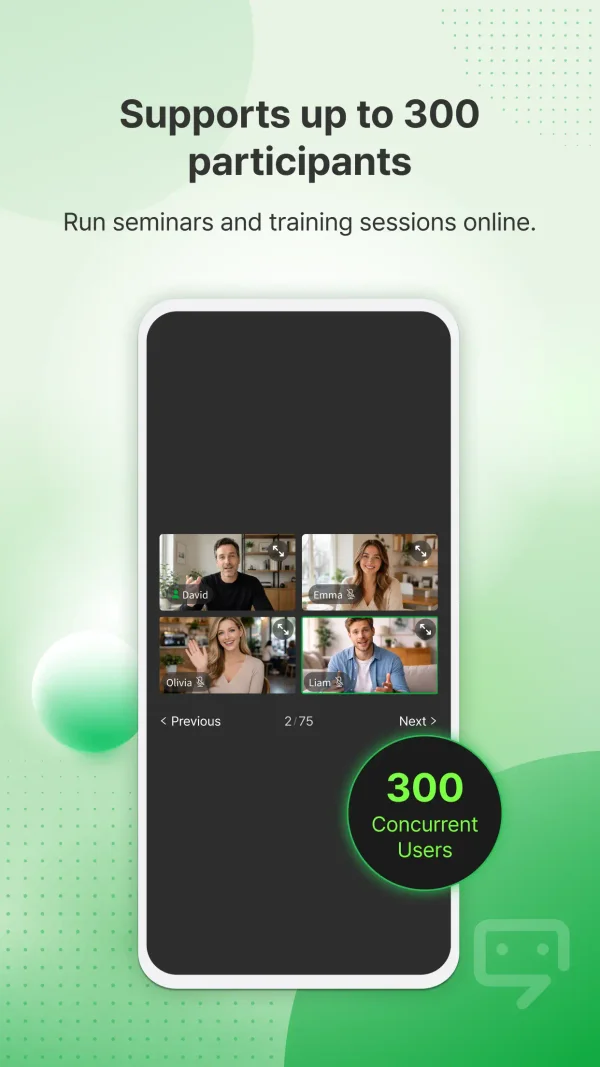
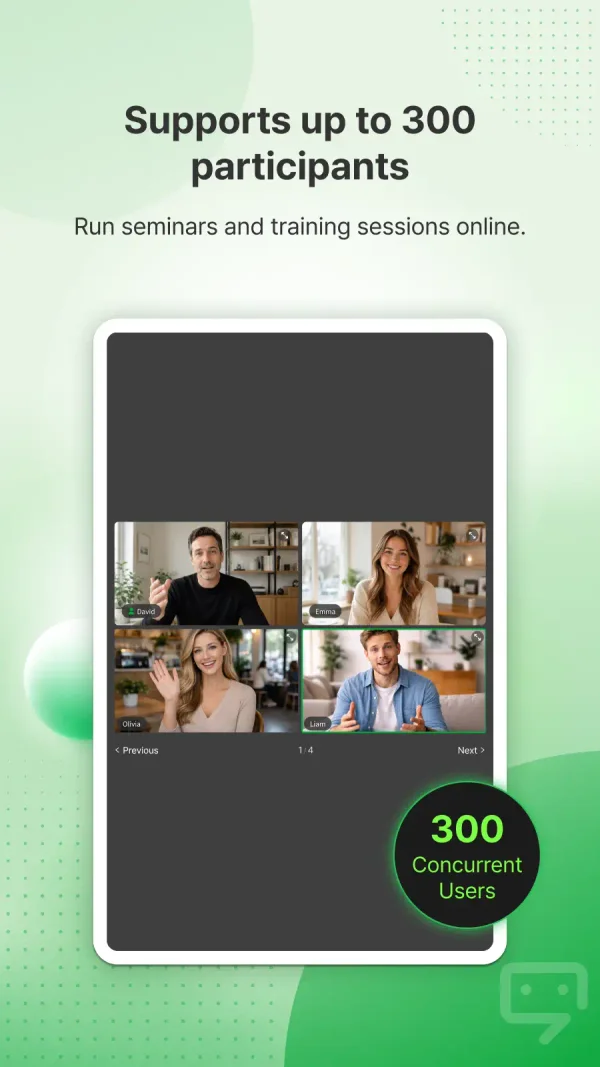
Do not miss important meetings because you are away. Up to 300 simultaneous participants can join the meeting.
Designed for anyone to use it with ease. Easy, simple yet powerful video collaboration
[Special features]
1. To be Easy –Intuitive UI lets you use it without having to learn how to use it.
2. To be Fast – Users who connect from a PC can connect to a web browser and use it right away without downloading a program.
3. Powerful functions– Provides a variety of collaboration features to facilitate communication during meetings.
[Functions]
“RemoteMeeting provides essential features for video conferencing, as well as assistive functions for smooth video conferencing.”
1.Connect with multiple devices: meet online via PC, Smartphone, Tablet, etc.
2.ONE-CLICK meeting start: create a meeting with just “ONE-CLICK”
3.Instant participation: Join the meeting with 6-digit Access Code or Selecting the meeting on the list.
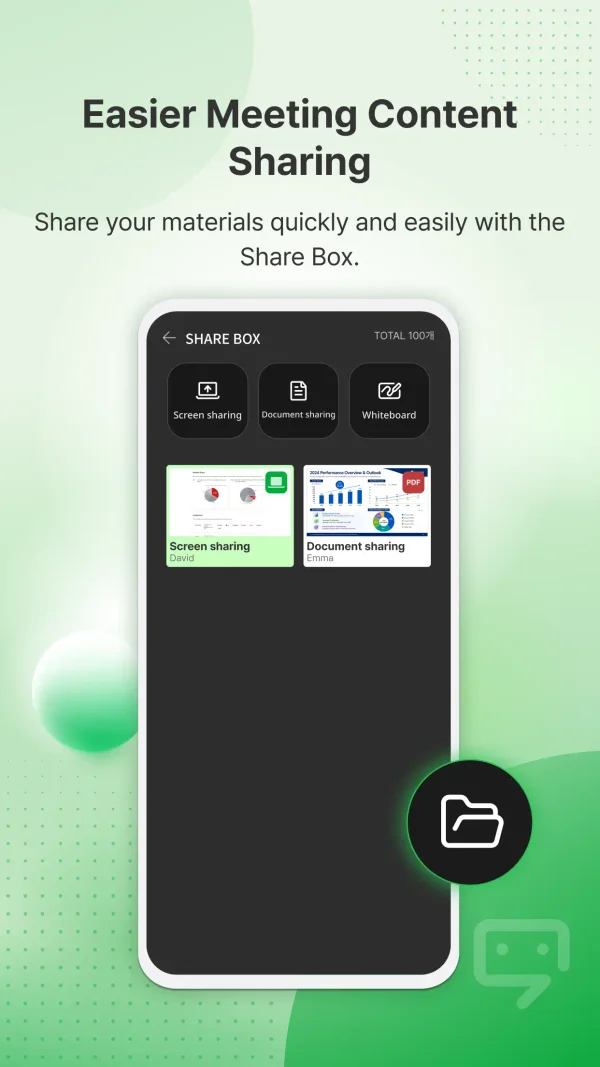
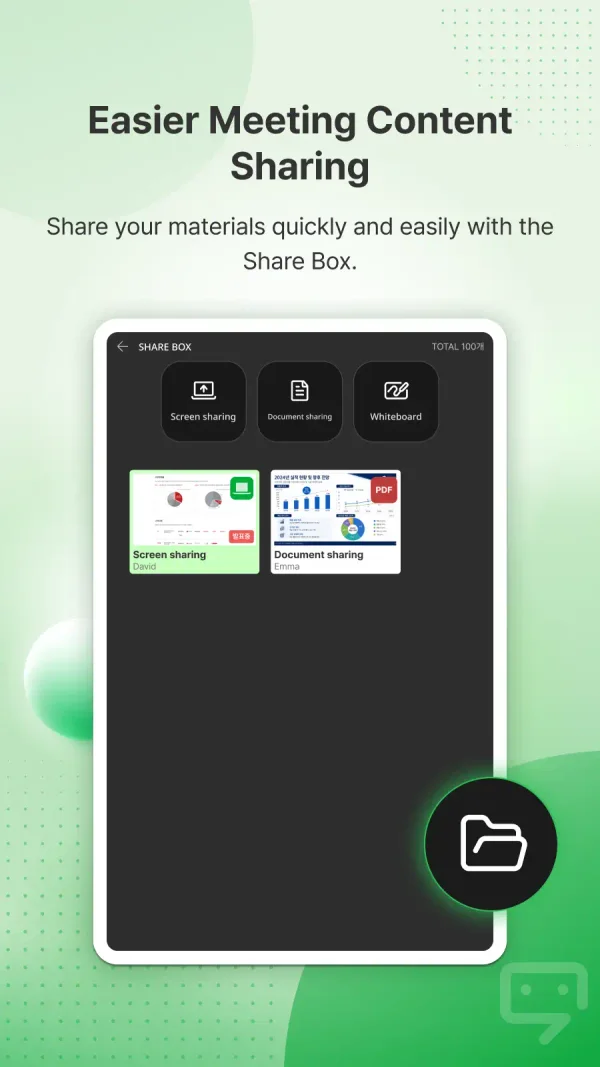
4.PC screen share: RemoteMeeting supports the screen sharing that enhances the online meeting experience.
5.Web presentation: PC participants can use their own documents and give presentation to attendees.
6.Drawing: On the document presentation mode, you can use laser pointers or color pens to easily and clearly explain.
7. AI Meeting Minute: Automatically records meeting content by voice. The meeting minute is sent to the organizer automatically after the meeting ends, and can be easily shared with all participants.
8.Chatting: Share opinions as text message not to disturb ongoing speech or presentation
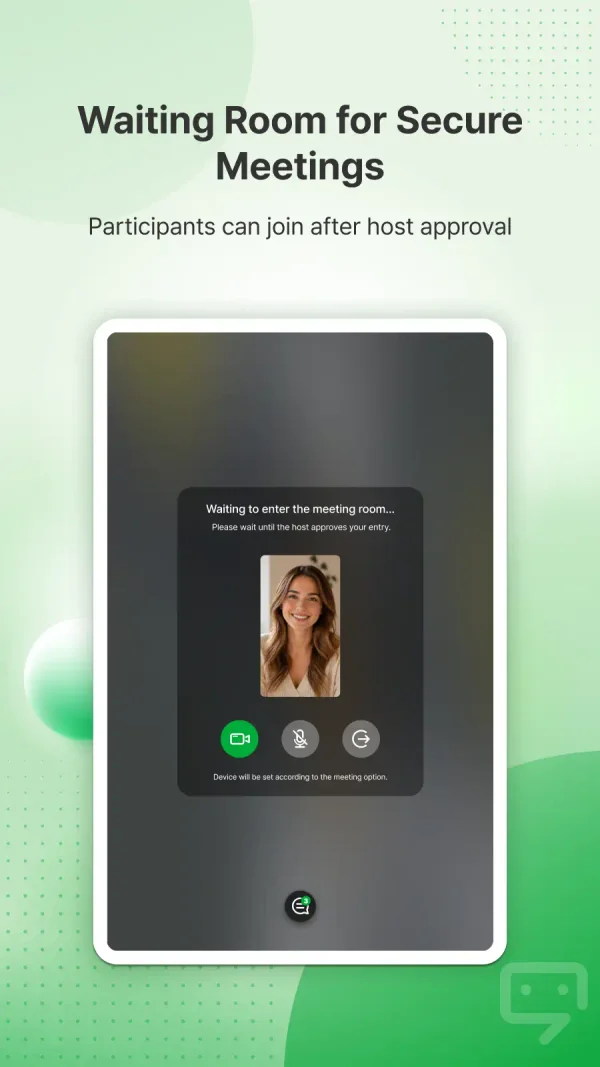
9.Moderator: The moderator can grant or restrict the voice of the meeting participants.
[How to Use]
1. How to start a meeting:
① Launch the app
② Log in
③ Select an empty meeting room in the lounge and the start the meeting
④ Invite other participants by informing the generated access code.
2. How to join a meeting:
① Launch the app
② Log in
③ Join the meeting by selecting an active meeting room in the LOUNGE or by entering the access code.
※ Click the link the invitation email received from the meeting creator to automatically launch the app and join the meeting.
※ Sign up in www.remotemeeting.com to become an account manager. Then, add users to use the service.
※ If you use cellular, the cost of mobile data consumed might be charged from your mobile provider.
Following permissions are required by the app.
◼︎ Required access permissions
[Phone] Used to check phone status and its network details during a meeting.
[Camera] Used to capture the image from the camera for the video conference.
[Microphone] Used to capture the voice from the microphone for the video conference.
[Storage] Used to temporarily save data generated during automatic login and the meeting.
[Nearby device] Utilized for using nearby device during meetings.
◼︎ For Android 6.0 or lower version users, the access permission is automatically agreed with the installation.
◼︎ Access permission can be denied for Android OS 6.0 or higher is available by [Settings]-[Applications]-[Select apps]-[Select permissions]-[Deny].
Data safety
What RSupport Co., Ltd. declares on Google Play about the data this app collects and shares.
- No data shared with third partiesLearn more about how developers declare sharing
- This app may collect these data typesPersonal info, Photos and videos and 4 others
- Data is encrypted in transit
- Data can’t be deleted
What’s new
Version 3.3.1.1 · Nov 11, 2026
- Performance improvements and bug fixes
- Security updates
Developer contact
- Websiteremotemeeting.com
- Emailhelp.rm@rsupport.com
- Privacy policyremotemeeting.com
- Address대한민국 서울특별시 강동구 강동구 고덕비즈밸리로2가길 12(고덕동, 알서포트) 05203
Information
- Offered by
- RSupport Co., Ltd.
- Category
- Productivity
- Version
- 3.3.1.1
- Updated
- Nov 11, 2026
- Released
- Jul 1, 2015
- Requires
- Android 7.0 or later
- Age rating
- Everyone
- Price
- Free
- Package name
- com.rsupport.remotemeeting.application
Similar apps
-
 TapNow - Friends on homescreen
Social
-
 Oznoz Video
Entertainment
-
 TalkLife: Peer Support
Social
-
 Jitsi Meet
Communication
-
 Entiendo - Multilingual Chat
Communication
-
 Hala Video Chat & Voice Call
Communication
-
 Maum: 1 on 1 Voice Chat
Social
-
 Vidogram Lite
Communication
-
 Nimo TV - Live Game Streaming
Entertainment
-
 Comera - Video Calls & Chat
Communication
-
 LiNC(링크)
Entertainment
-
 Trofee - Livestream Shopping
Shopping