Resize Video, Compress & Crop
DOSA AppsContains ads · In-app purchases
- EveryoneAge rating
- Video Players & EditorsCategory
- Oct 21, 2026Updated
- FreePrice
Links to the official Google Play listing of com.resizevideo.resize.video.compress.crop. Last checked on Nov 20, 2026.

Screenshots

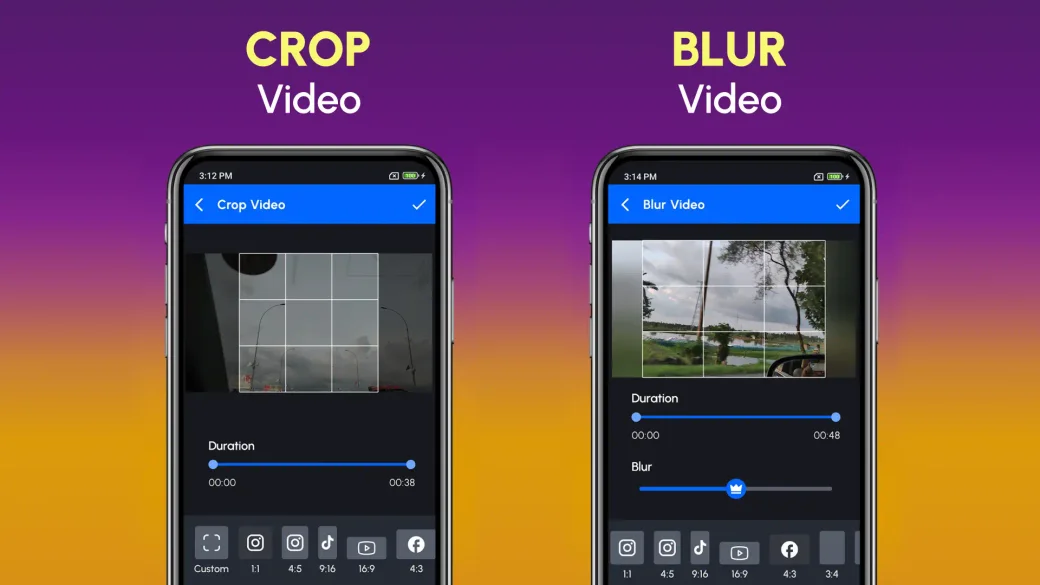
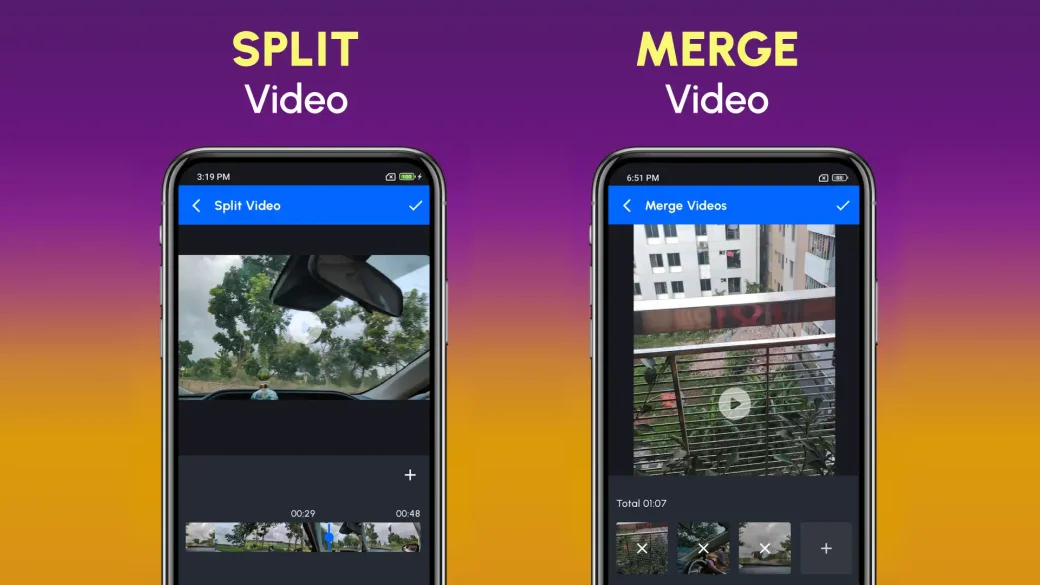
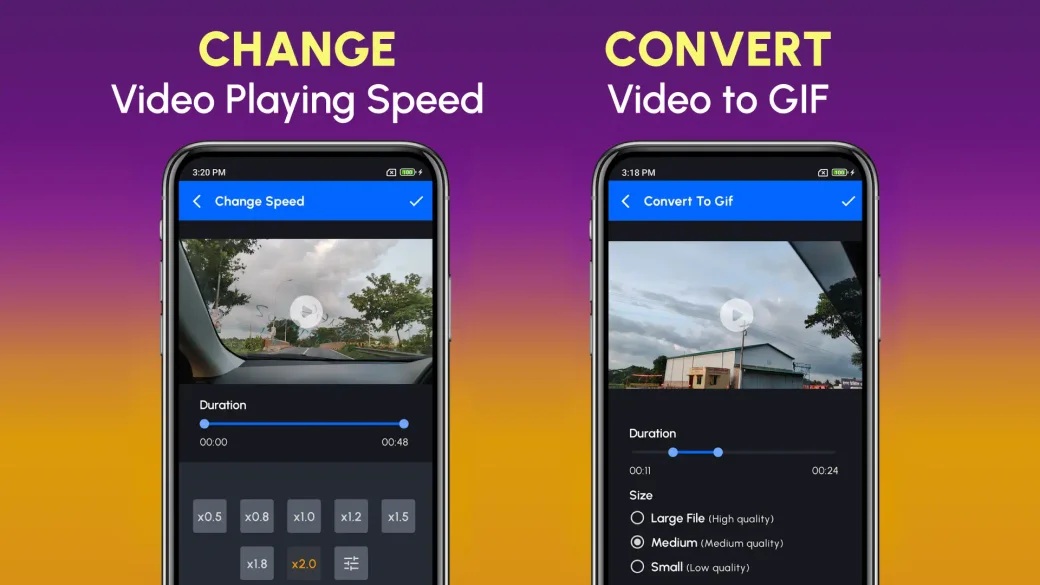
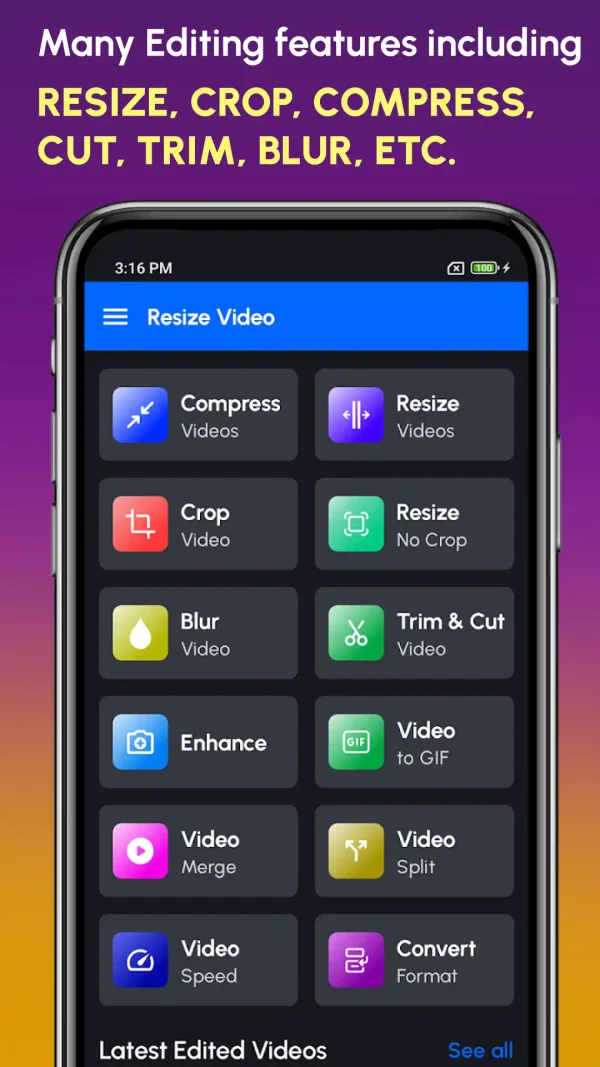
About this app
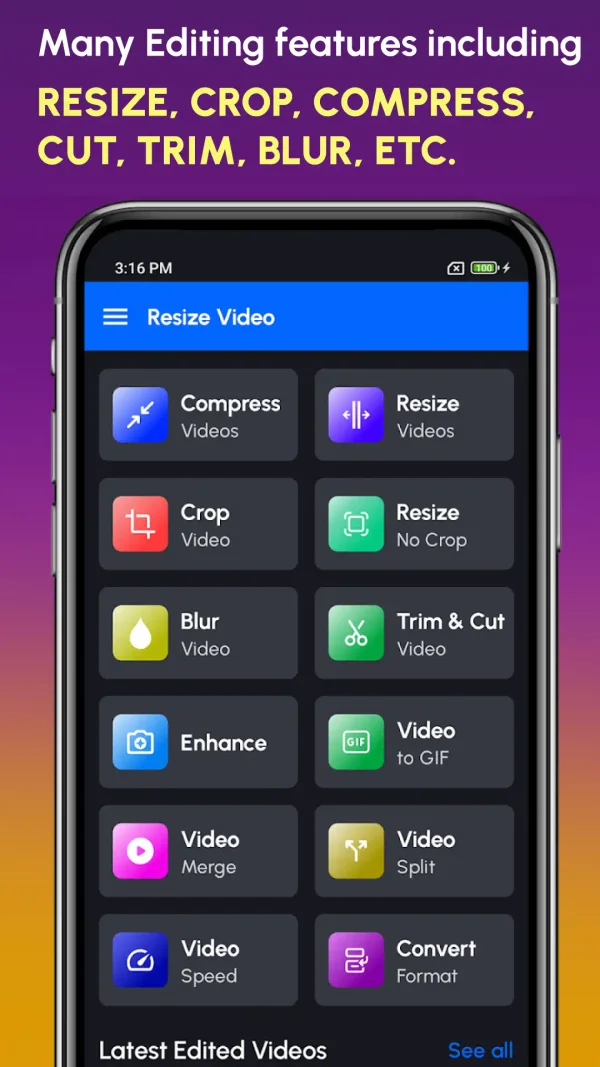
Resize video, decrease video size, crop, blur, trim, cut, merge, split and edit.
Resize: Video Compressor - All-in-One Video Editing Solution!
Looking to efficiently resize clips, compress files, and customize dimensions for easy sharing? Discover the power of Resize: Video Compressor, designed to simplify editing and resizing without compromising quality. With the Crop Video Converter, you can cut, compress, and convert effortlessly, making it the ideal Video Crop Size Reducer for anyone wanting to reduce size for easier sharing and storage.📽️Say goodbye to complex editing tools and enjoy a Video Crop Size Reducer app that combines resizing, compressing, and converting all in one! Keep reading to see how Compress Videos Media Converter can help transform your library.
📄 Resize: Video Compressor Key Features: 📄
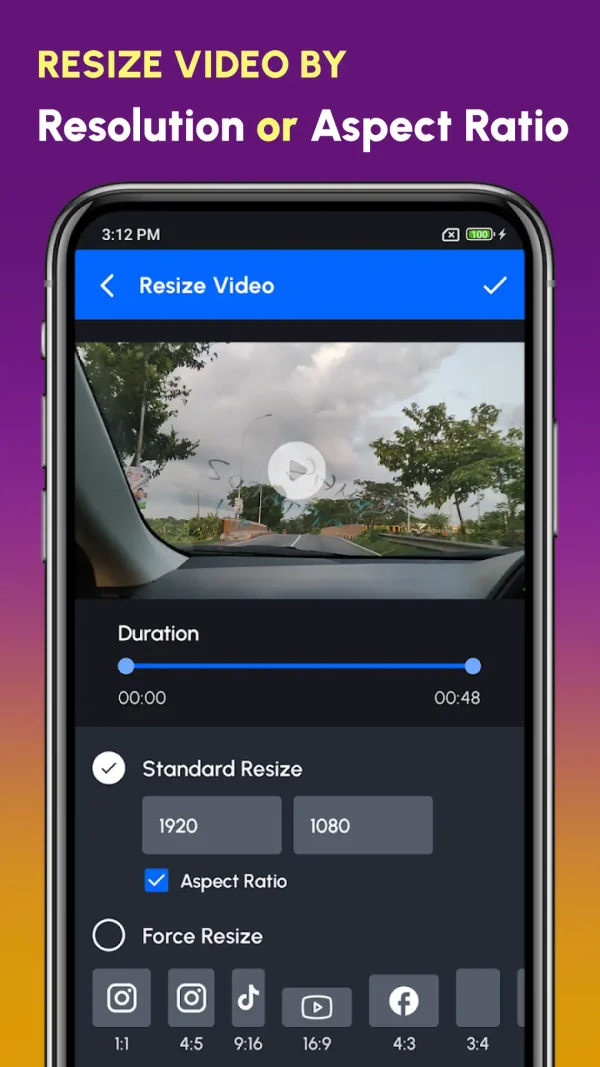
🎥 Video Crop Size Reducer with various aspect ratios and sizes;
🎥 Compress Videos Media Converter - Without losing quality to save storage;
🎥 Crop Video Converter: custom dimensions and easy sharing;
🎥 Convert formats with MP4 Compressor: Video Resizer App;
🎥 Split and trim effortlessly using the Video Splitter: Trim And Cut feature;
🎥 Change ratios quickly with the Video Ratio Changer.
Effortlessly Compress and Resize Videos!
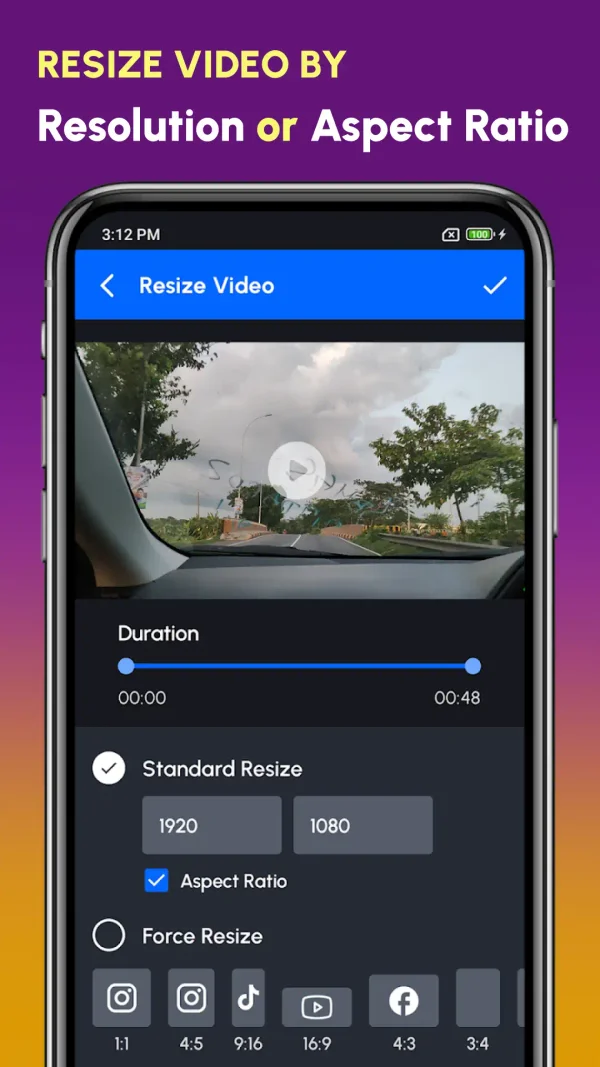
Compress Videos Media Converter reduces large files to manageable sizes, allowing you to upload faster and save device space. Whether working with 4K or regular HD, this app provides a reliable Video Crop Size Reducer that maintains clarity while reducing file size. Adjust the file size and resolution to suit your needs with high-quality or quick compression options.Compress Videos Media Converter: Flexible Cropping:📸
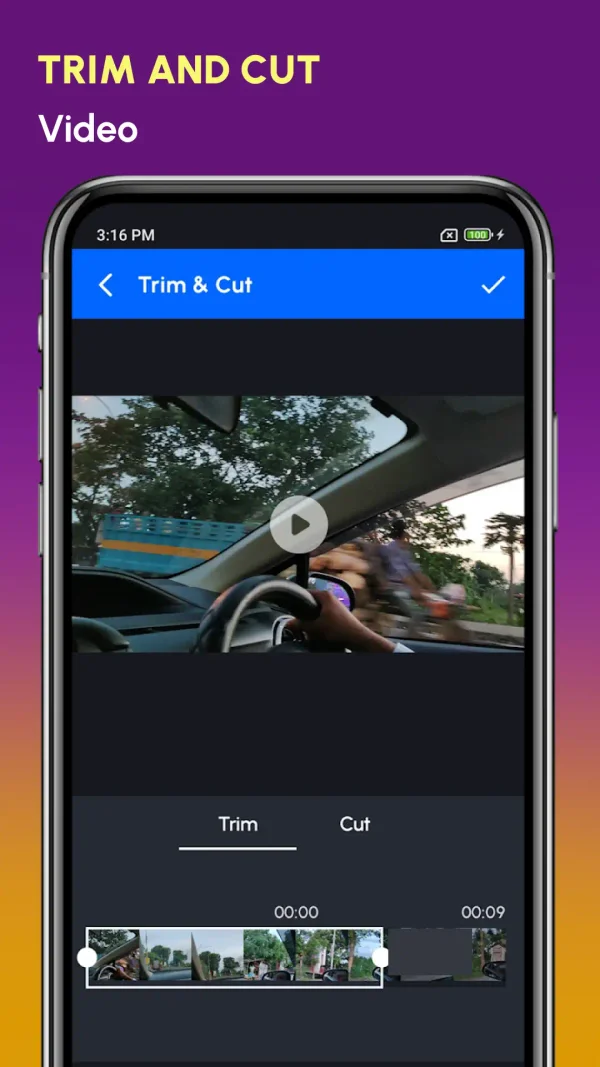
With Crop Video Converter, adjust the dimensions and crop unwanted sections to focus on critical parts. The app offers easy-to-use cropping and trimming options for quick adjustments to create a streamlined version of any clip in seconds. Use Video Splitter: Trim And Cut to cut specific parts and keep only what’s essential.
Convert and Format Clips - Crop Video Converter:🎥
Enjoy flexible conversion with MP4 Compressor: Video Resizer App, allowing you to switch between formats like MP4, MOV, AVI, and more. Video Ratio Changer offers multiple aspect ratio settings, so you can customize each clip to meet your sharing preferences. This MP4 Compressor: Video Resizer App app covers all your needs, from format conversion to aspect ratio changes.
Change Ratios for Every Platform:📹
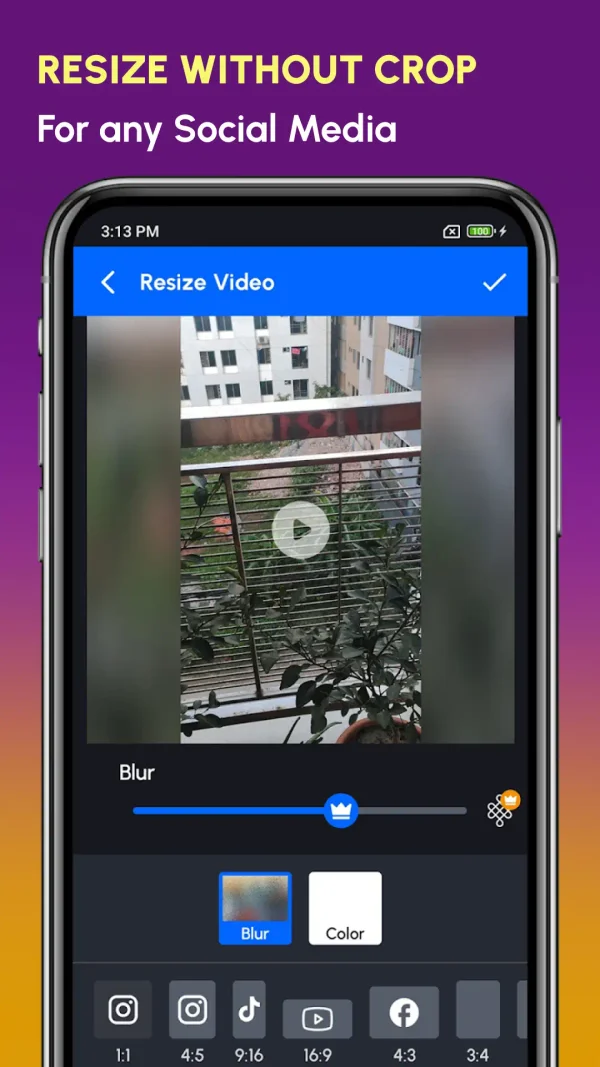
Adjusting your clips for various platforms is easy with Video Ratio Changer. Set specific dimensions for your clips to ensure compatibility across social media channels. With predefined options for popular platforms, this Video Splitter: Trim And Cut app ensures your clips fit perfectly every time, no matter where you’re sharing.
Try Resize: Video Compressor for Easy Editing!
Explore a seamless way to edit, resize, and compress with Resize: Video Compressor. This app offers a powerful solution for anyone looking to optimize their clips for storage and sharing. Don’t miss out on the ultimate Resize: Video Compressor tool for resizing, cropping, compressing, and converting clips all in one place!Data safety
What DOSA Apps declares on Google Play about the data this app collects and shares.
- This app may share these data types with third partiesDevice or other IDs
- No data collectedLearn more about how developers declare collection
- Data is encrypted in transit
- Data can’t be deleted
What’s new
Version 3.1.0 · Oct 21, 2026
✅ Fixed Bugs and Crashes
✅ Improved video operations
Developer contact
- Websitedosaapps.com
- Emailsupport.resizevideo@dosaapps.com
- Privacy policydosaapps.com
- Address26 Leshem MEVASSERET ZION, 9077520 Israel
Information
- Offered by
- DOSA Apps
- Category
- Video Players & Editors
- Version
- 3.1.0
- Updated
- Oct 21, 2026
- Released
- Aug 4, 2023
- Requires
- Android 7.0 or later
- Age rating
- Everyone
- Price
- Free
- In-app purchases
- $0.99 - $99.99 per item
- Package name
- com.resizevideo.resize.video.compress.crop
Similar apps
-
 Captiono: AI Subtitles
Video Players & Editors
-
 YouCut - Video Editor & Maker
Video Players & Editors
-
 KiWi Vault: Hide Photos, Video
Tools
-
 Node Video
Video Players & Editors
-
 Captions Lite
Video Players & Editors
-
 Manual Camera DSLR (Lite)
Photography
-
 LightCut -AI Auto Video Editor
Video Players & Editors
-
 VideoFX Music Video Maker
Video Players & Editors
-
 YouCam Video: AI Video Editor
Video Players & Editors
-
 FilmoraHD - Video Creator
Video Players & Editors
-
 Persona: Beauty Camera
Photography
-
 Smart Video Crop - Video Cut
Video Players & Editors