RICOH CloudStream
Ricoh Co., Ltd.- EveryoneAge rating
- ProductivityCategory
- Oct 22, 2026Updated
- FreePrice
Links to the official Google Play listing of com.ricoh.cloudstream. Last checked on Nov 17, 2026.

Screenshots
About this app
Mobile and driverless printing together with your RICOH CloudStream
**RICOH CloudStream is NOT designed for consumer home use**
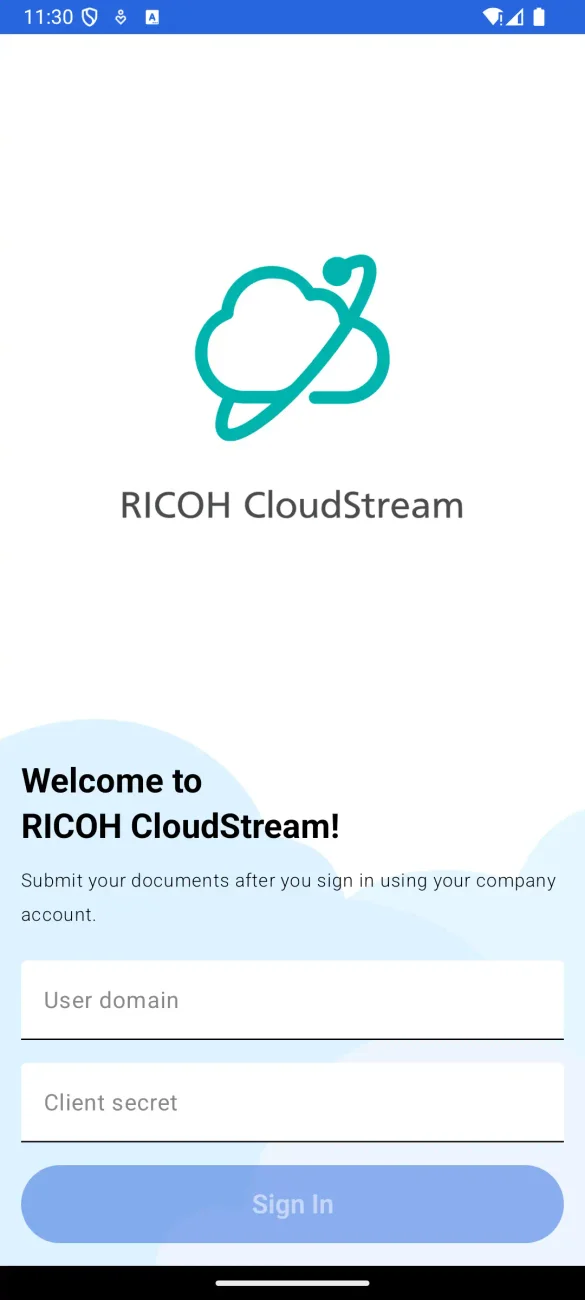
For Education and Enterprise customers using RICOH CloudStream for their mobile and driverless printing, use this Android App, to print natively from within the applications you use on your Android device.
This App works in combination with the RICOH CloudStream server to have authenticated secure printing from mobile Android devices to the RICOH CloudStream print server and the customers print accounting/print management infrastructure.
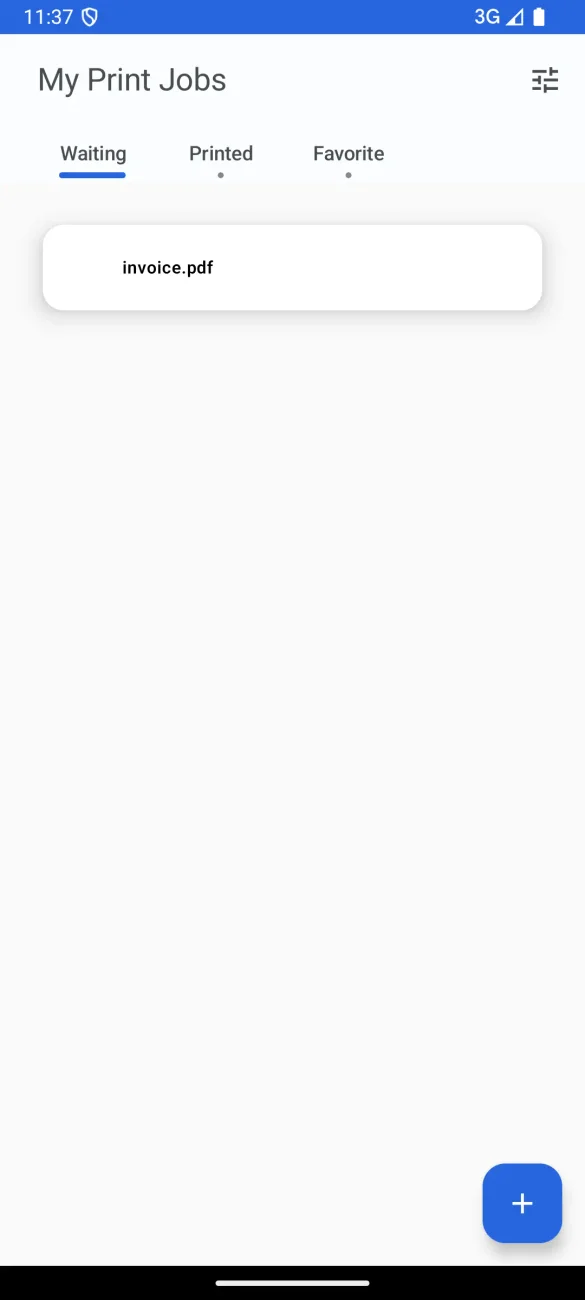
Print by selecting "Share", "Open in..", "Complete Action Using" or similar depending on the application. Depending on the RICOH CloudStream server configuration, you may be prompted for a username and password, and have the option to choose your destination printer.
Higher Education institutions can let their students print authenticated with full accountability, from their Android device over the WiFi network to their printing infrastructure, which could include integration to a print accounting solution.
Corporate organizations, from small businesses to large multi-national enterprises, can let their employees and guests print securely from their Android devices with full integration to the corporate printing infrastructure and print management systems.
Data safety
What Ricoh Co., Ltd. declares on Google Play about the data this app collects and shares.
- No data shared with third partiesLearn more about how developers declare sharing
- No data collectedLearn more about how developers declare collection
What’s new
Version 2026.10.15.1 · Oct 22, 2026
Updated wording for advanced finishing options.
Developer contact
- Emailricoh_cloudstream_support_site_admin@jp.ricoh.com
- Privacy policyricoh.com
- Address1-3-6, NAKAMAGOME OTA-KU, 東京都 143-0027 Japan
Information
- Offered by
- Ricoh Co., Ltd.
- Category
- Productivity
- Version
- 2026.10.15.1
- Updated
- Oct 22, 2026
- Released
- Sep 17, 2024
- Requires
- Android 8.0 or later
- Age rating
- Everyone
- Price
- Free
- Package name
- com.ricoh.cloudstream