RICOH Device Manager NX
Ricoh Co., Ltd.- EveryoneAge rating
- BusinessCategory
- Apr 2, 2018Updated
- FreePrice
Links to the official Google Play listing of com.ricoh.mdm.cm.mobile.android. Last checked on Nov 22, 2026.
Screenshots

About this app
RICOH Device Manager NX allows for highly efficient device management.
To use this application, the Device Manager NX Pro/Enterprise server software is required. For customers who wish to use this, please contact your nearest RICOH subsidiary or distributor.
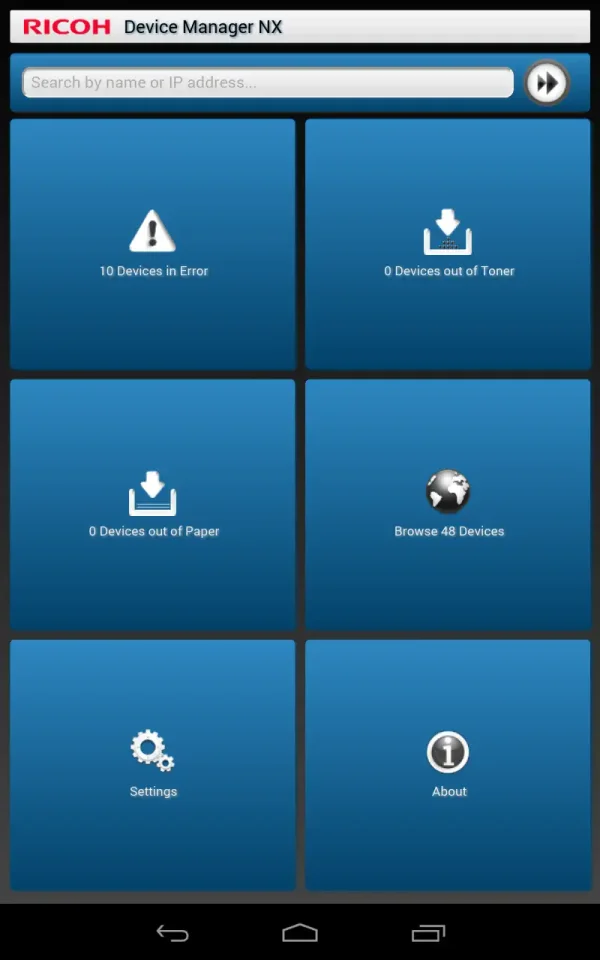
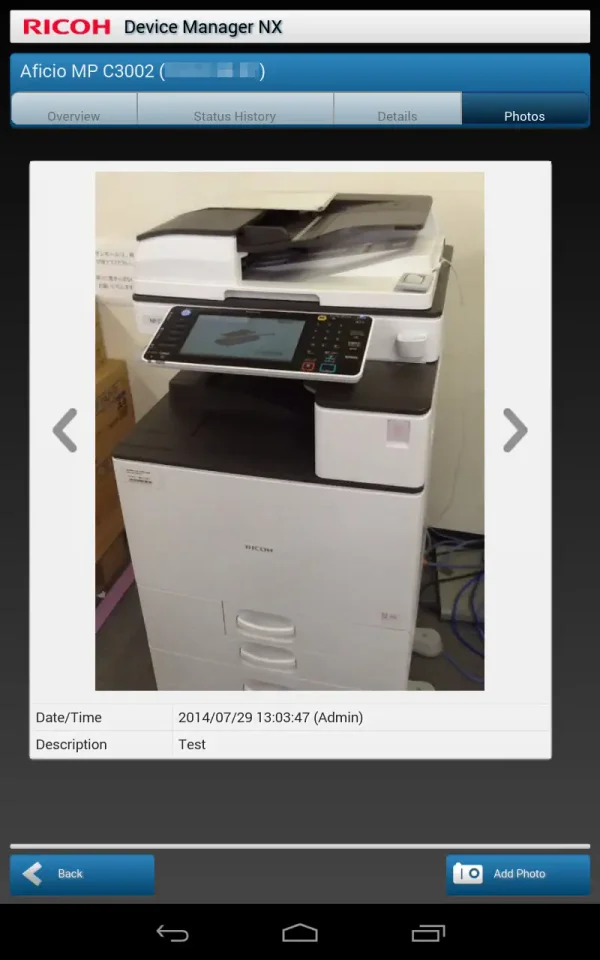
When connected to Device Manager NX Pro/Enterprise, RICOH Device Manager NX allows for highly efficient device management. In addition to displaying a list of managed devices and device overviews, it allows users to upload photos and register them to devices in Device Manager NX Pro/Enterprise.
Major features:
- Display a list of managed devices
- Display a list of devices encountering errors, out of toner, and out of paper statuses
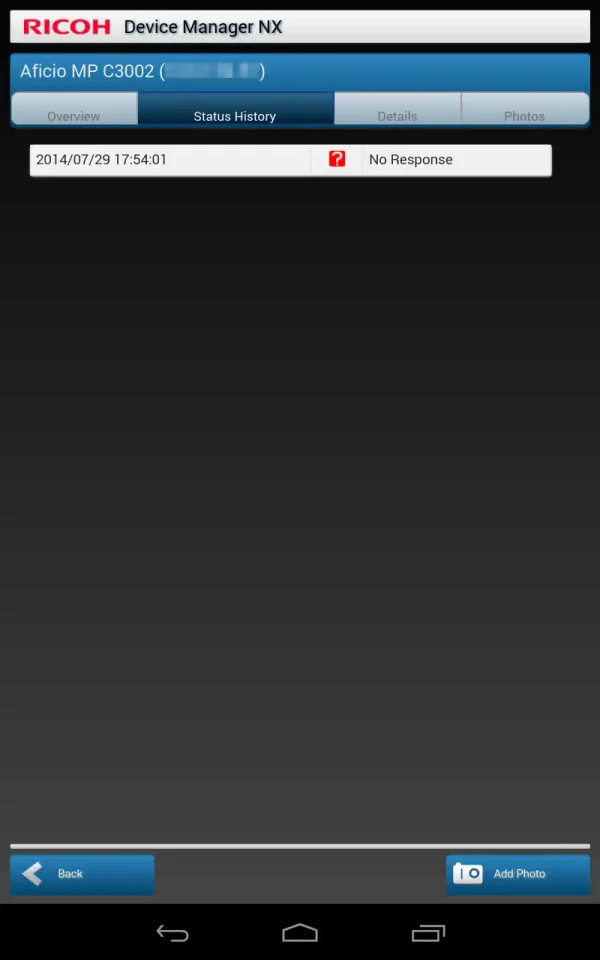
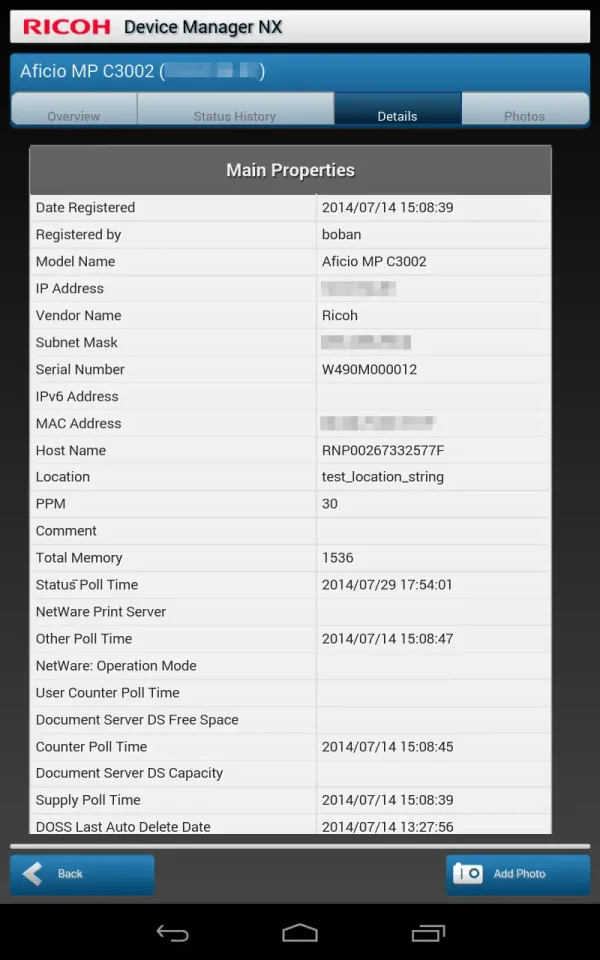
- Display device overviews, details, status histories, and photos
- Upload photos to Device Manager NX Pro/Enterprise
Usage preparation:
1. Turn on the Mobile Device Access function in Device Manager NX Pro/Enterprise.
2. Activate RICOH Device Manager NX on the smart devices and configure the connection to Device Manager NX Pro/Enterprise.
Data safety
What Ricoh Co., Ltd. declares on Google Play about the data this app collects and shares.
- No data shared with third partiesLearn more about how developers declare sharing
- No data collectedLearn more about how developers declare collection
Developer contact
- Websitericoh.com
- Emailzjc_SLNXv3_mobileapp_support@jp.ricoh.com
- Privacy policyricoh.com
- Address1-3-6, NAKAMAGOME OTA-KU, 東京都 143-0027 Japan
Information
- Offered by
- Ricoh Co., Ltd.
- Category
- Business
- Version
- 1.0.3
- Updated
- Apr 2, 2018
- Released
- Aug 12, 2014
- Requires
- Android 4.3 or later
- Age rating
- Everyone
- Price
- Free
- Package name
- com.ricoh.mdm.cm.mobile.android