RICOH Smart Device Connector
Ricoh Co., Ltd.- EveryoneAge rating
- ProductivityCategory
- Oct 21, 2026Updated
- FreePrice
Links to the official Google Play listing of com.ricoh.smartdeviceconnector. Last checked on Nov 27, 2026.
Screenshots
About this app
Control Ricoh MFP and projector functions from an Android–based smart device.
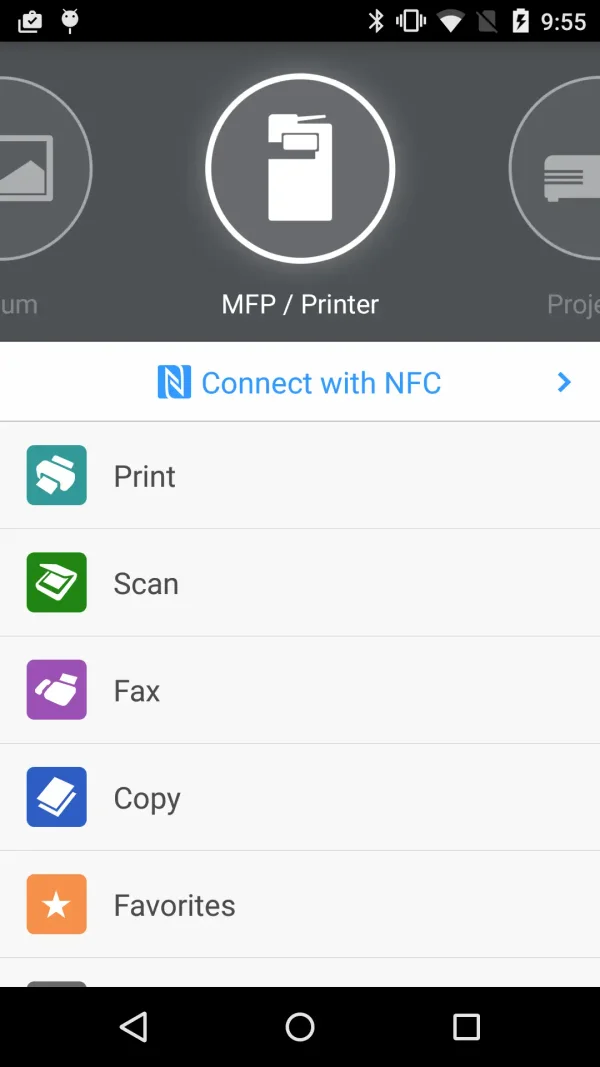
RICOH Smart Device Connector lets you quickly access a RICOH multifunction printer (MFP) or projector by registering it with a smart device via NFC, Bluetooth Low Energy, a QR code, or the IP address or hostname of an MFP.
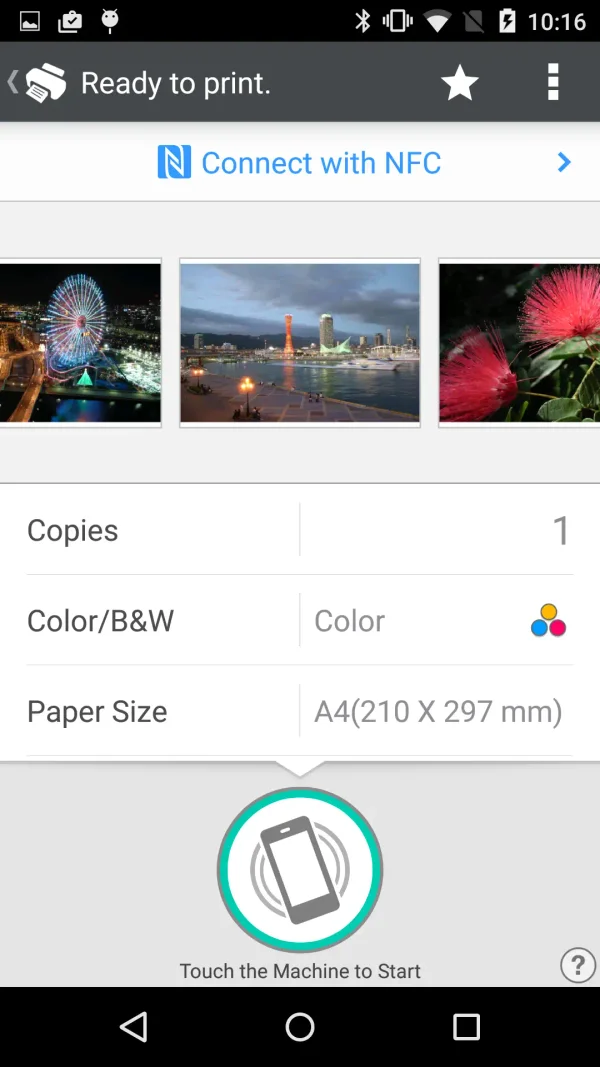
Print-related features:
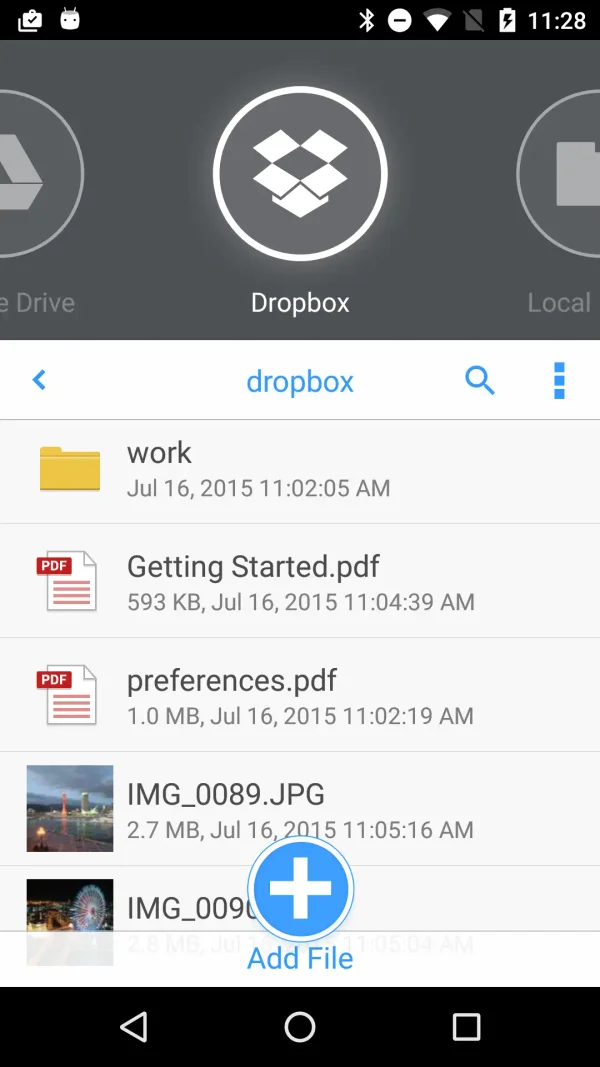
- Print or project documents and images stored on a smart device or on Box, Dropbox, Google Drive, Microsoft OneDrive.
- Print emails, file attachments, and webpages.
- Print from print server.
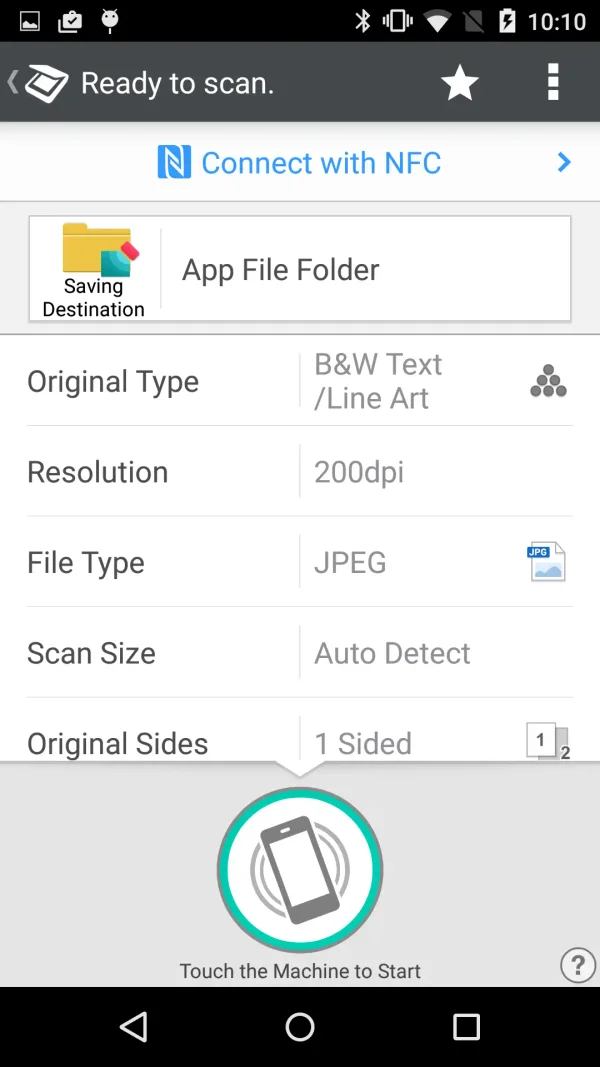
Scan-related features:
- Scan to a smart device or to Box, Dropbox, Google Drive, or Microsoft OneDrive.
Projection-related features:
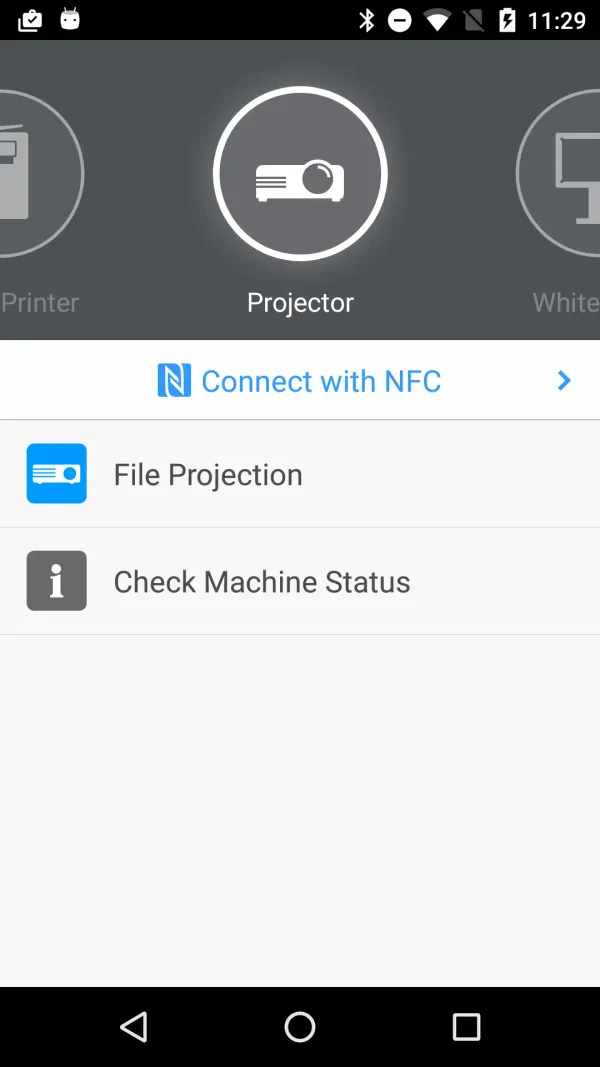
- Project documents and images on a smart device or in Box, Dropbox, Google Drive, or Microsoft OneDrive to a RICOH projector and the RICOH Interactive Whiteboard.*
- Project emails, file attachments, and webpages.
- Save documents that have been annotated on the RICOH Interactive Whiteboard.
Other features:
- Conduct user authentication by using a smart device.
- Automatically search for available machines on the same network.**
Supported languages:
Arabic, Brazilian Portuguese, Catalan, Chinese (Traditional and Simplified), Czech, Denmark, Dutch, English, Finnish, French, German, Greek, Hebrew, Hungarian, Italian, Japanese, Korean, Norwegian, Polish, Portuguese, Russian, Spanish, Swedish, Thai, Turkish, Vietnamese
Supported models:
https://www.ricoh.com/software/connector/
*RICOH Interactive White Board D6500/D5510 requires firmware v1.7 or later.
**Except for the RICOH Interactive Whiteboard.
Data safety
What Ricoh Co., Ltd. declares on Google Play about the data this app collects and shares.
- This app may share these data types with third partiesApp activity and Device or other IDs
- No data collectedLearn more about how developers declare collection
- Data is encrypted in transit
- Data can’t be deleted
What’s new
Version 3.17.0 · Oct 21, 2026
- Added support for Android 17.
- Improved the UI when signing in to Box.
- Fixed an issue where print server discovery could fail in some environments.
Developer contact
- Emailzjc_SDC-SUPPORT@jp.ricoh.com
- Privacy policyricoh.com
- Address1-3-6, NAKAMAGOME OTA-KU, 東京都 143-0027 Japan
Information
- Offered by
- Ricoh Co., Ltd.
- Category
- Productivity
- Version
- 3.17.0
- Updated
- Oct 21, 2026
- Released
- Sep 22, 2014
- Requires
- Android 7.0 or later
- Age rating
- Everyone
- Price
- Free
- Package name
- com.ricoh.smartdeviceconnector
Similar apps
-
 Rocket Lawyer Legal & Law Help
Productivity
-
 MonokaiToolkit
Productivity
-
 Poe - Fast AI Chat
Productivity
-
 everyday Habit Tracker
Productivity
-
 Captiono: AI Subtitles
Video Players & Editors
-
 Aomi Japanese: Speaking
Education
-
 Chegg: Solve tough concepts
Education
-
 iTalkuTalk: AI recognition
Education
-
 MJ - Smarter AI Chatbot
Tools
-
 Help AI: Your Homework With AI
Education
-
 myReach - AI Assistant
Productivity
-
 StoryPop: Host Game Nights
Entertainment