RICOH Support Station
Ricoh Co., Ltd.- EveryoneAge rating
- ProductivityCategory
- Dec 2, 2025Updated
- FreePrice
Links to the official Google Play listing of com.ricoh.paprika. Last checked on Nov 25, 2026.

Screenshots





About this app
Easy printer or MFP setup guide.
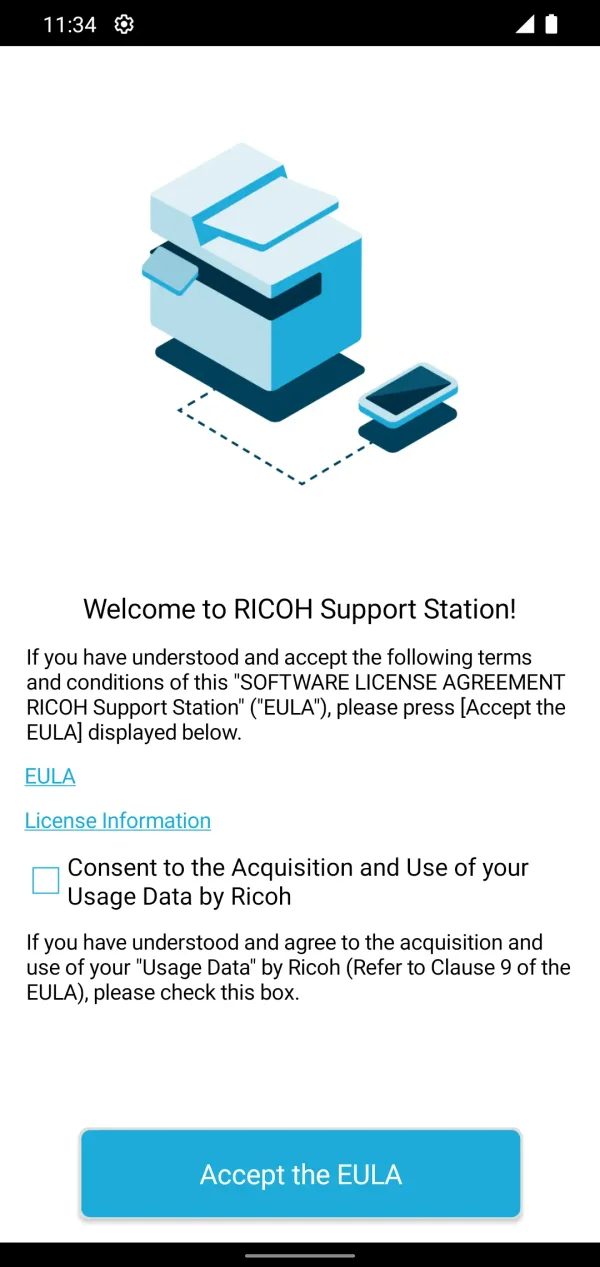
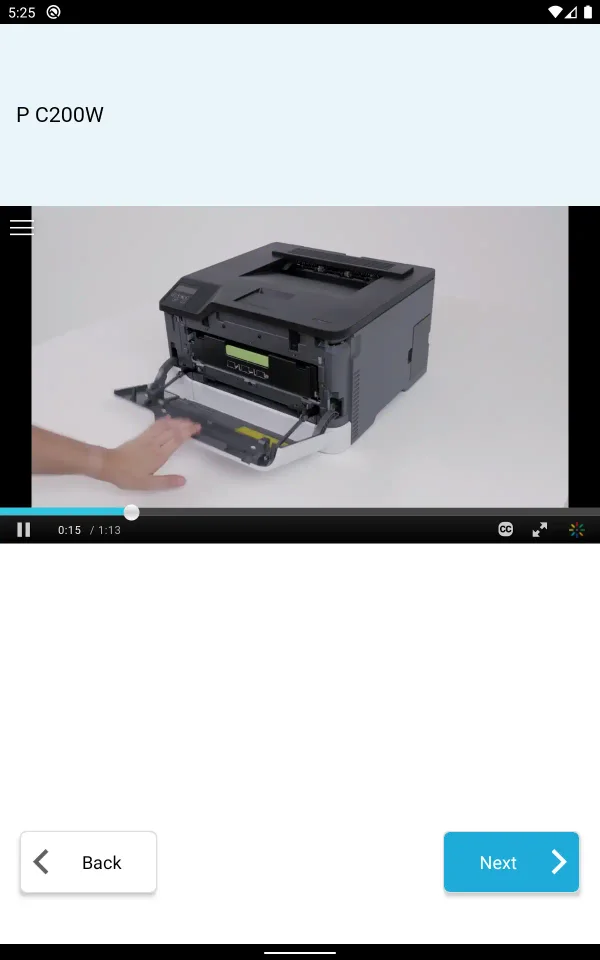
"RICOH Support Station" assists you in every step of the way in working with your RICOH printer.
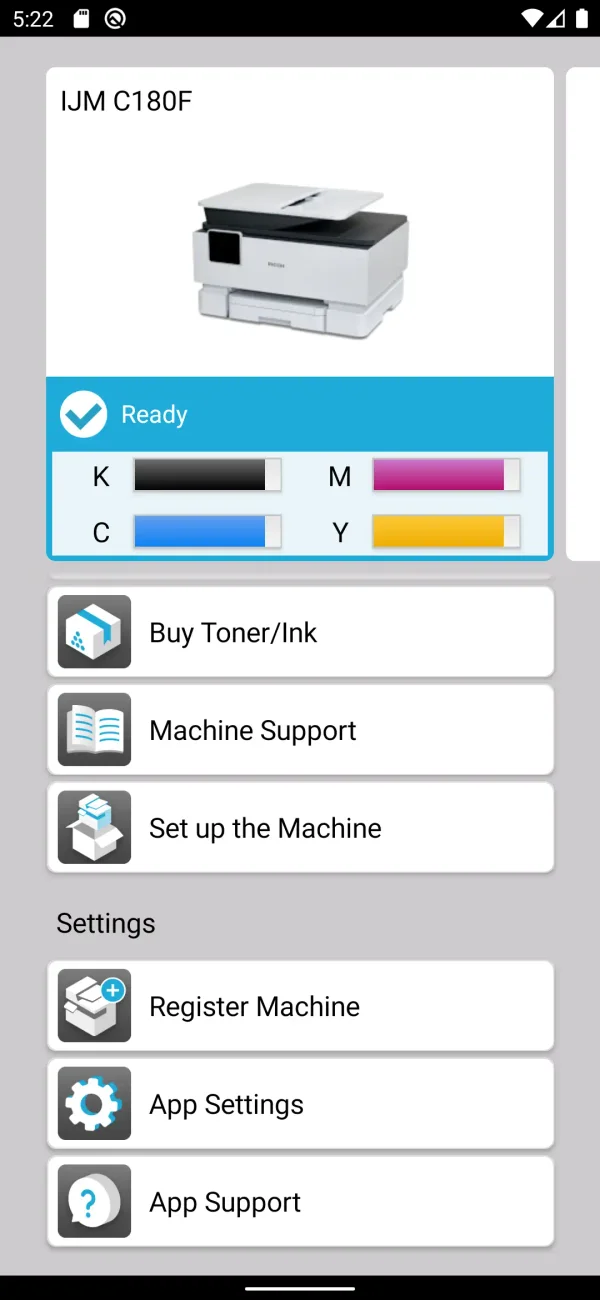
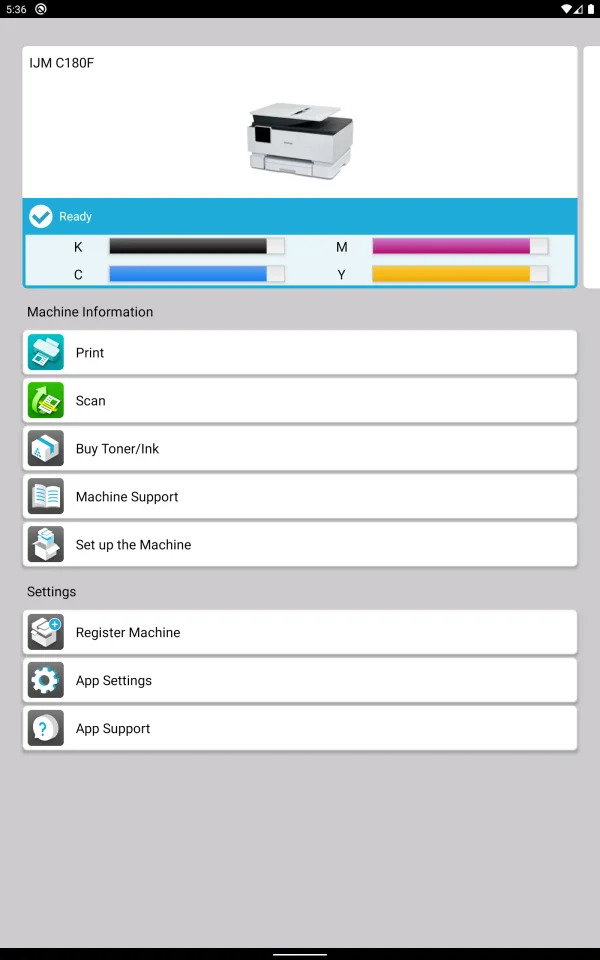
You can directly access easy setup guide, check the machine’s status and toner levels, and order supplies from your smart device.
RICOH Support Station also navigates you to find answers to your questions about your printer or MFP.
Main features
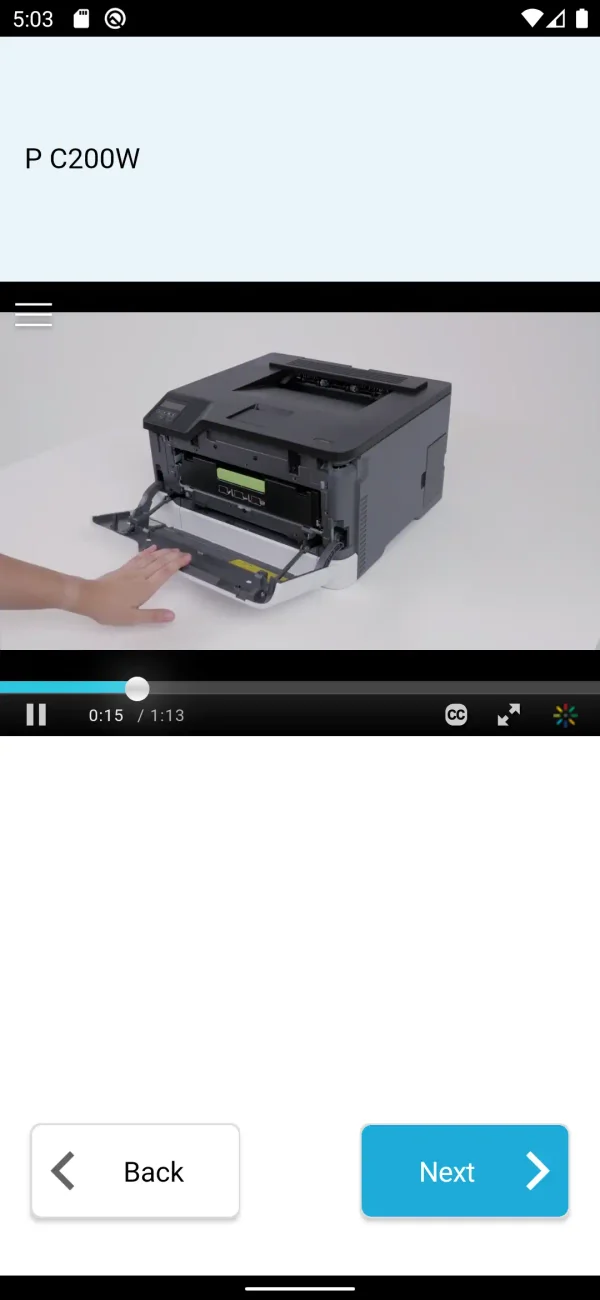
Easy printer or MFP setup guide:
- Provides guidance for every step of the process from unboxing, loading paper and installing toner or ink for ready to use.
Network setting guide and registration on your smart device:
- Provides guidance on how to connect your printer or MFP to network.
- Automatically searches for your printer or MFP to register it on RICOH Support Station App.
*Your smart device and printer or MFP must be connected to the same network.
Printer driver installation guide:
- Provides guidance to a website to download printer drivers to your PC.
Printing:
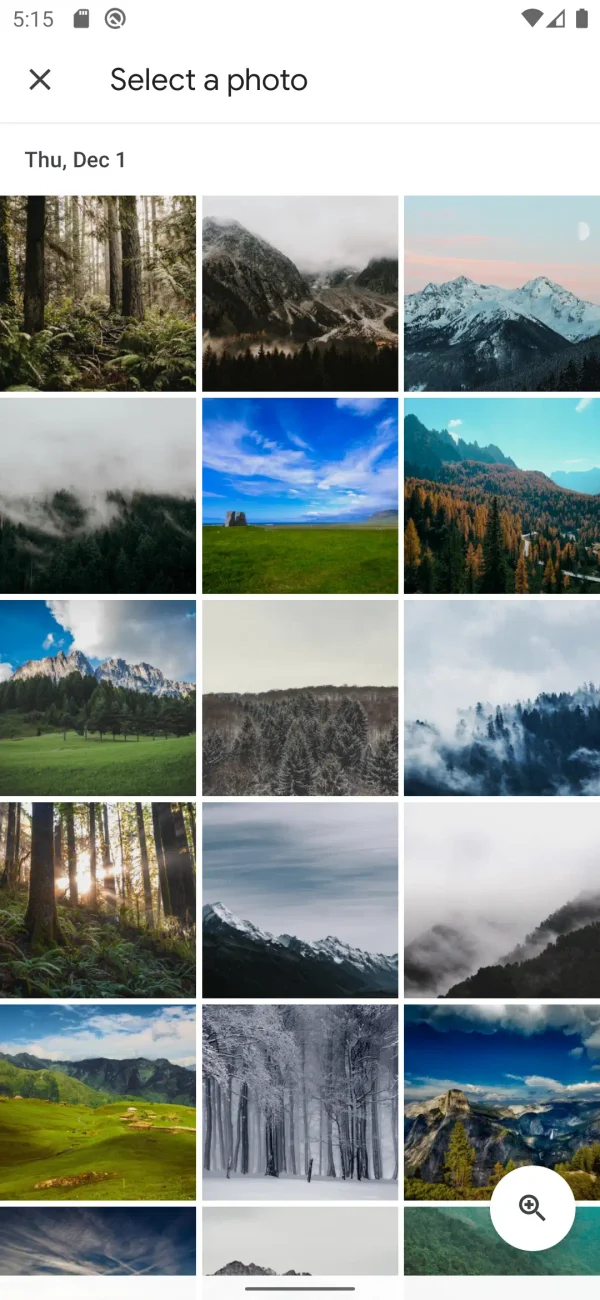
- Available to print documents and photos stored locally in your device or in OneDrive, Dropbox, Google Drive or Box.
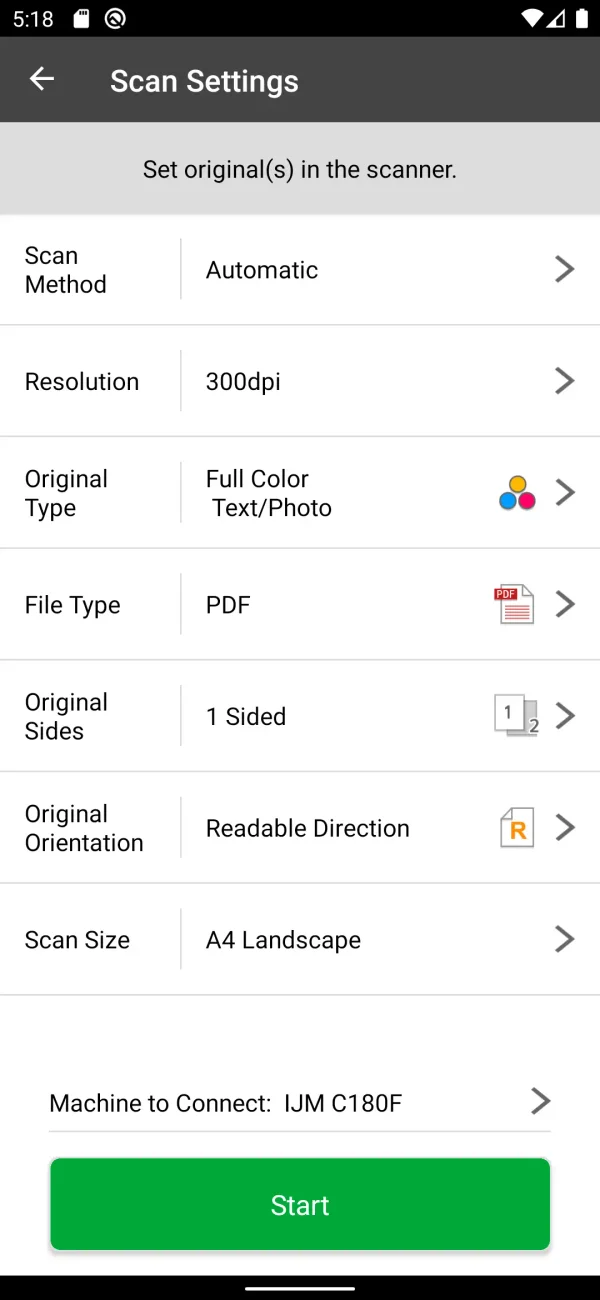
Scanning:
- Available to save scanned documents and photos to your device.
- Available to share scanned documents and photos with other apps.
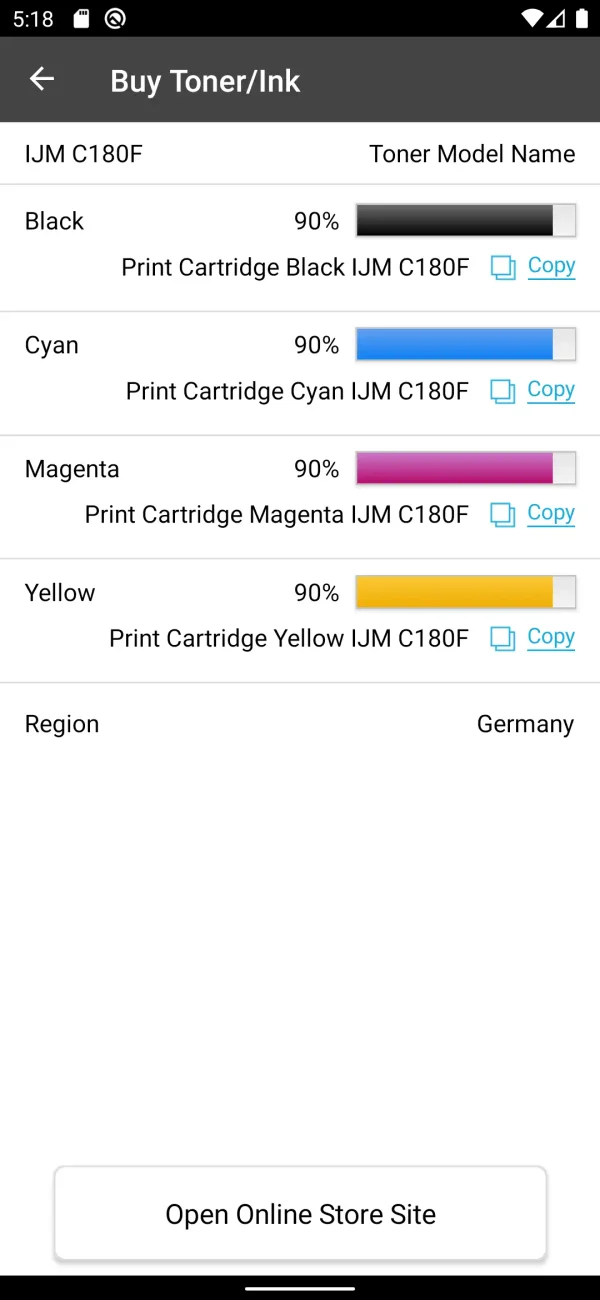
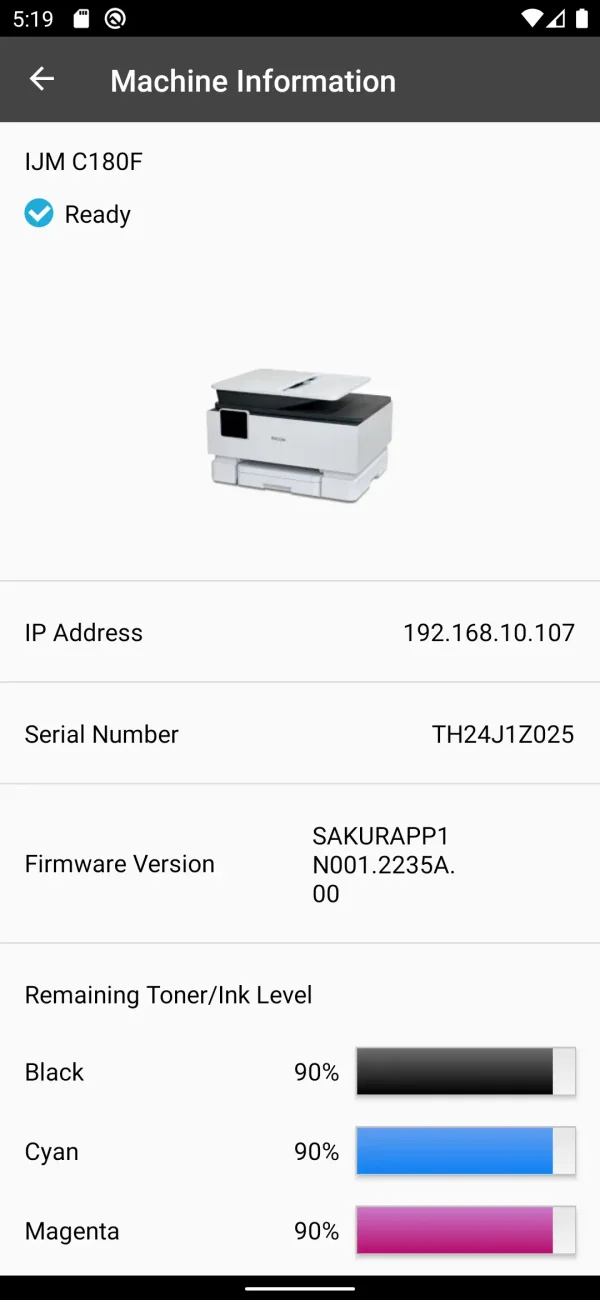
Checking printer or MFP status and toner or ink levels:
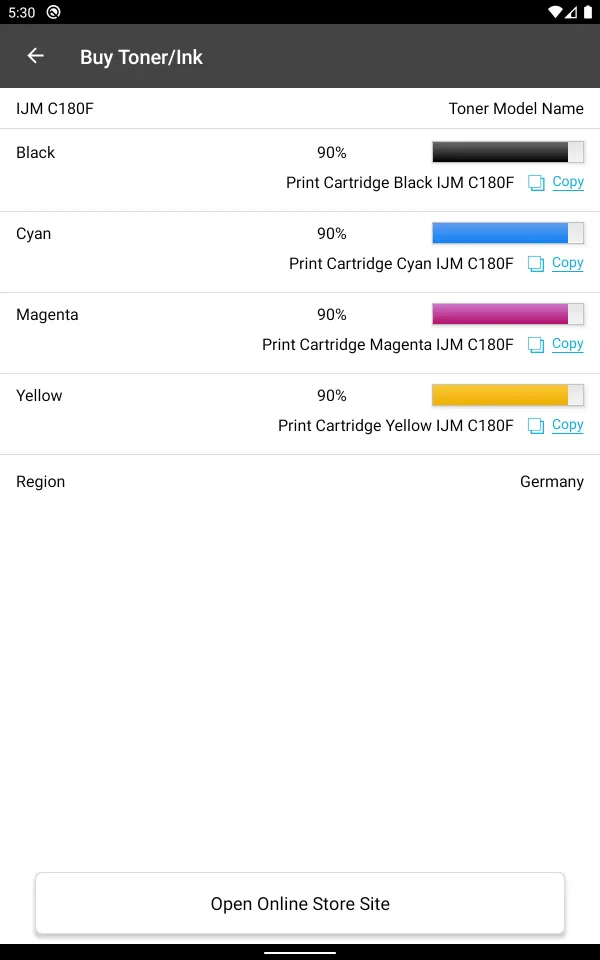
- Available to check how much toner remains.
- When it is almost depleted, a message notifies that a replacement toner is required.
Easy supply ordering guide:*
- Guides you access to ordering page for replacement toner.
*Pre-registration is required.
*This function may not be available in some regions.
Troubleshooting guide of your printer or MFP
- Guides you to access FAQ or operating manual of the registered printer or MFP.
Supported languages:
- English, French, German, Italian, Spanish, Dutch, Japanese
For details, please refer to the following URL:
https://www.ricoh.com/software/support-station/gateway
Data safety
What Ricoh Co., Ltd. declares on Google Play about the data this app collects and shares.
- This app may share these data types with third partiesLocation, App activity and 3 others
- This app may collect these data typesLocation, App activity and 3 others
- Data is encrypted in transit
- Data can’t be deleted
What’s new
Version 2.1.4 · Dec 2, 2025
Minor improvements have been made.
Developer contact
- Websitericoh.com
- Emailzjc_rdp_solution_support@jp.ricoh.com
- Privacy policyricoh.com
- Address1-3-6, NAKAMAGOME OTA-KU, 東京都 143-0027 Japan
Information
- Offered by
- Ricoh Co., Ltd.
- Category
- Productivity
- Version
- 2.1.4
- Updated
- Dec 2, 2025
- Released
- Feb 16, 2022
- Requires
- Android 8.0 or later
- Age rating
- Everyone
- Price
- Free
- Package name
- com.ricoh.paprika