RICOH THETA
Ricoh Co., Ltd.- EveryoneAge rating
- PhotographyCategory
- Feb 12, 2025Updated
- FreePrice
Links to the official Google Play listing of com.theta360. Last checked on Nov 19, 2026.

Screenshots

About this app
RICOH THETA captures your entire surroundings with a single shutter click.
Make life fun and work convenient with the 360° camera RICOH THETA
The 360° camera RICOH THETA greatly surpasses your field of view to capture the entire surroundings with a single shutter click.
You can view and share on a computer or smartphone the images and videos you shoot.
This app enables you to do every task, specifically taking images and videos, viewing them and also sharing them, on your smartphone.
* A separately sold RICOH THETA series camera is required to shoot spherical images.
◊ RICOH THETA and Wi-Fi connection
Be sure to install this app onto your smartphone and connect it to a RICOH THETA series camera.
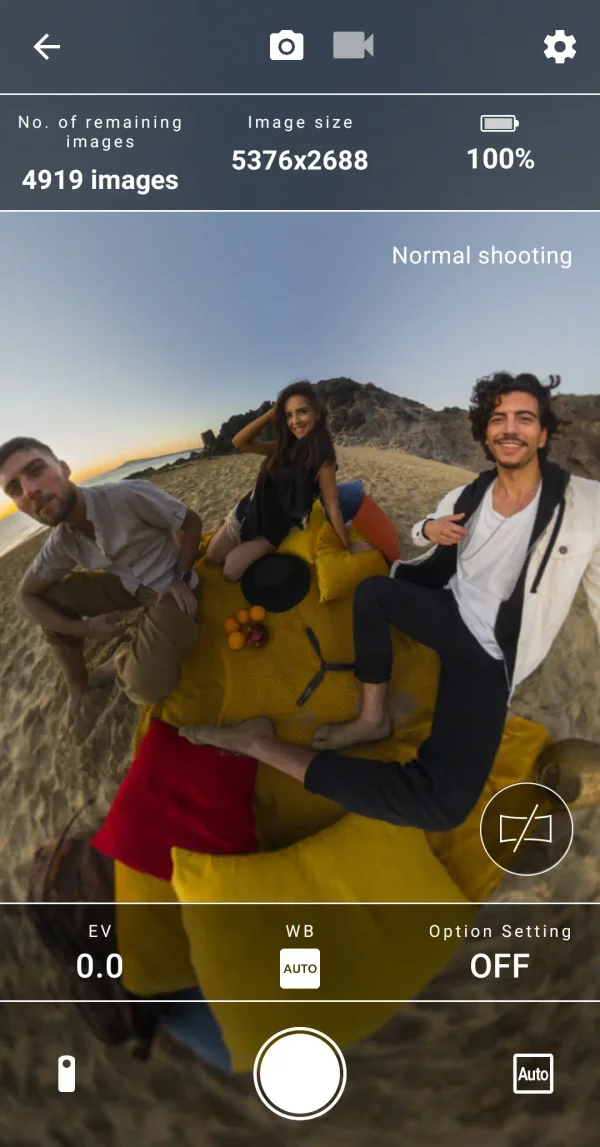
Using this app will enable you to capture images remotely and view spherical images.
- Remote shooting
In still image mode, you can shoot while checking images in live view.
You can also switch between still image mode and video mode by the app.
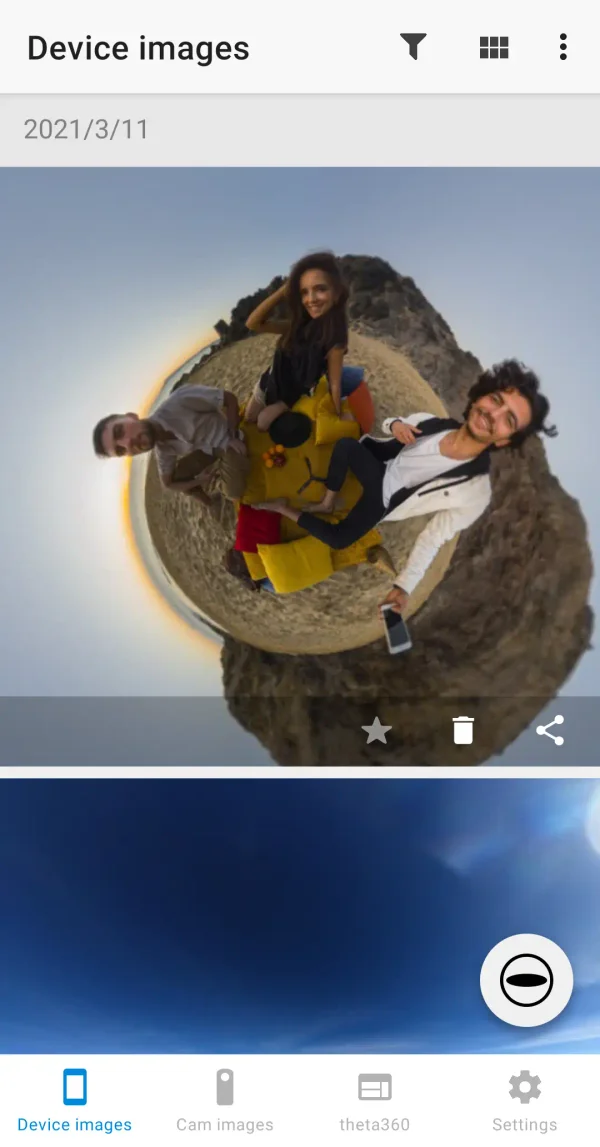
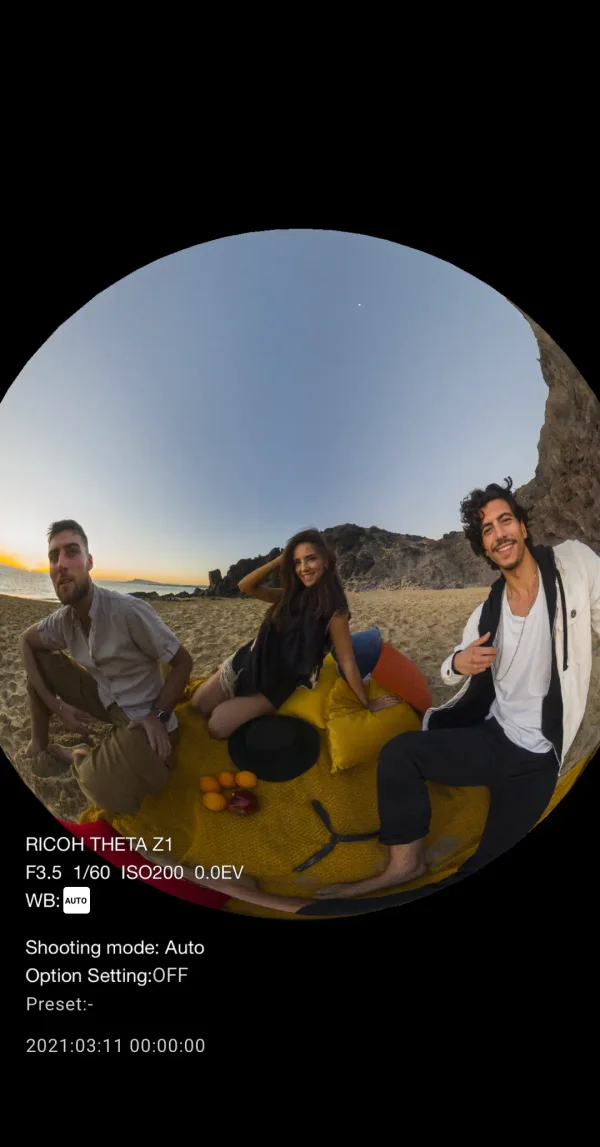
- Viewing
Captured images and videos can be viewed using this app.
Spin around, enlarge, or shrink... Experience the fun of seeing the entire space around you in a spherical image.
◊ Sharing on Social Networking Services
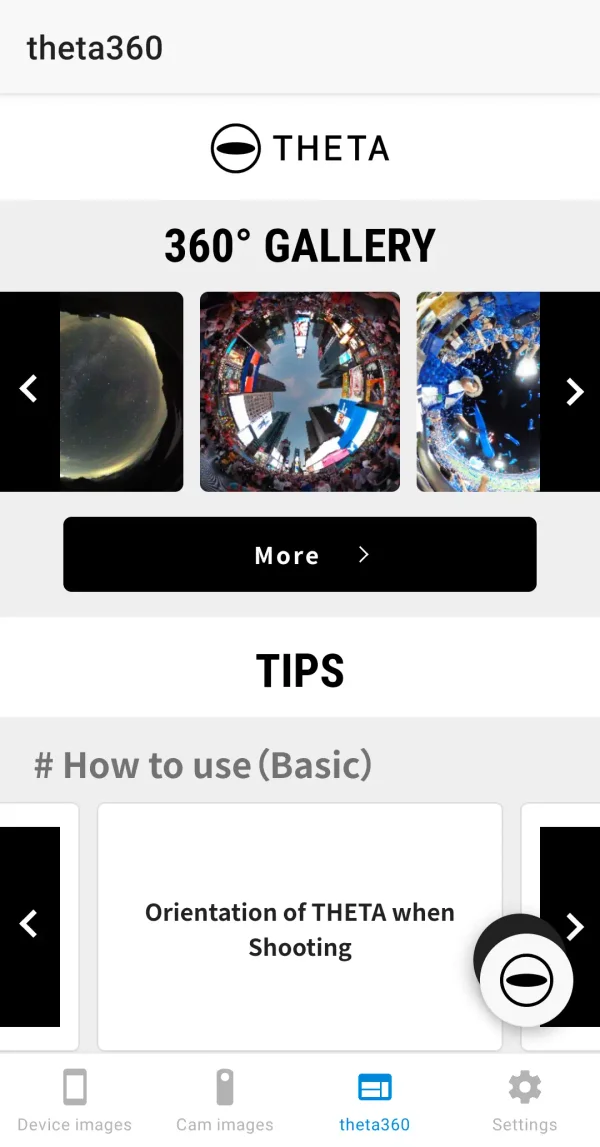
You can share on Twitter, Facebook, and other social network services the spherical images you shoot.
Show the world a new way of enjoying photos by 360° images that provide a feeling of being where the image was taken.
◊ Note
Compatibility is not guaranteed for all devices
Compatibility is not guaranteed for devices without GPS capabilities.
Compatibility information may be changed at any time
◊ RICOH THETA Website
https://theta360.com/en/
Data safety
What Ricoh Co., Ltd. declares on Google Play about the data this app collects and shares.
- No data shared with third partiesLearn more about how developers declare sharing
- No data collectedLearn more about how developers declare collection
- Data is encrypted in transit
- Data can’t be deleted
What’s new
Version 2.9.7 · Feb 12, 2025
Made minor corrections
Developer contact
- Websitetheta360.com
- Emailnoreply@ricoh360.com
- Privacy policytheta360.com
- Address1-3-6, NAKAMAGOME OTA-KU, 東京都 143-0027 Japan
Information
- Offered by
- Ricoh Co., Ltd.
- Category
- Photography
- Version
- 2.9.7
- Updated
- Feb 12, 2025
- Released
- Sep 2, 2015
- Requires
- Android 9 or later
- Age rating
- Everyone
- Price
- Free
- Package name
- com.theta360