Ruler, BubbleLevel, AngleMeter
1 BitContains ads
- EveryoneAge rating
- ToolsCategory
- Nov 13, 2026Updated
- FreePrice
Links to the official Google Play listing of ruler.bubble.level. Last checked on Nov 20, 2026.
Screenshots



About this app
An ultra-practical measuring toolbox: ruler, Bubble Level, Angle Meter
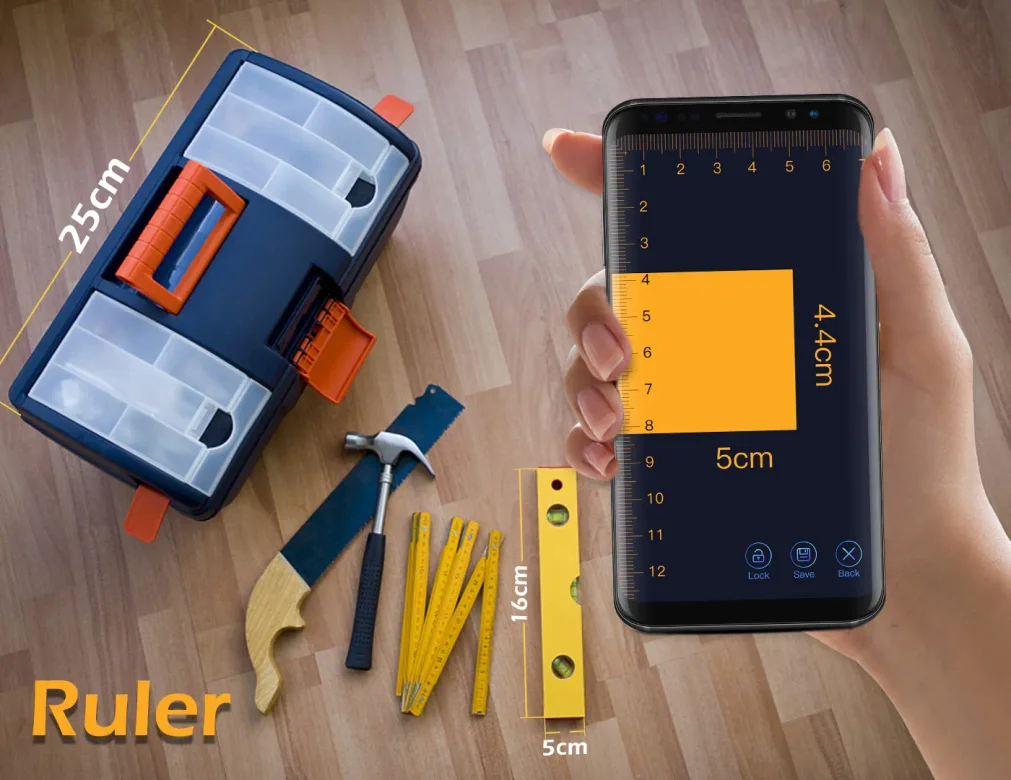
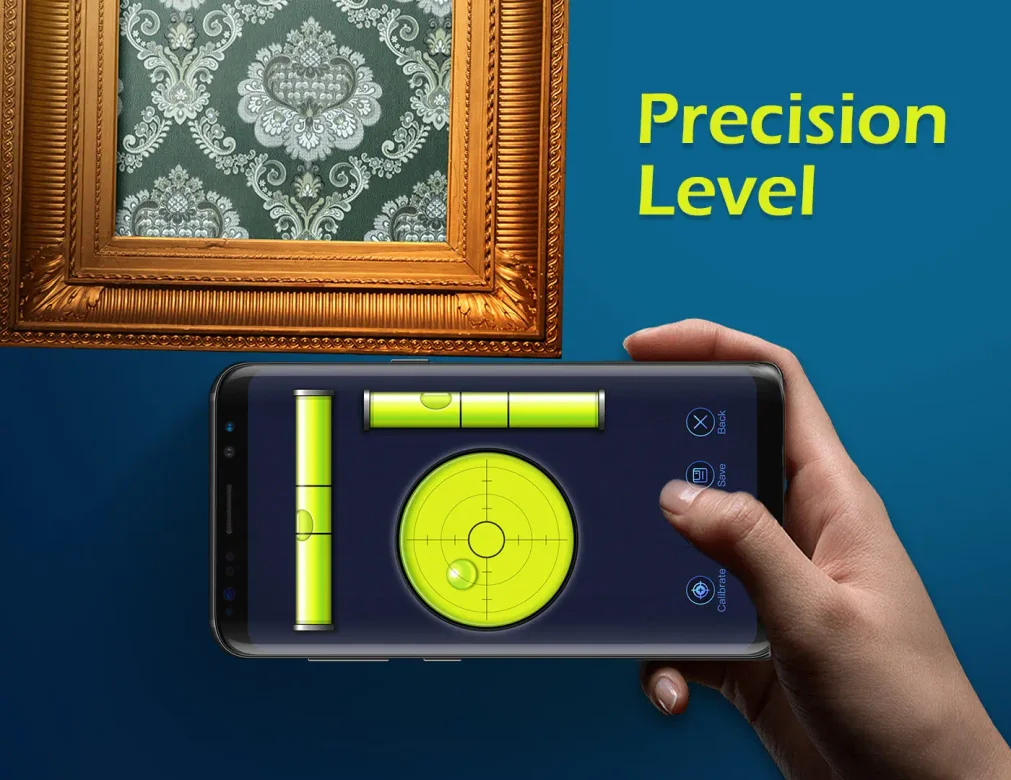
This bubble level (bubble ruler) and angle meter provides more practical tools than others do. Straight ruler, 2D ruler, spirit level, protractor (angle meter ), and AR measuring tool are all in this portable bubble level.
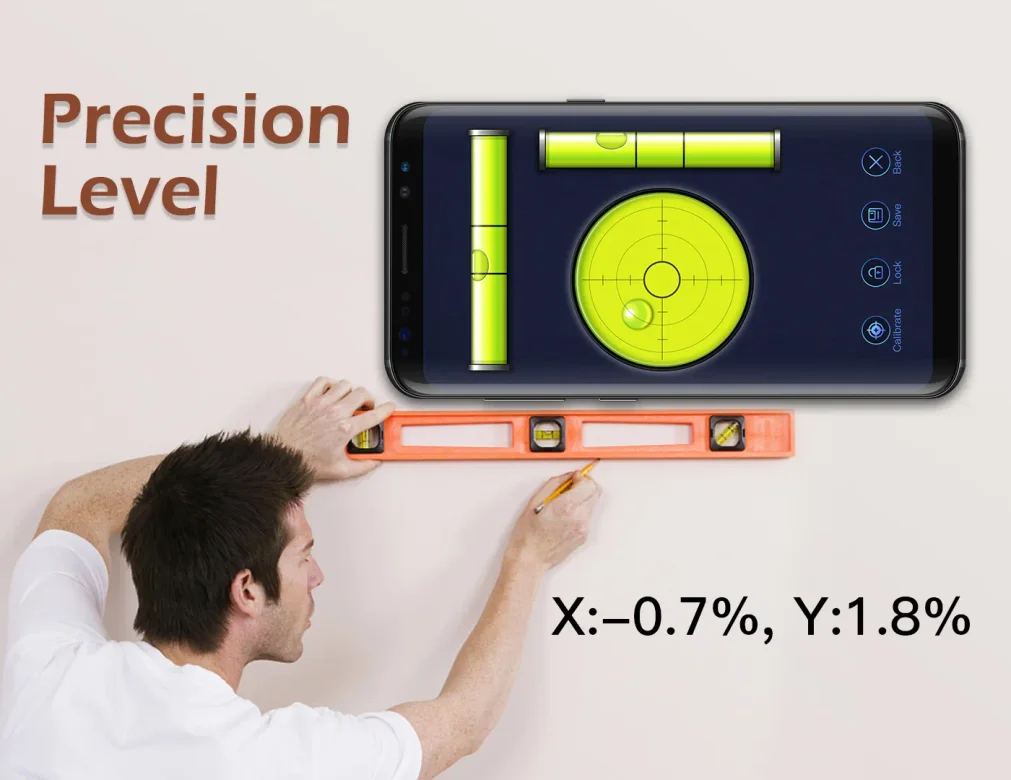
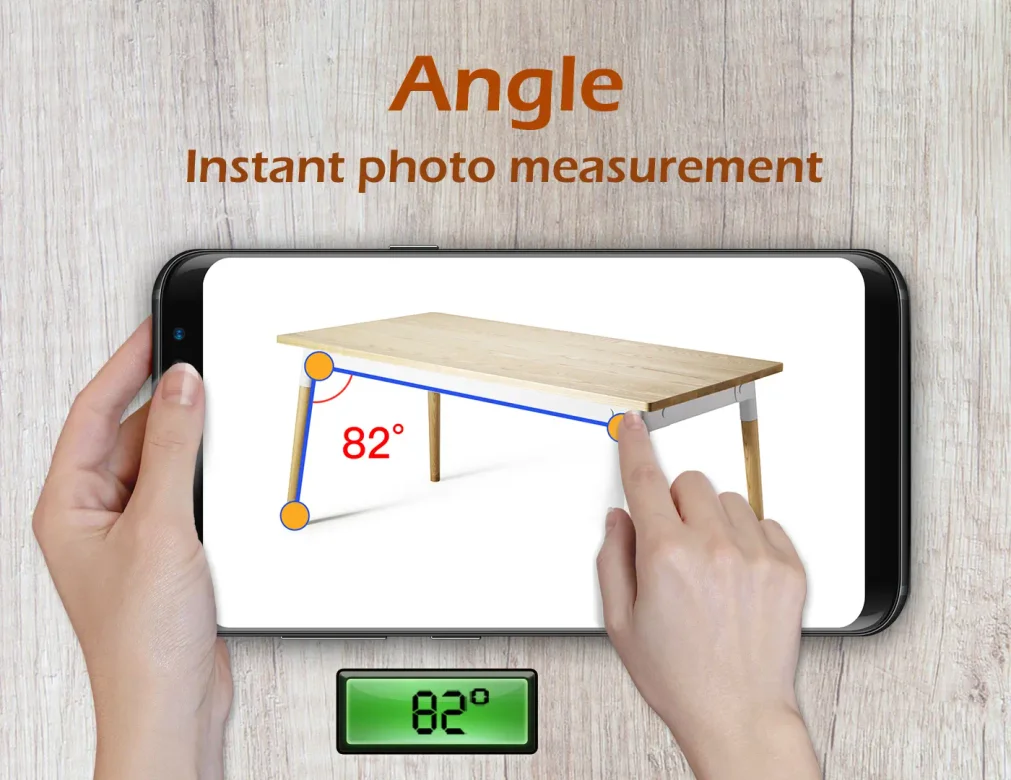
These two rulers are used to measure the length and width of an object; the protractor is used to measure the angle by setting three points while keeping the lines on the border of the object. The bubble level is used to detect whether an object is inclined both in vertical and horizontal aspects. The AR function allows you to measure distance, height, and length by simply pointing your camera at an object.
Features of Bubble Ruler and Angle Meter:
✔️ Easy to use and fast to measure
✔️ Accurate measurement (recommend calibration before use)
✔️ Measurement not limited to mobile phone length, meets various length requirements (cm/mm/in)
✔️ Lock the measuring interface to adjust the position
✔️ Name the files while saving
✔️ Measure the angle in a photo(allow to select photos from the gallery)
✔️ Display the measured projects clearly
✔️ Show numeric angle
✔️ Show angle in degree, inclination in percent and inches of rising per foot of run
✔️ AR measurement for distance, height, and length in real-time
The length of the ruler is precisely designed, the position of the ruler has been fixed and it will be affected by the length of the device. You do not need to calibrate it when you use it. In the level ruler, because the bubbles in the water pipe will move, it needs to be calibrated before use. You only need to ensure that the bubble is at the center point of each direction, and the vertical and horizontal tilt values displayed below are close to 0.
A note about permissions: The bubble ruler app will ask for camera permission because the app needs to use your camera to detect the angle of the object when measuring the angle and to enable AR measurement features. If you have other similar questions, you can consult by email and we will answer you as soon as possible.
Designed for measurement at home, construction site, and so on, this bubble level app can help you measure anything in your life. Try this bubble level app now. If you have any questions on the bubble level, please feel free to contact.
Data safety
What 1 Bit declares on Google Play about the data this app collects and shares.
- No data shared with third partiesLearn more about how developers declare sharing
- This app may collect these data typesLocation, App activity and 2 others
- Data is encrypted in transit
- Data can’t be deleted
What’s new
Version 1.6.5 · Nov 13, 2026
* Added measurement method for cylinders
* Fixed known issues
Developer contact
- Websiteonebit-app.web.app
- Emailpointdotdog@gmail.com
- Privacy policysites.google.com
- Address茂丰路133号3栋2单元1202房 香洲区, 珠海市, 广东省 China 519000
Information
- Offered by
- 1 Bit
- Category
- Tools
- Version
- 1.6.5
- Updated
- Nov 13, 2026
- Released
- Apr 10, 2019
- Requires
- Android 7.0 or later
- Age rating
- Everyone
- Price
- Free
- Package name
- ruler.bubble.level
Similar apps
-
 Dzees Home
Tools
-
 iLink
Tools
-
 Photone - Grow Light Meter
Tools
-
 Camera - HD Camera for Android
Photography
-
 Nice OS Camera, Beauty Camera
Photography
-
 musicLabe: Make Music & Learn
Music & Audio
-
 Netvue Next - In Sight In Mind
Video Players & Editors
-
 Smart Calc: Daily Calculator
Tools
-
 HD Camera 2026 for Android
Photography
-
 HD Camera: Professional Camera
Photography
-
 Camera360 Lite -Stylish Filter
Photography
-
 Beauty Camera X, Selfie Camera
Photography