Salesforce Field Service
Salesforce.com, inc.- EveryoneAge rating
- ProductivityCategory
- Oct 19, 2026Updated
- FreePrice
Links to the official Google Play listing of com.salesforce.fieldservice.app. Last checked on Nov 27, 2026.

Screenshots

About this app
The Field Service mobile app by Salesforce
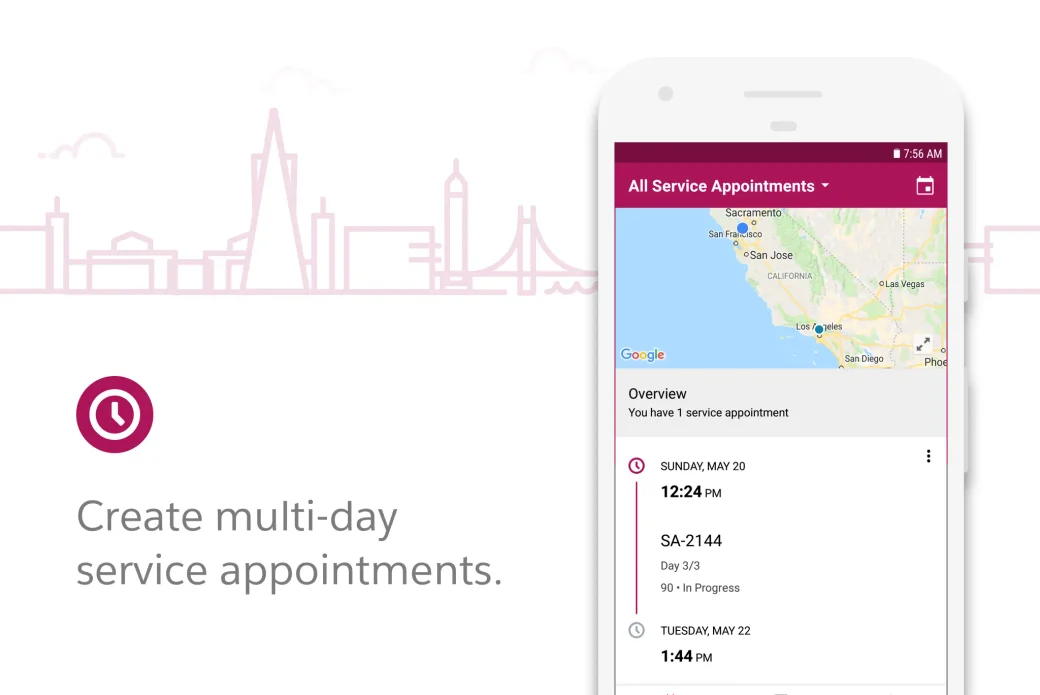
The Field Service mobile app by Salesforce is a brand new way to bring the full power of Field Service management to your mobile workforce. Improve first visit resolution by arming employees with this best-in-class mobile solution. Built to be offline first, Field Service presents information in a clean and easy-to-use user interface and arms your workforce with the latest information with in-app notifications.
Backed by the Salesforce1 platform, this application lets you customize and extend the app to empower your mobile employees with whatever they need to easily resolve issues in the field.
Note: This application requires your Salesforce org to have Field Service. Individual users must be provisioned with Field Service Technician licenses to use this application. Please contact your Salesforce Account Executive for more information on purchasing Field Service and user licenses.
Features:
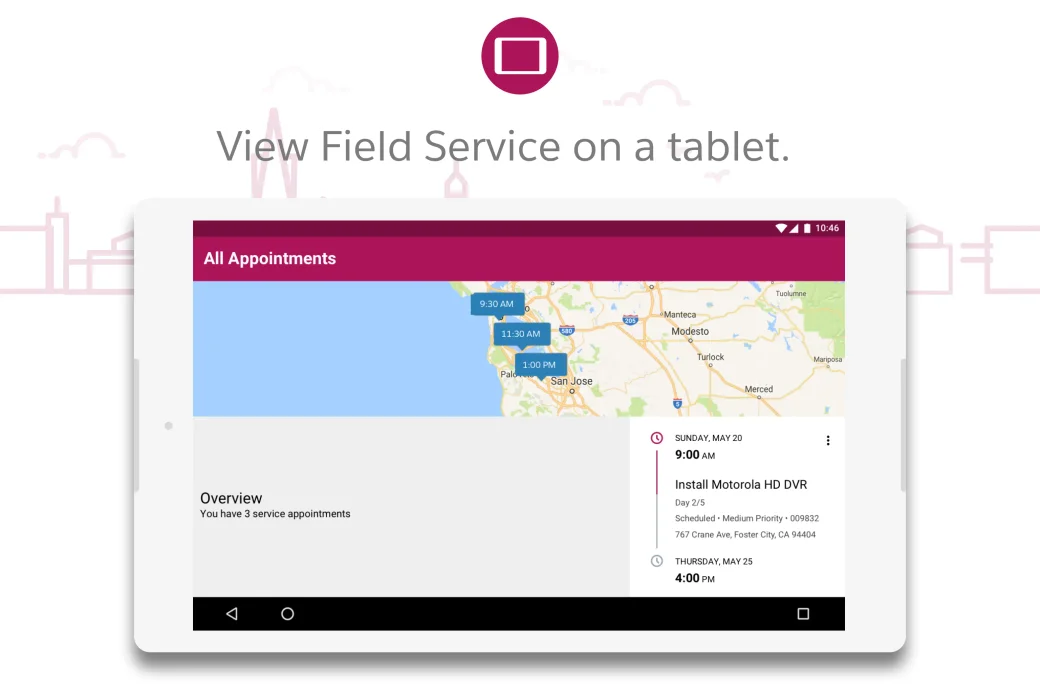
- Easy-to-use thanks to an optimized, clear, and beautiful user interface to view service appointments, work orders, inventory, service history and other important information from anywhere.
- Mapping, navigation, and geolocation capabilities let you know where you are, where you’ve been, and where you’re headed next.
- Offline-first design with intelligent data priming and offline actions to let you finish work regardless of network connectivity.
- Collaborate in real-time with dispatchers, agents, managers, and other technicians or mobile employees using messages and photos through Chatter.
- Access relevant Knowledge Articles to help you finish tricky tasks.
- Stay informed with the most up-to-date information with automatic push notifications to relevant users.
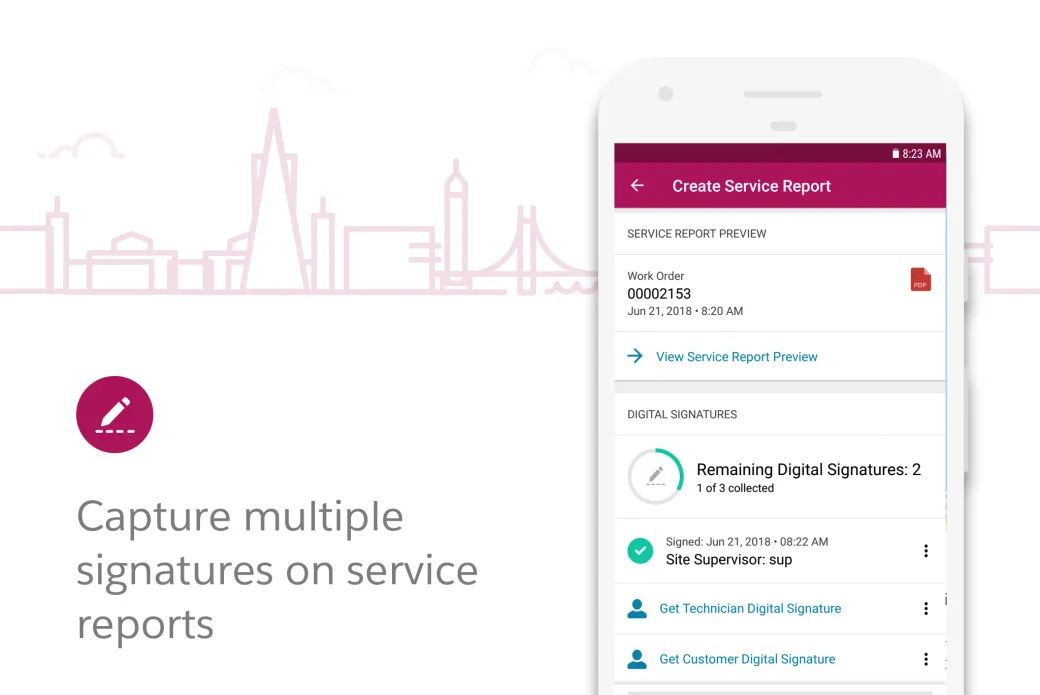
- Easily obtain proof of service using your touch screen to capture customer signatures.
- Quickly generate and send Service Reports to your customers after completing jobs.
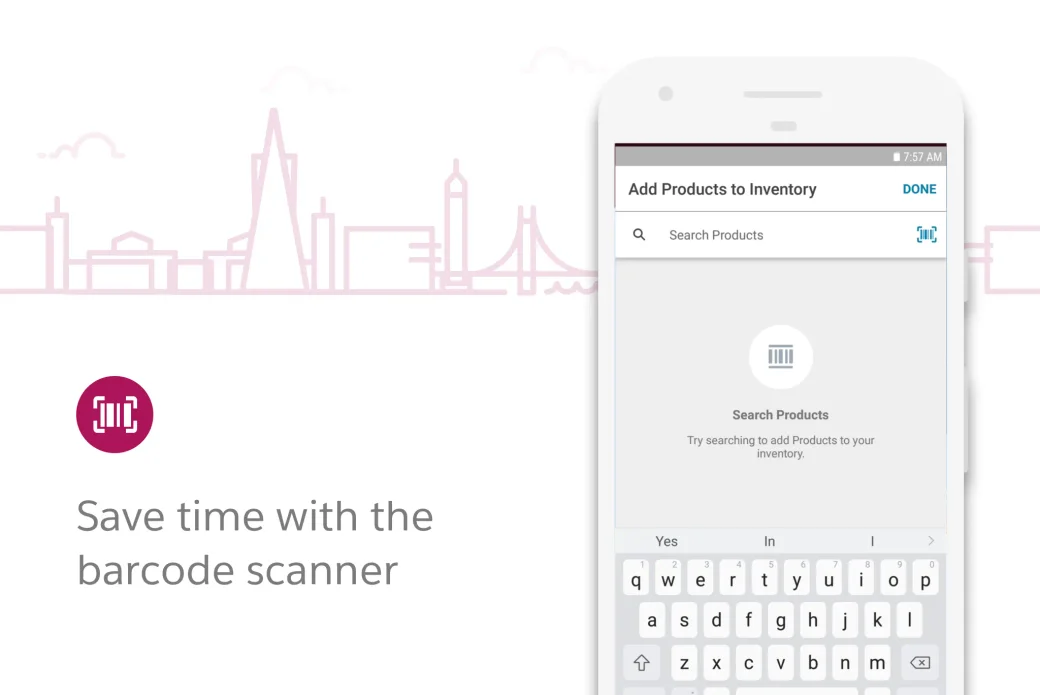
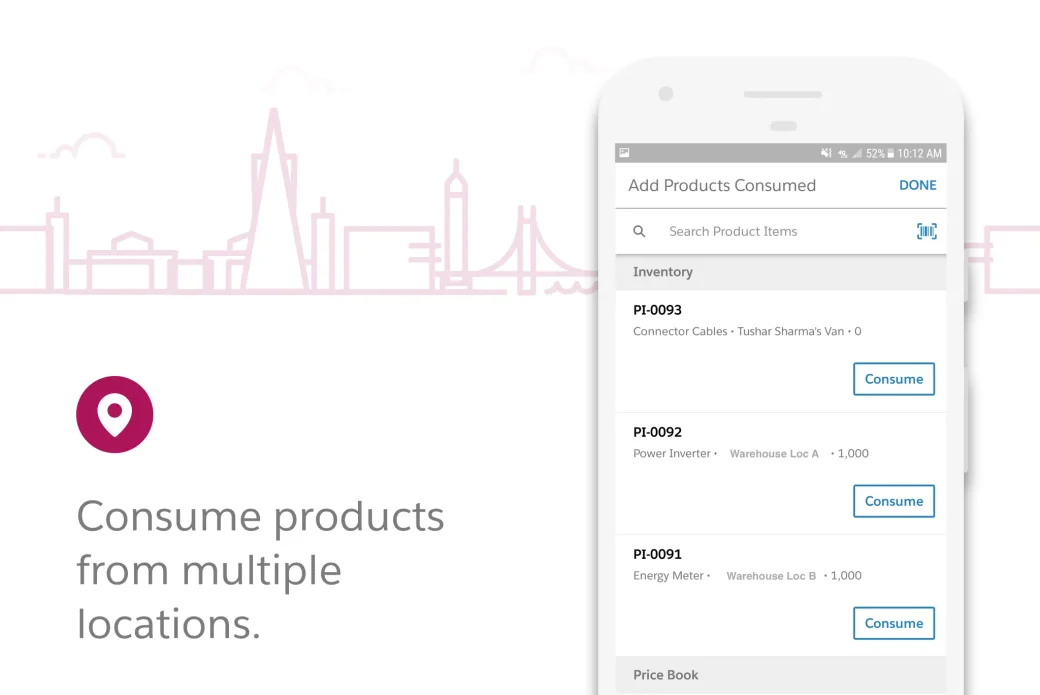
- Seamlessly manage your Van Stock inventory or record product transactions using a Price Book.
- Plan ahead by viewing the parts required to complete a job, and easily record the products consumed after completing a job.
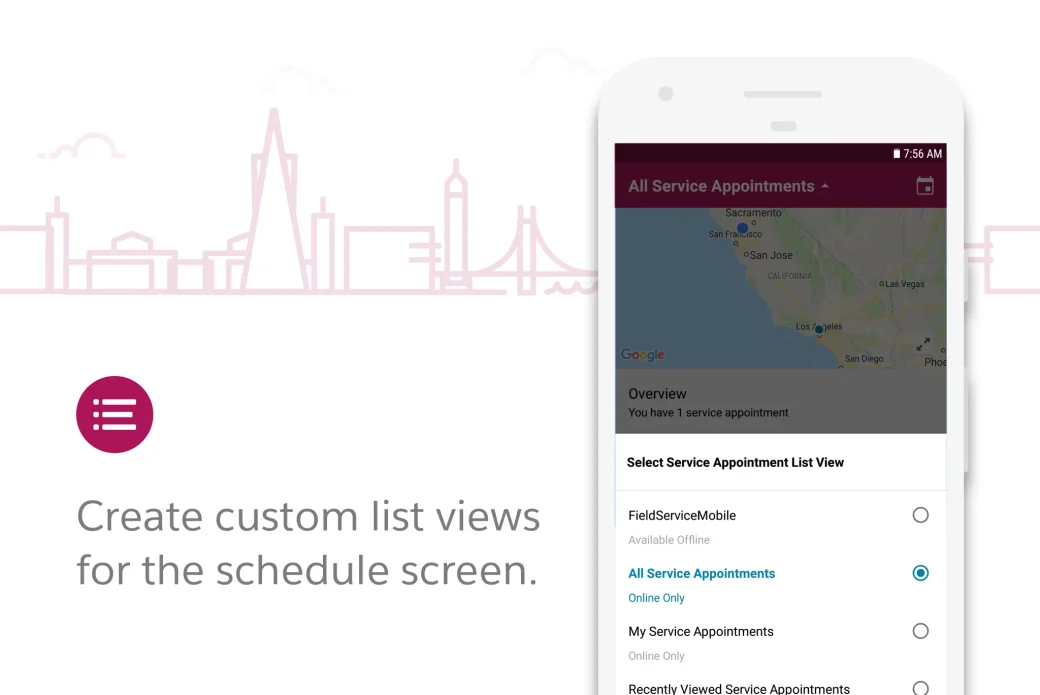
- Extend and customize this application using configurable layouts to reorganize information, and list views to control user schedules. Custom tailored quick actions, Salesforce Flows, and deep-links to other apps allow users to tackle any case.
- Declare your time off by recording it in the application under Resource Absences
- Control which fields mobile workers see when they view resource absences in the Field Service profile tab.
- Intuitively visualize the different steps required to finish complex jobs with work order line items
- Quickly get up to speed by viewing asset service history information
Data safety
What Salesforce.com, inc. declares on Google Play about the data this app collects and shares.
- This app may share these data types with third partiesLocation
- This app may collect these data typesLocation, Personal info and 6 others
- Data is encrypted in transit
- Data can’t be deleted
What’s new
Version 264.1.47 · Oct 19, 2026
Meet Salesforce Field Service 264
* Launch fresh, blank Data Capture forms directly using deep links.
* Fill branching Data Capture forms in one voice-to-form session.
* Experience a modern look for Data Capture forms.
* Tap a notification to jump to specific app screens.
* Use the app in Arabic.
* View only relevant Work Step actions with the Not Applicable option hidden.
* Experience faster performance and offline access with native mobile flows.
* Minor fixes and improvements.
Developer contact
- Websitehelp.salesforce.com
- EmailAndroidMobileFieldService@salesforce.com
- Privacy policysalesforce.com
- Address415 Mission St Fl 3 San Francisco, CA 94105 United States
Information
- Offered by
- Salesforce.com, inc.
- Category
- Productivity
- Version
- 264.1.47
- Updated
- Oct 19, 2026
- Released
- Oct 27, 2017
- Age rating
- Everyone
- Price
- Free
- Package name
- com.salesforce.fieldservice.app
Similar apps
-
 Albany Times Union News
News & Magazines
-
 Sherlock Holmes Detect
Business
-
 pCloud: Cloud Storage
Productivity
-
 MobiDrive Cloud Storage & Sync
Productivity
-
 Kizeo Forms, Mobile forms
Business
-
 SAP Concur
Business
-
 Microsoft SharePoint
Productivity
-
 AvantStay Vacation Rentals
Travel & Local
-
 JotterPad - Writer, Screenplay
Productivity
-
 Viva Engage
Business
-
 Everbridge
Communication
-
 Paystub Maker
Business